

Vocs AI voice-to-voice generator with original AI singers and rappers
Vocs AI is an AI voice-to-voice generator that converts your own vocal into original AI singers, rappers and voiceover artists, with royalty-free artists for commercial use.
- Best for
- AI vocals for songs
- Key capability
- Voice-to-voice conversion
Save Vocs AI, follow its updates and vote on it — everything stays in your account.
Sign in or create a free account

What is Vocs AI?
Vocs AI is an AI voice-to-voice generator that converts your vocal into original AI singers, rappers and voiceover artists. You upload a clean acapella vocal, choose an AI artist and download the converted vocal, which keeps the pitch, tone and feeling of your own performance.
Key features of Vocs AI
Vocs AI offers voice-to-voice conversion with original AI singers, rappers and voiceover artists, control over pitch, tone and feeling through your own performance, royalty-free artists for commercial use, and over 50 original instrumental tracks and 1000+ music loops.
Voice-to-voice conversion
Convert your original vocal into the AI vocalist you select.
AI artist roster
Virtual AI singers, rappers and voiceover artists to choose from.
Performance-driven sound
No text to speech: your own performance determines the pitch, tone and feelings of the AI vocalist.
Royalty-free for commercial use
Royalty-free artists for singing, commercial voiceovers, narration, podcasts and animated characters.
Instrumentals and loops
Over 50 original instrumental tracks and 1000+ music loops in various genres.
Pros and cons of Vocs AI
Pros
- Your own performance controls pitch, tone and feeling
- Royalty-free artists for commercial use
- Free plan with 3 AI artists
- Pro and Studio plans start with a free 7 day trial
- Over 50 instrumental tracks and 1000+ loops on the Studio plan
Cons
- Needs a clean acapella vocal without reverb or delay
- Free plan is limited to standard quality conversions and 15 downloads per month
Key use cases for Vocs AI
AI vocals for songs
Turn your own vocal into an AI singer or rapper and complete the song with instrumentals and loops.
Commercial voiceovers
Use royalty-free AI artists for commercial voiceovers and narration.
Podcasts and animated characters
Voice podcasts and animated characters with AI voices.
Gender-swapped vocals
Convert a male vocal into a female AI vocal.
Operational Efficiency
Automate call tagging and categorization to streamline workflows and reduce manual effort.
How Vocs AI works
- 1
Upload audio
Upload a clean acapella vocal, no reverb and no delay, in wav or mp3 format.
- 2
Choose an AI artist
Select one of the AI artists for your vocals.
- 3
Convert
Convert your original vocal to the AI vocalist you selected.
- 4
Download audio
Download your converted AI vocal.
- 5
Take Action
Leverage insights to coach agents, improve processes, and enhance customer satisfaction.
Who is using Vocs AI
Vocs AI pricing
Free
$0/month
Access to 3 AI artists, standard quality vocal conversions, 15 downloads per month, 2MB max upload.
Pro
$5.99/month
Free 7 day trial; access to 10 AI artists, high quality vocal conversions, 100 downloads per month, 15MB max upload.
Studio
$15.99/month
Free 7 day trial; access to all AI artists, high quality conversions, 350 downloads, 40MB max upload, over 50 original instrumental tracks and 1000+ royalty-free audio loops.
Business
$60/month
Everything in Studio plus 5 user licenses, unlimited downloads and 3 custom AI voice models.
Plans and prices are as published by the vendor and can change. Check the official site before you buy. Open the pricing page (opens in a new tab)
Frequently asked questions about Vocs AI
A clean acapella vocal with no reverb and no delay, in wav or mp3 format.
No. It converts your own vocal, so you determine the pitch, tone and feelings of the AI vocalist.
Yes. Vocs AI offers royalty-free artists for commercial use.
Yes. The Free plan gives access to 3 AI artists with standard quality conversions and 15 downloads per month.
More AI artists, high quality conversions, more downloads and larger uploads; the Studio plan adds over 50 original instrumental tracks and 1000+ royalty-free audio loops.
The Pro and Studio plans include a free 7 day trial.
Yes. The site demonstrates audio after AI conversion from male to female.
The Business plan includes 5 user licenses, unlimited downloads and 3 custom AI voice models.
Conclusion
A clean acapella vocal is the input: the user uploads it in wav or mp3 format without reverb or delay, selects one of the AI artists and downloads the converted vocal. This is voice-to-voice conversion rather than text to speech, so the singer’s own performance determines the pitch, tone and feeling of the result. The roster mixes virtual AI singers and rappers with voiceover artists, narrators, podcasters and animated characters, and a male vocal can also be converted to a female one.
Artists are offered royalty-free for commercial use, and the Studio tier adds over 50 original instrumental tracks and 1000+ royalty-free loops to help complete a song. The setup may suit vocalists who want a different singer or voiceover on top of their own recordings.
A free tier covers 3 AI artists at standard quality, while paid tiers raise the artist count, quality, downloads and upload size, and both Pro and Studio start with a free 7 day trial.
Sources
Sign in to review this tool.
Sign In to ReviewNo reviews yet
Be the first to share how this tool worked for you.
Ask about pricing, limits, or how it compares — or answer someone else.
Sign In to AskNo questions yet
Have a question about using or paying for this tool? Be the first to ask.
Featured on TiorAI



More AI Music & Audio Tools tools
Other tools in the same category, for when this one is not quite the fit.

Soundify
Soundify is a free AI generator that creates sound effects from text descriptions, with 5 free generations a day for signed-in users.

AI Song Generator
AI Song Generator is a web tool that creates original songs and lyrics from your genre, mood and topic, with a limited free plan and paid subscriptions.

A.V. Mapping
A.V. Mapping is an AI platform that analyzes your video or photo, recommends licensed music and sound effects from musicians, and handles the music license in one place.

ampedstudio.com
Amped Studio is an online DAW with AI music tools to create beats, record vocals, mix tracks and produce songs in your browser without installation.

Beatoven.ai
Beatoven.ai is an AI-driven platform that generates custom royalty-free music tracks tailored to your project's mood and style, ideal for content creators and marketers.
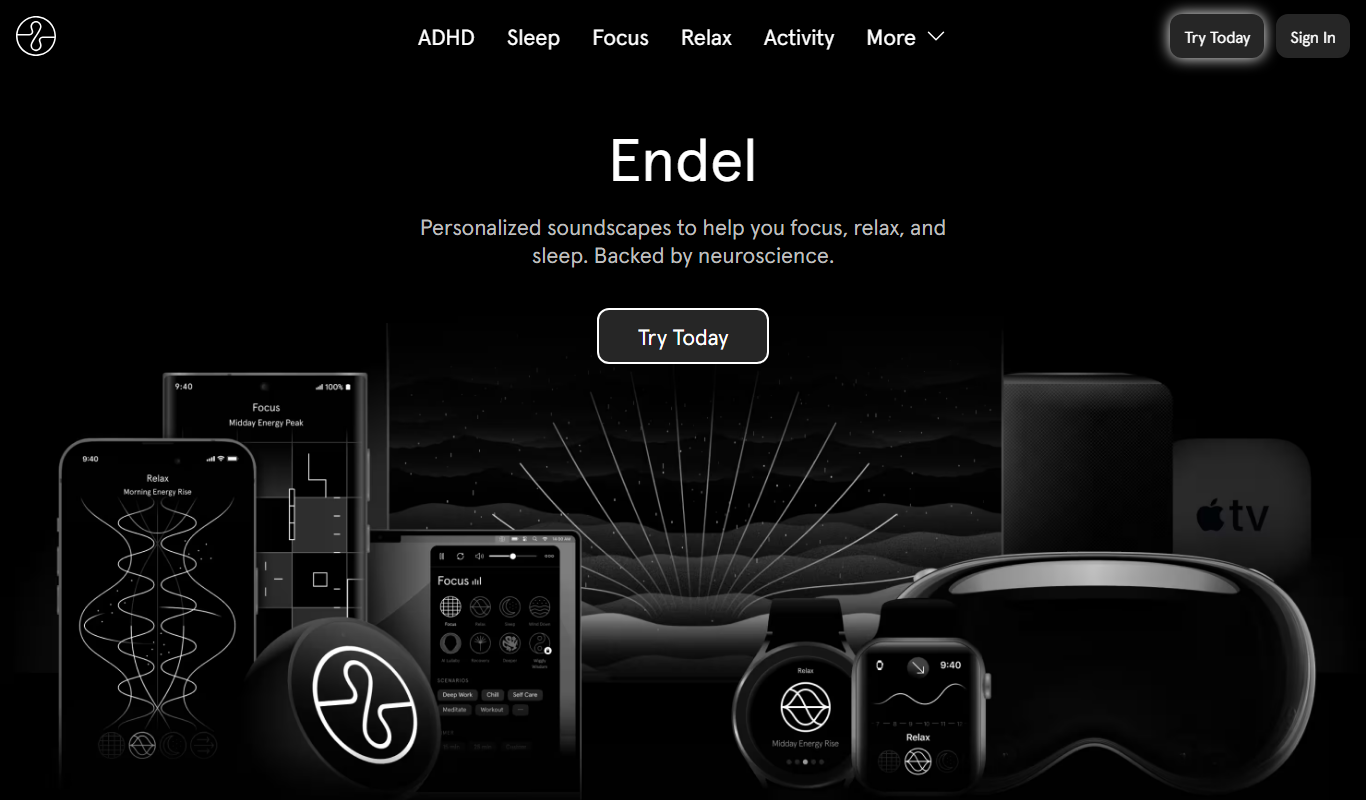
Endel
Endel is an AI-driven app that generates adaptive soundscapes tailored to improve focus, relaxation, and sleep by using real-time data such as time, location, and biometric inputs.

SONOTELLER
SONOTELLER.AI is an AI song analyzer that tags lyrics and music (genres, moods, instruments, BPM and key) and autotags music catalogs through its API.

AI Song Generator-Make Song
AI Song Generator-Make Song is an online tool that uses artificial intelligence to create original songs by generating melodies and lyrics based on user inputs such as themes or moods.