

EaseUS VoiceWave Voice Changer Software for Real-Time Audio Editing
EaseUS VoiceWave is a real-time AI voice changer for Windows 10/11 that works with Discord, Zoom and other apps that use a microphone.
- Best for
- Real-Time Voice Modulation
- Key capability
- Real-Time Voice Changing
Save EaseUS VoiceWave, follow its updates and vote on it — everything stays in your account.
Sign in or create a free account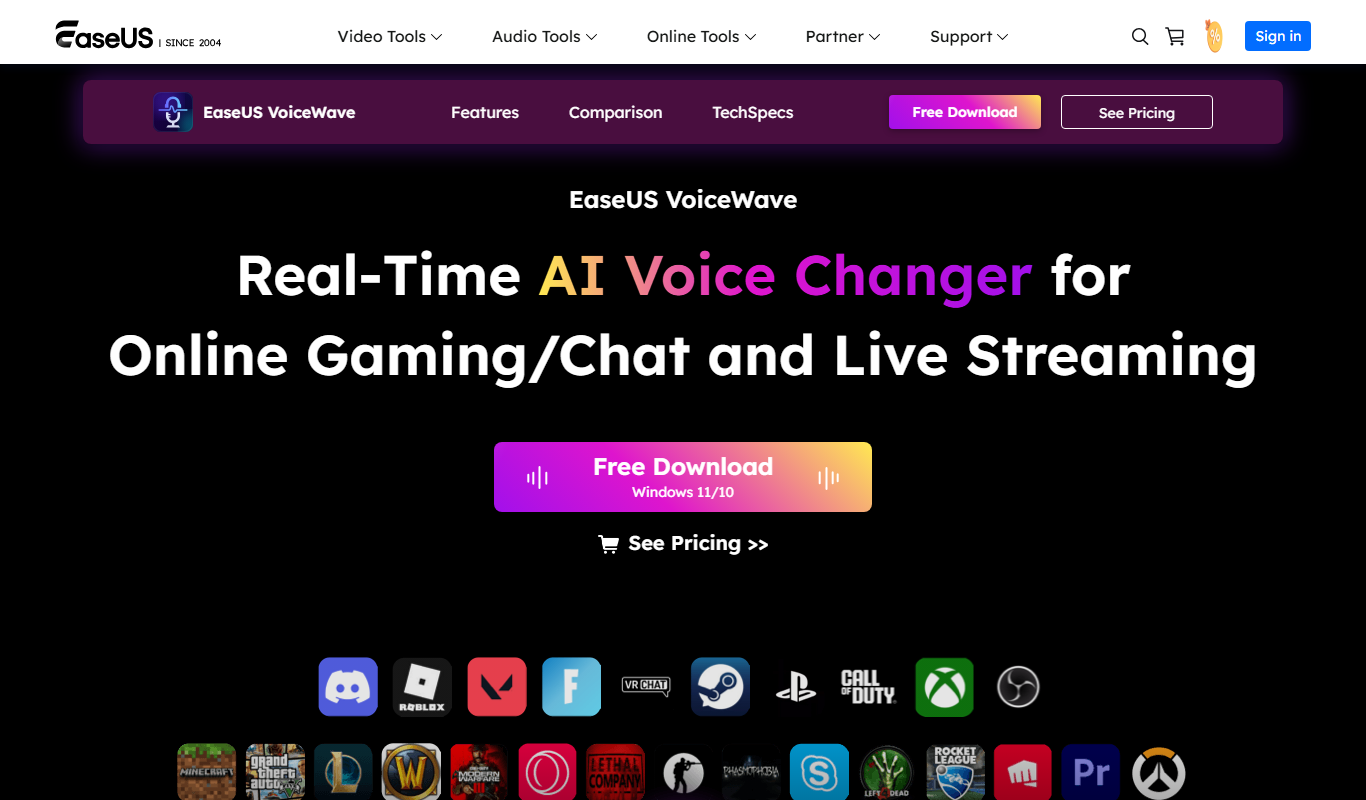
What is EaseUS VoiceWave?
EaseUS VoiceWave is a real-time AI voice changer for Windows PCs that changes your voice on Discord, Zoom, Google Meet, Twitch, Skype and other apps, for online meetings, games, chats and live streaming.
Key features of EaseUS VoiceWave
VoiceWave provides real-time voice modulation, multiple voice effect presets, easy integration with communication and streaming apps, and options to customize voice parameters. It supports recording and saving modified audio files and offers a clean, intuitive interface for quick adjustments.
Real-Time Voice Changing
Apply voice effects instantly during live conversations or recordings.
Multiple Voice Effects
Choose from a wide range of voice presets including robot, female, male, cartoon, and more.
Customizable Voice Parameters
Adjust pitch, speed, and timbre to create unique voice profiles.
Compatibility with Popular Apps
Works seamlessly with communication tools like Zoom, Skype, Discord, and streaming platforms.
Audio Recording and Export
Record your modified voice and save it in various audio formats for later use.
Pros and cons of EaseUS VoiceWave
Pros
- User-friendly interface suitable for beginners
- Wide variety of voice effects and customization options
- Real-time voice modulation with low latency
- Compatible with many popular communication and streaming platforms
Cons
- Limited features in the free trial version
- No mobile app support currently
- Customization options may be basic for advanced users
Key use cases for EaseUS VoiceWave
Real-Time Voice Modulation
Modify your voice live during calls, streaming, or gaming sessions with various voice effects.
Audio Content Creation
Enhance podcasts, videos, or voiceovers by applying creative voice filters and effects.
Entertainment and Gaming
Use voice changing features to create unique characters or disguise your voice in online games.
Privacy Protection
Mask your real voice during online communications to maintain anonymity.
How EaseUS VoiceWave works
- 1
Download and Install
Download and install VoiceWave on Windows 10/11 to enable real-time voice transformation in your apps, games and streams, then choose VoiceWave Microphone in the app’s settings.
- 2
Select Voice Effect
Open the application and choose from a variety of preset voice effects or customize your own.
- 3
Integrate with Apps
Configure VoiceWave to work with your preferred communication or streaming software.
- 4
Start Voice Modulation
Begin speaking, and your voice will be modified in real-time according to the selected effect.
Who is using EaseUS VoiceWave
EaseUS VoiceWave pricing
Monthly
$14.95 per month
Auto-renews monthly, cancel anytime. One license for 1 computer with 1-month free upgrades.
Yearly
$29.95 per year
Auto-renews yearly, cancel anytime. One license for 1 computer with 1-year free upgrades.
Lifetime
$39.95 one-time
One-time price. One license for 1 computer with lifetime free upgrades.
Plans and prices are as published by the vendor and can change. Check the official site before you buy. Open the pricing page (opens in a new tab)
Frequently asked questions about EaseUS VoiceWave
VoiceWave supports most popular communication and streaming apps, including Zoom, Skype, Discord, and others.
Yes, you can adjust pitch, speed, and other parameters to create personalized voice effects.
No. The desktop software is for Windows 10/11; there is no Mac version.
EaseUS VoiceWave offers a free trial with limited features to test the software before purchasing.
It depends on your specific needs and how you plan to use the tool. The official website and documentation are the best sources for the latest details.
Some tools offer a free plan or trial with limited features. Availability can vary, so confirm on the official website.
Yes, it can help with that use case depending on how you configure it and what features are available. You’ll get the best results with clear inputs and a defined goal.
Conclusion
VoiceWave integrates as a virtual audio driver, so any app that uses a microphone, including Discord, Zoom and OBS, picks up the changed voice once VoiceWave Microphone is selected. A library of 2000+ AI voices and 150,000 sound effects sits alongside Voice Clone, which mixes effects such as Reverb, Delay and Robotifier into a custom voice. Effects can be assigned to any key, and the voice in recorded video or audio files can be transformed too.
The desktop software is for Windows 10/11, with no Mac version. Each paid license covers 1 computer and is sold as a monthly or yearly auto-renewing plan or a lifetime one-time purchase, with a 30-day money-back guarantee.
Sources
Sign in to review this tool.
Sign In to ReviewNo reviews yet
Be the first to share how this tool worked for you.
Ask about pricing, limits, or how it compares — or answer someone else.
Sign In to AskNo questions yet
Have a question about using or paying for this tool? Be the first to ask.
Featured on TiorAI



Alternative Tools
Explore similar AI tools that might fit your needs

Clownfish Voice Changer
Clownfish Voice Changer is a free Windows application that enables real-time voice modulation with various effects, working system-wide across communication and gaming apps.

MorphVOX
MorphVOX is a voice changer software that allows real-time voice modification with various effects, ideal for gaming, streaming, and audio production.
More AI Music & Audio Tools tools
Other tools in the same category, for when this one is not quite the fit.

Soundify
Soundify is a free AI generator that creates sound effects from text descriptions, with 5 free generations a day for signed-in users.

AI Song Generator
AI Song Generator is a web tool that creates original songs and lyrics from your genre, mood and topic, with a limited free plan and paid subscriptions.

A.V. Mapping
A.V. Mapping is an AI platform that analyzes your video or photo, recommends licensed music and sound effects from musicians, and handles the music license in one place.

ampedstudio.com
Amped Studio is an online DAW with AI music tools to create beats, record vocals, mix tracks and produce songs in your browser without installation.

Beatoven.ai
Beatoven.ai is an AI-driven platform that generates custom royalty-free music tracks tailored to your project's mood and style, ideal for content creators and marketers.
Endel
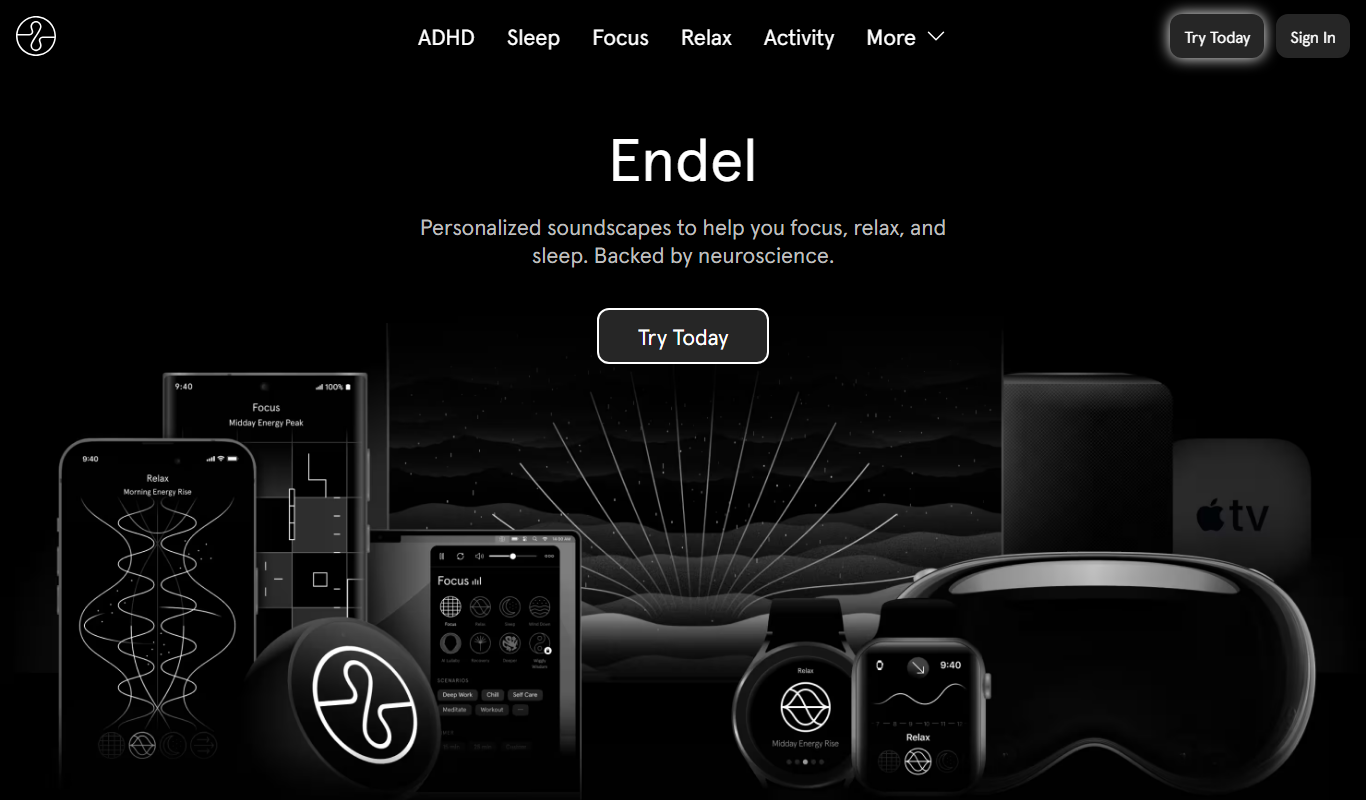
Endel is an AI-driven app that generates adaptive soundscapes tailored to improve focus, relaxation, and sleep by using real-time data such as time, location, and biometric inputs.

SONOTELLER
SONOTELLER.AI is an AI song analyzer that tags lyrics and music (genres, moods, instruments, BPM and key) and autotags music catalogs through its API.

AI Song Generator-Make Song
AI Song Generator-Make Song is an online tool that uses artificial intelligence to create original songs by generating melodies and lyrics based on user inputs such as themes or moods.