

Bangin' Audio Recorder Review - Features, Pricing, and Use Cases
Bangin' Audio Recorder is an iPhone and iPad app to record, transcribe and curate audio ideas, with timestamped speech transcription, editing, tags and search.
- Best for
- Music Production
- Key capability
- Mono or stereo recording
Save Bangin’ Audio Recorder, follow its updates and vote on it — everything stays in your account.
Sign in or create a free account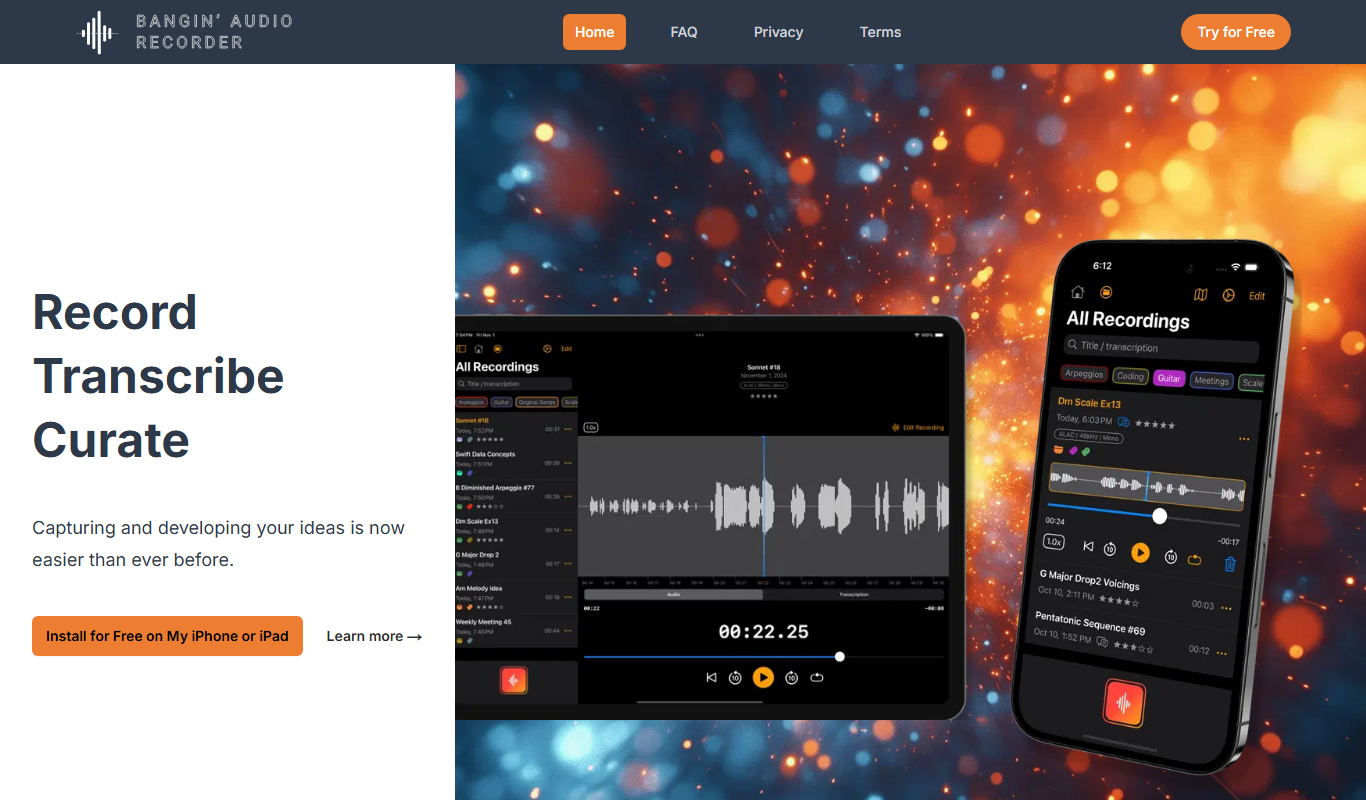
What is Bangin’ Audio Recorder?
Bangin’ Audio Recorder is an app for iPhone and iPad that helps users record, transcribe and curate audio ideas. It records high quality mono or stereo audio, transcribes speech with timestamps, and offers tools to trim, tag, rate and search recordings.
Key features of Bangin’ Audio Recorder
The app records high quality mono or stereo audio with a choice of file formats, transcribes speech with timestamps, trims or replaces audio segments, organizes recordings with tags, ratings, projects and search, and syncs them across Apple devices.
Mono or stereo recording
Records in high quality mono or stereo audio, with a choice of file formats.
Timestamped speech transcription
Transcribes speech to text with timestamps, so speech recordings can be scanned and skipped through.
Edit, insert and replace
Trim or cut audio segments, and resume or replace existing recordings.
Tag, rate and search
Tag recordings with relevant keywords and search them.
iCloud sync
Automatic and private syncing of recordings across Apple devices.
Pros and cons of Bangin’ Audio Recorder
Pros
- Easy to use interface suitable for beginners
- Timestamped speech transcription makes speech recordings easy to scan
- Affordable pricing with a free tier
- Real-time monitoring reduces recording errors
Cons
- Advanced features locked behind subscription
- Limited language support (English only)
- No mobile or web app versions available
Key use cases for Bangin’ Audio Recorder
Music Production
Record and edit high-quality audio tracks for music creation and mixing.
Podcast Recording
Capture clear voice recordings for podcasts with easy-to-use controls.
Voiceover Recording
Produce professional voiceover audio for videos, presentations, and commercials.
Sound Sampling
Record and manipulate sound samples for creative audio projects.
How Bangin’ Audio Recorder works
- 1
Install the app
Install the app for free on an iPhone or iPad.
- 2
Record
Record anywhere in high quality mono or stereo audio.
- 3
Transcribe
Speech is transcribed with timestamps, so speech recordings can be scanned and skipped through.
- 4
Curate and share
Trim, tag and search recordings, then share them or export them to Files.
Who is using Bangin’ Audio Recorder
Bangin’ Audio Recorder pricing
Free
$0
Basic recording features with limited export options and watermark on output.
Pro
$9.99/month
Full access to all features including multi-track recording and advanced noise reduction.
Plans and prices are as published by the vendor and can change. Check the official site before you buy. Open the pricing page (opens in a new tab)
Frequently asked questions about Bangin’ Audio Recorder
Yes, the software supports both Windows and macOS platforms.
Yes, the Pro plan allows multi-track recording for simultaneous inputs.
Noise reduction is only available in the Pro subscription.
You can export in WAV, MP3, and FLAC formats.
Pricing depends on the plan and included features. For the most accurate and up-to-date details, check the official pricing page.
Yes, it can help with that use case depending on how you configure it and what features are available. You’ll get the best results with clear inputs and a defined goal.
Yes, it can help with that use case depending on how you configure it and what features are available. You’ll get the best results with clear inputs and a defined goal.
Conclusion
Record, transcribe and curate are the three steps this iPhone and iPad app is built around, aimed at capturing ideas and developing them. Its founder Alistair, a music composer and developer, set out to make capturing sound and developing ideas easier. Recordings are made in high quality mono or stereo audio with a choice of file formats. Speech is transcribed with timestamps, so speech recordings can be scanned and skipped through instead of replayed.
Curation tools trim or cut segments, resume or replace a recording, and tag recordings with keywords for search, while star ratings keep favorite ideas at the top of the list. Recordings sync automatically and privately across Apple devices with iCloud, and they can be shared or exported to Files.
Sources
Sign in to review this tool.
Sign In to ReviewNo reviews yet
Be the first to share how this tool worked for you.
Ask about pricing, limits, or how it compares — or answer someone else.
Sign In to AskNo questions yet
Have a question about using or paying for this tool? Be the first to ask.
Featured on TiorAI



Alternative Tools
Explore similar AI tools that might fit your needs

Audacity
Audacity is a free, open-source audio editing software that supports multi-track recording, editing, and effects processing for music and podcast production.

GarageBand
GarageBand is a free digital audio workstation by Apple that enables users to create, record, and edit music and podcasts on Mac and iOS devices using virtual instruments, loops, and multi-track recording.
More AI Music & Audio Tools tools
Other tools in the same category, for when this one is not quite the fit.

Soundify
Soundify is a free AI generator that creates sound effects from text descriptions, with 5 free generations a day for signed-in users.

AI Song Generator
AI Song Generator is a web tool that creates original songs and lyrics from your genre, mood and topic, with a limited free plan and paid subscriptions.

A.V. Mapping
A.V. Mapping is an AI platform that analyzes your video or photo, recommends licensed music and sound effects from musicians, and handles the music license in one place.

ampedstudio.com
Amped Studio is an online DAW with AI music tools to create beats, record vocals, mix tracks and produce songs in your browser without installation.

Beatoven.ai
Beatoven.ai is an AI-driven platform that generates custom royalty-free music tracks tailored to your project's mood and style, ideal for content creators and marketers.
Endel
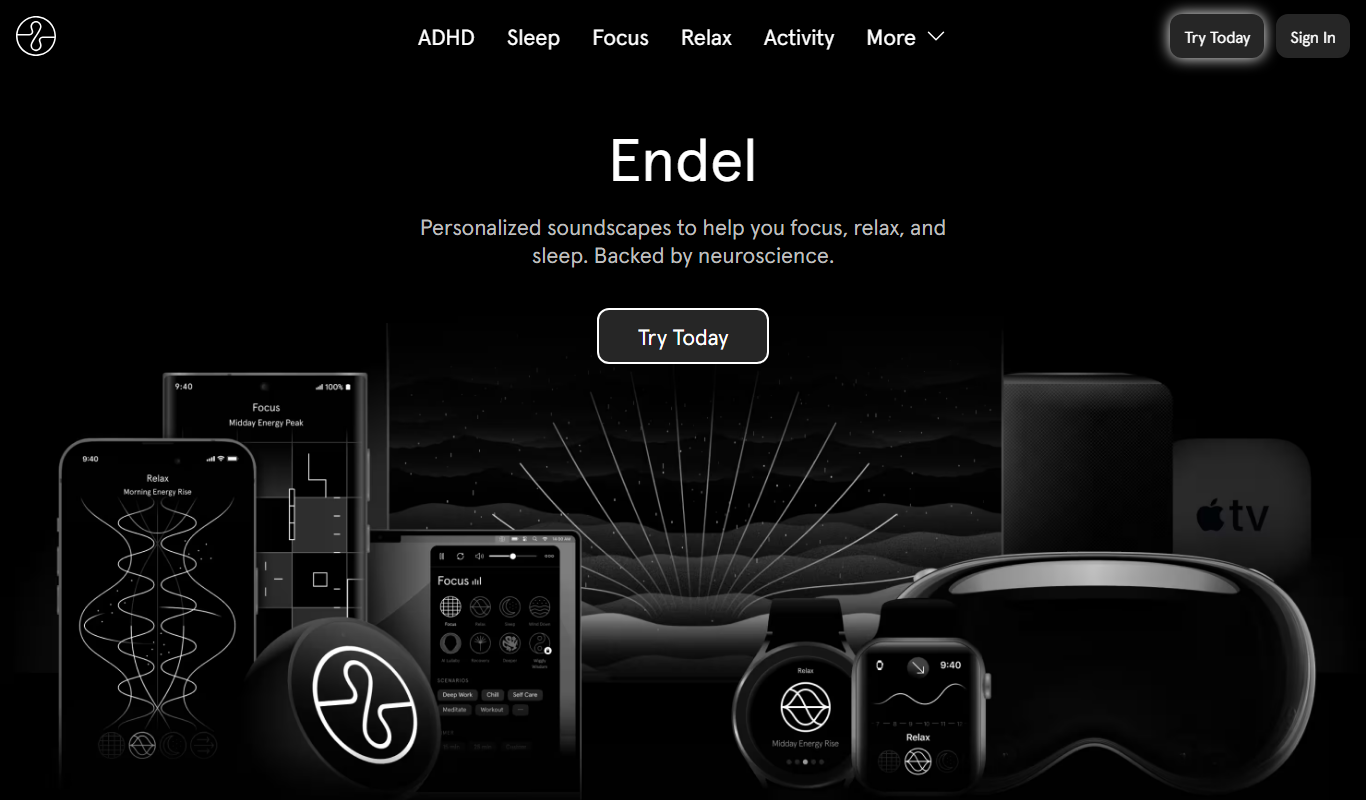
Endel is an AI-driven app that generates adaptive soundscapes tailored to improve focus, relaxation, and sleep by using real-time data such as time, location, and biometric inputs.

SONOTELLER
SONOTELLER.AI is an AI song analyzer that tags lyrics and music (genres, moods, instruments, BPM and key) and autotags music catalogs through its API.

AI Song Generator-Make Song
AI Song Generator-Make Song is an online tool that uses artificial intelligence to create original songs by generating melodies and lyrics based on user inputs such as themes or moods.