

Guidde AI User Onboarding and Training Software for Teams
Guidde AI is a platform that enables teams to create interactive onboarding guides and video tutorials to streamline employee training and customer education.
- Best for
- Employee Onboarding
- Key capability
- Screen Recording with Annotations
Save Guidde AI, follow its updates and vote on it — everything stays in your account.
Sign in or create a free account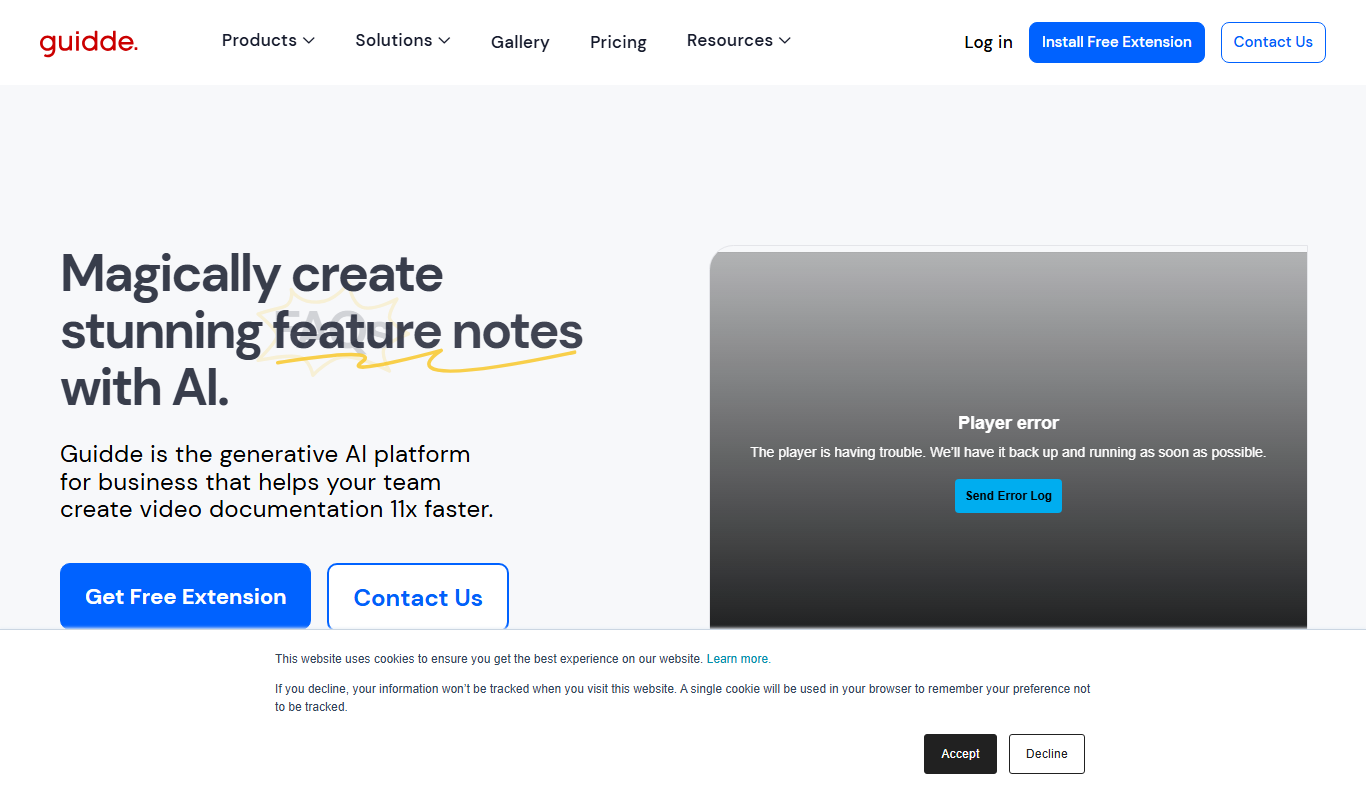
What is Guidde AI?
Guidde AI is a user onboarding and training platform that enables teams to create interactive guides and video tutorials. It simplifies the process of training employees and customers by providing visual, step-by-step instructions that can be easily accessed and followed. The tool helps organizations improve knowledge sharing, reduce support costs, and accelerate learning curves.
Key features of Guidde AI
Guidde AI offers features such as screen recording with annotations, interactive step-by-step guides, centralized knowledge base, and analytics to track user engagement. It integrates with popular platforms via a Chrome extension, making it easy to capture workflows and share training content.
Screen Recording with Annotations
Record your screen and add visual cues to highlight important steps.
Interactive Step-by-Step Guides
Create clickable guides that walk users through processes in a structured manner.
Centralized Knowledge Base
Organize all training materials in one place for easy access and management.
User Engagement Analytics
Track how users interact with guides to identify knowledge gaps and improve content.
Pros and cons of Guidde AI
Pros
- Easy to create visual and interactive guides
- Centralized platform for training content
- Helpful analytics to improve onboarding
- Chrome extension simplifies recording workflows
Cons
- Limited language support (English only)
- Pricing details require contacting sales
Key use cases for Guidde AI
Employee Onboarding
Create step-by-step interactive guides and video tutorials to help new employees learn software and internal processes quickly.
Customer Training
Develop easy-to-follow training materials for customers to improve product adoption and reduce support tickets.
Knowledge Sharing
Centralize company knowledge in visual guides and videos to ensure consistent information across teams.
Process Documentation
Document workflows and procedures with annotated videos and guides for easy reference and compliance.
How Guidde AI works
- 1
Install Chrome Extension
Add the Guidde AI Chrome extension to start recording your screen and creating guides.
- 2
Record or Create Guides
Capture workflows with video and annotate steps to build clear, interactive tutorials.
- 3
Organize Content
Store and categorize your guides in a centralized knowledge base accessible to your team.
- 4
Share and Track
Distribute guides to employees or customers and monitor engagement through analytics.
Who is using Guidde AI
Guidde AI pricing
Free
$0 per creator/month
For getting started: up to 25 how-to videos, work with any web app, record a voiceover, shareable with link, transitions and soundtracks. No credit card required.
Pro
$29 per creator/month, or $19 with annual billing
For individuals and small teams: everything in Free plus unlimited how-to videos, remove Guidde watermark, brand kit, export videos, PPTs and PDFs, and blur sensitive information.
Business
$59 per creator/month, or $39 with annual billing
Everything in Pro plus unlimited text-to-voice generation, work with any web and desktop app, turn PDFs and PPTs to video, advanced video privacy controls, analytics and insights, up to 5 creators billed per creator.
Enterprise
Contact us
Everything in Business plus unlimited screen recordings and uploads, unlimited access to premium voices, multi-language translation, magic redaction of PII, SSO, and content review and version control.
Plans and prices are as published by the vendor and can change. Check the official site before you buy. Open the pricing page (opens in a new tab)
Frequently asked questions about Guidde AI
Yes, Guidde AI is designed for users of all skill levels with an intuitive interface for creating guides.
Guidde captures workflows via its browser extension, mobile or desktop app, and delivers videos in-app via an embedded SDK, across other software tools via the browser extension, or from the web app.
The Free plan allows up to 25 how-to videos; the Pro plan and above include unlimited how-to videos.
This tool is designed to help users accomplish its core tasks more efficiently. It is typically used by individuals or teams looking to improve productivity and workflow.
It depends on your specific needs and how you plan to use the tool. The official website and documentation are the best sources for the latest details.
It depends on your specific needs and how you plan to use the tool. The official website and documentation are the best sources for the latest details.
Conclusion
Recording starts in a browser extension, mobile or desktop app, and once capture stops, Guidde generates the step-by-step video and adds voiceover, captions and highlights automatically. Content made once can be auto-translated into 50+ languages.
Finished videos can be embedded in-app through an SDK, surfaced inside other software through the browser extension, or shared from the web app as a single video, playlist or portal. It is designed for HR and training teams and customer success managers who produce onboarding and customer training material.
A free plan allows up to 25 how-to videos, while the Pro and Business plans are billed per creator and add unlimited videos, exports and analytics, with Enterprise available on request.
Sources
Sign in to review this tool.
Sign In to ReviewNo reviews yet
Be the first to share how this tool worked for you.
Ask about pricing, limits, or how it compares — or answer someone else.
Sign In to AskNo questions yet
Have a question about using or paying for this tool? Be the first to ask.
Featured on TiorAI



Alternative Tools
Explore similar AI tools that might fit your needs
WalkMe
WalkMe is a digital adoption platform that provides interactive walkthroughs, task automation, and analytics to help organizations improve software adoption and user engagement.

Userpilot
Userpilot is a no-code SaaS platform that enables companies to create personalized user onboarding experiences, feature adoption flows, and in-app messaging to boost engagement and retention.
Whatfix
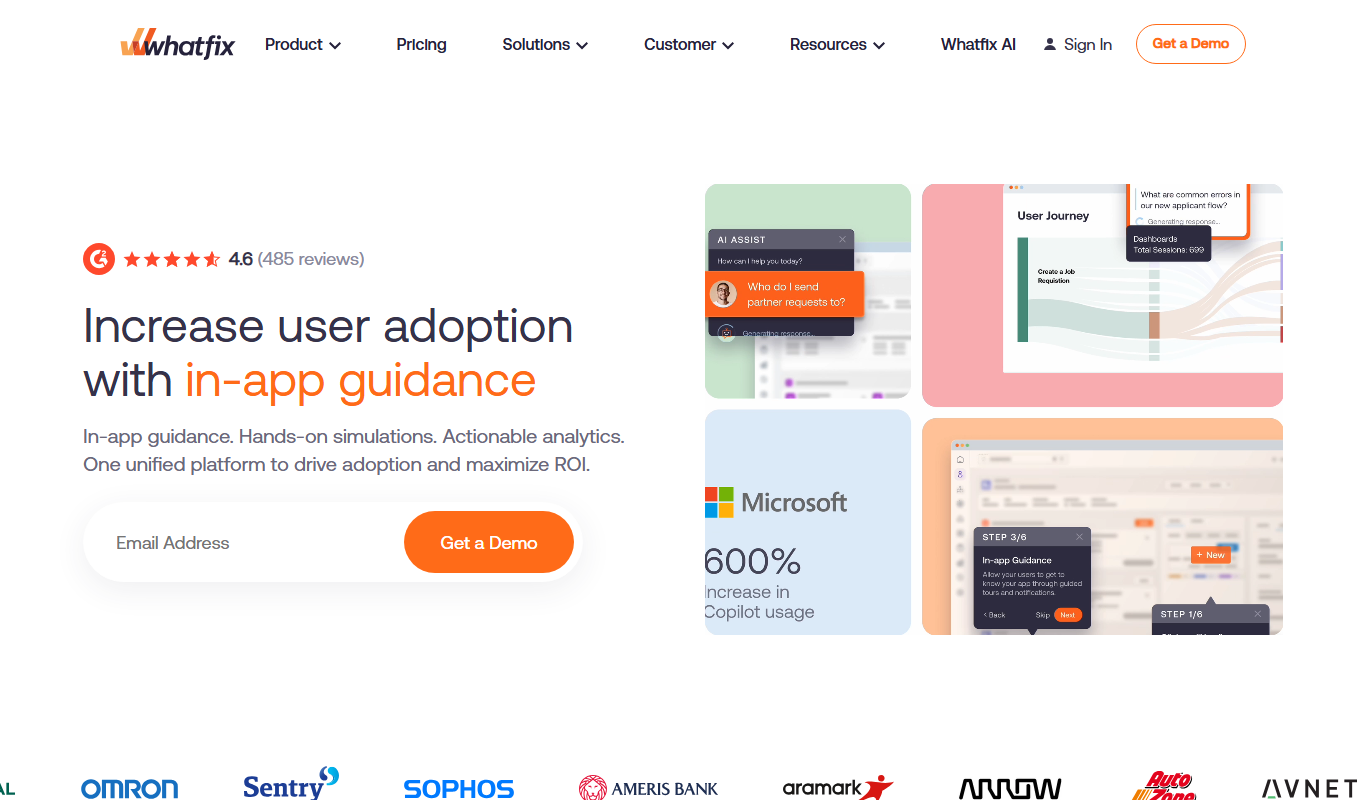
Whatfix is a digital adoption platform that helps businesses create interactive in-app guidance and walkthroughs to improve user onboarding, training, and software adoption.
More AI Knowledge Base Tools tools
Other tools in the same category, for when this one is not quite the fit.
Memento Database
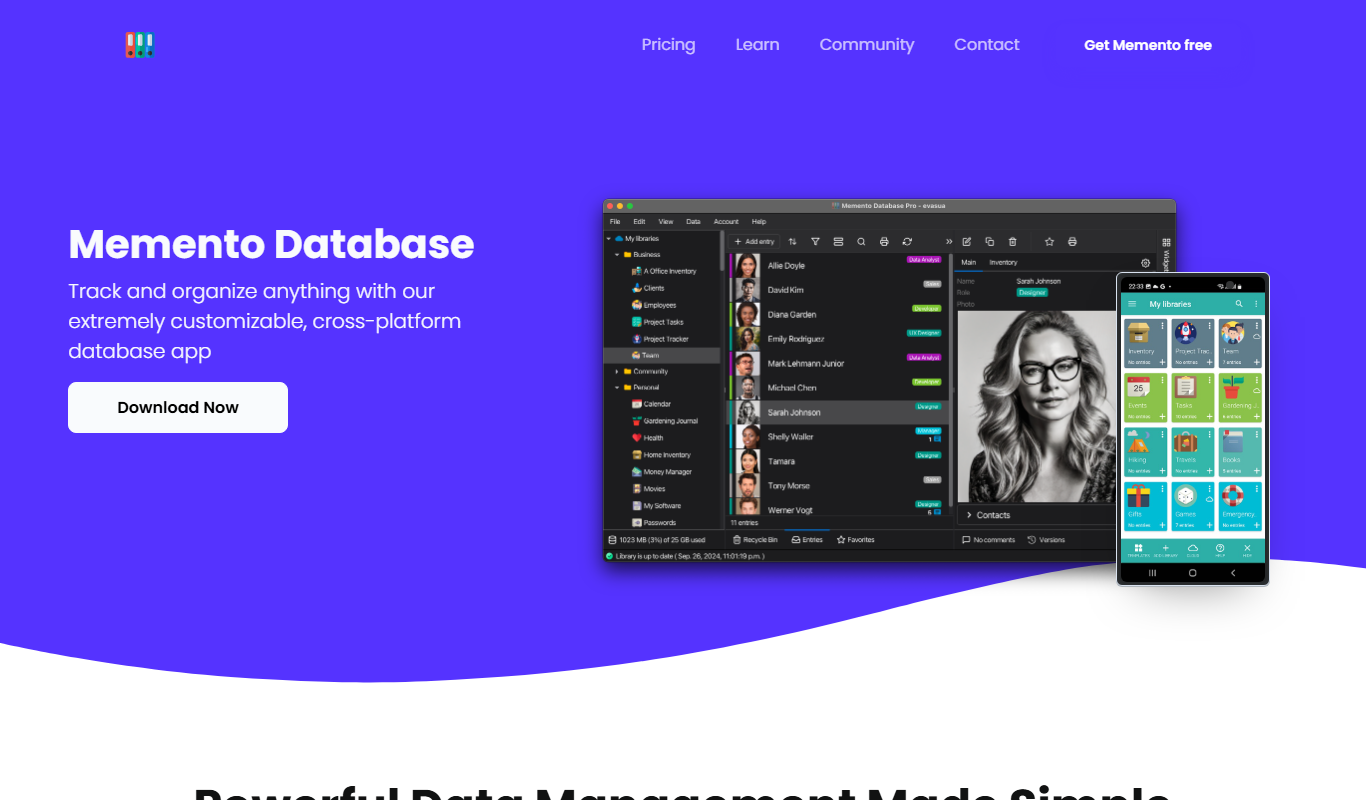
Memento Database is a customizable database app that lets users create, manage, and share databases across Android, Windows, and web platforms with offline access and cloud synchronization.

Tettra
Tettra is an AI knowledge base whose AI powered bot Kai answers teammates' questions in Tettra or Slack from the team's own content.

Dokko
Dokko is a document AI platform that reads contracts, manuals and policies in full, answers with citations and acts on what it finds, for teams and their customers.
Mem.ai
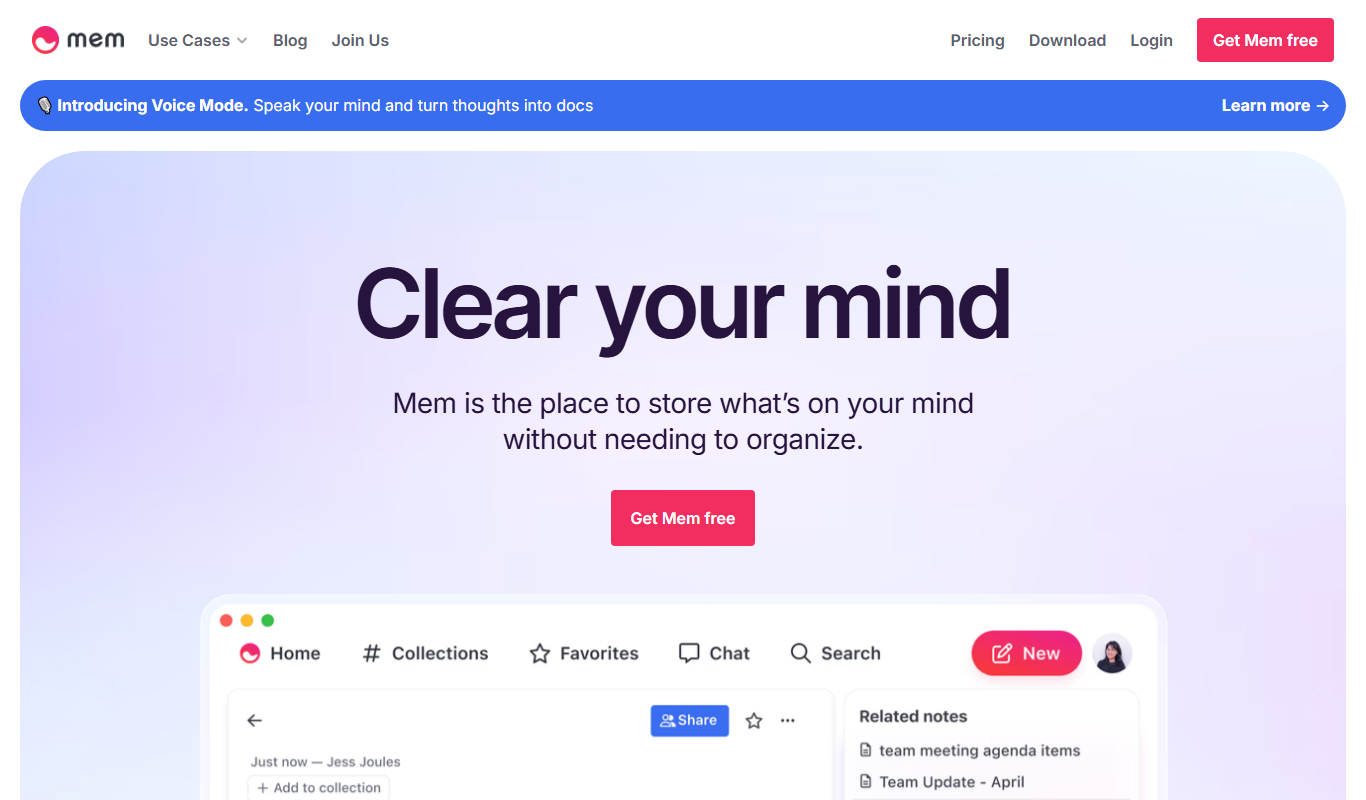
Mem is an AI note-taking workspace and agent that keeps notes, meetings and ideas organized and connected, and checks in when something needs attention.

assess.com
Assess.com offers FastTest, a digital assessment platform with item banking, online assessment, proctoring, a candidate portal and test development services.
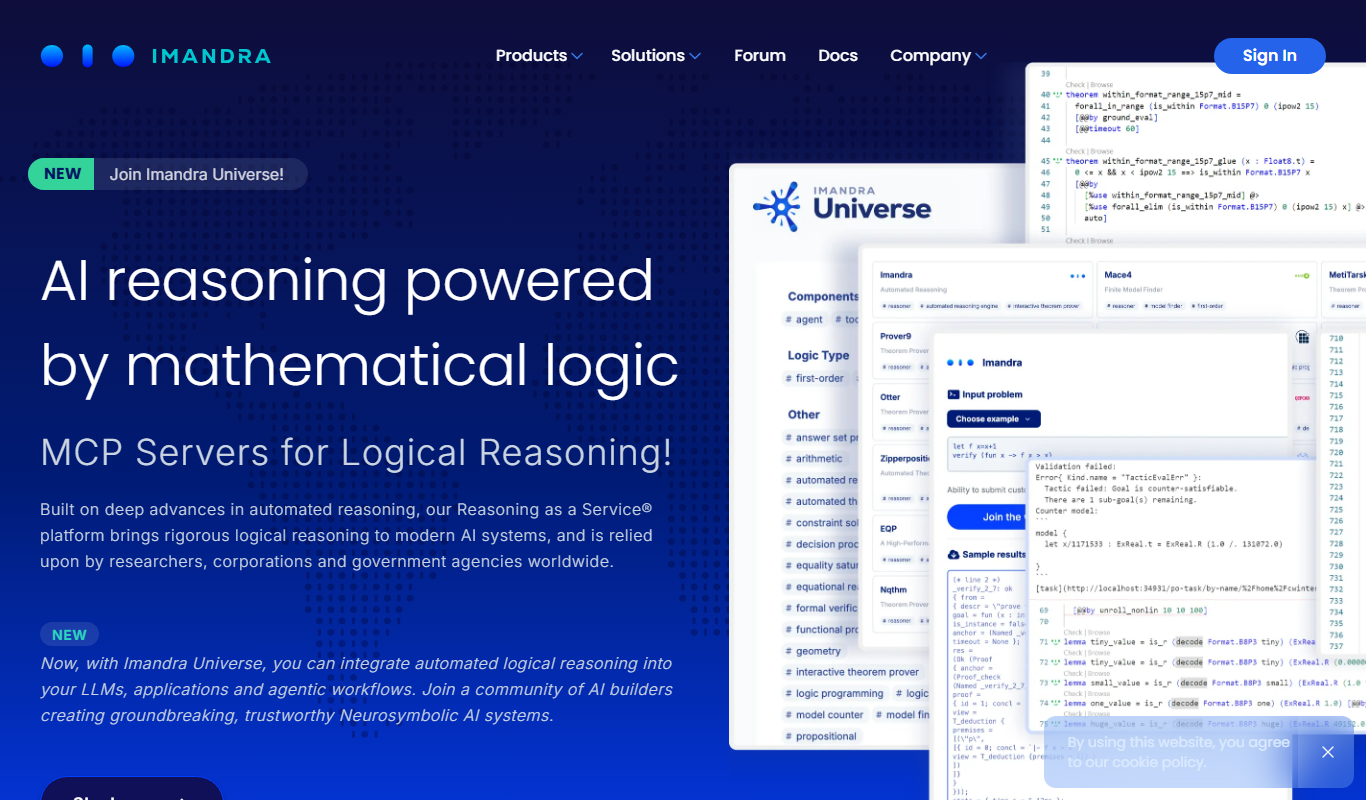
imandra.ai
Imandra AI is a platform that automates formal verification of software and algorithms using theorem proving and model checking to ensure correctness and detect bugs.

AutoFlow
AutoFlow is an open source Graph RAG knowledge base tool from PingCAP, built on TiDB Vector, LlamaIndex and DSPy.

myscale.com
MyScale is an SQL vector database for building GenAI applications, with vector search, text search, filtered search and SQL-vector join queries.