

WalkMe Digital Adoption Platform for User Engagement and Workflow Automation
WalkMe is a digital adoption platform that provides interactive walkthroughs, task automation, and analytics to help organizations improve software adoption and user engagement.
- Best for
- User Onboarding
- Key capability
- Interactive Walkthroughs
Save WalkMe, follow its updates and vote on it — everything stays in your account.
Sign in or create a free accountWhat is WalkMe?
WalkMe is a Digital Adoption Platform (DAP) designed to simplify user experiences with software applications. It overlays interactive on-screen guidance, walkthroughs, and automation to help users navigate complex systems, improve onboarding, and increase software adoption rates. By providing real-time assistance and analytics, WalkMe enables organizations to enhance productivity and reduce support costs.
Key features of WalkMe
Key features include interactive walkthroughs, task automation, user analytics, in-app messaging, and integration capabilities with enterprise software. These tools collectively improve user engagement and streamline digital adoption processes.
Interactive Walkthroughs
Create step-by-step guides that lead users through tasks within any web application.
Task Automation
Automate repetitive actions to reduce manual effort and errors.
User Analytics
Gain insights into user behavior and software adoption to inform improvements.
In-App Messaging
Deliver targeted messages and alerts to users based on their context and behavior.
No-Code Editor
Build and customize guidance content without programming knowledge.
Pros and cons of WalkMe
Pros
- Intuitive no-code editor for creating guidance
- Strong analytics for measuring adoption
- Effective at reducing support costs
- Customizable and scalable for enterprises
Cons
- Pricing is not transparent and can be expensive for small businesses
- Primarily focused on web applications, limited mobile support
Key use cases for WalkMe
User Onboarding
WalkMe helps organizations create interactive walkthroughs and guidance to onboard new users efficiently across web applications.
Employee Training
Facilitates in-app training and support to reduce learning curves and improve employee productivity.
Customer Support Automation
Automates customer support by providing contextual help and reducing support tickets through self-service guidance.
Digital Transformation
Supports adoption of new software and processes by guiding users through changes and ensuring compliance.
Workflow Optimization
Streamlines complex workflows by embedding step-by-step instructions and automations directly within applications.
How WalkMe works
- 1
Integration
WalkMe integrates with your existing web applications via a lightweight script or API.
- 2
Content Creation
Create interactive guides, tooltips, and automations using WalkMe’s no-code editor.
- 3
Deployment
Deploy the guidance overlays to end-users in real-time without modifying the underlying application.
- 4
User Engagement
Users receive contextual help and step-by-step instructions as they navigate software.
- 5
Analytics & Optimization
Track user behavior and adoption metrics to optimize guidance and workflows.
Who is using WalkMe
WalkMe pricing
Enterprise
Custom Pricing
Tailored solutions with full platform access, dedicated support, and advanced features.
Plans and prices are as published by the vendor and can change. Check the official site before you buy. Open the pricing page (opens in a new tab)
Frequently asked questions about WalkMe
WalkMe supports most web-based applications and can integrate with enterprise software platforms.
No, WalkMe offers a no-code editor that allows users to build guides without programming skills.
Yes, by providing in-app guidance and self-service options, WalkMe helps reduce support requests.
Yes, it offers detailed analytics to track user behavior and adoption metrics.
It depends on your specific needs and how you plan to use the tool. The official website and documentation are the best sources for the latest details.
This tool is designed to help users accomplish its core tasks more efficiently. It is typically used by individuals or teams looking to improve productivity and workflow.
Yes, it can help with that use case depending on how you configure it and what features are available. You’ll get the best results with clear inputs and a defined goal.
Conclusion
A lightweight script or API connects the platform to existing web applications. Guides, tooltips and automations are then built in a no-code editor and deployed as overlays in real time, without modifying the underlying application. End users see contextual help and step-by-step instructions as they navigate, along with targeted messages based on their context and behavior.
Behind the guidance, analytics track user behavior and adoption metrics. The page presents in-app guidance and self-service options as a way to reduce support requests. It is aimed at enterprise IT teams, HR and training departments, and support and helpdesk teams. Pricing is custom, through an Enterprise plan with full platform access and dedicated support.
Sources
Sign in to review this tool.
Sign In to ReviewNo reviews yet
Be the first to share how this tool worked for you.
Ask about pricing, limits, or how it compares — or answer someone else.
Sign In to AskNo questions yet
Have a question about using or paying for this tool? Be the first to ask.
Featured on TiorAI



Alternative Tools
Explore similar AI tools that might fit your needs
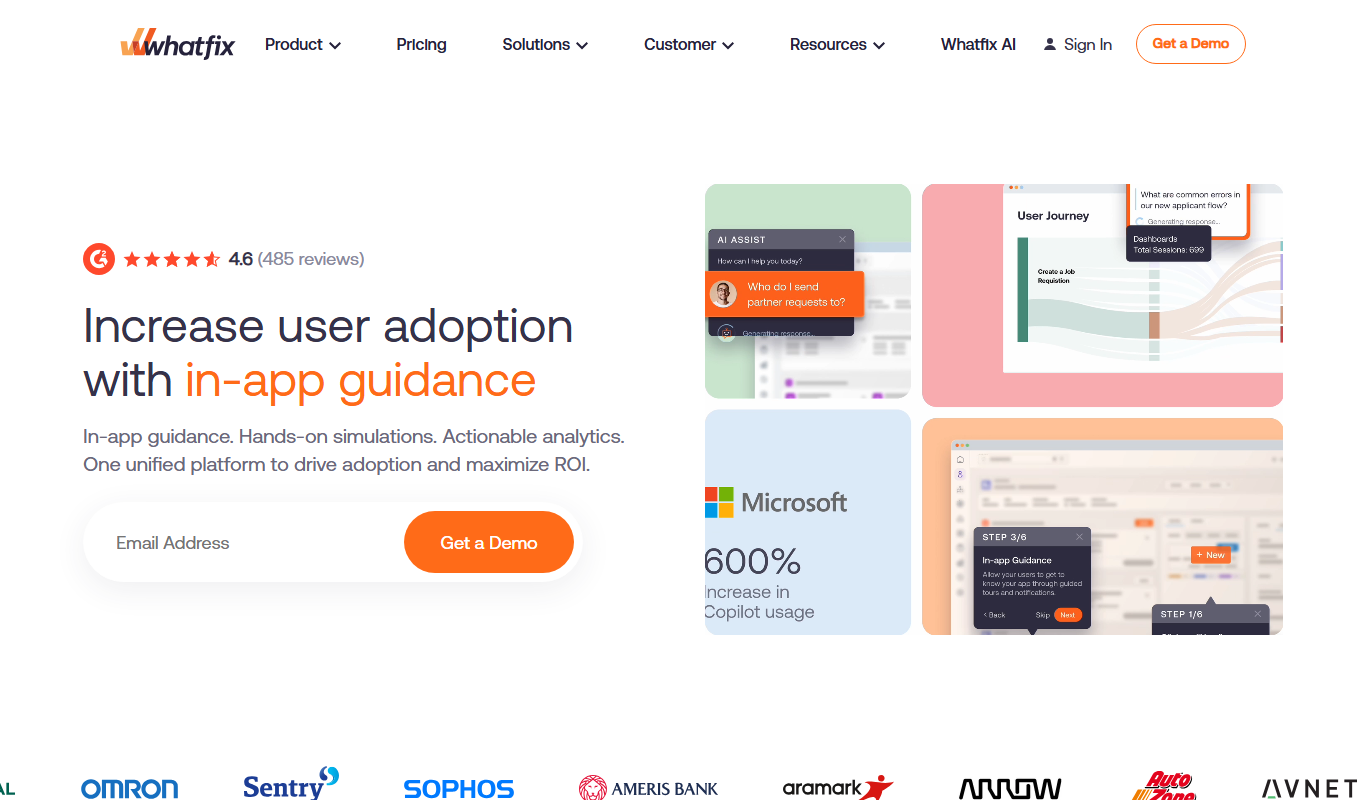
Whatfix
Whatfix is a digital adoption platform that helps businesses create interactive in-app guidance and walkthroughs to improve user onboarding, training, and software adoption.

Pendo
Pendo is a product experience platform that provides product analytics, in-app guidance, and user feedback tools to help SaaS companies improve user onboarding, feature adoption, and customer retention.

Userpilot
Userpilot is a no-code SaaS platform that enables companies to create personalized user onboarding experiences, feature adoption flows, and in-app messaging to boost engagement and retention.
More AI Customer Service tools
Other tools in the same category, for when this one is not quite the fit.

Moobot
Moobot is a Twitch chat bot that helps streamers moderate chat, automate commands, and engage viewers with polls and giveaways.

Nightbot
Nightbot is a cloud-based chatbot that automates chat moderation, custom commands, and viewer interaction for Twitch and YouTube streamers.
Reprise
Reprise is a no-code interactive demo platform that helps businesses create engaging product demos to accelerate sales and improve customer onboarding.

ChatBot
ChatBot is an AI-powered conversational platform that enables businesses to automate customer interactions through customizable chatbots deployed across multiple channels.

Big Interview
Big Interview is an online platform offering AI-powered mock interviews and expert video coaching to help job seekers practice and improve their interview skills.
Blip
Blip (formerly Take Blip) is a conversational AI platform for building and managing chatbots across messaging channels without coding.
Zenvia
Zenvia is a cloud communication platform that enables businesses to engage customers via SMS, WhatsApp, and other messaging channels using AI chatbots and automation.

Buoy Health
Buoy Health is an AI-driven digital health assistant that helps users assess symptoms and receive personalized care recommendations through an interactive symptom checker.