

From my experience with Qdrant, I found it excels at delivering high-performance vector similarity search with real-time data updates, which is crucial for dynamic AI applications. Its open-source nature combined with enterprise-grade features makes it a versatile choice for developers and companies building semantic search or recommendation systems. However, deploying and managing Qdrant requires some technical expertise, and the lack of a native user interface means it is primarily suited for teams comfortable with API integrations. Overall, if you need a scalable, flexible vector search engine for AI workloads, Qdrant provides a robust and reliable solution.
Qdrant Vector Search Engine for Scalable AI and Semantic Search Solutions
Qdrant is an open-source vector similarity search engine that enables efficient, scalable semantic search and AI-powered recommendations by indexing and searching high-dimensional vector embeddings in real time.
- Best for
- Semantic Search
- Key capability
- High-Performance Vector Search
Your actions
Save Qdrant, follow its updates and vote on it — everything stays in your account.
Sign in or create a free account
What is Qdrant?
Qdrant is an open-source vector similarity search engine designed to handle large-scale AI and machine learning workloads. It allows developers to store, index, and search through high-dimensional vector embeddings efficiently, enabling semantic search, recommendation systems, and other AI-powered applications. Built with performance and scalability in mind, Qdrant supports real-time updates and filtering, making it suitable for production environments.
Key features of Qdrant
Qdrant offers high-performance vector search with real-time data ingestion, advanced filtering capabilities, and support for hybrid search combining vector similarity with traditional filters. It provides a RESTful and gRPC API, seamless integration with machine learning pipelines, and deployment flexibility via Docker and Kubernetes.
High-Performance Vector Search
Efficient nearest neighbor search optimized for large datasets and low latency.
Real-Time Updates
Supports adding, updating, and deleting vectors without downtime.
Advanced Filtering
Combine vector search with metadata filters for precise results.
Flexible Deployment
Runs on Docker, Kubernetes, or bare metal with easy scalability.
Multiple Distance Metrics
Supports cosine similarity, Euclidean distance, and dot product.
Open Source with Enterprise Support
Community edition available with paid enterprise features and support.
Pros and cons of Qdrant
Pros
- High scalability for large vector datasets
- Real-time vector data updates
- Flexible deployment options
- Open source with active community
- Advanced filtering combined with vector search
Cons
- Requires technical expertise to deploy and manage
- Enterprise features require paid subscription
- Limited native UI; primarily API-driven
Key use cases for Qdrant
Semantic Search
Enable search engines to find relevant documents or items based on meaning rather than keywords using vector similarity.
Recommendation Systems
Power personalized recommendations by finding similar items or user preferences through vector embeddings.
Image and Video Search
Search multimedia content by comparing vector representations of images or videos for similarity.
Natural Language Processing
Support NLP applications by efficiently searching through large sets of text embeddings.
Anomaly Detection
Identify outliers in data by analyzing vector distances and patterns.
How Qdrant works
- 1
Deploy Qdrant
Set up Qdrant on your infrastructure using Docker, Kubernetes, or directly on a server.
- 2
Ingest Vector Data
Upload your vector embeddings along with metadata to Qdrant using its API.
- 3
Configure Search Parameters
Define filters, distance metrics, and search parameters to tailor results.
- 4
Perform Vector Search
Query Qdrant to retrieve nearest neighbors or similar items based on vector similarity.
- 5
Integrate Results
Use the search results in your application for recommendations, semantic search, or analytics.
Who is using Qdrant
AI developers and data scientists
Companies building semantic search engines
Enterprises needing recommendation systems
Machine learning engineers
Startups working with vector embeddings
Qdrant pricing
Open Source
Free
Full access to core vector search engine under Apache 2.0 license.
Enterprise
Custom pricing
Advanced features, SLAs, and dedicated support for business needs.
Plans and prices are as published by the vendor and can change. Check the official site before you buy. Open the pricing page (opens in a new tab)
Frequently asked questions about Qdrant
Qdrant is used to perform efficient vector similarity searches for AI applications like semantic search, recommendations, and anomaly detection.
Yes, Qdrant is open source under the Apache 2.0 license with an enterprise edition available.
Qdrant supports cosine similarity, Euclidean distance, and dot product for vector comparisons.
Yes, Qdrant supports real-time adding, updating, and deleting of vectors without downtime.
Data handling and security practices vary by provider. Review the official privacy policy to understand how your data is stored and used.
This tool is designed to help users accomplish its core tasks more efficiently. It is typically used by individuals or teams looking to improve productivity and workflow.
Yes, it can help with that use case depending on how you configure it and what features are available. You’ll get the best results with clear inputs and a defined goal.
It depends on your specific needs and how you plan to use the tool. The official website and documentation are the best sources for the latest details.
Sign in to review this tool.
Sign In to ReviewNo reviews yet
Be the first to share how this tool worked for you.
Ask about pricing, limits, or how it compares — or answer someone else.
Sign In to AskNo questions yet
Have a question about using or paying for this tool? Be the first to ask.
Featured on TiorAI



Alternative Tools
Explore similar AI tools that might fit your needs

Enterprise
Milvus
Milvus is an open-source vector database designed for efficient similarity search and management of large-scale unstructured data, widely used in AI and machine learning applications.
More AI Background Generator tools
Other tools in the same category, for when this one is not quite the fit.

Free
Patterninja
Patterninja is a free web-based tool for creating seamless, repeatable patterns and backgrounds with an easy drag-and-drop interface and export options in PNG and SVG.

Free
Cool Backgrounds
Cool Backgrounds is a free web tool that uses AI to generate customizable gradients, patterns, and abstract backgrounds for websites and social media.
Free
Little Author
Little Author is an app from Blue Giraffe Labs that builds children's stories with AI from the 5Ws questions.

Free
Favicon Helper
Favicon Helper is a free web tool that allows you to generate and convert favicons in multiple formats like ICO, PNG, GIF, and JPG quickly and without registration.

Free
Wallhaven
Wallhaven is a free online platform offering a vast collection of high-quality HD and 4K wallpapers for desktops and mobile devices, featuring advanced search filters and community uploads.

Free
Get Waves
Get Waves is a free online tool that generates customizable SVG wave backgrounds for web and graphic design, allowing users to adjust wave complexity, colors, and orientation with real-time preview and export options.
Free
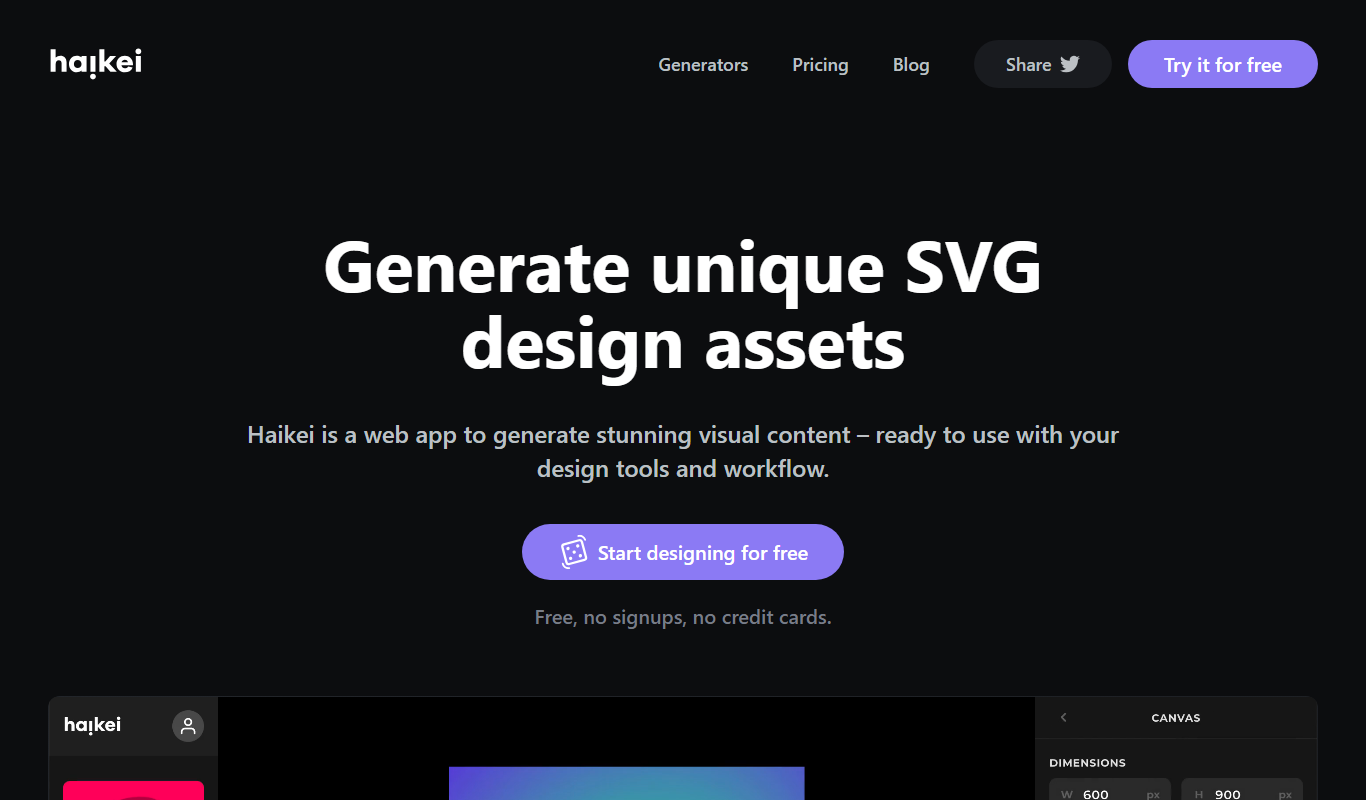
Haikei
Haikei is a free web-based generator of random SVG shapes and backgrounds built from adjustable parameters, with unlimited downloads.
Free
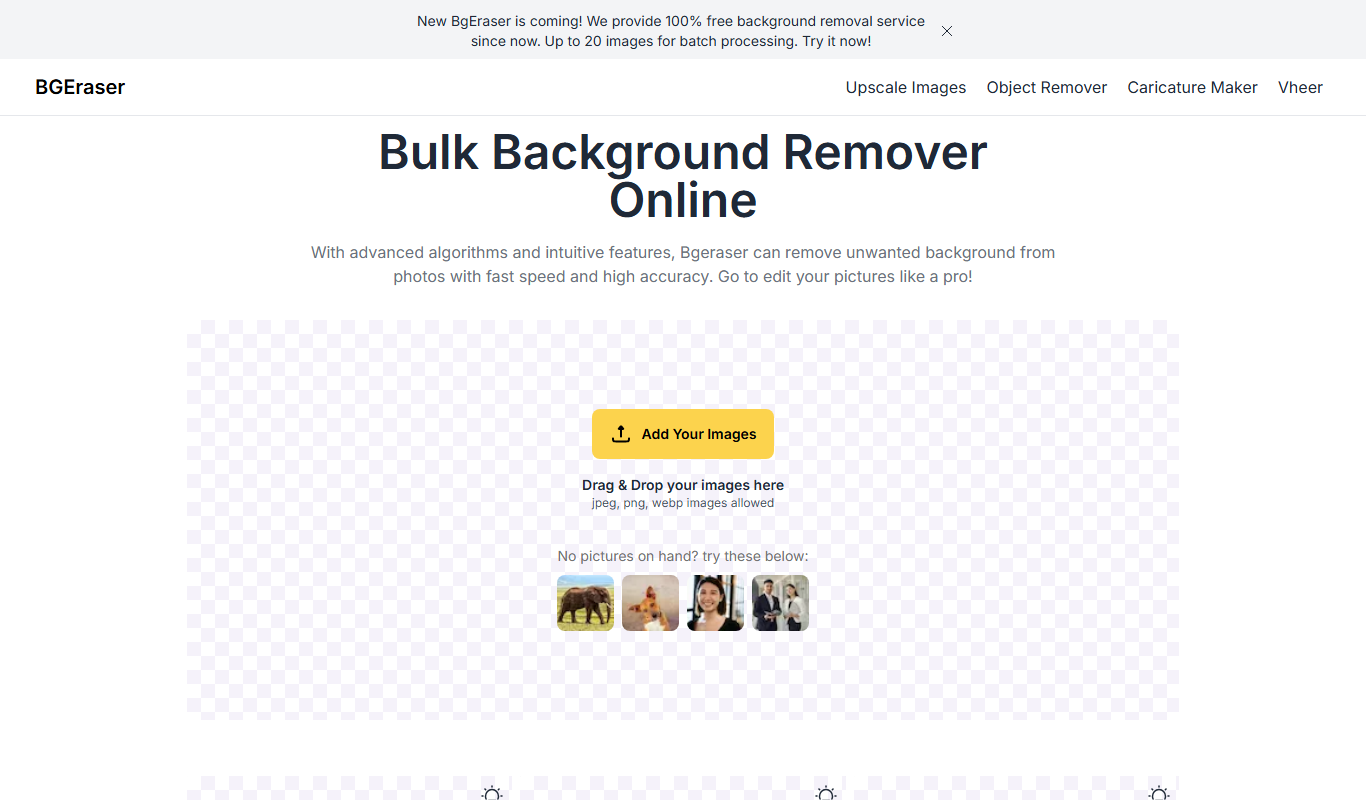
Bg.Eraser
Bg.Eraser is an AI-based online tool that automatically removes backgrounds from images, providing transparent PNG outputs suitable for e-commerce, design, and content creation.