

From my experience with Xole AI, I found it excels at quickly generating SEO-optimized content that can jumpstart blog writing and marketing campaigns. The platform’s straightforward interface makes it accessible even for those new to AI writing tools, which is a big plus. However, while the AI produces readable and relevant drafts, some manual editing is often necessary to fine-tune tone and ensure content uniqueness. Overall, if you need an efficient way to create SEO-friendly content without starting from scratch, Xole AI offers solid value, especially for small businesses and marketers on a budget.
Xole AI Review: AI-Powered Content Generation and SEO Optimization Tool
Xole AI is an AI-driven content creation platform that helps users generate SEO-friendly blog posts, marketing copy, and content ideas efficiently through an easy-to-use web interface.
- Best for
- Blog Content Creation
- Key capability
- AI-Powered Content Generation
Your actions
Save Xole AI, follow its updates and vote on it — everything stays in your account.
Sign in or create a free account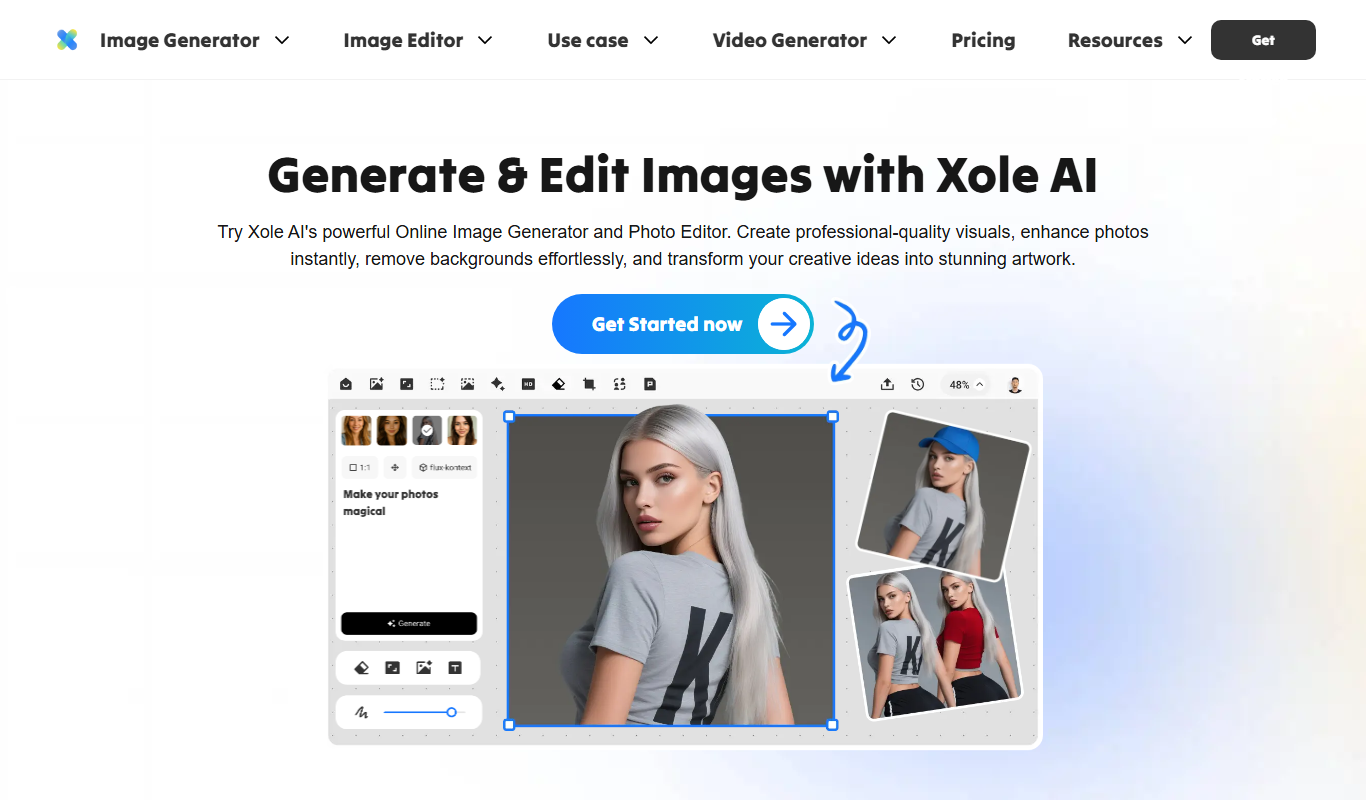

What is Xole AI?
Xole AI is an AI-powered content generation platform designed to help marketers, bloggers, and businesses create SEO-optimized written content efficiently. It leverages advanced natural language processing to produce human-like text that aligns with search engine requirements and user intent.
Key features of Xole AI
The tool offers features such as AI-driven blog post creation, keyword optimization, content idea generation, and editing assistance. It integrates SEO best practices to help users improve their online visibility while saving time on content production.
AI-Powered Content Generation
Automatically create high-quality, human-like written content tailored to your keywords and topics.
SEO Optimization Tools
Built-in keyword suggestions and SEO guidelines to enhance content ranking potential.
Content Idea Suggestions
Generate new content ideas and outlines to keep your content strategy fresh.
Editing and Refinement
Improve grammar, tone, and clarity with AI-assisted editing features.
User-Friendly Interface
Intuitive platform designed for marketers and content creators without technical expertise.
Pros and cons of Xole AI
Pros
- Easy to use with minimal learning curve
- Integrates SEO best practices in content generation
- Affordable pricing with a free tier
- Generates human-like, readable content
- Helpful for brainstorming and content ideation
Cons
- Limited language support (English only)
- Some content may require manual editing for tone and accuracy
- No mobile app available
Key use cases for Xole AI
Blog Content Creation
Generate SEO-friendly blog posts quickly with AI assistance to improve content marketing efforts.
SEO Optimization
Optimize content for search engines by leveraging AI-driven keyword suggestions and content structuring.
Marketing Copywriting
Create compelling marketing copy for websites, ads, and social media using AI-generated text.
Content Idea Generation
Brainstorm new content topics and outlines to maintain a consistent publishing schedule.
Editing and Refinement
Use AI to improve grammar, tone, and clarity of existing content for better audience engagement.
How Xole AI works
- 1
Create an Account
Sign up on the Xole AI website to access the platform.
- 2
Select Content Type
Choose the type of content you want to generate, such as blog posts or marketing copy.
- 3
Input Keywords or Topics
Provide keywords or topics to guide the AI in generating relevant content.
- 4
Generate Content
Let the AI create a draft based on your inputs.
- 5
Edit and Optimize
Refine the generated content using built-in editing tools and SEO suggestions.
- 6
Export and Publish
Download or copy the final content for publishing on your desired platform.
Who is using Xole AI
Content marketers
SEO specialists
Small business owners
Bloggers and writers
Digital marketing agencies
Xole AI pricing
Free
$0/month
Limited access with basic content generation features and monthly usage caps.
Pro
$29/month
Full access to all features, higher usage limits, and priority support.
Plans and prices are as published by the vendor and can change. Check the official site before you buy. Open the pricing page (opens in a new tab)
Frequently asked questions about Xole AI
Yes, Xole AI offers a free plan with limited features and usage to try the platform.
Xole AI generates original content, but users should always review and edit to ensure uniqueness and compliance.
Currently, Xole AI primarily supports English content generation.
Yes, you can export or copy the generated content for use on your website or other platforms.
This tool is designed to help users accomplish its core tasks more efficiently. It is typically used by individuals or teams looking to improve productivity and workflow.
Some tools offer a free plan or trial with limited features. Availability can vary, so confirm on the official website.
Yes, it can help with that use case depending on how you configure it and what features are available. You’ll get the best results with clear inputs and a defined goal.
It depends on your specific needs and how you plan to use the tool. The official website and documentation are the best sources for the latest details.
Sign in to review this tool.
Sign In to ReviewNo reviews yet
Be the first to share how this tool worked for you.
Ask about pricing, limits, or how it compares — or answer someone else.
Sign In to AskNo questions yet
Have a question about using or paying for this tool? Be the first to ask.
Featured on TiorAI


More AI Art Generator tools
Other tools in the same category, for when this one is not quite the fit.
Free
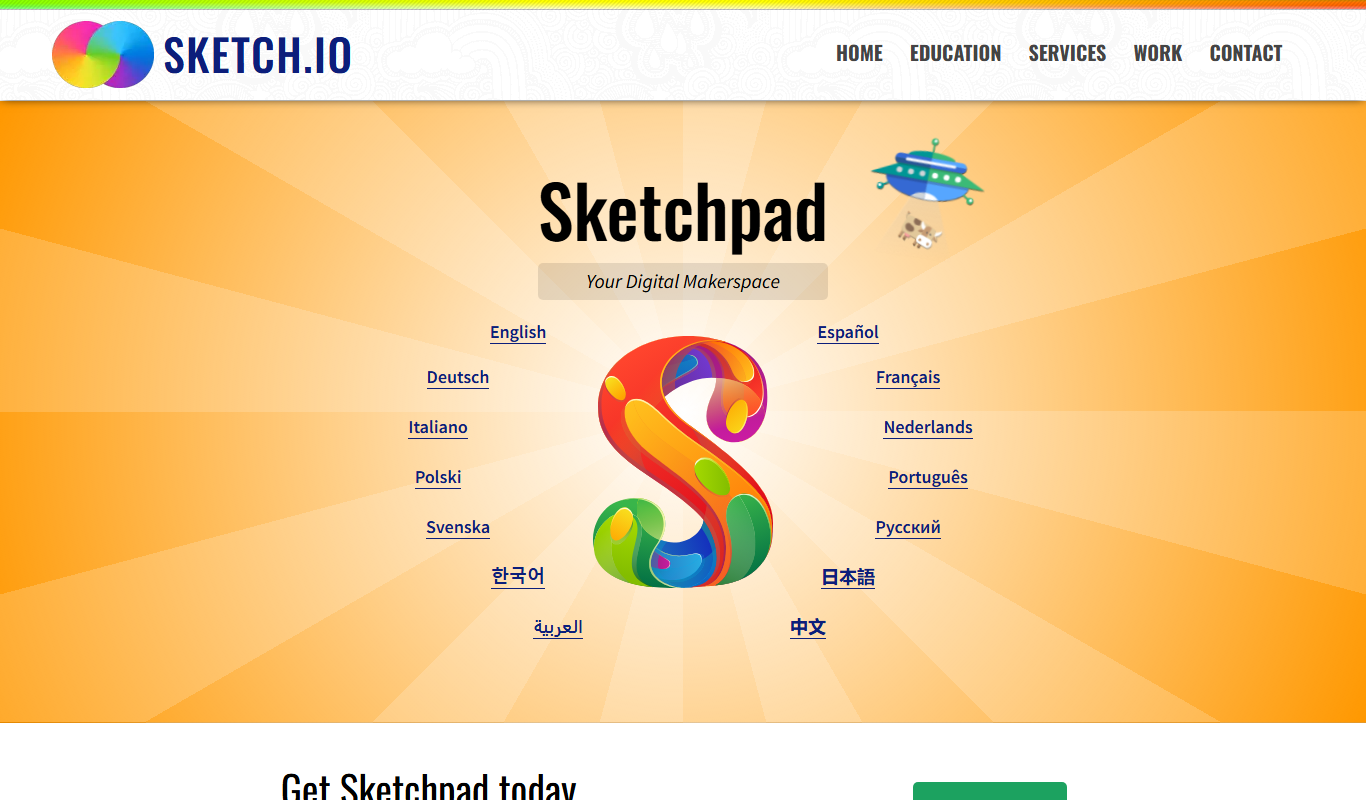
Sketchpad
Sketchpad is a free web-based drawing application that supports vector and raster graphics, offering tools for digital illustration, graphic design, and creative projects accessible directly in your browser.

Free
A1 Art
A1 Art is a web-based AI image generator that creates digital artwork from text prompts, offering free and subscription plans for users.
Free
QuickDraw
QuickDraw is a free web-based AI drawing game by Google that guesses your sketches in real-time using machine learning.

Free
Wombo
Wombo is an AI-powered platform that generates unique digital artwork from text prompts, offering multiple art styles and easy-to-use tools accessible via web and mobile apps.
Subscription
Rapid Resizer Outline Maker
Rapid Resizer Outline Maker refers to the Picture Stencil Maker on Rapid Resizer, a web-based tool for turning photos or drawings into stencils and patterns for crafts and cutting projects.

Freemium
Neural.love Art Generator
Neural.love Art Generator is an AI-powered web tool that creates unique digital artworks from text prompts or images using neural networks, offering features like style transfer and image upscaling.

Free
insMind Ghibli Image Generator
insMind Ghibli Image Generator is a web-based AI tool that transforms photos into artwork inspired by Studio Ghibli’s animation style using AI style transfer.
Free
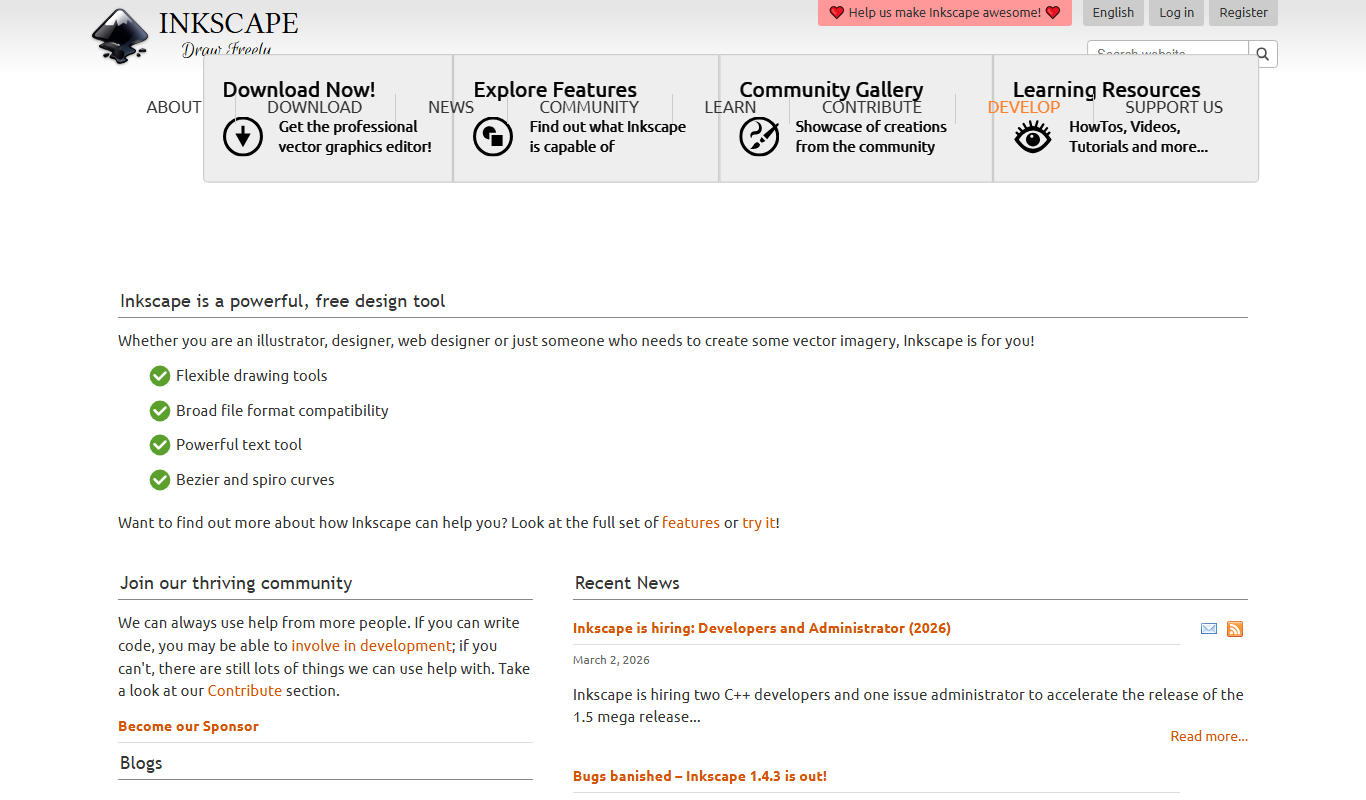
Inkscape
Inkscape is a free and open source vector graphics editor used for creating and editing scalable vector images with advanced tools for illustration and graphic design.