

HSL to RGB
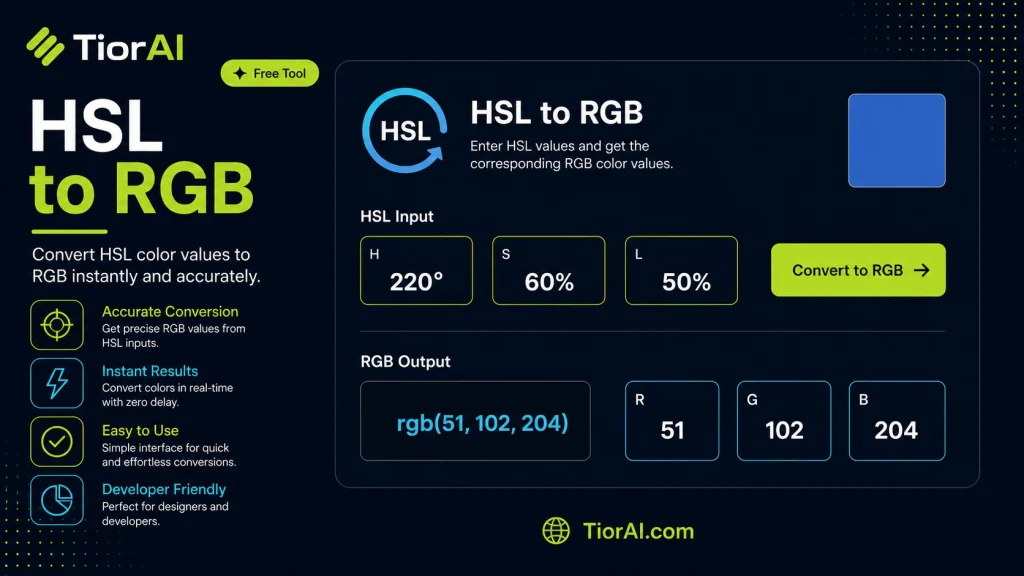
Convert HSL color values to RGB format instantly with our free online converter. Enter your HSL color code and get the accurate RGB equivalent - perfect for web design, CSS styling, graphic design, and digital art projects.
How to use it
- Pick or Enter a Color Use the color picker or enter a color value into the Hsl to Rgb. Supports HEX, RGB, HSL, and more.
- Adjust and Preview Fine-tune your color selection and preview results in real time with instant visual feedback.
- Copy Color Values Copy the generated color codes in your preferred format for use in CSS, design tools, or development.
Tip Combine the Hsl to Rgb with CSS variables to create a dynamic, theme-ready color system for your site.
Understanding HSL and RGB Color Models
In web development and digital design, colors are often represented using different color models. Two common models are HSL (Hue, Saturation, Lightness) and RGB (Red, Green, Blue). Each model describes colors in a way that suits different purposes and workflows.
RGB is an additive color model where colors are created by combining red, green, and blue light in varying intensities. It is widely used in digital displays, including computer monitors, smartphones, and TVs. RGB values are typically expressed as integers ranging from 0 to 255 for each channel.
HSL, on the other hand, describes colors in terms more aligned with human perception: Hue (the type of color, measured in degrees from 0 to 360 on the color wheel), Saturation (the intensity or purity of the color, from 0% to 100%), and Lightness (the brightness of the color, from 0% black to 100% white). This model is often easier for designers to manipulate when adjusting colors.
Why Convert Between HSL and RGB?
While CSS supports both HSL and RGB color notations, sometimes developers need to convert between them for compatibility, calculations, or dynamic styling. For example, a designer might specify colors in HSL for intuitive tweaking, but the underlying rendering engine or certain APIs require RGB values.
The conversion process involves mathematical formulas that translate the hue, saturation, and lightness into corresponding red, green, and blue intensities. This is not a trivial direct mapping because HSL is cylindrical and RGB is Cartesian in nature.
Technical Standards and Usage
Both HSL and RGB are defined in the CSS Color Module Level 3 specification. Modern browsers support CSS color values in both formats, allowing developers to use whichever is more convenient. However, when working with graphics APIs, image processing, or certain JavaScript libraries, RGB values are often required.
Developers use HSL to adjust colors dynamically, for example, increasing lightness to create hover effects or changing hue for theme variations. Converting to RGB ensures the color can be rendered correctly or manipulated further in code.
What is HSL and RGB in Web Development?
Colors on the web are represented using various models, with RGB and HSL being two of the most common. RGB stands for Red, Green, and Blue, and it defines colors by mixing these three primary colors in different intensities. Each channel ranges from 0 to 255, producing millions of possible colors.
HSL stands for Hue, Saturation, and Lightness. It describes colors in a way that aligns more closely with human perception. Hue is the color type, measured in degrees from 0 to 360 on the color wheel. Saturation indicates the intensity or purity of the color, from 0% (gray) to 100% (full color). Lightness controls how light or dark the color is, from 0% (black) to 100% (white).
When Should You Convert HSL to RGB?
- If you have colors specified in HSL but need to use them in environments that only accept RGB, such as certain graphics APIs or image processing libraries.
- When dynamically adjusting colors in HSL for design flexibility but outputting CSS styles in RGB for compatibility.
- When working with design tools or specifications that provide colors in HSL but your codebase or framework requires RGB values.
- When debugging color rendering issues where the color is defined in HSL but the rendering engine expects RGB.
Common Mistakes to Avoid
- Using HSL values outside their valid ranges, such as saturation or lightness above 100% or hue values less than 0 or greater than 360 degrees, which leads to incorrect conversions.
- Assuming HSL and RGB values can be used interchangeably without conversion, resulting in unexpected colors on screen.
Technical Context
The CSS Color Module Level 3 specification defines both HSL and RGB color formats, and modern browsers support both. However, some programming interfaces and image formats require RGB values. The conversion between HSL and RGB involves mathematical formulas that translate the cylindrical HSL coordinates into Cartesian RGB coordinates.
Developers often use HSL for intuitive color adjustments, such as changing lightness for hover effects or shifting hue for theme variations. Converting these HSL values to RGB ensures compatibility with rendering engines and APIs.
Common use cases
- Convert a pure red color from HSL to RGB
- Convert a medium gray color from HSL to RGB
- Convert a teal color from HSL to RGB
Frequently asked questions
Reviews and questions
Whether this tool gave people the answer they needed, and what they asked about it.
Sign in to review this tool.
Sign In to ReviewNo reviews yet
Be the first to say whether this tool gave you what you needed.
Ask how to read the result, or what the tool does with an edge case — or answer someone else.
Sign In to AskNo questions yet
Not sure how to read a result? Be the first to ask.
AI tools related to this topic
Tools from the TiorAI directory that work on the same kind of job.

Code Language Converter
Code Language Converter is an online tool that translates code between 30+ programming languages with AI-powered conversion, with a free plan and a paid PRO plan.

Any Video Converter
Any Video Converter is a multimedia software that converts video files between numerous formats, downloads online videos, and offers basic editing and DVD burning features.

Bank Statement Converter
Bank Statement Converter converts single or multiple PDF bank statements into a single CSV file containing only the transaction data extracted from their tables.

Conversion Blitz
Conversion Blitz is an AI lead generation software suite to find leads, send targeted emails, create a chatbot and more.