

A.V. Mapping: AI music matching and licensing for video
A.V. Mapping is an AI platform that analyzes your video or photo, recommends licensed music and sound effects from musicians, and handles the music license in one place.
- Best for
- Music for video projects
- Key capability
- Video and image to music
Save A.V. Mapping, follow its updates and vote on it — everything stays in your account.
Sign in or create a free account
What is A.V. Mapping?
A.V. Mapping is an AI video music platform that matches video soundtracks. Video creators upload a video or photo, the AI analyzes it and recommends music and sound effects licensed from musicians, and the music license is purchased on the platform, while musicians use it to distribute their music.
Key features of A.V. Mapping
A.V. Mapping analyzes uploaded videos and images and recommends three music tracks, with text to music and SFX search, three AI algorithms (Sonnet, Sonata and Mosaic), instant licensing and post-sound tools such as noise reduction and sound effects.
Video and image to music
Find matching music from musicians and authentic sound effects from the video or images you upload.
Customizable AI analysis
Add a text outline, budget, reference music genre, licensing region and duration of use; the AI analyzes facial expressions, environment, actions, colors and objects.
Three AI algorithms
Sonnet focuses on emotion and word analysis, Sonata on image analysis and Mosaic on music classification.
Text to music and SFX
Search music and sound effects from text, scripts, a plot summary or a cue sheet.
Instant licensing and post-sound tools
Music licenses are handled on the platform, with post-sound production features such as noise reduction and sound effects.
Pros and cons of A.V. Mapping
Pros
- Three recommended tracks matched to the uploaded video
- Music licenses and contracts handled on the platform
- Payment goes directly to musicians and writers
- Free service where you pay only for music licenses
Cons
- Uploaded videos are kept for only 30 days
- Interface available only in English and Traditional Chinese
Key use cases for A.V. Mapping
Music for video projects
Find suitable soundtracks for a video without searching through millions of options online.
Sound effects for scenes
Find authentic sound effects that match the video or images you upload.
Music distribution for musicians
Musicians upload and manage tracks, check earnings and get paid directly by video makers.
Creative Installations
Develop immersive installations combining sound and visuals for galleries and public spaces.
How A.V. Mapping works
- 1
Upload your video
Open the Analysis Page, upload your video and select the music or SFX function.
- 2
Customize the analysis
Enter a text outline, budget, reference music genre, licensing region and special requirements while the AI analyzes the video.
- 3
Get three recommended tracks
After the analysis, three recommended music tracks are provided to preview.
- 4
License and download
Check the music, price and contract, then download the music and contract at once.
- 5
Add Interactivity
Incorporate interactive elements that respond to user input or environmental sensors.
- 6
Export and Deploy
Export your project for live performance or installation deployment.
Who is using A.V. Mapping
A.V. Mapping pricing
General
$0/month
50MB video each time, unlimited video creation and re-runs, music search engine; music licenses paid per usage.
VIP
$49.99/month
Customized music database, API, SDK, software and hardware integration, 100K+ exclusive tracks and WAV 96kHz multi-track export.
Plans and prices are as published by the vendor and can change. Check the official site before you buy. Open the pricing page (opens in a new tab)
Frequently asked questions about A.V. Mapping
Upload your video on the Analysis Page, customize the analysis parameters, then choose from the three recommended music tracks and make a purchase.
Sonnet focuses on emotion and word analysis, Sonata on image analysis and Mosaic on music classification analysis.
A.V. Mapping is currently available in English and Traditional Chinese.
A.V. Mapping is an AI platform that matches video soundtracks, so video creators find suitable music faster, and it lets musicians distribute their music.
Musicians get paid directly by video makers who license their music through the platform.
Yes. The General plan is $0 per month, and music licenses are paid per usage.
Conclusion
Uploading a video or photo on the Analysis Page starts the process, and the AI reads facial expressions, actions, colors and objects before returning three recommended music tracks. Users can steer the match with a text outline, budget, reference music genre or licensing region, and a YouTube reference track is evaluated for genre, tempo and melody. Three algorithms shape the result: Sonnet for emotion and words, Sonata for images and Mosaic for music classification.
Licensing happens in the same place, since the creator checks the music, price and contract and then downloads the music and contract at once. Payment goes straight to the musicians, and the catalogue is described as 100K tracks licensed from musicians and labels. Sound effects and text to music searches sit next to the video matching, while musicians switch to their own identity to upload tracks and check earnings. The General plan is free and charges per music license, whereas the VIP subscription adds a customized music database, API access and multi-track export. Uploaded videos are kept for only 30 days, and the interface is offered in English and Traditional Chinese.
Sources
Sign in to review this tool.
Sign In to ReviewNo reviews yet
Be the first to share how this tool worked for you.
Ask about pricing, limits, or how it compares — or answer someone else.
Sign In to AskNo questions yet
Have a question about using or paying for this tool? Be the first to ask.
Featured on TiorAI



Alternative Tools
Explore similar AI tools that might fit your needs

MadMapper
MadMapper is a desktop software for projection and LED mapping that allows artists and designers to map video content onto physical surfaces and control visuals in real-time using MIDI and DMX.
Resolume Arena
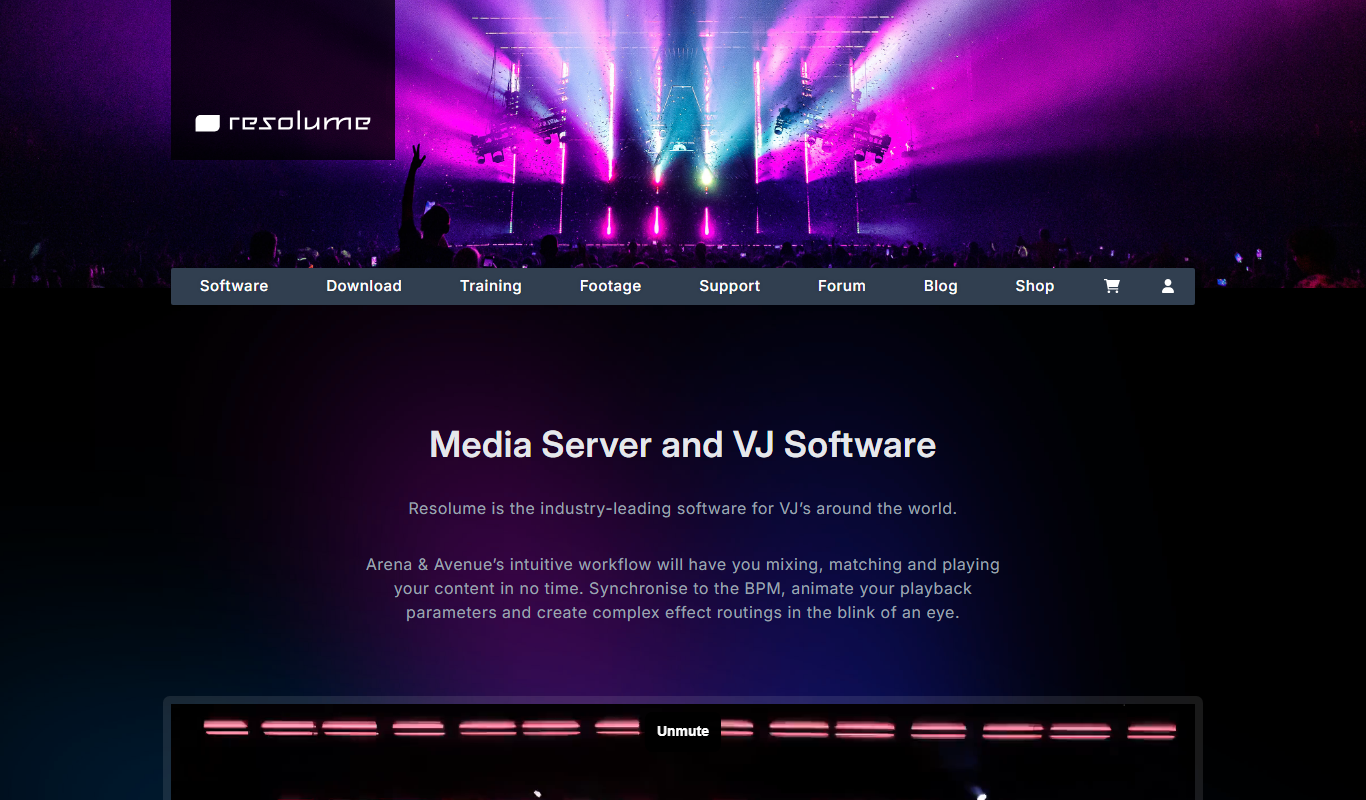
Resolume Arena is a professional VJ software designed for live video mixing and advanced projection mapping, enabling artists to create immersive audiovisual experiences in real time.
More AI Music & Audio Tools tools
Other tools in the same category, for when this one is not quite the fit.

Soundify
Soundify is a free AI generator that creates sound effects from text descriptions, with 5 free generations a day for signed-in users.

AI Song Generator
AI Song Generator is a web tool that creates original songs and lyrics from your genre, mood and topic, with a limited free plan and paid subscriptions.

ampedstudio.com
Amped Studio is an online DAW with AI music tools to create beats, record vocals, mix tracks and produce songs in your browser without installation.

Beatoven.ai
Beatoven.ai is an AI-driven platform that generates custom royalty-free music tracks tailored to your project's mood and style, ideal for content creators and marketers.
Endel
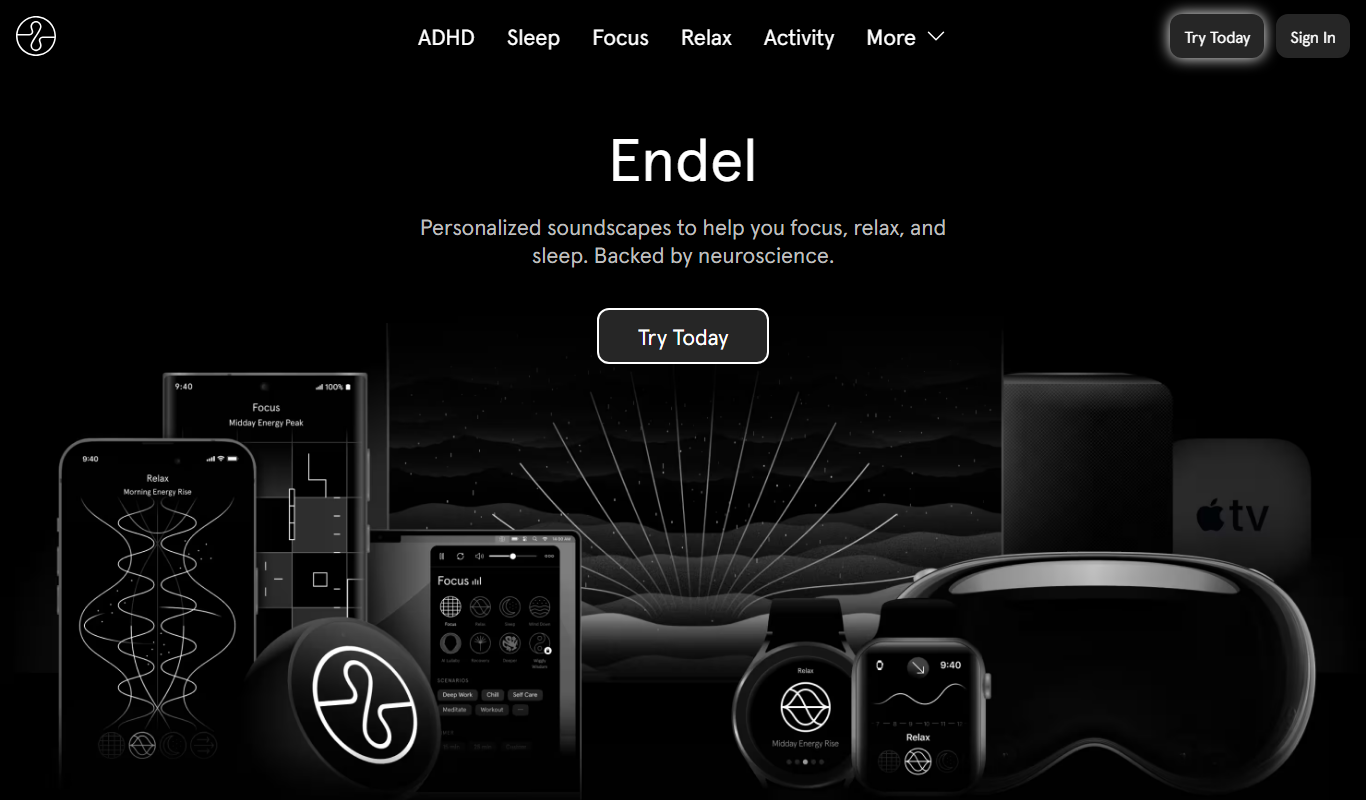
Endel is an AI-driven app that generates adaptive soundscapes tailored to improve focus, relaxation, and sleep by using real-time data such as time, location, and biometric inputs.

SONOTELLER
SONOTELLER.AI is an AI song analyzer that tags lyrics and music (genres, moods, instruments, BPM and key) and autotags music catalogs through its API.

AI Song Generator-Make Song
AI Song Generator-Make Song is an online tool that uses artificial intelligence to create original songs by generating melodies and lyrics based on user inputs such as themes or moods.
Mureka
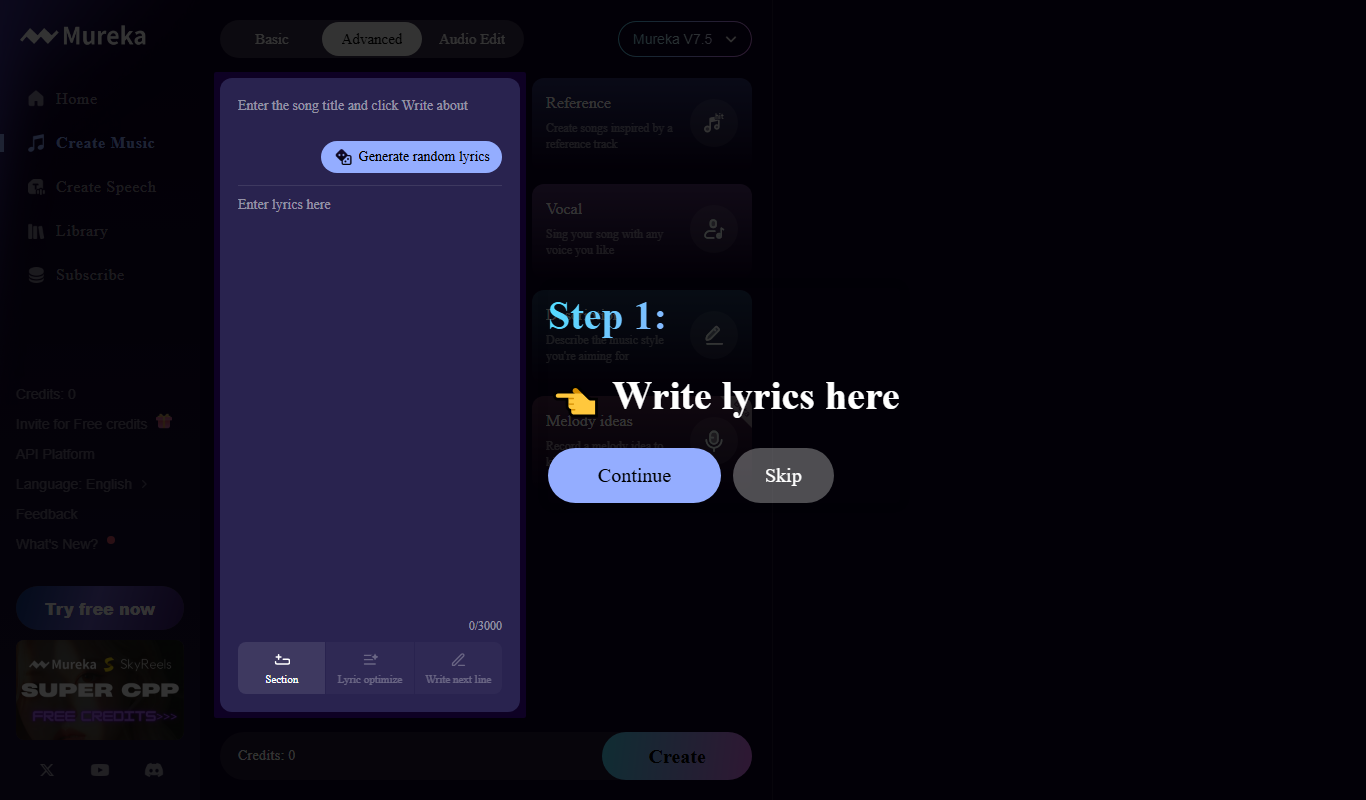
Mureka is an AI music generator that creates full songs, vocals, lyrics and instrumentals from text prompts, with free use and paid subscription plans.