

From my experience with MidReal, I found it excels at quickly converting simple 2D inputs into detailed and realistic 3D models without requiring deep technical skills. The web-based interface is intuitive, making it accessible for designers and developers who need fast prototyping or visualization. However, the platform’s editing capabilities are somewhat limited compared to full-featured 3D software, and higher resolution exports require a paid plan. Overall, if you need efficient AI-driven 3D model generation for VR, product visualization, or digital twins, MidReal offers a practical and user-friendly solution.
MidReal AI Platform for Realistic 3D Model Generation and Visualization
MidReal is an AI-driven platform that transforms 2D images into realistic 3D models, enabling users to create detailed digital assets for VR, gaming, and product visualization.
- Best for
- 3D Model Creation
- Key capability
- AI-Powered 3D Model Generation

Do you recommend this tool?
What is MidReal?
MidReal is an AI-powered platform designed to generate highly realistic 3D models and visualizations from 2D inputs. It leverages advanced machine learning algorithms to convert images or sketches into detailed three-dimensional assets suitable for various applications including virtual reality, digital twins, and product design.
Key features of MidReal
MidReal offers intuitive 3D model generation, real-time rendering, and export options compatible with popular 3D software. Its AI engine enhances detail and realism, enabling users to create immersive and accurate digital representations efficiently.
AI-Powered 3D Model Generation
Transforms 2D images into detailed 3D models using machine learning.
Real-Time Rendering
Visualize models instantly with high-quality rendering in the browser.
Multiple Export Formats
Supports exporting models in formats like OBJ, FBX, and GLTF for broad compatibility.
User-Friendly Interface
Simplifies complex 3D modeling tasks with an accessible web-based platform.
Pros and cons of MidReal
Pros
- Generates realistic 3D models quickly from simple inputs
- Supports multiple export formats for versatile use
- User-friendly web interface with no software installation needed
Cons
- Limited editing tools compared to dedicated 3D software
- Higher resolution exports require paid subscription
Key use cases for MidReal
3D Model Creation
Generate realistic 3D models from 2D images or sketches for design and visualization.
Virtual Reality Content
Create immersive VR-ready 3D assets for gaming, training, or simulation environments.
Digital Twin Development
Build accurate digital replicas of physical objects or environments for analysis and monitoring.
Product Visualization
Visualize products in 3D to enhance marketing, prototyping, and customer engagement.
How MidReal works
- 1
Upload Input
Users upload 2D images, sketches, or blueprints as the base for 3D model generation.
- 2
AI Processing
The platform’s AI analyzes the input to infer depth, texture, and structure, creating a 3D model.
- 3
Review and Edit
Users can preview the generated model, make adjustments, and refine details within the interface.
- 4
Export and Use
Finalized 3D models can be exported in various formats for use in VR, gaming, or CAD applications.
Who is using MidReal
3D artists and designers
Virtual reality developers
Product marketers and visualizers
Architects and engineers
Game developers
MidReal pricing
Free
$0/month
Basic access with limited model generation and export capabilities.
Pro
$49/month
Full access to advanced features, higher resolution models, and priority support.
Plans and prices are as published by the vendor and can change. Check the official site before you buy. Open the pricing page (opens in a new tab)
Frequently asked questions about MidReal
MidReal accepts 2D images, sketches, and blueprints as inputs for 3D model generation.
Yes, MidReal supports exporting models in VR-compatible formats like GLTF.
Yes, the Free plan allows limited usage to test the platform’s capabilities.
It depends on your specific needs and how you plan to use the tool. The official website and documentation are the best sources for the latest details.
Yes, it can help with that use case depending on how you configure it and what features are available. You’ll get the best results with clear inputs and a defined goal.
It depends on your specific needs and how you plan to use the tool. The official website and documentation are the best sources for the latest details.
Sign in to review this tool.
Sign In to ReviewNo reviews yet
Be the first to share how this tool worked for you.
Ask about pricing, limits, or how it compares — or answer someone else.
Sign In to AskNo questions yet
Have a question about using or paying for this tool? Be the first to ask.
Featured on TiorAI



Alternative Tools
Explore similar AI tools that might fit your needs
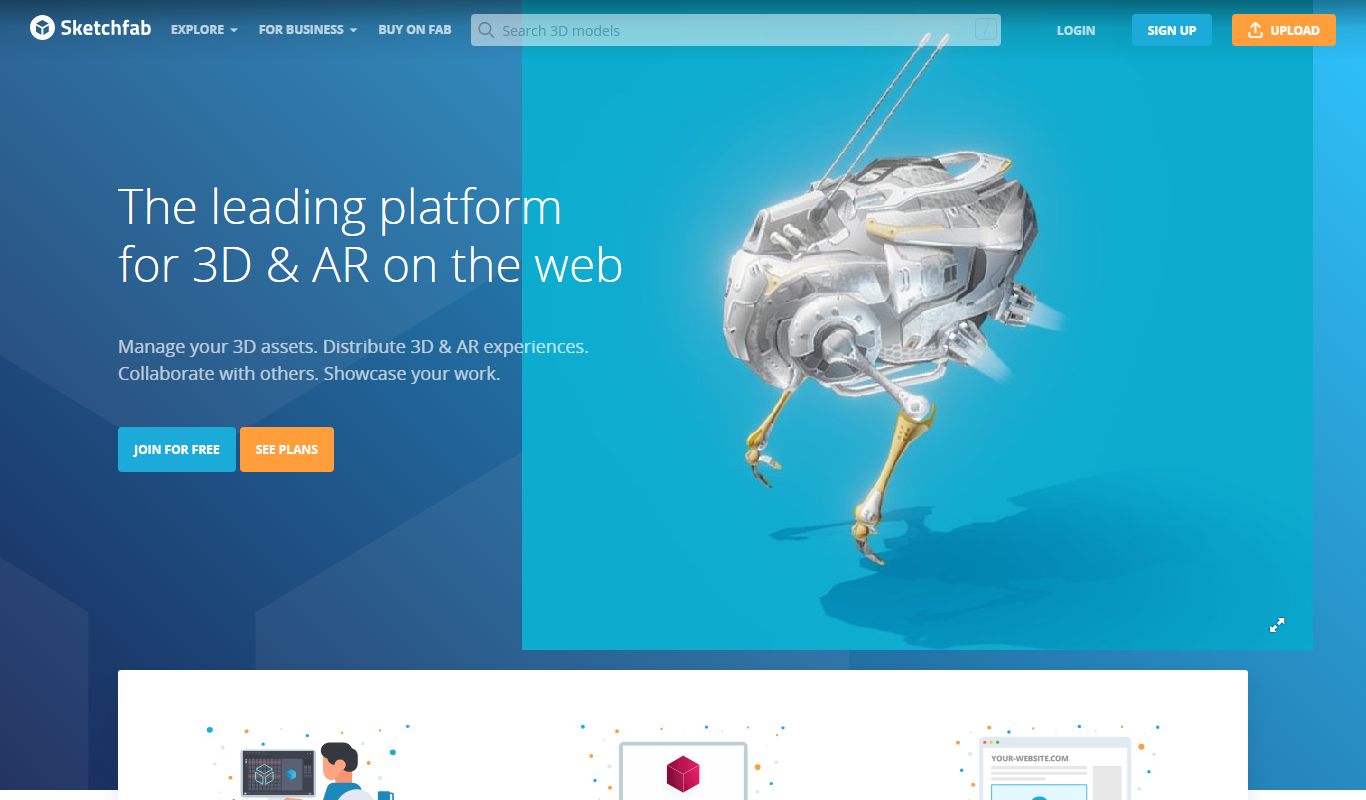
Free
Sketchfab
Sketchfab is a web platform for publishing, sharing, and embedding interactive 3D models with support for VR and AR, widely used by artists, marketers, and developers.
More AI 3D Modeling Tools tools
Other tools in the same category, for when this one is not quite the fit.

Freemium
Sloyd
Sloyd is a web-based AI-assisted 3D modeling tool designed to help game developers and designers quickly create customizable low-poly 3D assets with ease.
Freemium
TextTo3D
TextTo3D is a web-based AI tool that converts natural language text descriptions into 3D models, enabling users to create 3D content without prior modeling experience.
Free Trial
masterpiecevr.com
MasterpieceVR is a virtual reality software for 3D sculpting and modeling that allows artists to create and paint 3D models using VR headsets and controllers.
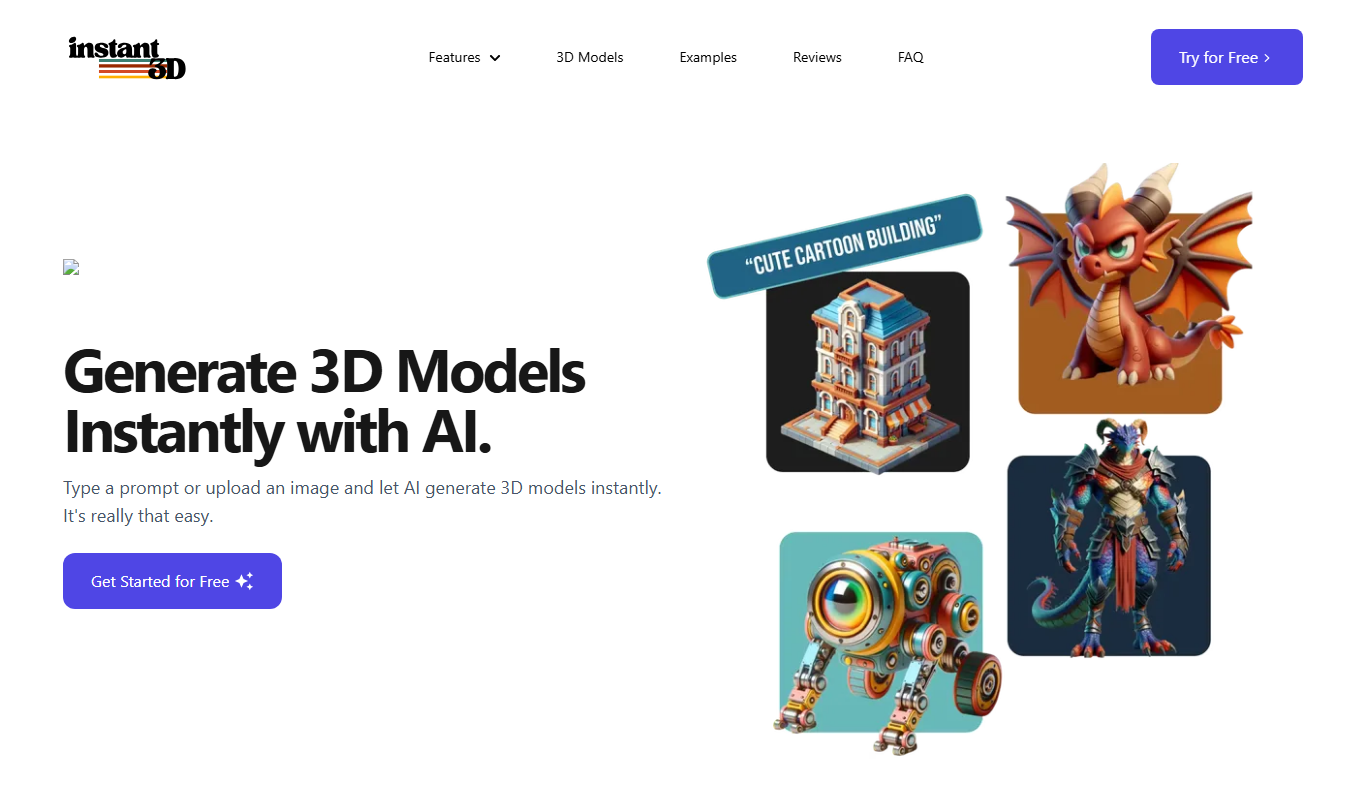
Free Trial
Instant3d.ai
Instant3D.ai is a web-based AI tool that automates 3D model creation from simple inputs, enabling rapid design and prototyping without advanced skills.

Freemium
FLUX Style Shaping
FLUX Style Shaping is a 3D modeling and digital sculpting software that enables creators to design, sculpt, and prepare models for 3D printing using an intuitive interface available on web and desktop platforms.

Freemium
Meshy
Meshy is a cloud-based AI platform that enables teams to collaboratively create and edit 3D models in real-time using AI-assisted mesh generation and version control.
Custom Pricing
Kaedim
Kaedim is an AI-driven platform that transforms 2D sketches and images into textured 3D models, designed to speed up asset creation for game development and design workflows.

Freemium
Archi
Archi AI is a web-based architecture design tool that uses artificial intelligence to help architects create, visualize, and iterate 3D building models quickly and efficiently.