

Vose.ai - AI video and image generation with an agent and video editor
Vose.ai generates AI videos and images with top AI models, ready-made presets, a built-in video editor and an agent that works in one chat.
- Best for
- Product ads
- Key capability
- Vose Agent
Save Vose.ai, follow its updates and vote on it — everything stays in your account.
Sign in or create a free account
What is Vose.ai?
Vose.ai is an AI video and image generator. Users pick from top image and video models, ready-made presets and a built-in video editor, or describe an idea to Vose Agent, which picks the right model, writes the prompt and generates the result in one chat.
Key features of Vose.ai
Vose.ai offers an image generator with models such as Nano Banana Pro, GPT Image, Seedream and FLUX at up to 4K, a video generator with audio and motion control, an agent for planning, generating and editing in one conversation, ready-made presets and a community gallery with reusable prompts.
Vose Agent
Describe your idea and the agent picks the right model, writes the prompt and generates it, with images, video and edits in one chat.
Image generator
Create images with Nano Banana Pro, GPT Image, Seedream and FLUX at up to 4K.
Video generator
Generate videos with Kling, Veo, Seedance and Hailuo, with audio and motion control.
Presets and video editor
Start from ready-made presets and work on results in the built-in video editor.
Community gallery
Browse what creators are making and reuse their prompts.
Pros and cons of Vose.ai
Pros
- Top image and video models in one subscription
- Agent that picks the model and writes the prompt
- Free to start
- Commercial license on paid plans
- Unlimited image generation on Pro, Max and Studio plans
Cons
- The free plan is limited use
- Video uses credits quickly: 150 monthly credits cover about 19 Kling 3.0 videos
- Concurrent generations are capped by plan
Key use cases for Vose.ai
Product ads
Create product ad visuals from a preset.
Animating photos
Animate a still photo into video.
Cinematic shots
Generate cinematic shots from a preset.
Photo editing
Edit a photo with AI.
Prompt inspiration
Browse the community gallery and reuse other creators' prompts.
How Vose.ai works
- 1
Start for free
Sign up; Vose is free to start.
- 2
Pick a tool or the agent
Choose the image or video generator, or let the agent drive.
- 3
Describe or choose a preset
Type a prompt or start from a preset such as Product ad, Film poster or Animate a photo.
- 4
Generate and edit
Generate the image or video and edit it in the built-in video editor.
Who is using Vose.ai
Vose.ai pricing
Free
Free forever
Limited use.
Pro
$29/month
Full access to voice cloning, unlimited synthesis, and commercial usage rights.
Pro
600 credits per month, access to all AI models, up to 4 concurrent generations and a commercial license.
Max
1,300 credits per month, access to all AI models, up to 8 concurrent generations and a commercial license.
Studio
2,800 credits per month, access to all AI models, up to 16 concurrent generations and a commercial license.
Plans and prices are as published by the vendor and can change. Check the official site before you buy. Open the pricing page (opens in a new tab)
Frequently asked questions about Vose.ai
An AI video and image generator with top AI models, ready-made presets and a built-in video editor.
You describe your idea and the agent picks the right model, writes the prompt and generates the image or video for you.
Nano Banana Pro, GPT Image, Seedream and FLUX, with output up to 4K.
Kling, Veo, Seedance and Hailuo, with audio and motion control.
There is a free plan, free forever, with limited use.
Yes, additional credits can be purchased to generate more images and videos.
Vose Technologies S.L.
Conclusion
Chat is the quickest route into Vose.ai: a user describes an idea, and Vose Agent picks the model, writes the prompt and generates the image or video. Anyone who prefers to steer can pick a generator directly or start from a preset such as a product ad or film poster. Image models such as Nano Banana Pro and FLUX reach up to 4K. On the video side, Kling, Veo, Seedance and Hailuo add audio and motion control. A built-in video editor handles changes after generation.
Getting started costs nothing, though the free plan is limited use. Paid subscriptions add monthly credits and more concurrent generations, and video draws those credits down much faster than images do. Extra credits can be purchased separately.
Sources
Sign in to review this tool.
Sign In to ReviewNo reviews yet
Be the first to share how this tool worked for you.
Ask about pricing, limits, or how it compares — or answer someone else.
Sign In to AskNo questions yet
Have a question about using or paying for this tool? Be the first to ask.
Featured on TiorAI



More AI Image Generator tools
Other tools in the same category, for when this one is not quite the fit.

Pet Lens AI
Pet Lens AI is an AI photographer that trains a model on 10-20 photos of your pet and generates professional-quality images of it in any setting, sold as one-time packs.

Instant Portrait
Instant Portrait is a free app that generates unlimited AI portraits of yourself in seconds, with no sign-in required.
Makeayo
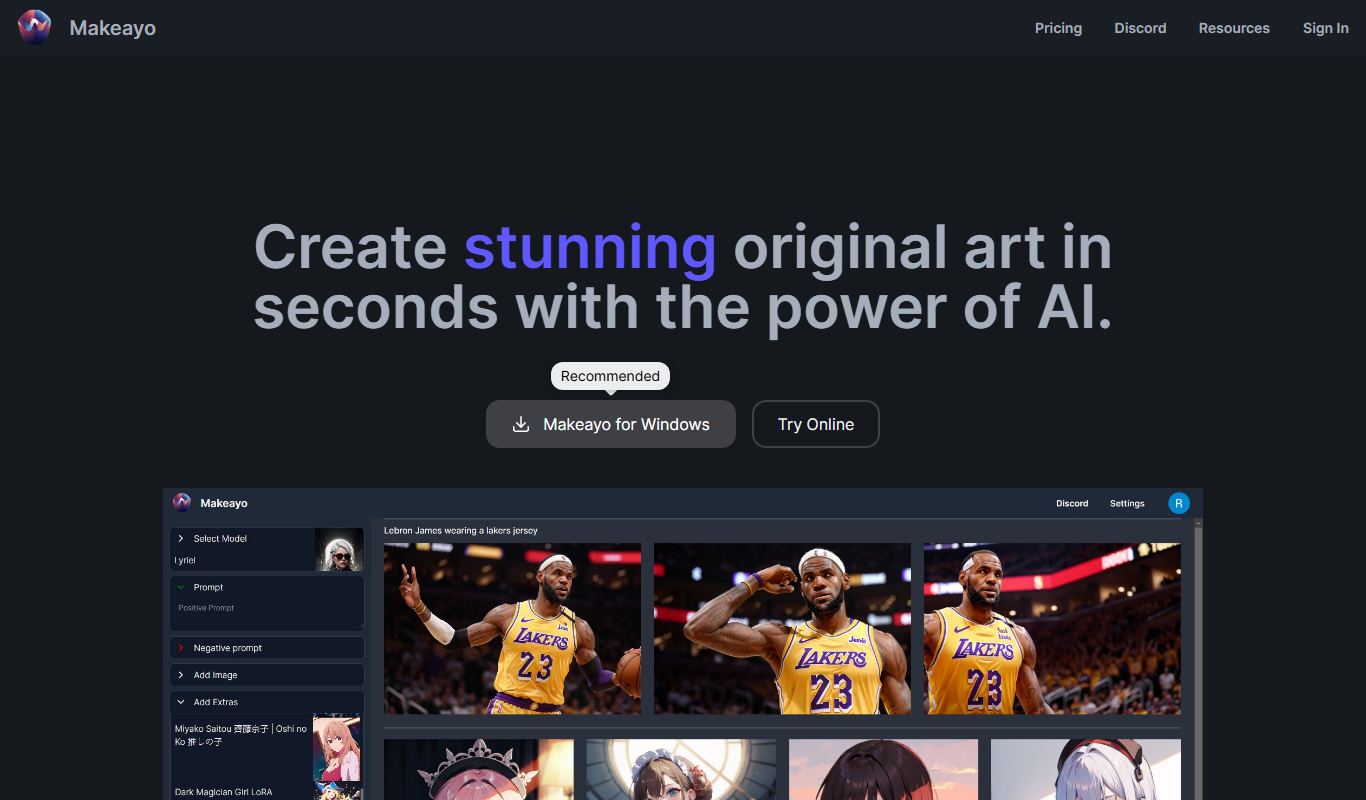
Makeayo for Windows is a desktop generative art app: select your base, describe your picture and generate AI images, with upscaling and pose matching.

Phase
Phase.art is an AI image generator running Flux Dev and Flux Schnell, with Flux Fill for filling in areas, Flux Redux for variations and 400 free credits at sign-up.

Sticker.Show
Sticker.Show is an online AI sticker generator that creates custom stickers from a text description, with transparent-background downloads and a searchable sticker gallery.
PlatePose
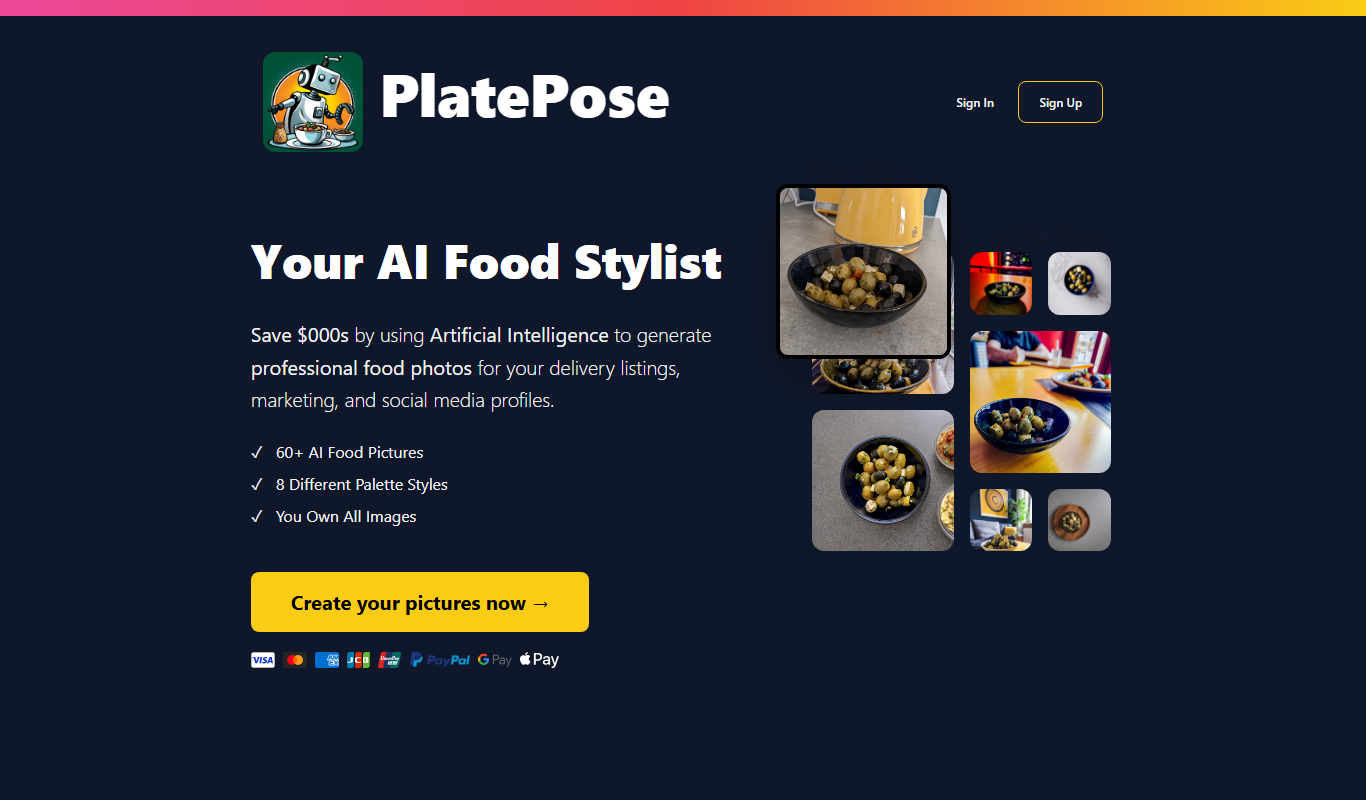
PlatePose trains an AI model on 10-20 photos of your dish and generates professional, stylised food photos for menus and social profiles, with full ownership of the images.

Pawfect Snapshots
Pawfect Snapshots trains an AI model on 5-10 photos of your pet and generates personalized pet portraits in styles such as Professional Photo, Water Color and Digital Art, paid with FurTokens.
ImageKit
ImageKit is a visual media platform that transforms and delivers optimized images and videos in real time, manages assets in a DAM with its own AI agent and automates on-brand creatives.