

PlatePose AI Food Photo Generator for Restaurants
PlatePose trains an AI model on 10-20 photos of your dish and generates professional, stylised food photos for menus and social profiles, with full ownership of the images.
- Best for
- Menu photos
- Key capability
- AI model trained on your dish
Save PlatePose, follow its updates and vote on it — everything stays in your account.
Sign in or create a free account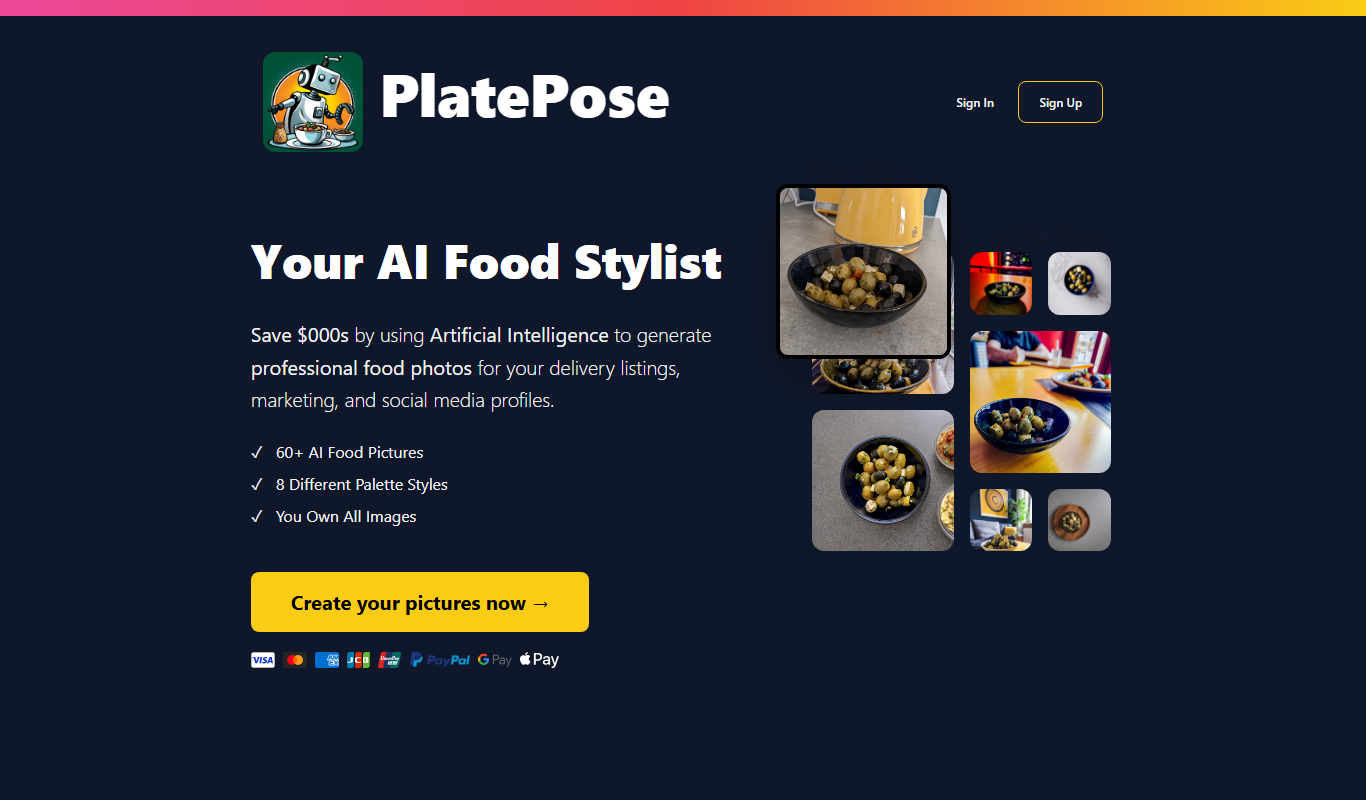
What is PlatePose?
PlatePose uses AI to generate professional food photos for restaurants, cafes and ghost kitchens. You upload 10-20 images of your dish, PlatePose trains an AI model on them, and it generates dozens of stylised food images in multiple palette styles that you fully own.
Key features of PlatePose
PlatePose trains an AI model on photos of your dish, a human team reviews the input, and it generates food pictures in palette styles such as Minimalistic, Creative, Kitchen and Rustic, with full ownership of images.
AI model trained on your dish
Upload 10-20 images of your dish and an AI model is trained to generate over 50 stylised images.
Palette styles
Choose palette styles such as Minimalistic, Creative, Kitchen and Rustic.
Venue vibes
Restaurant, Cafe and Hotel vibes set the plating and presentation of your dishes.
Human review of uploads
A human team reviews your submission to make sure the input images are good enough.
User-Friendly Interface
Simple photo upload and meal logging experience designed for everyday users.
Pros and cons of PlatePose
Pros
- You own all generated images
- 8 options from each style to pick from
- Enterprise plan with custom AI prompts and workflows
Cons
- Some AI images might look slightly odd
- It can take up to 48 hours to get the full selection of images
- Pricing may be high for casual users
Key use cases for PlatePose
Menu photos
Generate food pictures for several dishes of your menu.
Social media content
Share dozens of unique food images on your social profiles.
Ghost kitchen visuals
Visuals for ghost kitchens without a food photography shoot.
Fitness and Wellness Apps
Fitness platforms can integrate PlatePose API to enhance meal tracking features for users focused on health goals.
How PlatePose works
- 1
Shoot
Take 10-20 images of your dish from different angles and directions.
- 2
Upload
Upload your images to PlatePose; a human team reviews and approves them.
- 3
Download
Once approved, the AI generates your images within 48 hours; pick and download the ones you want.
- 4
Meal Logging
The meal details are logged automatically into the user’s nutrition diary or connected app.
Who is using PlatePose
PlatePose pricing
Standard
$11
1 dish, 24+ food pictures per dish, 3 palette styles, 512px x 512px resolution, full ownership of images.
Multi Dishes
$46
5 dishes, 200+ food pictures per dish, 5 palette styles, 512px x 512px resolution, full ownership of images.
Enterprise
Contact us
For brands and ghost kitchens: unlimited generations, priority support, custom AI prompts, workflows and applications.
Plans and prices are as published by the vendor and can change. Check the official site before you buy. Open the pricing page (opens in a new tab)
Frequently asked questions about PlatePose
PlatePose uses AI to generate dozens of unique food images to share on your social profiles, after training an AI model on 10-20 images of your dish.
The team reviews your submission first; it can take up to 48 hours to get the full selection of images, though it is often quicker.
Since the images are generated by AI, some may look slightly odd, so 8 options are provided for each style.
Upload more varied images of your dish from the front, sides and top down in different lighting, and avoid people or labels in the images.
It depends on your specific needs and how you plan to use the tool. The official website and documentation are the best sources for the latest details.
It depends on your specific needs and how you plan to use the tool. The official website and documentation are the best sources for the latest details.
Integration support depends on the tool and its available connectors or API. Check the official documentation or integrations page to confirm what is supported.
Conclusion
Restaurants supply a short photo shoot themselves: 10-20 images of a dish taken from different angles. PlatePose trains an AI model on those shots and generates dozens of stylised food images in palette styles such as Minimalistic, Creative, Kitchen or Rustic. A human team reviews each submission first, and the full selection can take up to 48 hours.
Restaurants, cafes and ghost kitchens are the intended buyers, with images meant for menus and social profiles. Plans are priced per number of dishes, while an Enterprise option for brands and ghost kitchens adds custom AI prompts and workflows. The buyer owns all generated images. Some AI results might look slightly odd, which is why each style comes with 8 options to choose from.
Sources
Sign in to review this tool.
Sign In to ReviewNo reviews yet
Be the first to share how this tool worked for you.
Ask about pricing, limits, or how it compares — or answer someone else.
Sign In to AskNo questions yet
Have a question about using or paying for this tool? Be the first to ask.
Featured on TiorAI



Alternative Tools
Explore similar AI tools that might fit your needs

CalorieMama
CalorieMama is an AI-driven app that helps users track calories and nutrition by recognizing foods from photos, making diet management easier and more accurate.
Foodvisor
Foodvisor is an AI-driven nutrition app that analyzes meal photos to provide calorie counts, macronutrient breakdowns, and personalized diet recommendations to support health and fitness goals.
More AI Image & Visual Tools tools
Other tools in the same category, for when this one is not quite the fit.

presti.ai
Presti is an AI product photography platform that generates every visual your catalog needs, at scale, for retailers, marketplaces and manufacturers.

proshot.app
ProShot.app is a paid mobile camera app available on iOS and Android that provides full manual controls for photography and video, including RAW capture and timelapse modes.
HeadshotAIPro
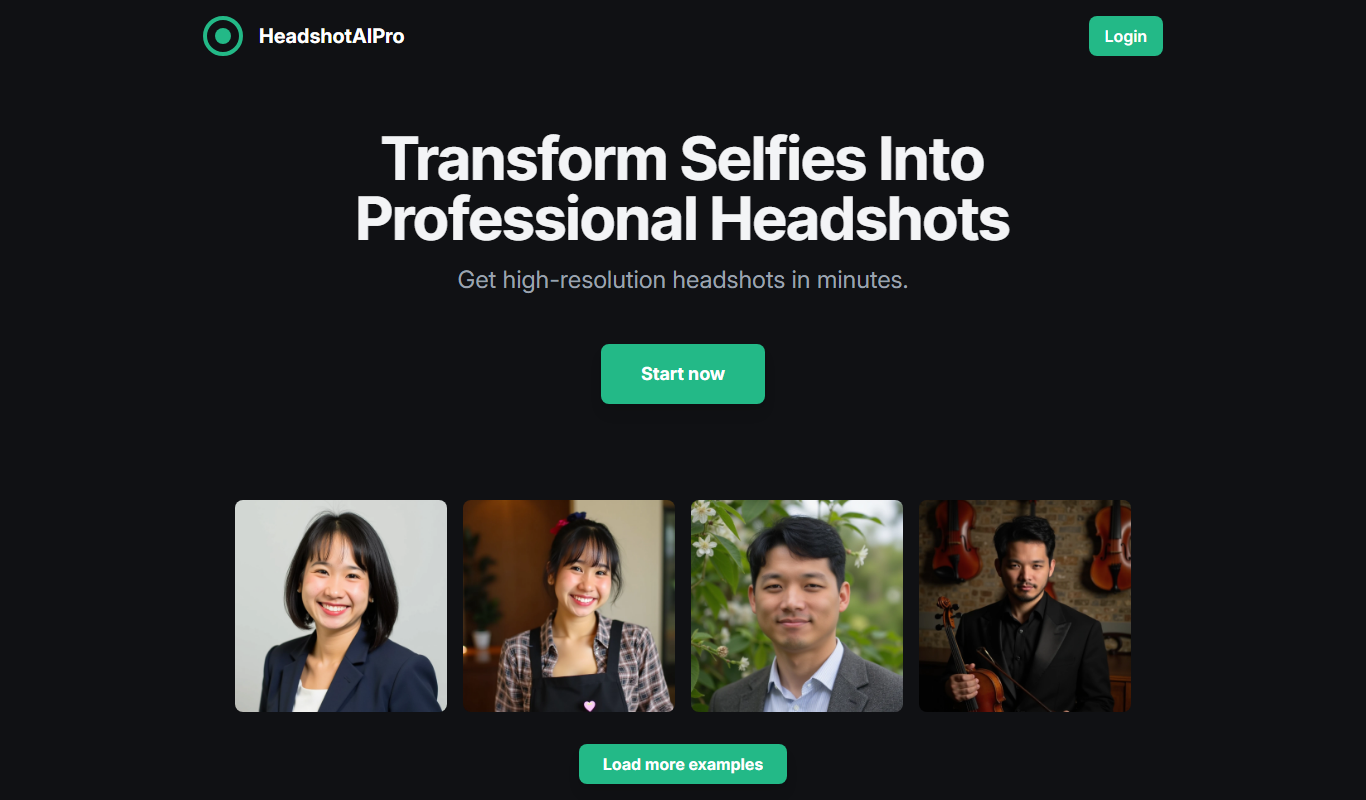
HeadshotAIPro is an AI-based web tool that creates professional-quality headshots from your photos quickly and easily, offering multiple styles and backgrounds for personal and business branding.

Fotobudka
Fotobudka AI is an AI photo bot for Telegram that turns your photos into unique images in over 40 styles, from anime and comics to fantasy and realism.

It’s Forever
It's Forever is the ultimate digital album for events: guests share photos through a QR code board and find their own photos with AI face recognition.
SellYourPhotos
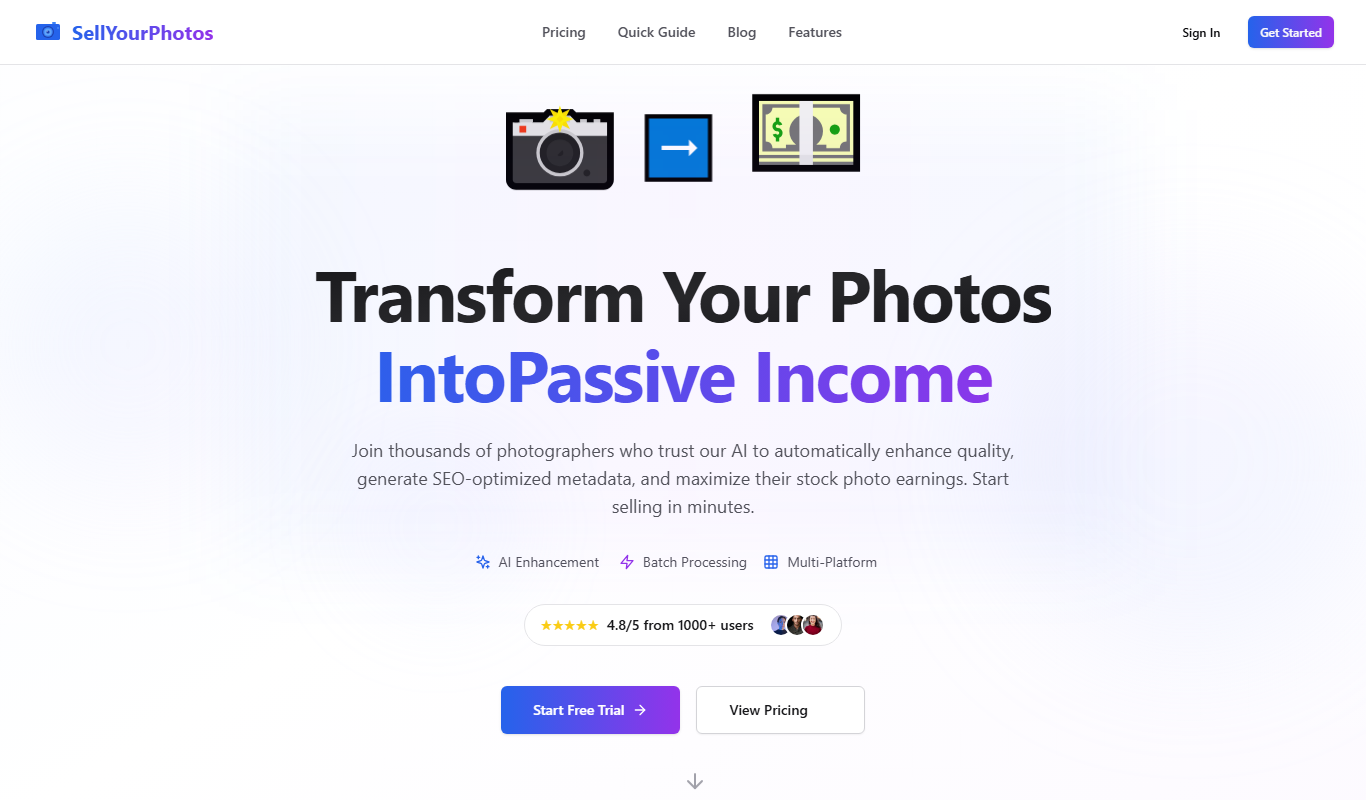
SellYourPhotos uses AI to optimize stock photo metadata for Shutterstock, Adobe Stock, iStock, Getty Images and 500px.

Imagebooth
Imagebooth is your professional AI photographer: turn your existing photos into professional headshots for your business, social profiles or resume.

Creativio AI
Creativio AI 2 brings AI to product photography, turning simple product shots into studio-grade, ad-ready visuals in under 60 seconds.