

From my experience with SellYourPhotos.net, I found it offers a straightforward way for photographers to monetize their images without upfront costs. The platform’s simplicity in uploading and managing photos makes it accessible even for beginners. However, the lack of detailed company information and unclear commission rates can be a drawback for those seeking transparency. Overall, if you are a photographer looking to reach a global audience and earn from your stock photos, SellYourPhotos provides a practical marketplace solution.
SellYourPhotos Platform for Selling Stock Photos Online Easily
SellYourPhotos.net is an online marketplace where photographers can upload and sell stock photos, and buyers can purchase royalty-free images with secure licensing.
- Best for
- Selling Stock Photos
- Key capability
- User-Friendly Upload Interface
Your actions
Save SellYourPhotos, follow its updates and vote on it — everything stays in your account.
Sign in or create a free account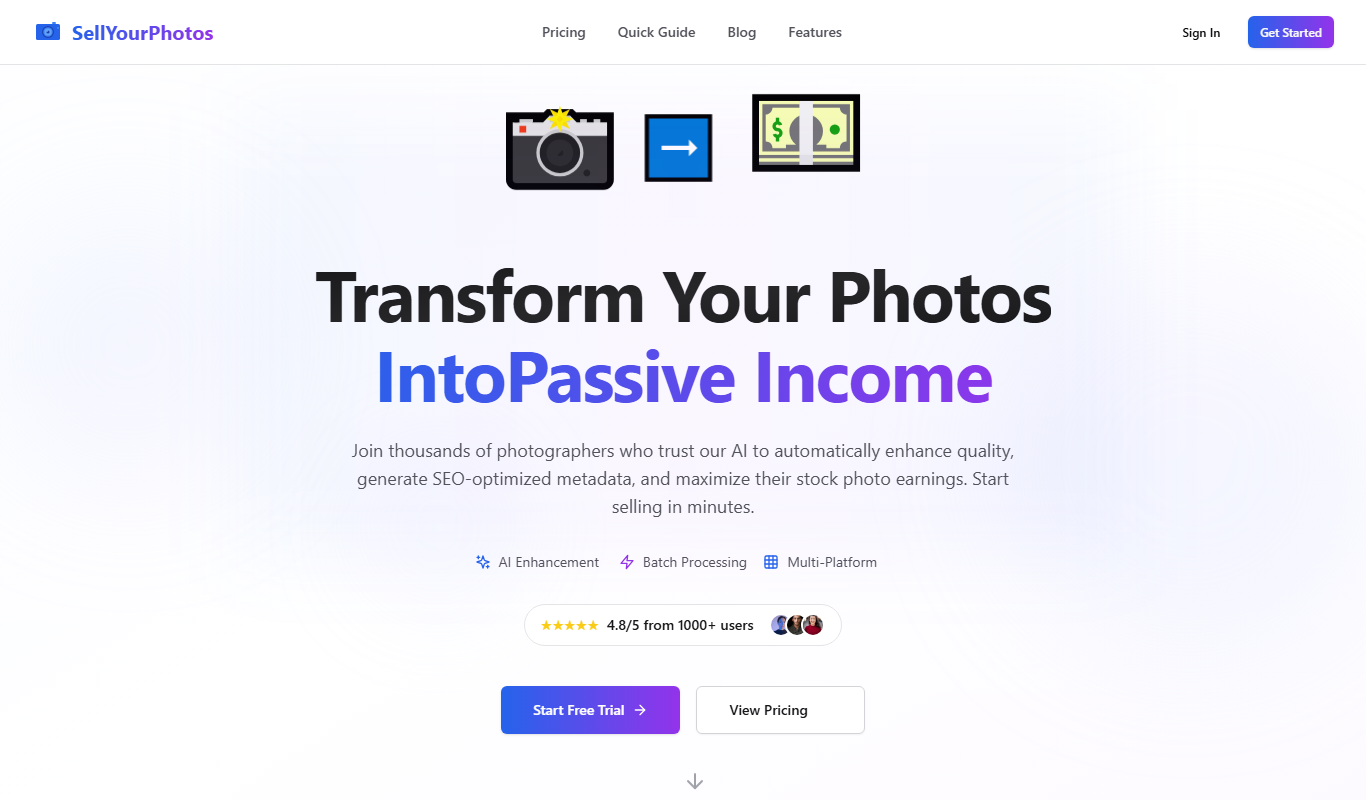
What is SellYourPhotos?
SellYourPhotos.net is an online marketplace that enables photographers to sell their stock photos directly to buyers worldwide. It provides a platform for photographers to upload, license, and monetize their images, while buyers can browse and purchase royalty-free photos for various uses.
Key features of SellYourPhotos
The platform offers easy photo uploading, a searchable marketplace, secure licensing, and a commission-based revenue model that rewards photographers for their work.
User-Friendly Upload Interface
Simplifies the process of adding photos with metadata for better discoverability.
Secure Licensing System
Ensures buyers receive proper usage rights and photographers retain control.
Commission-Based Earnings
Photographers earn a percentage of each sale, incentivizing quality content.
Search and Filter Options
Buyers can easily find images by category, keyword, or popularity.
Pros and cons of SellYourPhotos
Pros
- No upfront fees to join
- Simple photo upload and management
- Global marketplace exposure
Cons
- Limited information on company background
- No mobile app available
- Commission rates not clearly disclosed upfront
Key use cases for SellYourPhotos
Selling Stock Photos
Photographers can upload and sell their photos to a global audience, earning royalties from downloads.
Buying Royalty-Free Images
Businesses and creatives can purchase high-quality stock images for commercial and personal projects.
Portfolio Exposure
Photographers gain exposure by showcasing their work on a dedicated marketplace.
How SellYourPhotos works
- 1
Create an Account
Sign up as a photographer or buyer on SellYourPhotos.net.
- 2
Upload Photos
Photographers upload high-quality images with relevant tags and descriptions.
- 3
Set Licensing Terms
Define usage rights and pricing for each photo.
- 4
Sell and Earn
Buyers purchase photos, and photographers earn commissions from sales.
Who is using SellYourPhotos
Professional photographers
Amateur photographers looking to monetize
Small businesses needing stock images
Content creators and marketers
SellYourPhotos pricing
Free
$0
No upfront cost to join; earnings come from commissions on sales.
Plans and prices are as published by the vendor and can change. Check the official site before you buy. Open the pricing page (opens in a new tab)
Frequently asked questions about SellYourPhotos
Create an account, upload your photos, set licensing terms, and start selling.
The platform takes a commission from each sale; specific rates are detailed on their site.
Yes, you set licensing terms that define permitted uses for buyers.
It depends on your specific needs and how you plan to use the tool. The official website and documentation are the best sources for the latest details.
It depends on your specific needs and how you plan to use the tool. The official website and documentation are the best sources for the latest details.
Yes, it can help with that use case depending on how you configure it and what features are available. You’ll get the best results with clear inputs and a defined goal.
Sign in to review this tool.
Sign In to ReviewNo reviews yet
Be the first to share how this tool worked for you.
Ask about pricing, limits, or how it compares — or answer someone else.
Sign In to AskNo questions yet
Have a question about using or paying for this tool? Be the first to ask.
Featured on TiorAI



More AI E-Commerce Tools tools
Other tools in the same category, for when this one is not quite the fit.

Pay As You Go
Pixelz AI
Pixelz AI is an AI-driven platform that automates background removal and retouching for product images, designed to streamline e-commerce image workflows.
Free
Gift Recommender
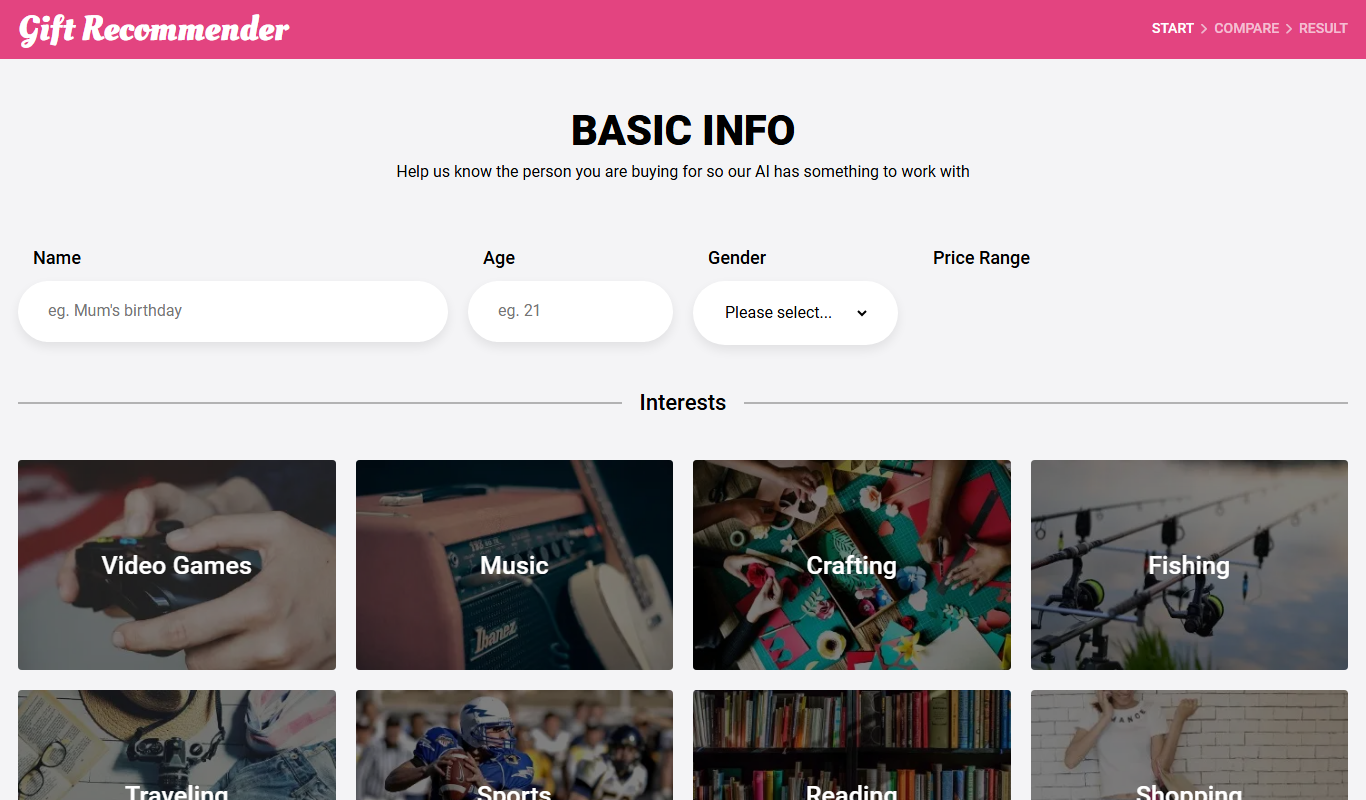
Gift Recommender is a free online tool that provides personalized gift ideas based on recipient details and occasion, helping users find unique presents quickly.

Free
Giftron: Personalized Gift finder
Giftron is a free web-based personalized gift finder that helps users discover unique and thoughtful gift ideas tailored to the recipient’s interests and occasion through a simple questionnaire.

Free
Gifts Genie
Gifts Genie is a free online platform that helps users find personalized gift ideas by answering a few questions about the recipient and occasion, providing curated recommendations to simplify gift shopping.

Free
Larry the Elf
Larry the Elf is a free AI gift recommendation tool that provides personalized gift ideas based on recipient details and occasion through an interactive chat interface.

Free
Your perfect presents
Your Perfect Presents is a free online gift finder tool that helps users discover personalized and unique gift ideas based on recipient details and occasion.

Freemium
iMerch.ai
iMerch.ai is an AI-driven platform that helps users create and customize unique merchandise designs for apparel and products, integrating with e-commerce stores for print-on-demand fulfillment.

Custom Pricing
LensAI Shoppable and Contextual
LensAI is an AI-powered platform that converts visual content into interactive, shoppable experiences by automatically detecting products and providing contextual recommendations to enhance e-commerce engagement.