

From my experience with HeadshotAIPro, I found it excels at quickly producing polished, professional headshots without the hassle of traditional photoshoots. The platform’s simplicity and range of style options make it particularly well-suited for job seekers, freelancers, and remote teams needing consistent branding. However, the free plan’s watermark and lack of a mobile app could limit casual users. Overall, if you want fast, AI-enhanced headshots for professional use, HeadshotAIPro delivers reliable and convenient results.
HeadshotAIPro - AI-Powered Professional Headshot Generator Online
HeadshotAIPro is an AI-based web tool that creates professional-quality headshots from your photos quickly and easily, offering multiple styles and backgrounds for personal and business branding.
- Best for
- Professional Profile Pictures
- Key capability
- AI-Powered Retouching
Your actions
Save HeadshotAIPro, follow its updates and vote on it — everything stays in your account.
Sign in or create a free account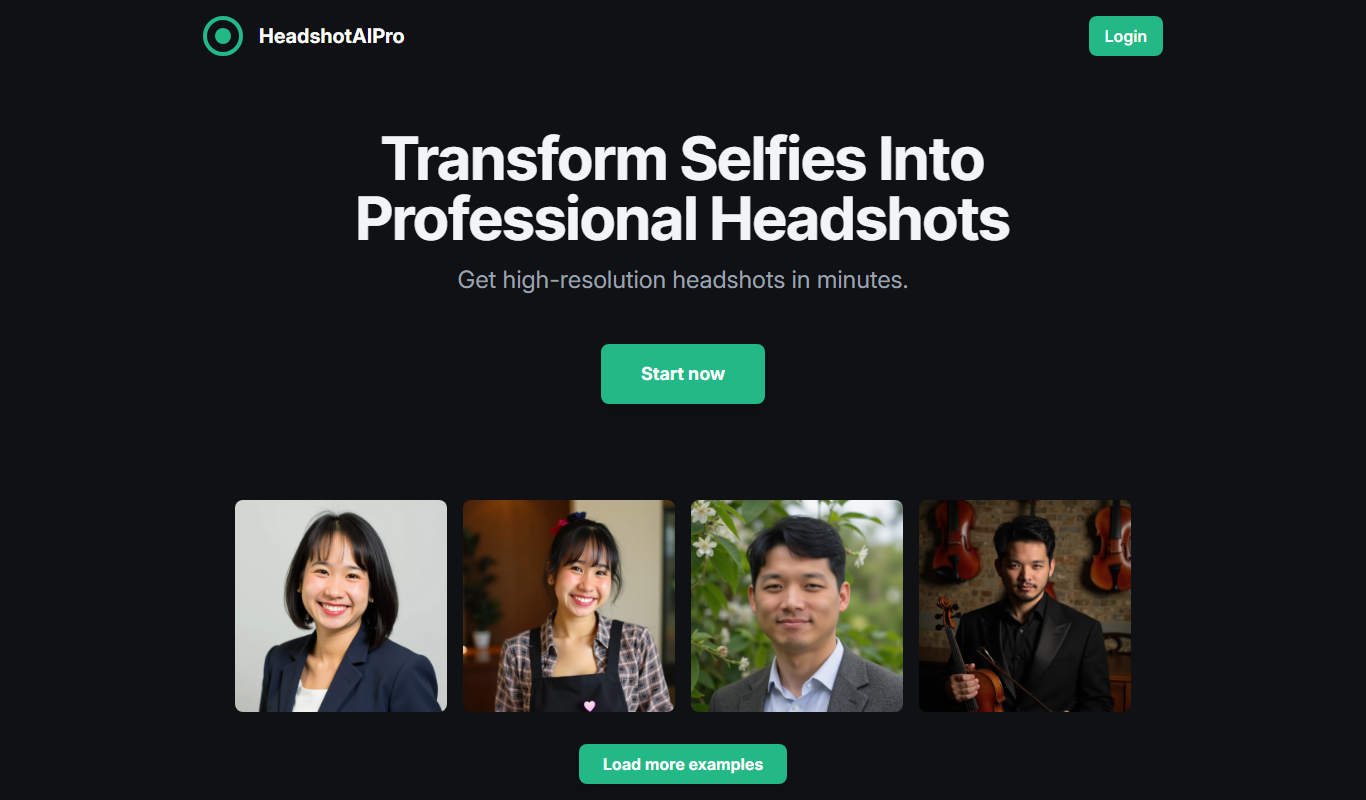

What is HeadshotAIPro?
HeadshotAIPro is an AI-powered web application that generates professional-quality headshots from user-uploaded photos. It uses advanced artificial intelligence algorithms to enhance, retouch, and create multiple styles of portrait images suitable for professional and personal branding purposes.
Key features of HeadshotAIPro
The tool offers easy upload and AI processing to create polished headshots, multiple style options, background customization, and quick download capabilities. It eliminates the need for traditional photoshoots by providing instant, high-quality results.
AI-Powered Retouching
Automatically improves facial features, lighting, and clarity for a professional look.
Multiple Style Options
Offers different headshot styles and backgrounds to suit various professional contexts.
Fast Processing
Generates high-quality images within minutes, saving time compared to traditional photoshoots.
User-Friendly Interface
Simple web-based platform requiring no technical skills.
Pros and cons of HeadshotAIPro
Pros
- Quick and easy generation of professional headshots
- Multiple style and background options
- No need for expensive photoshoots
- User-friendly web interface
Cons
- Limited free plan with watermarked images
- No mobile app available currently
Key use cases for HeadshotAIPro
Professional Profile Pictures
Generate high-quality, professional headshots for LinkedIn, resumes, and corporate profiles without needing a photoshoot.
Social Media Branding
Create consistent and polished profile images for social media accounts to enhance personal or business branding.
Remote Team Photos
Produce uniform headshots for remote teams or distributed workforce to maintain a cohesive company image.
Creative Projects
Use AI-generated portraits for creative or marketing projects where professional imagery is required quickly.
How HeadshotAIPro works
- 1
Upload Your Photo
Start by uploading a clear photo of yourself to the platform.
- 2
Select Headshot Style
Choose from various professional styles and backgrounds tailored to your needs.
- 3
AI Processing
The AI enhances and retouches your photo to generate polished headshots.
- 4
Download Final Images
Review and download your new professional headshots instantly.
Who is using HeadshotAIPro
Job seekers
Freelancers and consultants
Remote teams and companies
Social media influencers
Marketing professionals
HeadshotAIPro pricing
Free
$0
Limited number of headshots with basic styles and watermark.
Pro
$19.99/month
Unlimited headshots, premium styles, HD downloads, and no watermark.
Plans and prices are as published by the vendor and can change. Check the official site before you buy. Open the pricing page (opens in a new tab)
Frequently asked questions about HeadshotAIPro
No, the tool is designed for anyone to upload a simple photo and get professional-quality headshots without any photography expertise.
Yes, HeadshotAIPro offers multiple background options to customize your headshots according to your preferences.
Yes, the platform uses secure protocols to protect your data and photos.
Yes, headshots generated can be used for professional and commercial branding.
It depends on your specific needs and how you plan to use the tool. The official website and documentation are the best sources for the latest details.
Some tools offer a free plan or trial with limited features. Availability can vary, so confirm on the official website.
Yes, it can help with that use case depending on how you configure it and what features are available. You’ll get the best results with clear inputs and a defined goal.
It depends on your specific needs and how you plan to use the tool. The official website and documentation are the best sources for the latest details.
Sign in to review this tool.
Sign In to ReviewNo reviews yet
Be the first to share how this tool worked for you.
Ask about pricing, limits, or how it compares — or answer someone else.
Sign In to AskNo questions yet
Have a question about using or paying for this tool? Be the first to ask.
Featured on TiorAI



Alternative Tools
Explore similar AI tools that might fit your needs

Freemium
PhotoAI
PhotoAI is a web-based AI photo editing tool that automatically enhances images, removes backgrounds, retouches portraits, and upscales photos to improve quality quickly and easily.
More AI Image & Visual Tools tools
Other tools in the same category, for when this one is not quite the fit.

Freemium
MolyPix.AI
MolyPix.AI is an AI design suite that creates editable posters, images, logos and invitations from one sentence.

Free
PS2 Filter AI | Photo To PS2 Filter
PS2 Filter AI is a free web tool that uses artificial intelligence to convert photos into images with the distinctive PlayStation 2 graphical style, featuring pixelation and retro color palettes.

Free
Stable Diffusion 3 AI Image Generator
Stable Diffusion 3 (stablediffusion3.net) is an independent website that offers online access to the Stable Diffusion 3 text-to-image model by Stability AI, powered by the SD3 API.

Pay As You Go
Stylize
Stylize is an AI tool to enhance, edit and stylize photos with one click.
Free
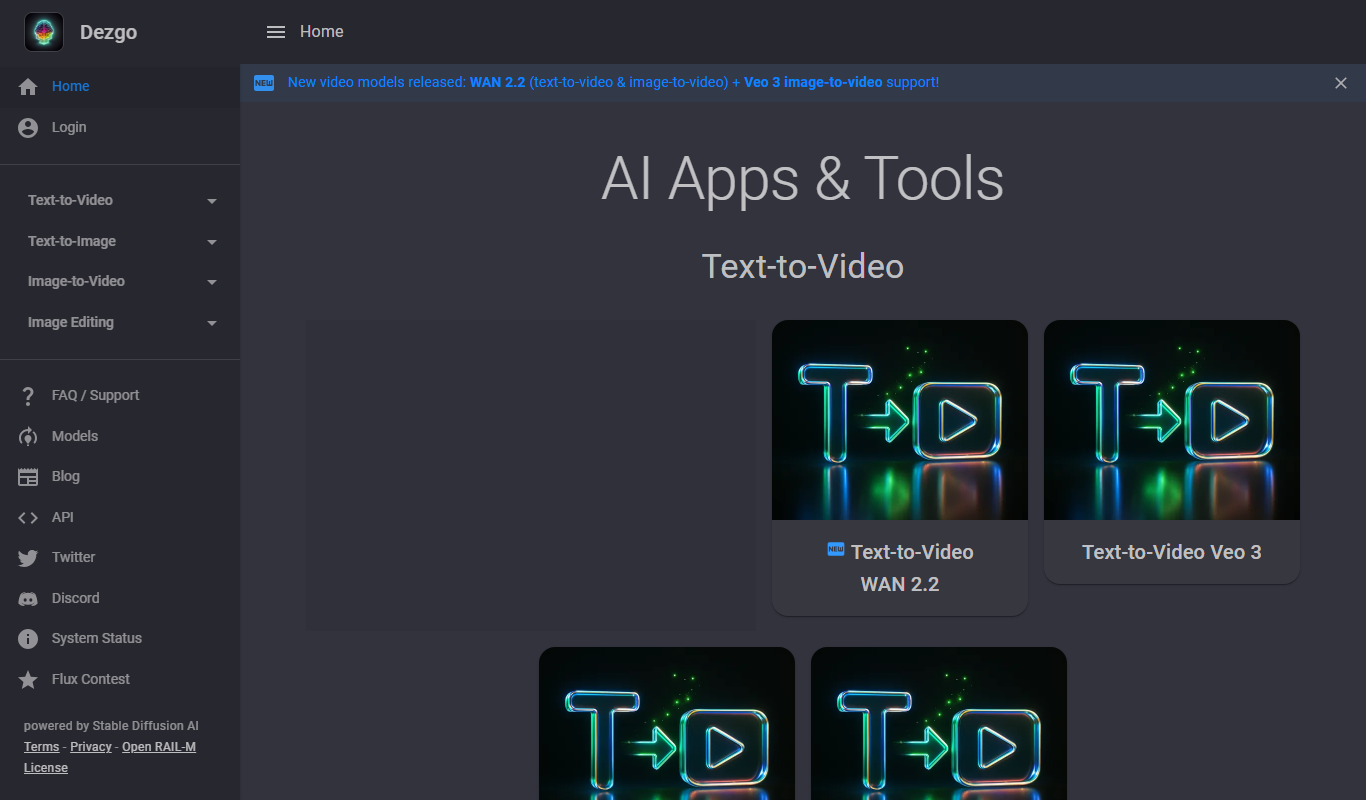
Dezgo
Dezgo is a free online AI image and video generator with apps and tools for creating visuals from text.
Freemium
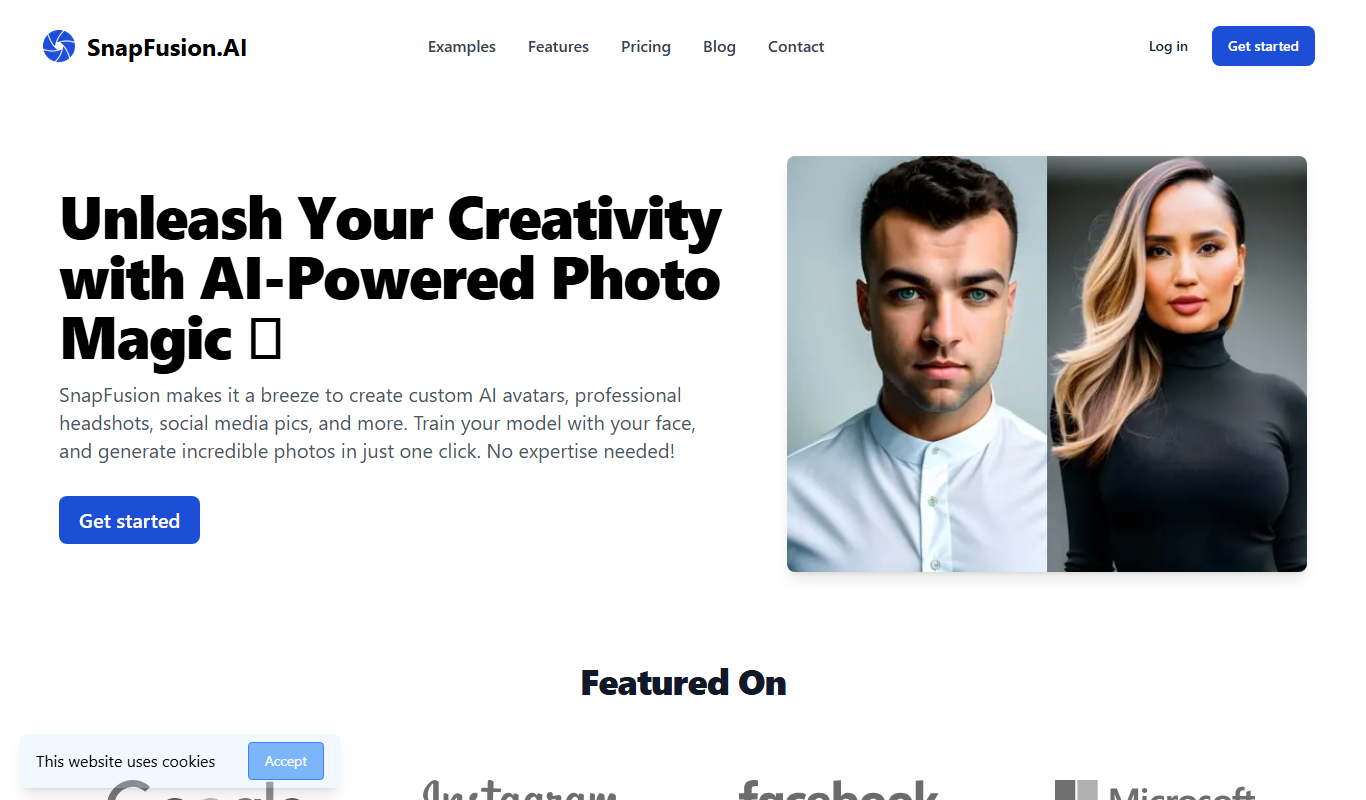
SnapFusion.AI
SnapFusion.AI is a web-based AI image editing tool that automates background removal, image upscaling, and photo enhancement to help users create professional-quality images quickly and easily.
Subscription
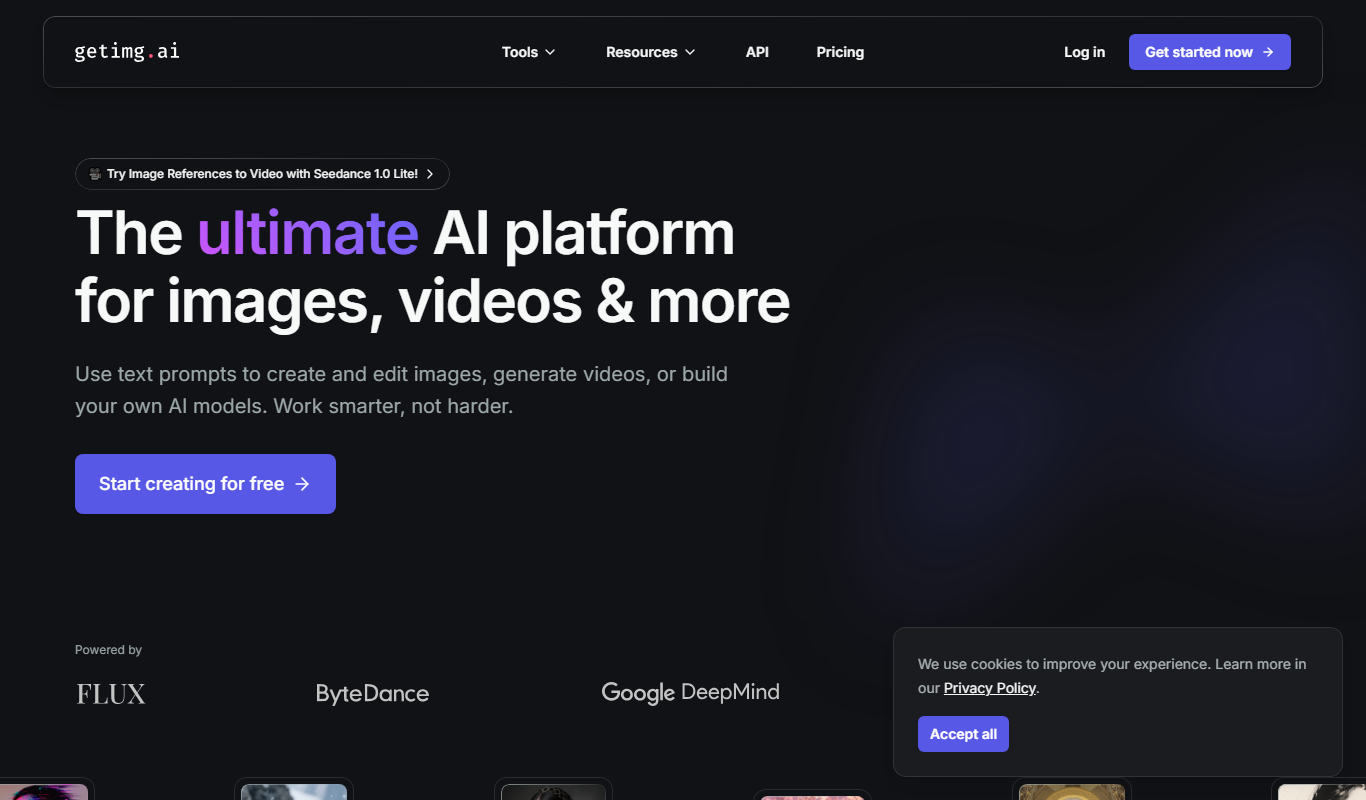
Getimg.ai
Getimg.ai is an AI creative platform to create and edit images, video, music, speech and sound effects with leading AI models in one workspace.
Free
Stable Diffusion Online
Stable Diffusion Online is a web platform that uses the Stable Diffusion AI model to generate images from text prompts, enabling users to create digital art easily without software installation.