

From my experience with Stable Diffusion Online, I found it excels at making advanced AI image generation accessible through a simple web interface without requiring technical setup. It’s particularly well-suited for digital artists, content creators, and hobbyists who want to quickly visualize ideas or create unique artwork from text prompts. However, the platform’s customization options are somewhat limited compared to running Stable Diffusion locally, and higher usage requires a paid plan. Overall, if you need an easy and fast way to generate AI art online, Stable Diffusion Online delivers solid results with minimal barriers.
Stable Diffusion Online AI Image Generator for Creative Art and Design
Stable Diffusion Online is a web platform that uses the Stable Diffusion AI model to generate images from text prompts, enabling users to create digital art easily without software installation.
- Best for
- Digital Art Creation
- Key capability
- Text-to-Image Generation
Your actions
Save Stable Diffusion Online, follow its updates and vote on it — everything stays in your account.
Sign in or create a free account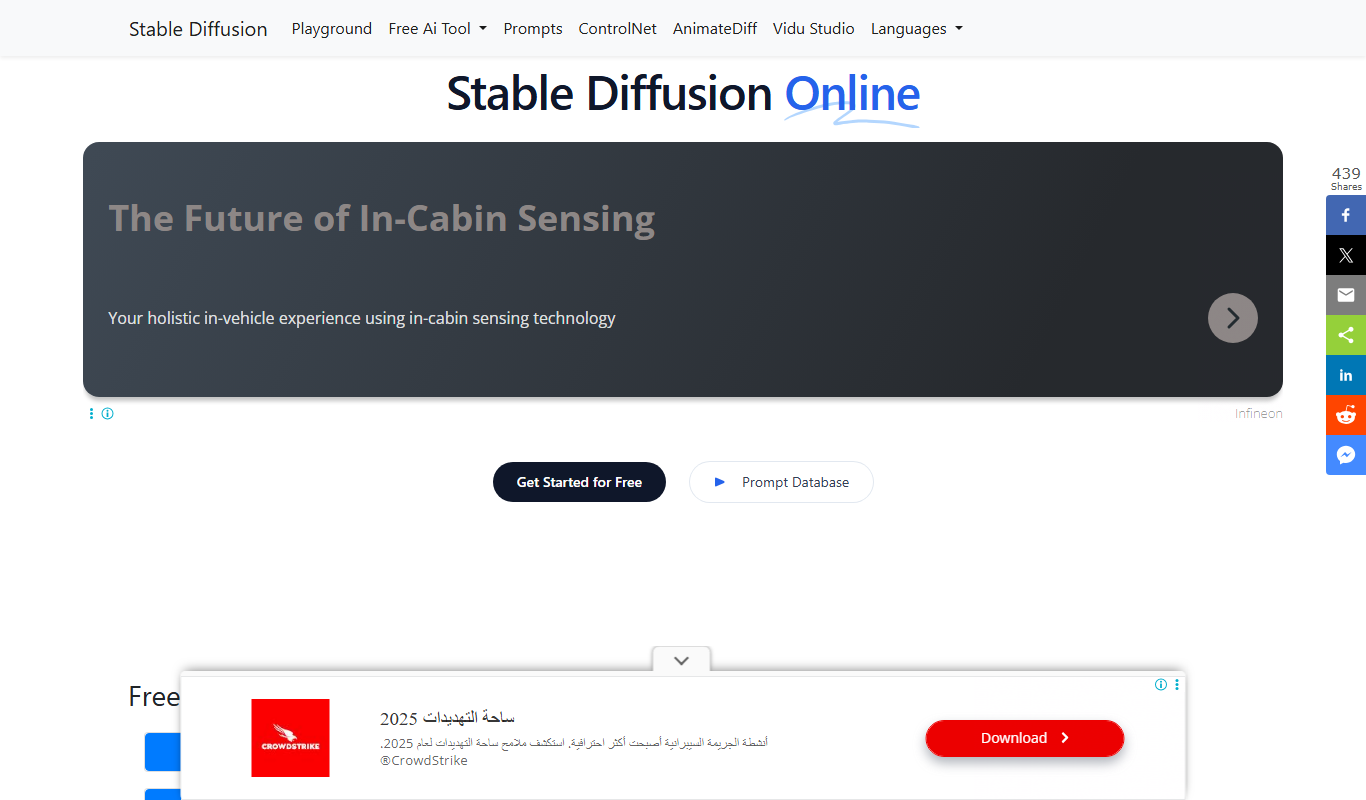

What is Stable Diffusion Online?
Stable Diffusion Online is a web-based platform that allows users to generate high-quality images from textual descriptions using the Stable Diffusion AI model. It leverages advanced deep learning techniques to transform user prompts into detailed and creative visuals, making AI-driven art accessible without requiring local hardware or technical setup.
Key features of Stable Diffusion Online
The tool offers an intuitive interface for text-to-image generation, supports various customization options such as image size and style, and provides quick rendering times. Users can create, download, and share AI-generated images easily through the web platform.
Text-to-Image Generation
Transforms user text prompts into detailed and creative images using Stable Diffusion AI.
Web-Based Access
No installation required; accessible from any modern web browser.
Customizable Output
Options to tweak image size and style to better fit user needs.
Free and Freemium Plans
Basic usage is free with optional paid upgrades for higher limits or faster processing.
Pros and cons of Stable Diffusion Online
Pros
- Easy-to-use web interface with no setup required
- Generates high-quality images from simple text prompts
- Free tier available for casual users
- Supports creative experimentation across styles
Cons
- Limited customization compared to local Stable Diffusion implementations
- Dependent on internet connection and server availability
- Premium features and higher limits require payment
Key use cases for Stable Diffusion Online
Digital Art Creation
Generate unique digital artworks from text prompts for personal or professional projects.
Graphic Design Inspiration
Use AI-generated images as inspiration or assets in graphic design workflows.
Content Illustration
Create custom illustrations to enhance blogs, social media posts, and marketing materials.
Concept Visualization
Visualize ideas and concepts quickly without needing advanced artistic skills.
Creative Experimentation
Explore different artistic styles and compositions by experimenting with AI prompts.
How Stable Diffusion Online works
- 1
Enter Text Prompt
Users input descriptive text that outlines the desired image content.
- 2
Configure Settings
Adjust parameters like image resolution, style, and number of outputs if available.
- 3
Generate Image
The AI processes the prompt and produces one or multiple images based on the input.
- 4
Download or Share
Users can download the generated images or share them directly from the platform.
Who is using Stable Diffusion Online
Digital artists and illustrators
Graphic designers seeking inspiration
Content creators and marketers
Hobbyists exploring AI art
Educators and students in creative fields
Stable Diffusion Online pricing
Free
$0/month
Limited daily image generations with standard speed and resolution.
Premium
Varies
Higher generation limits, faster processing, and priority access.
Plans and prices are as published by the vendor and can change. Check the official site before you buy. Open the pricing page (opens in a new tab)
Frequently asked questions about Stable Diffusion Online
You can generate images without an account, but signing up unlocks higher limits and additional features.
You can create a wide range of images from realistic portraits to abstract art by describing your desired scene.
Images generated are typically free for personal use, but check the platform’s terms for commercial usage rights.
Yes, the platform offers options to influence the artistic style and image resolution.
It depends on your specific needs and how you plan to use the tool. The official website and documentation are the best sources for the latest details.
Some tools offer a free plan or trial with limited features. Availability can vary, so confirm on the official website.
Yes, it can help with that use case depending on how you configure it and what features are available. You’ll get the best results with clear inputs and a defined goal.
Sign in to review this tool.
Sign In to ReviewNo reviews yet
Be the first to share how this tool worked for you.
Ask about pricing, limits, or how it compares — or answer someone else.
Sign In to AskNo questions yet
Have a question about using or paying for this tool? Be the first to ask.
Featured on TiorAI



More AI Design & Creative Tools tools
Other tools in the same category, for when this one is not quite the fit.
Free
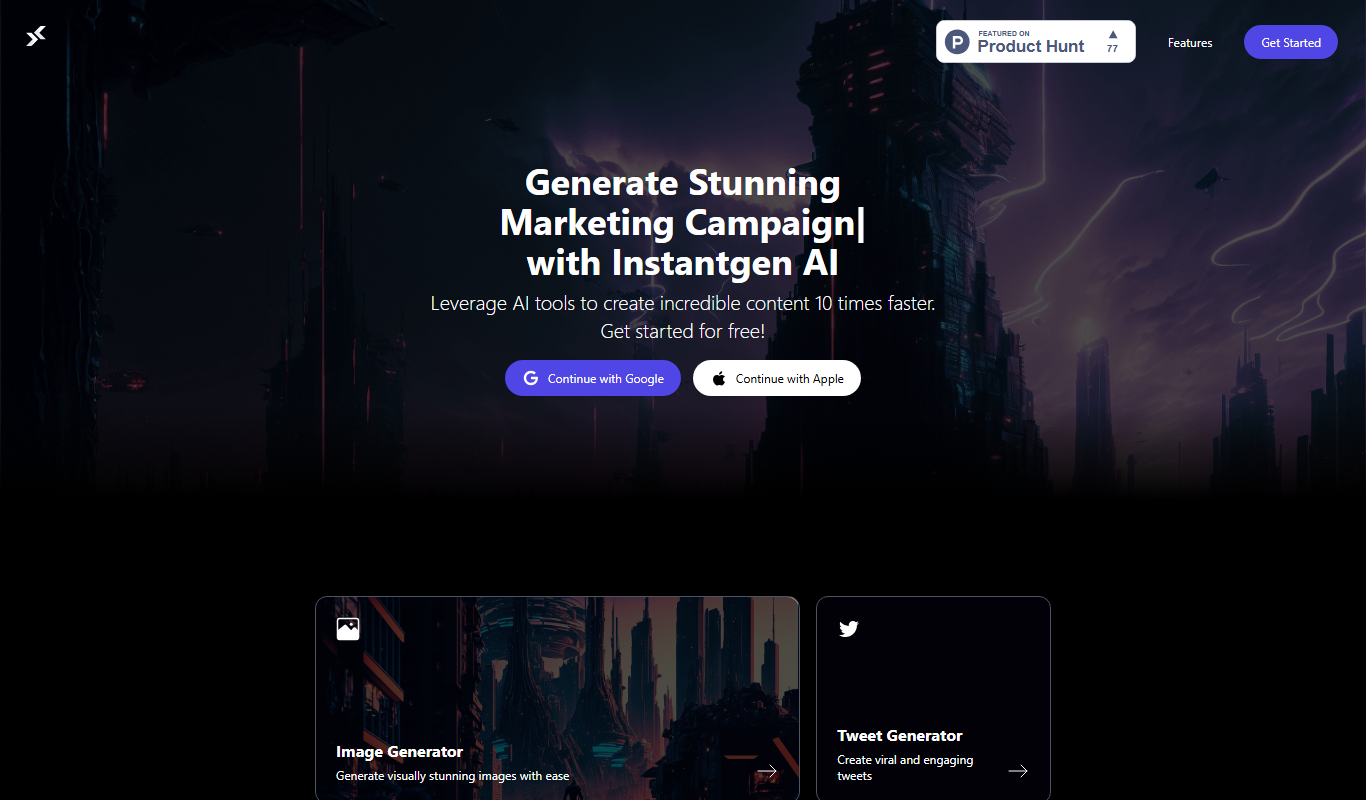
Instantgen AI
Instantgen AI generates images from text prompts, and it also generates text, social media posts and product descriptions.

Free
palettemaker.com
PaletteMaker.com is a free web-based tool that generates harmonious color palettes based on a selected base color, helping designers and artists create consistent color schemes quickly.

Free
HueWheel
HueWheel is a color palette generator that uses AI to create palettes from a natural language description or an uploaded image.

Freemium
Logomaster
Logomaster is an AI-driven online logo maker that generates and customizes professional logos for businesses and individuals without design experience.
Free
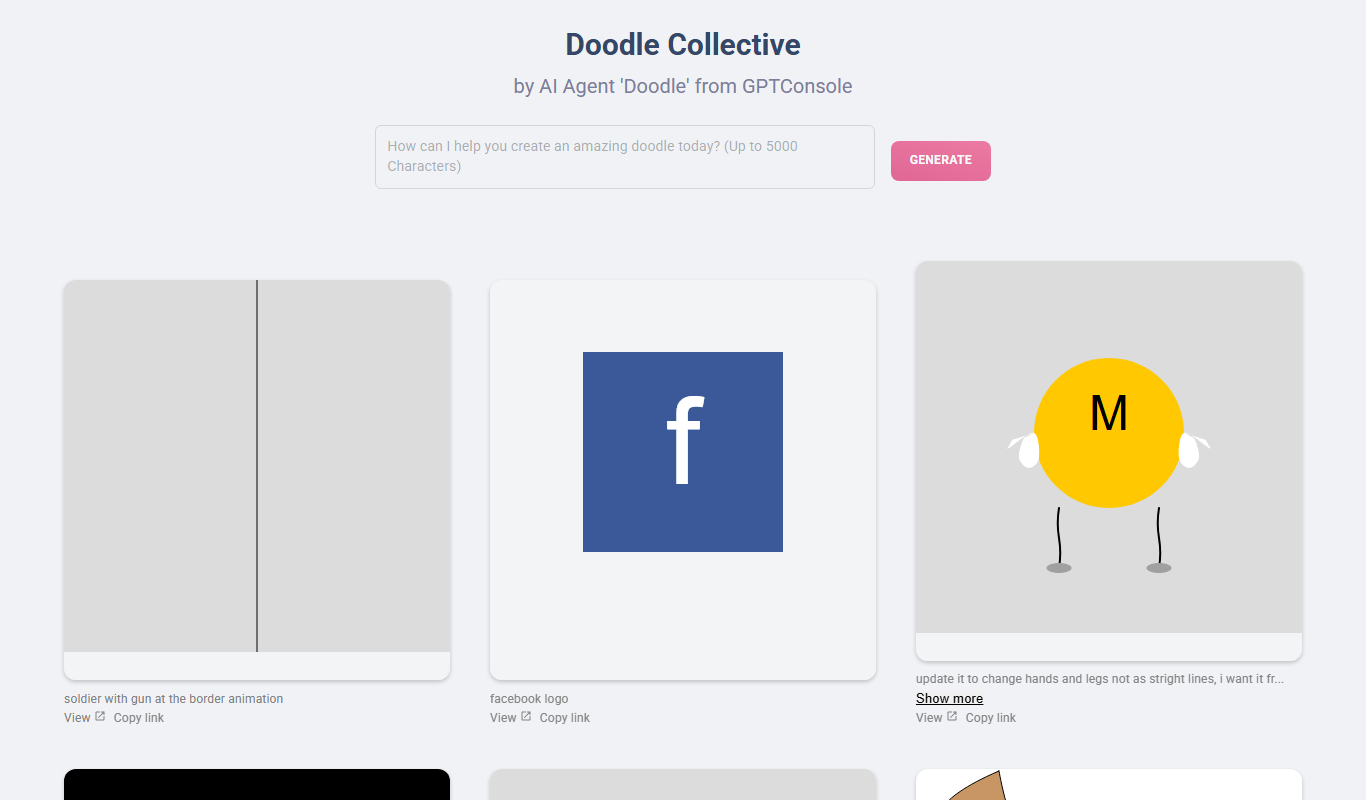
Doodle Collective
Doodle Collective is an AI art generator that transforms text prompts into unique digital images, suitable for creative projects and marketing.

Free
Game Assets Generator
Game Assets Generator is a web-based tool for creating 2D game assets; it does not offer 3D models.
Free
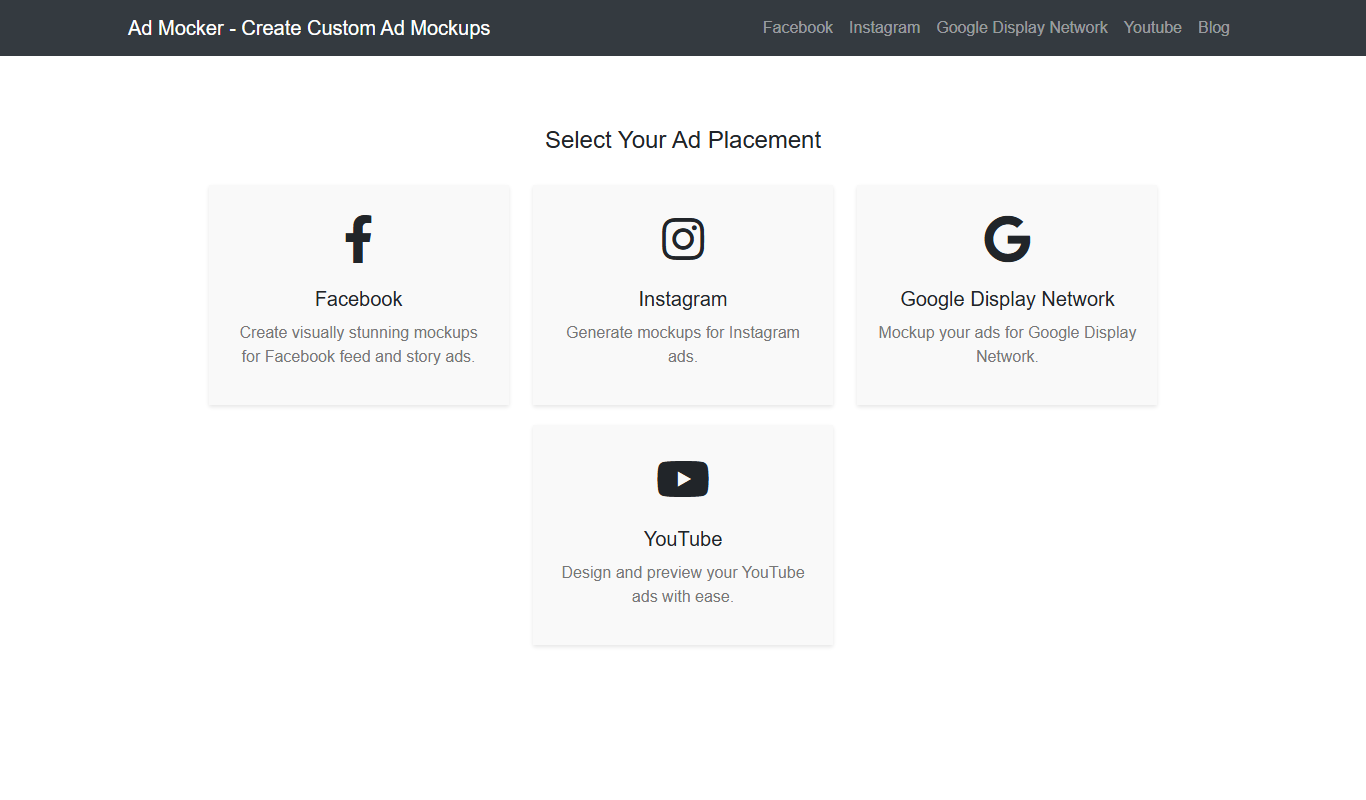
Ad Mocker
Ad Mocker is a free web-based tool that helps marketers and designers create realistic ad mockups quickly without needing advanced design software.

Free
Guess The Prompt!
Guess The Prompt! is a free online game where players guess AI-generated prompts based on images or clues, promoting creative thinking and fun.