

Instantgen AI Review: AI-Powered Image Generation Tool for Creatives
Instantgen AI generates images from text prompts, and it also generates text, social media posts and product descriptions.
- Best for
- Digital Art Creation
- Key capability
- Text-to-Image AI Generation
Save Instantgen AI, follow its updates and vote on it — everything stays in your account.
Sign in or create a free account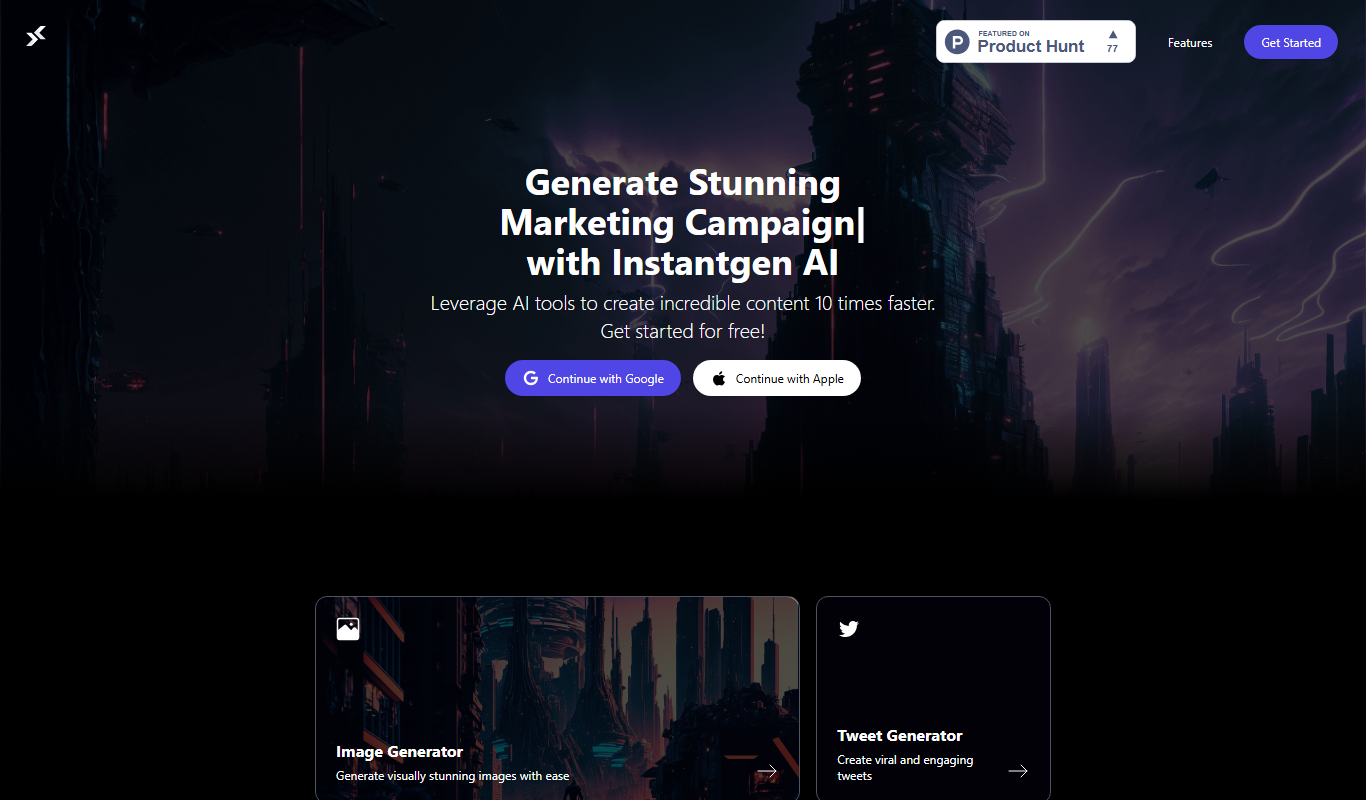
What is Instantgen AI?
Instantgen AI generates images from text, and it also generates text, social media posts and product descriptions.
Key features of Instantgen AI
The platform offers intuitive text-to-image generation, customizable style options, and fast rendering times. Users can input descriptive prompts and receive multiple image outputs, which can be refined or downloaded for various creative applications.
Text-to-Image AI Generation
Transforms user-written prompts into detailed and creative images.
Multiple Style Options
Offers various artistic styles to customize the look and feel of generated images.
Fast Rendering
Delivers image outputs quickly, enabling efficient creative workflows.
User-Friendly Interface
Simple and intuitive design that requires no prior technical knowledge.
Marketing Text and Social Posts
Instantgen AI generates images and marketing text, including posts for multiple social platforms.
Pros and cons of Instantgen AI
Pros
- Easy to use with no technical skills required
- Fast image generation speeds
- Multiple artistic styles available
- Free plan available for casual users
Cons
- Limited customization beyond prompt input
- No desktop or mobile app versions currently
Key use cases for Instantgen AI
Digital Art Creation
Generate unique digital artwork from text prompts for personal or commercial projects.
Marketing Content Design
Create custom images for social media posts, advertisements, and marketing campaigns.
Creative Brainstorming
Use AI-generated visuals to inspire new ideas and concepts during creative workflows.
Prototyping Visual Concepts
Quickly produce visual prototypes to communicate design ideas without manual illustration.
How Instantgen AI works
- 1
Enter Text Prompt
Users type a detailed description of the image they want to create.
- 2
Select Style and Settings
Choose from available artistic styles or adjust parameters to influence the output.
- 3
Generate Images
The AI processes the input and produces several image options based on the prompt.
- 4
Download or Refine
Users can download the generated images or tweak prompts to create new variations.
Who is using Instantgen AI
Instantgen AI pricing
Free
$0/month
Free to use without a card.
Pro
$19/month
Increased generation limits, priority processing, and access to premium styles.
Plans and prices are as published by the vendor and can change. Check the official site before you buy. Open the pricing page (opens in a new tab)
Frequently asked questions about Instantgen AI
It can generate a wide range of images including digital art, illustrations, and concept visuals based on text prompts.
No, the tool is designed to be user-friendly and requires no prior design experience.
Yes, depending on the subscription plan, users typically have rights to use the images for commercial purposes.
Free users have daily limits, while Pro subscribers enjoy higher or unlimited generation quotas.
It depends on your specific needs and how you plan to use the tool. The official website and documentation are the best sources for the latest details.
Some tools offer a free plan or trial with limited features. Availability can vary, so confirm on the official website.
Yes, it can help with that use case depending on how you configure it and what features are available. You’ll get the best results with clear inputs and a defined goal.
Conclusion
Written prompts drive the service, and the output is not limited to pictures: it generates images and also text, social media posts and product descriptions. For images, users type a description, choose artistic styles or adjust parameters, and receive several options to download or refine. No prior design experience is required.
Use cases range from unique digital artwork to custom images for social media posts and marketing campaigns, and quick visual prototypes. It is designed for digital artists, social media marketers and graphic designers. Use is free, without a card.
Sources
Sign in to review this tool.
Sign In to ReviewNo reviews yet
Be the first to share how this tool worked for you.
Ask about pricing, limits, or how it compares — or answer someone else.
Sign In to AskNo questions yet
Have a question about using or paying for this tool? Be the first to ask.
Featured on TiorAI



More AI Commercial Generator tools
Other tools in the same category, for when this one is not quite the fit.

fpt.ai
fpt.ai is an AI platform from FPT with NLP, vision, voice, chatbot and eKYC products.

Seismic
Seismic is a sales enablement platform that centralizes sales content, personalizes buyer experiences, integrates with CRM systems like Salesforce, and provides analytics to improve sales effectiveness.

neoteric.eu
Neoteric is a Poland-based software development company specializing in custom web and mobile applications, product design, and agile consulting services.

Fanfuel
Fanfuel is a web-based platform by Lemon Squeezy that enables creators to monetize their fanbase through subscriptions, digital product sales, and a customizable storefront without monthly fees, operating on a transaction-based pricing model.
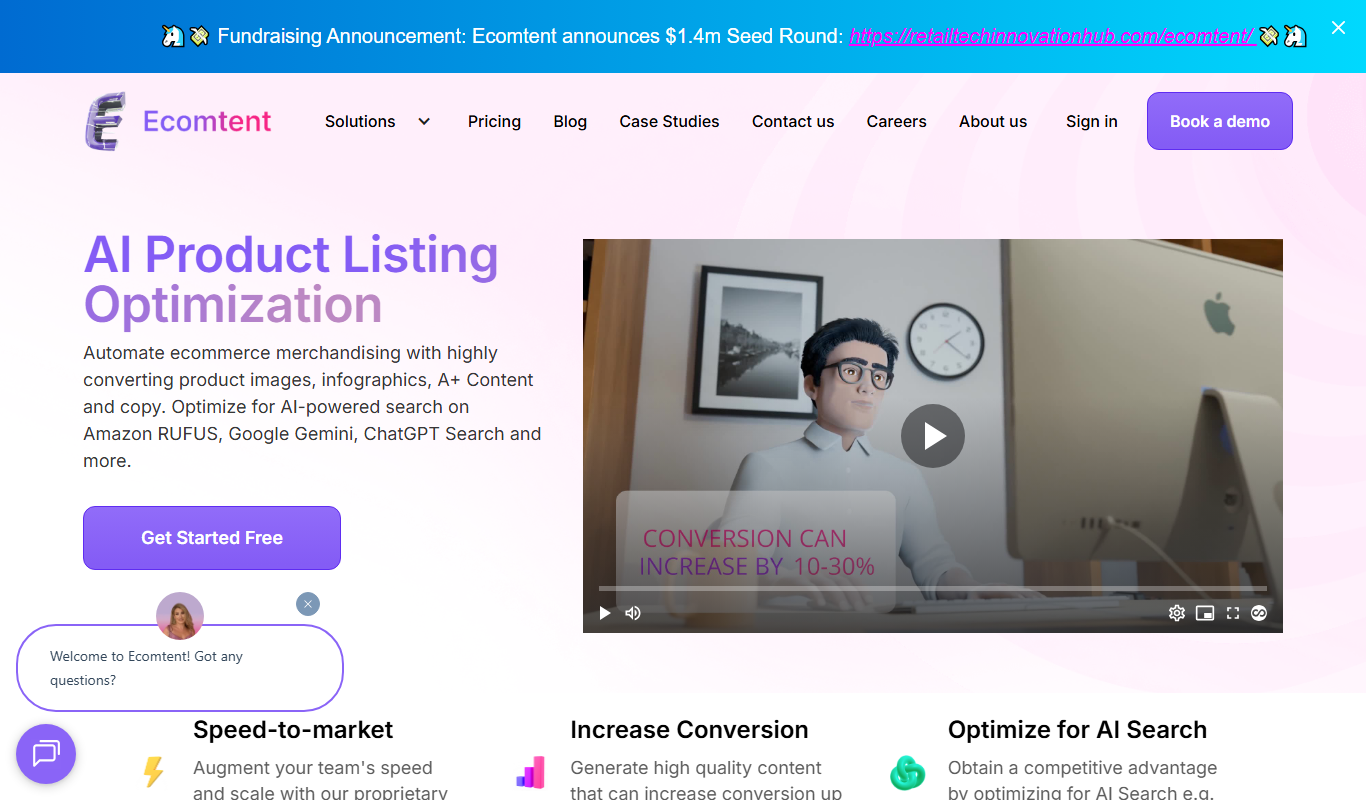
Ecomtent
Ecomtent is an AI content generation platform focused on creating SEO-optimized product descriptions for e-commerce businesses to improve sales and streamline content creation.

uniqin.ai
Uniqin.ai is an AI content generation platform that creates unique, SEO-friendly articles and marketing copy to help improve website rankings and engagement.
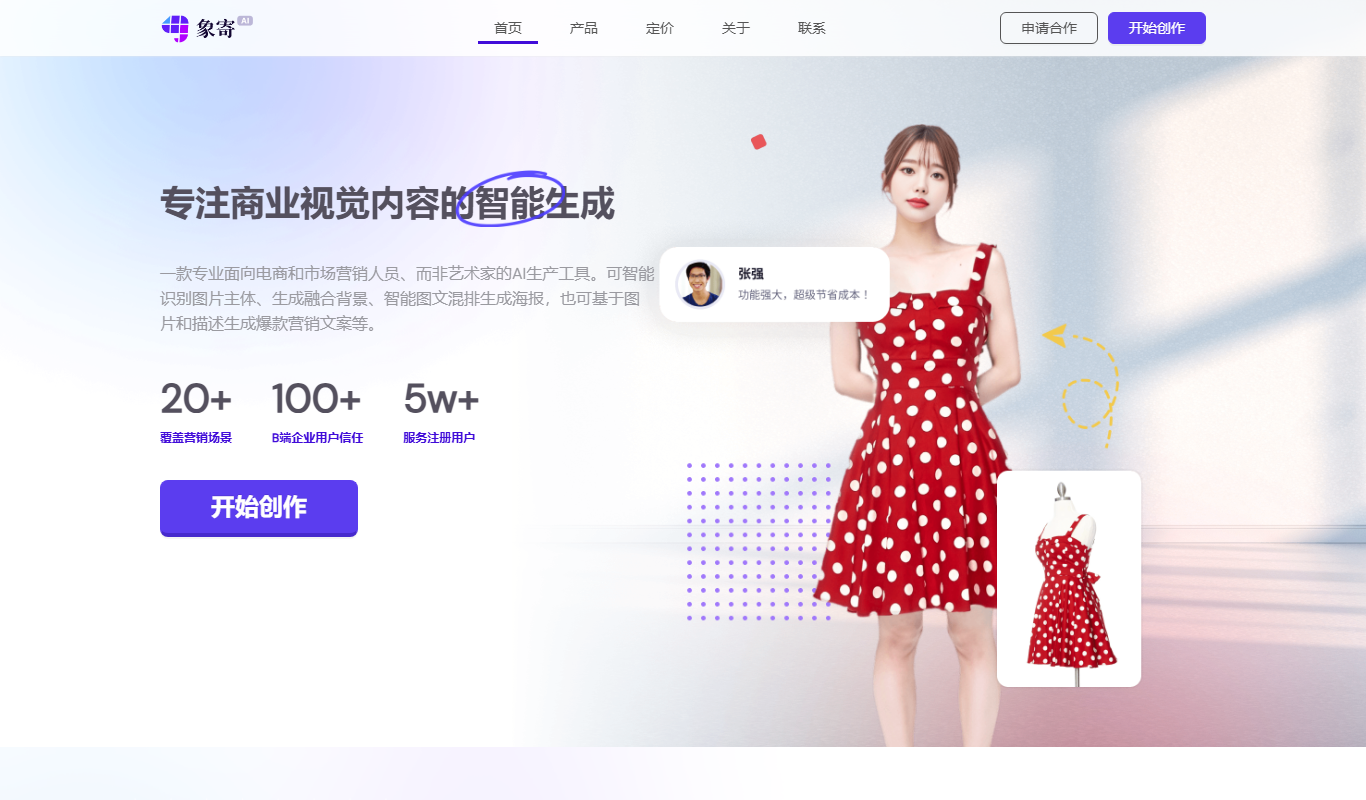
Xiangji 1.0
Xiangji 1.0 is an AI-powered writing assistant focused on Chinese language content creation, offering features like content generation, text refinement, and style improvement.

AdGen AI
AdGen AI is an AI-powered platform that automates the creation, optimization, and management of digital ads across multiple platforms, helping marketers generate effective ads and improve campaign performance.