

From my experience with ImageKit, I found it excels at simplifying image optimization workflows by combining real-time transformation with a robust global CDN. The platform’s seamless integration with popular cloud storage and its automatic format selection significantly improve web performance without requiring manual intervention. It’s particularly well-suited for developers and businesses looking to enhance site speed and user experience through optimized media delivery. However, if you need video optimization or multi-language support, ImageKit currently has limitations. Overall, for fast, scalable image delivery and transformation, ImageKit delivers reliable and efficient results.
ImageKit.io Image Optimization and CDN for Faster Web Performance
ImageKit is a cloud-based image optimization and delivery service that provides real-time image transformation and a global CDN to improve website and app performance by serving optimized images quickly.
- Best for
- Website Performance Optimization
- Key capability
- Real-time Image Transformation
Your actions
Save ImageKit, follow its updates and vote on it — everything stays in your account.
Sign in or create a free account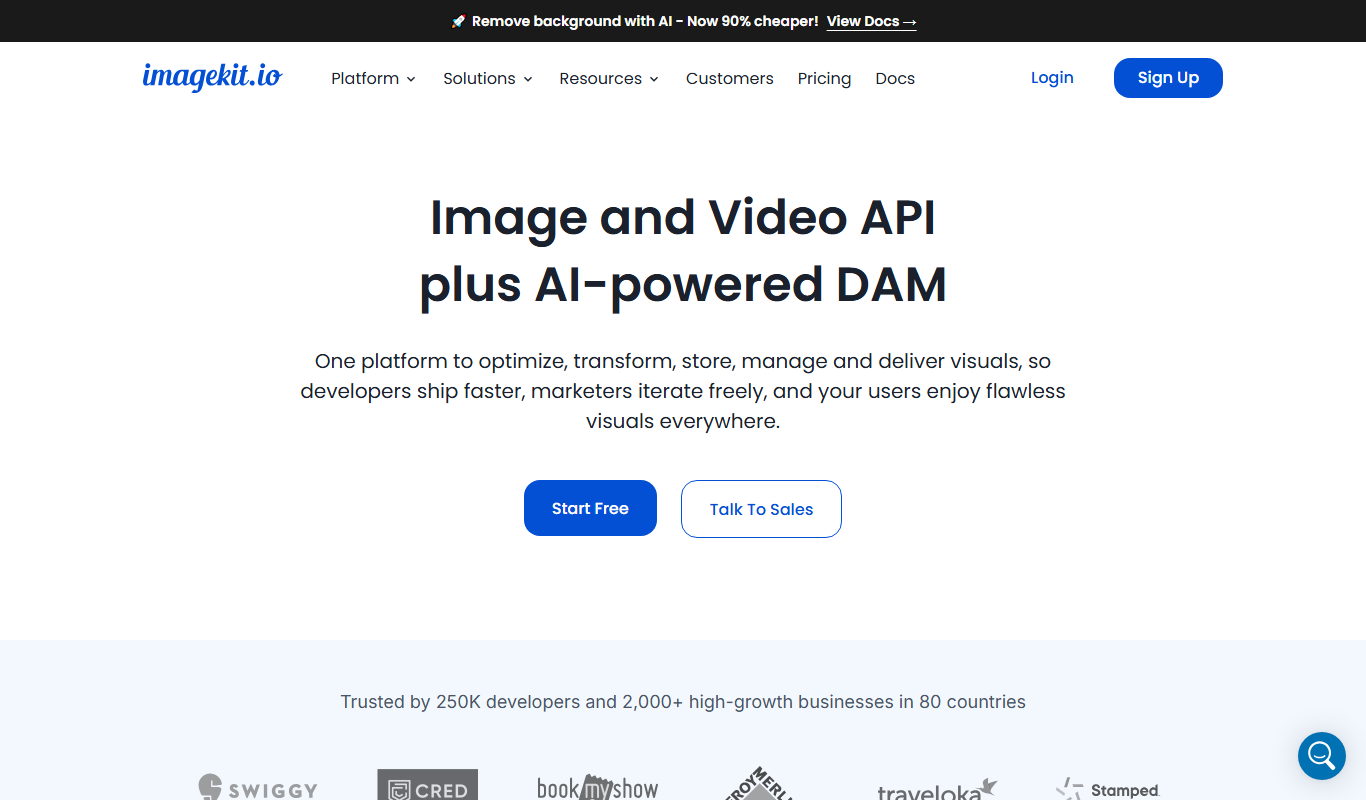

What is ImageKit?
ImageKit is a real-time image optimization and transformation service combined with a global content delivery network (CDN). It helps developers and businesses deliver high-quality images quickly by automatically optimizing images for size and format, resizing and cropping them on demand, and serving them via a fast CDN. This results in faster website and app load times, better user experience, and improved SEO.
Key features of ImageKit
ImageKit offers real-time image transformation, automatic format selection (like WebP), global CDN delivery, origin server caching, and detailed analytics. It integrates easily with existing workflows via APIs and SDKs, supports multiple storage options, and provides security features like token-based authentication.
Real-time Image Transformation
Resize, crop, rotate, and convert images on the fly without needing to store multiple versions.
Automatic Format Selection
Automatically deliver images in the best format supported by the browser, such as WebP or AVIF.
Global Content Delivery Network
Serve images from edge locations worldwide to reduce latency and improve load times.
Origin Storage Integration
Seamlessly connect with popular cloud storage providers or use ImageKit’s own storage.
Security and Access Control
Protect images with token-based authentication and URL signing to prevent unauthorized access.
Pros and cons of ImageKit
Pros
- Easy integration with multiple storage providers
- Real-time image transformation without extra storage
- Global CDN ensures fast image delivery
- Automatic format selection improves performance
- Detailed analytics and usage reports
Cons
- No built-in video optimization support
- Advanced features require paid plans
- Limited language support (English only)
Key use cases for ImageKit
Website Performance Optimization
Improve website load times by optimizing images and delivering them via a global CDN.
Real-time Image Transformation
Dynamically resize, crop, compress, and convert images on the fly without manual editing.
Media Management for E-commerce
Efficiently manage and deliver product images with automatic optimization to enhance user experience.
Mobile App Image Delivery
Serve optimized images tailored to device screen sizes and resolutions for mobile applications.
SEO and Accessibility Enhancement
Use optimized images with proper formats and alt attributes to improve SEO and accessibility.
How ImageKit works
- 1
Connect Your Image Source
Link your existing image storage such as AWS S3, Google Cloud Storage, or upload directly to ImageKit.
- 2
Configure Optimization Settings
Set parameters for image resizing, compression, format conversion, and caching rules.
- 3
Integrate via API or SDK
Use ImageKit’s APIs or SDKs to request optimized images dynamically in your website or app.
- 4
Images Delivered via CDN
Optimized images are served through a global CDN ensuring fast delivery to end-users.
- 5
Monitor and Analyze
Track usage, performance metrics, and optimization statistics through the ImageKit dashboard.
Who is using ImageKit
Web developers
E-commerce businesses
Digital marketing agencies
Mobile app developers
Content creators and publishers
ImageKit pricing
Free
$0/month
Includes 20 GB bandwidth, 20 GB storage, and 20,000 image transformations per month.
Developer
$49/month
Includes 100 GB bandwidth, 100 GB storage, and 100,000 image transformations per month with email support.
Business
Custom pricing
Tailored plans with higher limits, dedicated support, and SLA guarantees.
Plans and prices are as published by the vendor and can change. Check the official site before you buy. Open the pricing page (opens in a new tab)
Frequently asked questions about ImageKit
Yes, ImageKit supports integration with AWS S3, Google Cloud Storage, Azure Blob Storage, and others.
ImageKit primarily focuses on image optimization and delivery; video optimization is not currently supported.
Limits depend on your pricing plan; the Free plan includes 20,000 transformations per month.
By delivering optimized images quickly and in modern formats, ImageKit helps improve page load speed, which is a key SEO factor.
It depends on your specific needs and how you plan to use the tool. The official website and documentation are the best sources for the latest details.
Integration support depends on the tool and its available connectors or API. Check the official documentation or integrations page to confirm what is supported.
Pricing depends on the plan and included features. For the most accurate and up-to-date details, check the official pricing page.
Yes, it can help with that use case depending on how you configure it and what features are available. You’ll get the best results with clear inputs and a defined goal.
Sign in to review this tool.
Sign In to ReviewNo reviews yet
Be the first to share how this tool worked for you.
Ask about pricing, limits, or how it compares — or answer someone else.
Sign In to AskNo questions yet
Have a question about using or paying for this tool? Be the first to ask.
Featured on TiorAI



Alternative Tools
Explore similar AI tools that might fit your needs

Free
Cloudinary
Cloudinary is a cloud media management platform that enables developers and marketers to upload, optimize, transform, and deliver images and videos efficiently using APIs and CDN.

Free Trial
Imgix
Imgix is a real-time image processing and optimization platform that enables developers to deliver fast, high-quality images by dynamically resizing, compressing, and transforming images via URL parameters, served through a global CDN.
More AI Content Delivery Tools tools
Other tools in the same category, for when this one is not quite the fit.
Free Trial
Image Pipeline
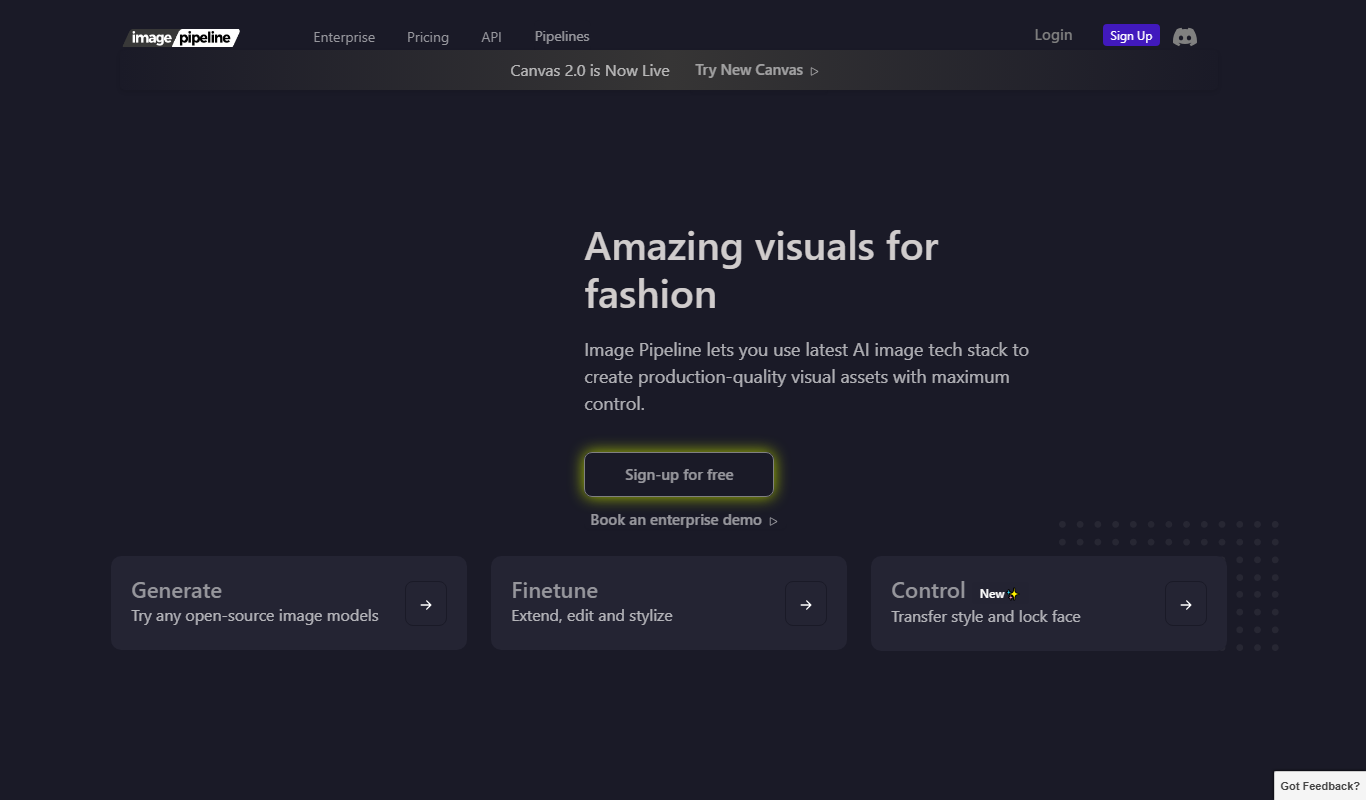
Image Pipeline is a cloud platform that optimizes, transforms, and delivers images globally via a CDN, improving website and app performance through automatic compression and real-time image manipulation.
Custom Pricing
svss.tv
svss.tv is a live video streaming platform focused on delivering low-latency, secure, and scalable broadcasts for events, corporate communications, and media distribution.