

From my experience with OmniGen, I found it excels at providing flexible and customizable AI language models that integrate smoothly via API. The platform’s balance between a user-friendly interface and powerful backend makes it especially suitable for developers and content creators who want to automate text generation without deep AI expertise. However, its current focus on English limits multilingual applications, and pricing may be a consideration for smaller users. Overall, if you need a scalable, versatile AI text generation tool with solid customization options, OmniGen delivers reliable performance.
OmniGen AI Platform for Advanced Text Generation and Language Models
OmniGen is an AI-powered platform that provides customizable language models and API access for generating high-quality text, building chatbots, and automating language tasks.
- Best for
- Content Creation
- Key capability
- Customizable Language Models

Do you recommend this tool?
What is OmniGen?
OmniGen is an AI-driven platform specializing in advanced text generation and natural language processing. It leverages state-of-the-art language models to produce coherent, contextually relevant text outputs for a variety of applications including content creation, chatbot interactions, and code generation. Designed for developers, content creators, and researchers, OmniGen offers flexible API access and an intuitive web interface to integrate AI-powered language capabilities into workflows.
Key features of OmniGen
OmniGen features include customizable language models, API integration for seamless embedding into applications, multi-domain text generation, and support for natural language understanding tasks. The platform emphasizes scalability and ease of use, enabling users to generate text, automate conversations, and assist with coding efficiently.
Customizable Language Models
Tailor models to specific domains or tasks for more accurate text generation.
Robust API Access
Integrate AI capabilities into apps with comprehensive API documentation and support.
Multi-Domain Support
Generate text across various fields such as marketing, coding, research, and more.
User-Friendly Interface
Intuitive web platform for managing projects and generating content without coding.
Scalable Infrastructure
Handles high-volume requests efficiently to support enterprise-level applications.
Pros and cons of OmniGen
Pros
- Flexible API for easy integration
- Customizable models for domain-specific tasks
- User-friendly web interface
- Scalable for high-volume use cases
- Supports multiple text generation applications
Cons
- Limited language support beyond English
- Pricing may be high for small-scale users
- No dedicated mobile app available
Key use cases for OmniGen
Content Creation
Generate high-quality written content for blogs, articles, and marketing materials.
Chatbot Development
Build conversational agents that can understand and respond naturally to user inputs.
Research Assistance
Assist researchers by summarizing documents and generating insights from large text corpora.
Code Generation
Help developers by generating code snippets and automating repetitive programming tasks.
Language Translation
Provide machine translation services for converting text between languages.
How OmniGen works
- 1
Create an Account
Sign up on the OmniGen website to access the platform and API keys.
- 2
Select a Model or Template
Choose from pre-trained language models or customize your own for specific tasks.
- 3
Input Your Prompt or Data
Provide text prompts or datasets to guide the AI in generating relevant outputs.
- 4
Generate and Review Output
Receive AI-generated text, review it, and iterate as needed for quality.
- 5
Integrate via API
Use OmniGen’s API to embed text generation capabilities into your applications or services.
Who is using OmniGen
Content creators and marketers
Software developers
Research professionals
Customer support teams
Enterprises needing AI automation
OmniGen pricing
Free
$0/month
Limited access with basic features and capped usage.
Pro
$49/month
Extended usage limits, priority support, and access to advanced models.
Enterprise
Custom pricing
Tailored solutions with dedicated support and SLA guarantees.
Plans and prices are as published by the vendor and can change. Check the official site before you buy. Open the pricing page (opens in a new tab)
Frequently asked questions about OmniGen
OmniGen can generate a wide range of text including articles, code snippets, chatbot dialogues, summaries, and translations.
Yes, OmniGen provides a robust API to integrate its language models into your applications.
Users can fine-tune models or select domain-specific templates to better suit their needs.
Currently, OmniGen primarily supports English language processing.
It depends on your specific needs and how you plan to use the tool. The official website and documentation are the best sources for the latest details.
Pricing depends on the plan and included features. For the most accurate and up-to-date details, check the official pricing page.
Yes, it can help with that use case depending on how you configure it and what features are available. You’ll get the best results with clear inputs and a defined goal.
It depends on your specific needs and how you plan to use the tool. The official website and documentation are the best sources for the latest details.
Sign in to review this tool.
Sign In to ReviewNo reviews yet
Be the first to share how this tool worked for you.
Ask about pricing, limits, or how it compares — or answer someone else.
Sign In to AskNo questions yet
Have a question about using or paying for this tool? Be the first to ask.
Featured on TiorAI



Alternative Tools
Explore similar AI tools that might fit your needs
Freemium
AI21 Studio
AI21 Studio is an AI writing platform by AI21 Labs that provides advanced language models for generating, editing, and understanding text, suitable for content creation, coding help, and creative writing.
More AI Education & Learning Tools tools
Other tools in the same category, for when this one is not quite the fit.

Free
bentolingo
BentoLingo is an AI-driven language learning platform that provides personalized speaking practice and real-time feedback to help users improve fluency in multiple languages.

Free Trial
Testnut
Testnut is an online exam platform that enables secure, scalable assessments with remote proctoring, automated grading, and detailed analytics, suitable for education and corporate use.

Freemium
Testbook.ai
Testbook.ai is an AI-driven platform offering personalized study plans, mock tests, and live classes to help students prepare effectively for competitive exams.

Free
AICamp
AICamp is an AI education platform offering project-based learning to teach AI, machine learning, and data science through hands-on projects and community mentorship.
Free
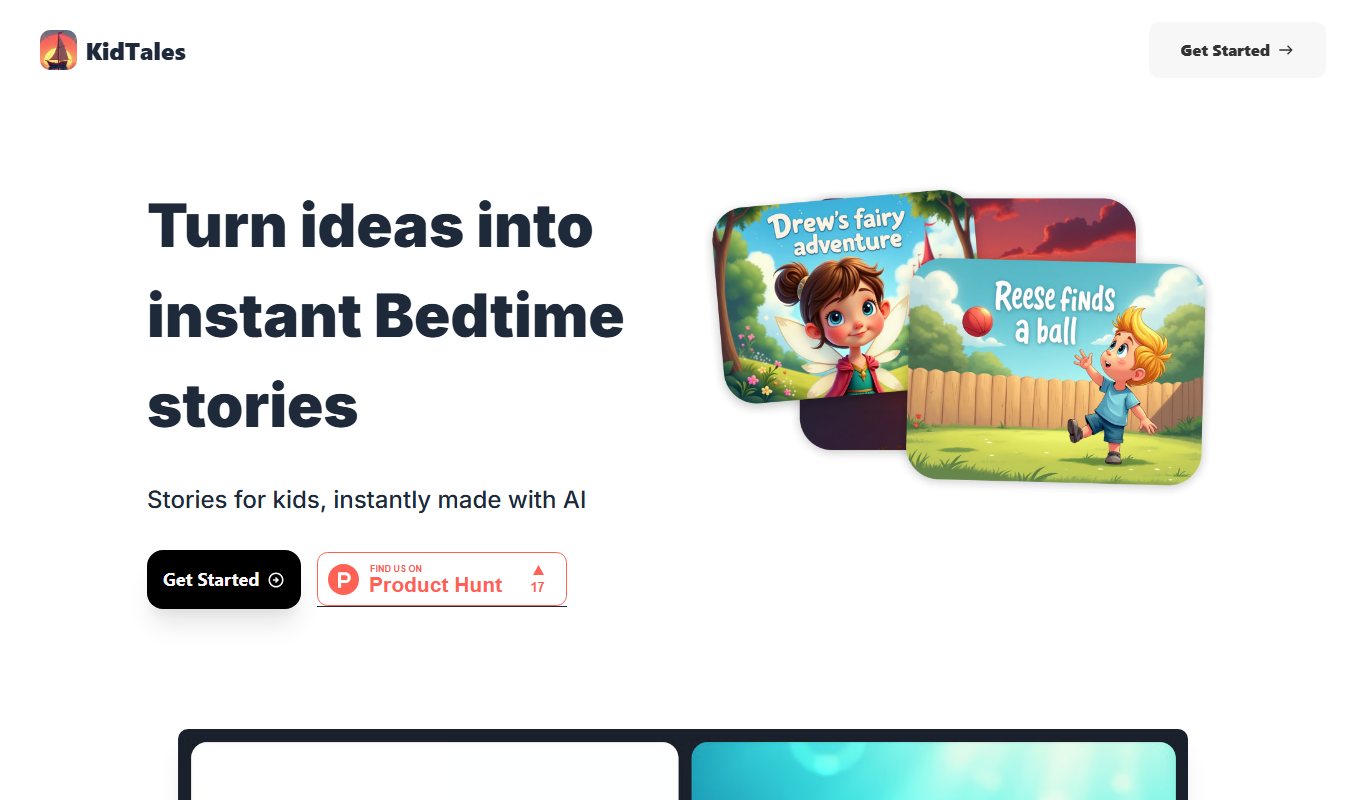
KidTales
KidTales AI is an online tool that generates personalized, age-appropriate stories for children to support creativity and learning.

Freemium
Mi Cuento Digital
Mi Cuento Digital is an online platform that lets you create personalized digital storybooks for children by adding names, photos, and custom details to engage young readers.

Free
Kidgeni
Kidgeni is an AI-powered tutoring platform designed to provide personalized learning and homework help for children, focusing on core subjects like math and reading through interactive sessions.

Freemium
flAI
flAI is an AI-driven language learning app that provides personalized speaking and writing practice with real-time feedback to help users improve fluency and confidence in multiple languages.