

From my experience with Phase Art, I found it excels at providing a focused environment for creative teams to manage their projects and assets collaboratively. The platform’s design aligns well with the needs of artists and creative professionals, making task organization and feedback cycles straightforward. However, since it is currently web-only and pricing details beyond basic plans are limited, it may not suit teams requiring mobile access or extensive customization. Overall, if you manage artistic projects and value streamlined collaboration, Phase Art offers a practical and user-friendly solution.
Phase Art Platform for Collaborative Creative Project Management
Phase Art is a web-based project management tool tailored for creative teams to collaborate on artistic projects by organizing tasks, sharing assets, and facilitating feedback.
- Best for
- Creative Project Collaboration
- Key capability
- Task and Workflow Management

Do you recommend this tool?
What is Phase?
Phase Art is a web-based platform designed to support creative teams and artists in managing their projects collaboratively. It offers tools to organize workflows, share assets, and facilitate communication, making the creative process more efficient and transparent.
Key features of Phase
Phase provides a centralized workspace for creative collaboration, including task management, asset sharing, feedback tools, and workflow visualization tailored for artistic projects.
Task and Workflow Management
Visualize and manage creative tasks with an intuitive interface designed for artistic projects.
Asset Sharing and Version Control
Central repository for project files with version tracking to keep work organized.
Real-Time Collaboration
Facilitates synchronous communication and updates among team members.
Feedback and Commenting Tools
Allows team members to provide precise feedback directly on assets and tasks.
Pros and cons of Phase
Pros
- Tailored specifically for creative and artistic workflows
- Intuitive interface that simplifies project management for artists
- Centralized asset management with version control
- Facilitates clear feedback and communication within teams
Cons
- Limited platform availability (web only)
- Pricing details beyond basic plans are not extensively publicized
Key use cases for Phase
Creative Project Collaboration
Facilitates teamwork among artists and creative professionals by providing a shared workspace to manage tasks, assets, and feedback.
Artistic Workflow Management
Helps organize and streamline the creative process from concept to completion with tools tailored for art projects.
Feedback and Review Cycles
Enables easy sharing and commenting on creative work to improve communication and iteration speed.
Asset Organization
Centralizes creative assets and project files for easy access and version control.
How Phase works
- 1
Create a Project
Start by setting up a new project workspace where all team members can collaborate.
- 2
Invite Team Members
Add collaborators such as artists, designers, and managers to the project.
- 3
Organize Tasks and Assets
Define tasks, upload creative assets, and assign responsibilities.
- 4
Collaborate and Review
Use commenting and feedback tools to iterate on work and keep everyone aligned.
Who is using Phase
Creative agencies
Freelance artists
Design teams
Animation studios
Art project managers
Phase pricing
Free
$0/month
Basic access with limited projects and collaborators.
Pro
$15/month
Expanded project limits, advanced collaboration features, and priority support.
Plans and prices are as published by the vendor and can change. Check the official site before you buy. Open the pricing page (opens in a new tab)
Frequently asked questions about Phase
Yes, Phase Art is designed to support teams of all sizes, including small groups of artists and creatives.
Yes, Phase provides a centralized and secure environment for sharing and managing project assets.
Phase offers tools for synchronous communication and updates to keep teams aligned.
This tool is designed to help users accomplish its core tasks more efficiently. It is typically used by individuals or teams looking to improve productivity and workflow.
Some tools offer a free plan or trial with limited features. Availability can vary, so confirm on the official website.
Yes, it can help with that use case depending on how you configure it and what features are available. You’ll get the best results with clear inputs and a defined goal.
Sign in to review this tool.
Sign In to ReviewNo reviews yet
Be the first to share how this tool worked for you.
Ask about pricing, limits, or how it compares — or answer someone else.
Sign In to AskNo questions yet
Have a question about using or paying for this tool? Be the first to ask.
Featured on TiorAI



Alternative Tools
Explore similar AI tools that might fit your needs

Free
Milanote
Milanote is a visual collaboration and note-taking tool designed for creative project planning, brainstorming, and team collaboration using an intuitive drag-and-drop interface.

Business
Asana
Asana is a cloud-based project management platform that enables teams to organize tasks, track progress, automate workflows, and collaborate effectively across projects.

Free
Trello
Trello is a visual project management tool that helps teams organize tasks and workflows using boards, lists, and cards, with automation and integrations to enhance productivity.
More AI Outpainting tools
Other tools in the same category, for when this one is not quite the fit.

Freemium
TattooDesignPro
TattooDesignPro is a web-based tattoo design software that enables artists to create custom tattoo designs, collaborate with clients, and manage portfolios efficiently.

Free Trial
Partly AI
Partly AI is an AI-powered writing assistant that integrates via a Chrome extension to help users generate and improve text efficiently, ideal for content creators and writers.

Free Trial
Extrapolate
Extrapolate is an AI-powered web platform that automates data cleaning, predictive modeling, and report generation to help businesses make data-driven decisions without coding expertise.

Free
Toyify Me
Toyify Me is a free web-based AI tool that converts your photos into colorful cartoon avatars quickly and easily.
Freemium
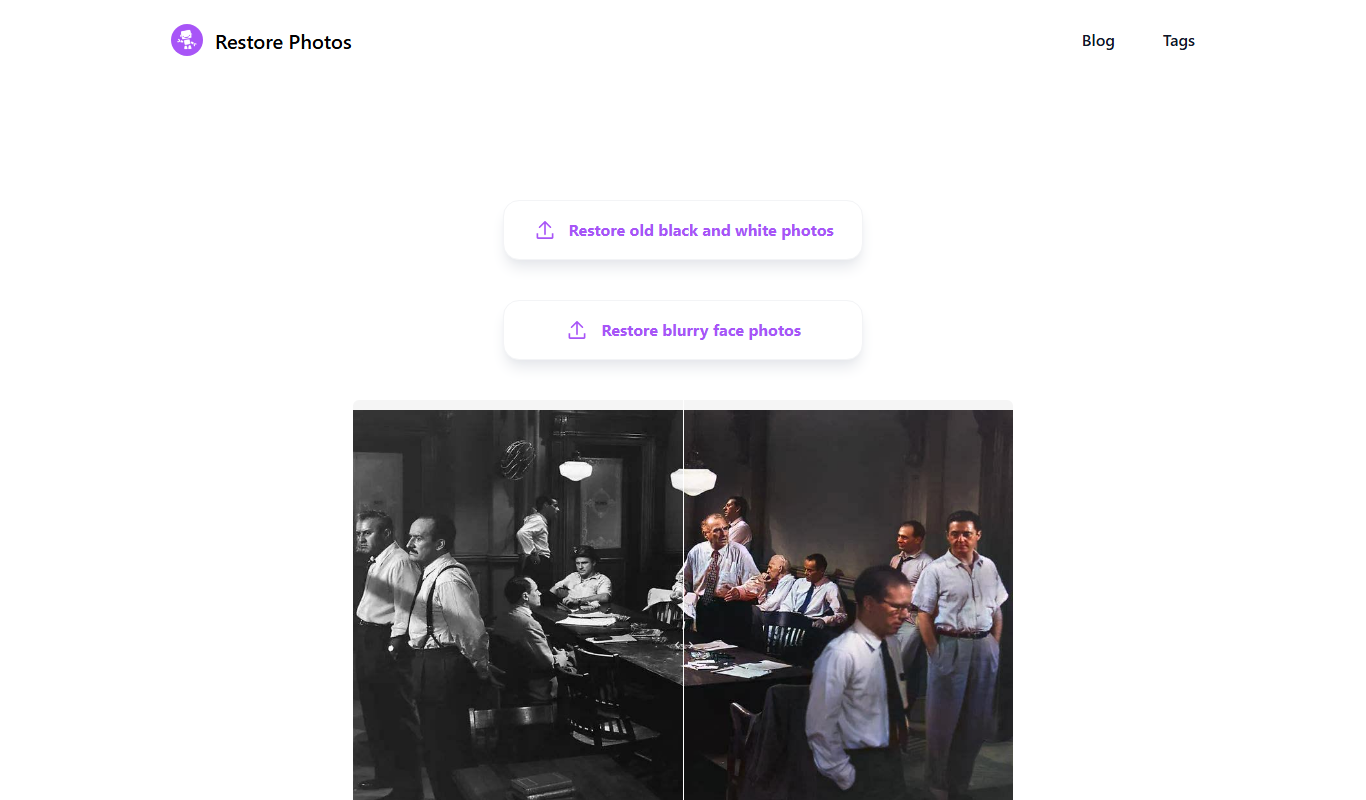
Restore Photo
Restore Photo is an AI-based web tool that automatically restores and enhances old or damaged photos by repairing defects, colorizing black and white images, and improving resolution.

Free
Glitching
Glitching AI is a web-based tool that uses artificial intelligence to apply glitch art effects to images, enabling users to create unique digital artworks easily.
Free
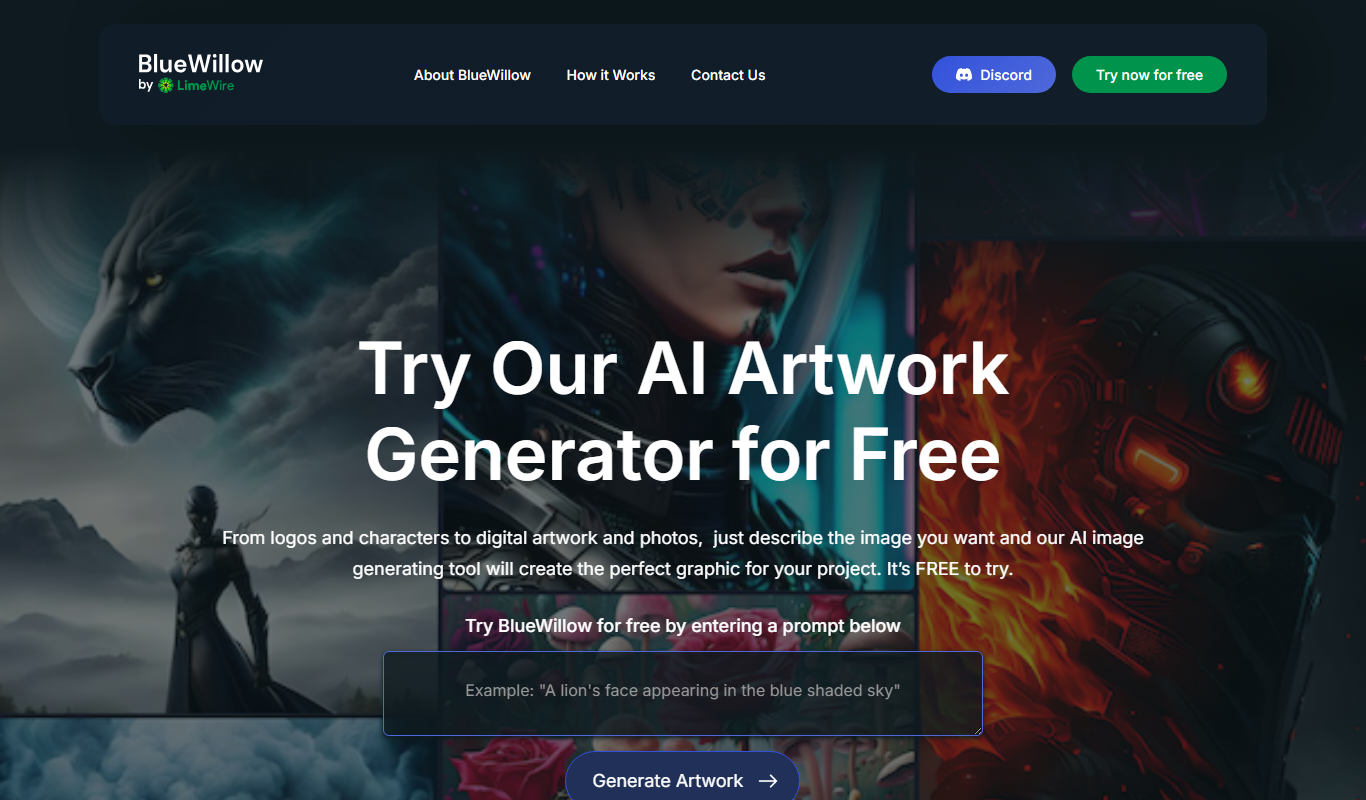
BlueWillow
BlueWillow is an AI-powered tool that generates digital artwork from text prompts, accessible primarily through Discord, offering free and subscription plans for creative image generation.

Freemium
Talentpair
Talentpair is an AI-driven recruitment platform focused on technical hiring, offering customizable coding assessments, automated candidate screening, and interview management to help companies efficiently hire software engineers.