

From my experience with Partly AI, I found it excels at seamlessly integrating AI writing assistance directly into the browser, which makes it very convenient for content creators who work primarily online. The tool’s ability to generate creative suggestions helps overcome writer’s block effectively, making it a practical choice for bloggers and marketers. However, the limitation to English language support and the lack of a dedicated mobile app may restrict some users. Overall, if you want an AI assistant that blends smoothly into your existing writing workflow and boosts productivity, Partly AI delivers solid results.
Partly AI Review: AI-Powered Content Writing Assistant for Creators
Partly AI is an AI-powered writing assistant that integrates via a Chrome extension to help users generate and improve text efficiently, ideal for content creators and writers.
- Best for
- Creative Writing
- Key capability
- AI Text Generation

Do you recommend this tool?
What is Partly AI?
Partly AI is an AI-powered writing assistant designed to help writers, marketers, and content creators generate high-quality text efficiently. It integrates seamlessly into your writing workflow, offering suggestions, completing sentences, and helping overcome writer’s block by providing creative prompts and content ideas.
Key features of Partly AI
Partly AI offers real-time AI text generation, a distraction-free writing environment, and integration via a Chrome extension. It supports creative brainstorming, content expansion, and rewriting to enhance productivity and creativity.
AI Text Generation
Generates context-aware text completions and suggestions to speed up writing.
Chrome Extension Integration
Enables AI assistance across multiple web-based writing platforms.
Distraction-Free Editor
Provides a clean interface focused on writing with AI support.
Customizable Creativity Levels
Adjust the AI’s creativity to produce more conservative or imaginative outputs.
Pros and cons of Partly AI
Pros
- Easy integration with Chrome for seamless writing assistance
- Helps overcome writer’s block with creative AI suggestions
- Clean, distraction-free writing interface
- Adjustable AI creativity for tailored outputs
Cons
- Limited language support (English only)
- No dedicated mobile app available
- Subscription required for unlimited use
Key use cases for Partly AI
Creative Writing
Generate story ideas, develop characters, and write engaging narratives with AI assistance.
Content Creation
Produce blog posts, articles, and marketing copy faster by leveraging AI-generated suggestions.
Brainstorming
Use AI to overcome writer’s block and generate fresh ideas for various writing projects.
Editing and Refinement
Improve drafts by receiving AI-powered suggestions for clarity, tone, and style.
How Partly AI works
- 1
Sign Up
Create an account on Partly AI’s website to access the writing assistant.
- 2
Install Chrome Extension
Add the Partly AI Chrome extension to integrate AI writing assistance directly into your browser.
- 3
Start Writing
Begin typing in the editor or supported platforms and receive AI-generated suggestions and completions.
- 4
Customize Output
Use controls to adjust the AI’s creativity and length of suggestions to fit your style.
Who is using Partly AI
Content creators
Bloggers and marketers
Creative writers
Small business owners
Freelance writers
Partly AI pricing
Free Trial
$0
Limited usage to test features and AI capabilities.
Pro
$19/month
Unlimited AI generations, priority support, and full feature access.
Plans and prices are as published by the vendor and can change. Check the official site before you buy. Open the pricing page (opens in a new tab)
Frequently asked questions about Partly AI
Partly AI primarily supports web-based platforms via its Chrome extension and its own web editor.
Yes, Partly AI offers a free trial with limited usage before requiring a subscription.
Partly AI follows standard data security practices to protect user data, but users should review the privacy policy for details.
Yes, it can help with that use case depending on how you configure it and what features are available. You’ll get the best results with clear inputs and a defined goal.
Some tools offer a free plan or trial with limited features. Availability can vary, so confirm on the official website.
Yes, it can help with that use case depending on how you configure it and what features are available. You’ll get the best results with clear inputs and a defined goal.
Sign in to review this tool.
Sign In to ReviewNo reviews yet
Be the first to share how this tool worked for you.
Ask about pricing, limits, or how it compares — or answer someone else.
Sign In to AskNo questions yet
Have a question about using or paying for this tool? Be the first to ask.
Featured on TiorAI



More AI Outpainting tools
Other tools in the same category, for when this one is not quite the fit.

Freemium
TattooDesignPro
TattooDesignPro is a web-based tattoo design software that enables artists to create custom tattoo designs, collaborate with clients, and manage portfolios efficiently.

Free Trial
Extrapolate
Extrapolate is an AI-powered web platform that automates data cleaning, predictive modeling, and report generation to help businesses make data-driven decisions without coding expertise.

Free
Toyify Me
Toyify Me is a free web-based AI tool that converts your photos into colorful cartoon avatars quickly and easily.
Freemium
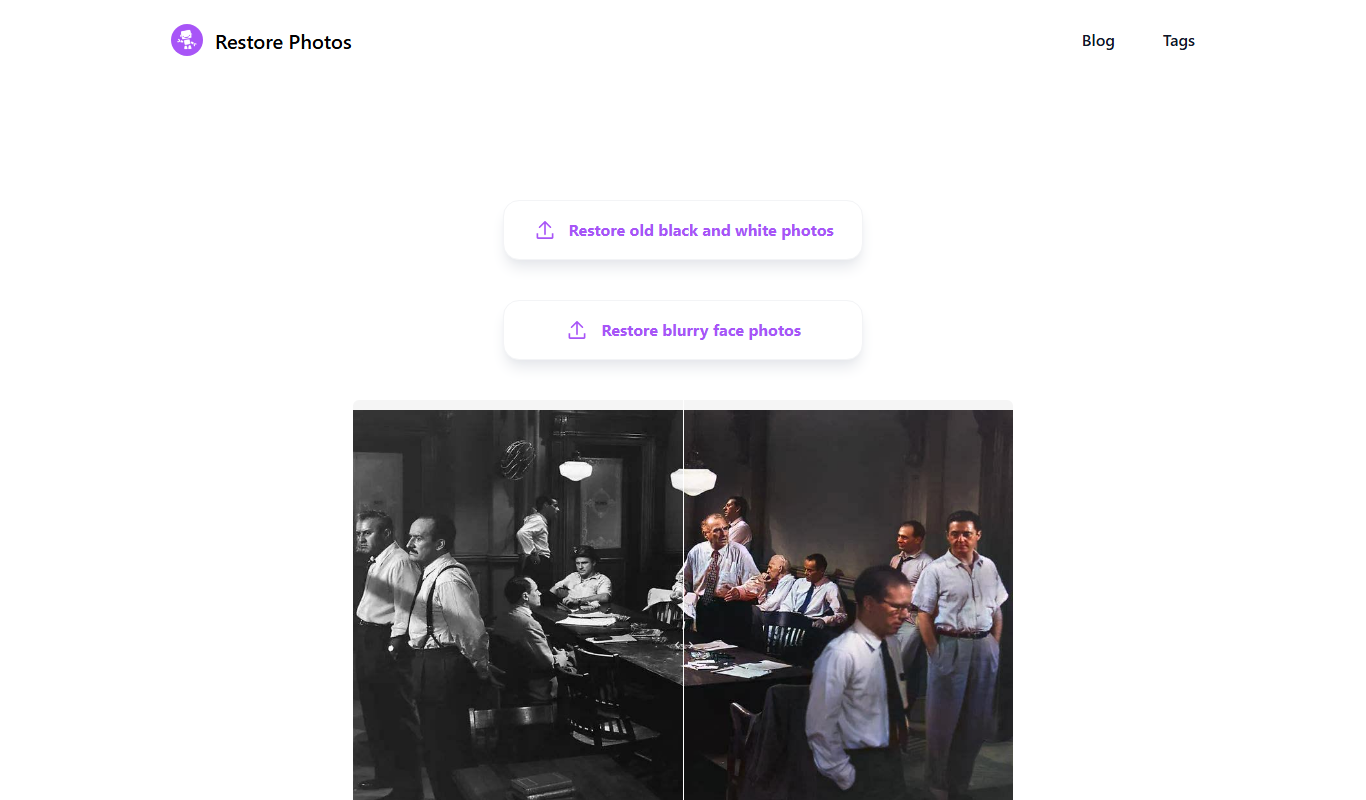
Restore Photo
Restore Photo is an AI-based web tool that automatically restores and enhances old or damaged photos by repairing defects, colorizing black and white images, and improving resolution.

Free
Glitching
Glitching AI is a web-based tool that uses artificial intelligence to apply glitch art effects to images, enabling users to create unique digital artworks easily.

Free
Phase
Phase Art is a web-based project management tool tailored for creative teams to collaborate on artistic projects by organizing tasks, sharing assets, and facilitating feedback.
Free
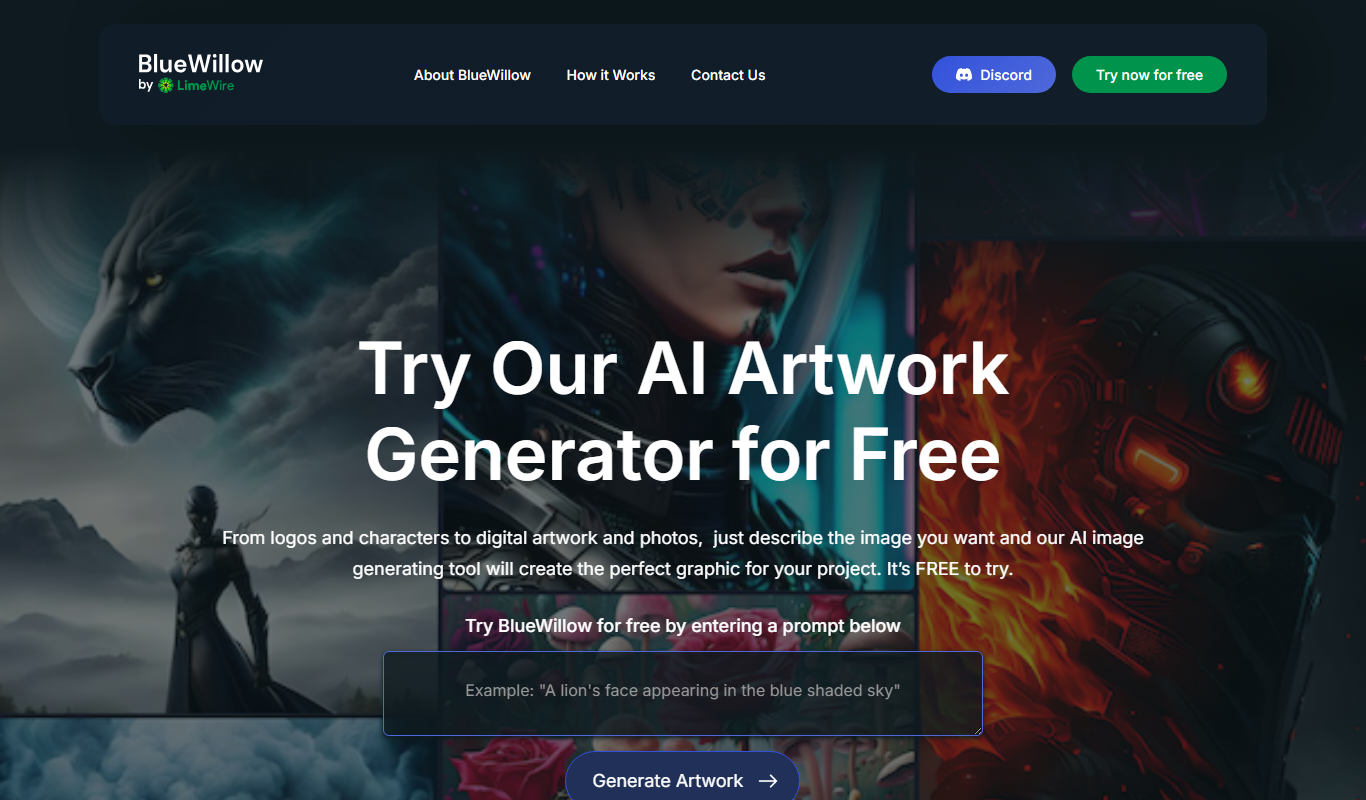
BlueWillow
BlueWillow is an AI-powered tool that generates digital artwork from text prompts, accessible primarily through Discord, offering free and subscription plans for creative image generation.

Freemium
Talentpair
Talentpair is an AI-driven recruitment platform focused on technical hiring, offering customizable coding assessments, automated candidate screening, and interview management to help companies efficiently hire software engineers.