

Banuba SDK AI Face Filters & AR Effects SDK for Mobile Apps
Banuba SDK is an AI-powered augmented reality software development kit that enables developers to integrate real-time face tracking, 3D masks, beauty filters, and avatar effects into mobile and desktop applications.
- Best for
- Mobile App Augmented Reality
- Key capability
- Real-Time Face Tracking
Save Banuba SDK, follow its updates and vote on it — everything stays in your account.
Sign in or create a free account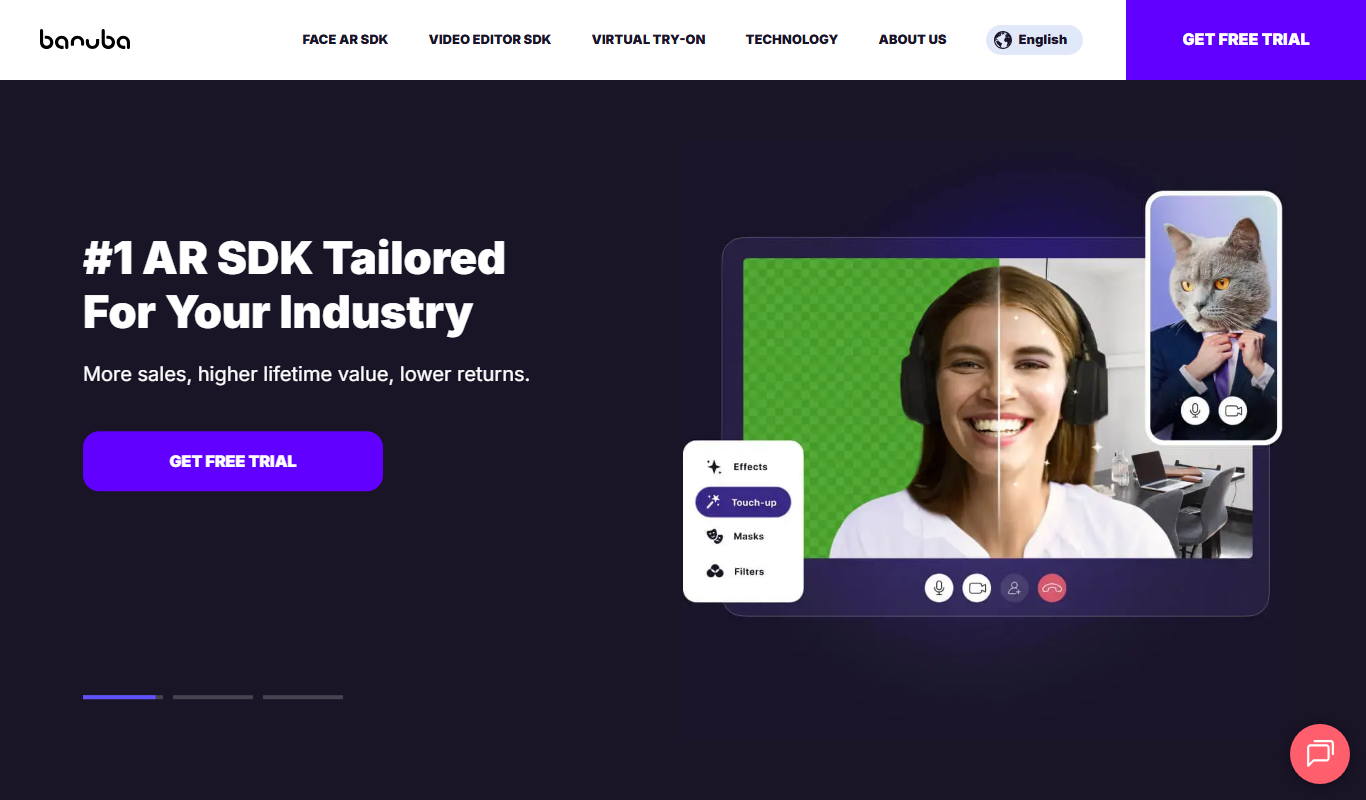
What is Banuba SDK?
Banuba SDK is a software development kit that provides advanced augmented reality (AR) face filters, beauty effects, and avatar creation tools for mobile and desktop applications. It enables developers to integrate AI-powered real-time face tracking, 3D masks, and AR effects into their apps, enhancing user interaction and engagement through immersive visual experiences.
Key features of Banuba SDK
The SDK offers real-time face detection and tracking, AI-based beauty filters, 3D face masks, avatar creation, background segmentation, and support for multiple platforms including iOS, Android, Unity, and Unreal Engine. It is designed for seamless integration with customizable AR effects and high performance on mobile devices.
Real-Time Face Tracking
High-precision AI algorithms detect and track facial landmarks for smooth AR effects.
3D Face Masks and Effects
Apply customizable 3D masks and visual effects that move naturally with the user’s face.
AI Beauty Filters
Enhance facial features with AI-powered beauty and skin smoothing filters.
Background Segmentation
Replace or blur backgrounds in real time without a green screen.
Cross-Platform Support
Compatible with iOS, Android, Unity, Unreal Engine, and Web platforms.
Pros and cons of Banuba SDK
Pros
- High-precision real-time face tracking
- Wide range of customizable AR effects
- Cross-platform compatibility
- Strong developer support and documentation
Cons
- Pricing not publicly listed, requires contact
- Primarily focused on face-related AR, limited for other AR types
Key use cases for Banuba SDK
Mobile App Augmented Reality
Integrate AR face filters and effects into mobile applications to enhance user engagement.
Social Media Filters
Create custom face filters and beauty effects for social media platforms and apps.
Video Conferencing Enhancements
Add real-time AR effects and avatars to video calls for entertainment or professional use.
Gaming and Virtual Avatars
Develop interactive avatars and AR experiences for games and virtual environments.
Marketing and Advertising
Use AR filters and effects to create immersive marketing campaigns and branded experiences.
How Banuba SDK works
- 1
Integration
Developers integrate the Banuba SDK into their mobile or desktop applications using provided APIs and sample code.
- 2
Customization
Customize AR face filters, masks, and beauty effects to match the app’s branding and user experience goals.
- 3
Deployment
Deploy the app with integrated AR features to app stores or platforms for end users.
- 4
Real-Time Processing
The SDK processes live camera input to apply AI-powered face tracking and AR effects in real time.
Who is using Banuba SDK
Banuba SDK pricing
Custom Enterprise
Contact for pricing
Tailored pricing based on usage, features, and support requirements.
Plans and prices are as published by the vendor and can change. Check the official site before you buy. Open the pricing page (opens in a new tab)
Frequently asked questions about Banuba SDK
Banuba SDK supports iOS, Android, Unity, Unreal Engine, and Web platforms.
Yes, the SDK allows full customization of face filters, masks, and beauty effects.
Yes, it is optimized for real-time face tracking and AR effects in video conferencing.
Pricing is custom and depends on the scale of integration, features, and support needed.
This tool is designed to help users accomplish its core tasks more efficiently. It is typically used by individuals or teams looking to improve productivity and workflow.
Yes, it can help with that use case depending on how you configure it and what features are available. You’ll get the best results with clear inputs and a defined goal.
It depends on your specific needs and how you plan to use the tool. The official website and documentation are the best sources for the latest details.
It depends on your specific needs and how you plan to use the tool. The official website and documentation are the best sources for the latest details.
Conclusion
Developers integrate Banuba SDK into their own mobile or desktop applications using the provided APIs and sample code, then deploy those apps to app stores or platforms for end users. Once deployed, the SDK processes live camera input to apply AI-powered face tracking and AR effects in real time. Those effects include 3D masks that move naturally with the face, AI beauty and skin smoothing filters, and background replacement or blur without a green screen.
It is compatible with iOS, Android, Unity and Web platforms. The kit is aimed at mobile app developers, game developers and video conferencing software companies, and it is optimized for real-time face tracking in video conferencing.
It is primarily focused on face-related AR and is limited for other AR types. Pricing is custom and depends on the scale of integration, features and support needed, so it requires contacting the company.
Sources
Sign in to review this tool.
Sign In to ReviewNo reviews yet
Be the first to share how this tool worked for you.
Ask about pricing, limits, or how it compares — or answer someone else.
Sign In to AskNo questions yet
Have a question about using or paying for this tool? Be the first to ask.
Featured on TiorAI



More AI Animation Generator tools
Other tools in the same category, for when this one is not quite the fit.
AutoDraft
AutoDraft is an AI animation tool for YouTubers that generates cartoon characters, backgrounds and voices for animated stories.
Vidu
Vidu is an AI video generator that turns text prompts, images and reference images into videos and 2D animations.

DeepMotion
DeepMotion is an AI-driven motion capture platform that converts video footage into realistic 3D animations in real time without requiring specialized hardware.

neural frames
Neural Frames is an AI music video generation suite for musicians that turns a song into beat-synced visuals, with three subscription plans and a free option to try the product.

Ebsynth
EbSynth is VFX software for retouching, rotoscoping and stylization that changes a whole video from edited keyframes, with Free, Pro and Studio plans.

Stable Fast 3D(SF3D)
Stable Fast 3D (SF3D) is an open-source Stability AI model that turns a single image into a textured 3D mesh with UV unwrapping and material parameters.

Veggie AI
Veggie AI generates controllable character videos from character photos, action videos or text prompts in four modes: Mix, Animate, Ideate and Stylize.
Luppet
Luppet (LuppetX) is a tracking system for 3D Virtual YouTubers that only requires a web camera and LeapMotion.