

Professional Headshot Photography Services Online for Business & Personal Use
Headshots.com creates studio-quality virtual headshots for teams and individuals from cell phone photos, hand-edited by its editors, with no photographer needed.
- Best for
- Professional Headshots for Business
- Key capability
- No Photographer Needed
Save Headshots.com, follow its updates and vote on it — everything stays in your account.
Sign in or create a free account
What is Headshots.com?
Headshots.com is a virtual headshot service for teams and individuals: people take their own photo with a cell phone, and the service’s editors hand-edit it into a studio-quality headshot, with no photographer involved.
Key features of Headshots.com
Headshots.com offers virtual headshots taken with a cell phone and hand-edited to studio quality, plus a free team dashboard with deadlines and reminders.
No Photographer Needed
Each person takes a virtual headshot with a cell phone and uploads it right from the standard camera app.
All-in-One Dashboard
Choose backgrounds and styles for the team, set deadlines, send reminders and download headshots in one place.
High-Quality Retouching
Expert image editing to enhance appearance while maintaining natural look.
Satisfaction Guarantee
If you are not happy with a headshot for any reason, the Happiness Team will revise, retouch or replace it free of charge.
Pros and cons of Headshots.com
Pros
- No photographer or studio visit needed
- Professional-grade photography and retouching
- Headshots can be taken anywhere with a cell phone
- Happiness Guarantee with free revision, retouch or replacement
Cons
- Pricing may be higher than local freelance photographers
- Limited to English language support
- No mobile app available
Key use cases for Headshots.com
Professional Headshots for Business
Provides high-quality corporate headshots ideal for LinkedIn profiles, company websites, and professional branding.
Personal Branding Photography
Individuals can get a hand-retouched professional headshot from a single cell phone photo.
Team headshot coordination
Set a deadline from the dashboard and the service notifies and reminds each person on the team.
Consistent headshots for new employees
Team settings are stored for free, so headshots for employees added later look consistent.
Retouching and Image Enhancement
Includes professional editing and retouching services to ensure polished final images.
How Headshots.com works
- 1
Sign Up And Take Your Headshot
Follow the simple tutorial to take a professional headshot using just a cell phone.
- 2
Upload Your Photo
Upload the photo online right from your camera app.
- 3
Your Photo Professionally Retouched
The editing team hand-transforms the image from a selfie into a studio-quality headshot.
- 4
Delivered To Your Inbox in 3 Days
In 3 business days you receive a personalized email with the headshot, which you can download or request a free edit.
Who is using Headshots.com
Headshots.com pricing
1-100 headshots
$50 per headshot
Studio-quality virtual headshots, done-for-you coordination, 3-business day turnaround and no-cost dashboard; no fees or taxes.
101-250 headshots
$40 per headshot
Same service at the 101-250 volume tier; no fees or taxes, add more when needed for a uniform look.
250+ headshots
Inquire for discount pricing
Discount pricing for 250+ headshots; no fees or taxes.
Plans and prices are as published by the vendor and can change. Check the official site before you buy. Open the pricing page (opens in a new tab)
Frequently asked questions about Headshots.com
Sign up, follow the tutorial to take your photo with a cell phone, and upload it from your camera app.
Every submitted photo is reviewed by the quality assurance team, which emails instructions to submit a new one if needed.
Retouching includes skin smoothing, color correction, and minor adjustments to ensure a natural and polished look.
Yes, appointments can be rescheduled through the website subject to availability.
Pricing depends on the plan and included features. For the most accurate and up-to-date details, check the official pricing page.
Yes, it can help with that use case depending on how you configure it and what features are available. You’ll get the best results with clear inputs and a defined goal.
This tool is designed to help users accomplish its core tasks more efficiently. It is typically used by individuals or teams looking to improve productivity and workflow.
Conclusion
No photographer is involved: each person takes the headshot with a cell phone after a simple tutorial and uploads it right from the standard camera app. Editors then hand-transform the selfie into a studio-quality headshot in any style or background, delivered by email in 3 business days. An AI-assisted route also exists, where a single upload generates a series of likenesses to choose from before the image is hand-edited to match the rest of the team.
For companies, a team leader sets the deadline from the dashboard and the service notifies and reminds each person. A dedicated editor then works on the whole team for consistency in lighting, color, tone and framing. Team settings are stored for free, so employees added later get a consistent look. The cost per headshot is all a customer pays, with volume tiers and no monthly or annual fees, and the Happiness Team will revise, retouch or replace a headshot free of charge when a customer is not happy.
Sources
Sign in to review this tool.
Sign In to ReviewNo reviews yet
Be the first to share how this tool worked for you.
Ask about pricing, limits, or how it compares — or answer someone else.
Sign In to AskNo questions yet
Have a question about using or paying for this tool? Be the first to ask.
Featured on TiorAI



Alternative Tools
Explore similar AI tools that might fit your needs

Snappr
Snappr is an online platform that allows users to instantly book vetted professional photographers for various photography needs including events, portraits, and business shoots with transparent pricing and digital photo delivery.
More AI Photography tools
Other tools in the same category, for when this one is not quite the fit.
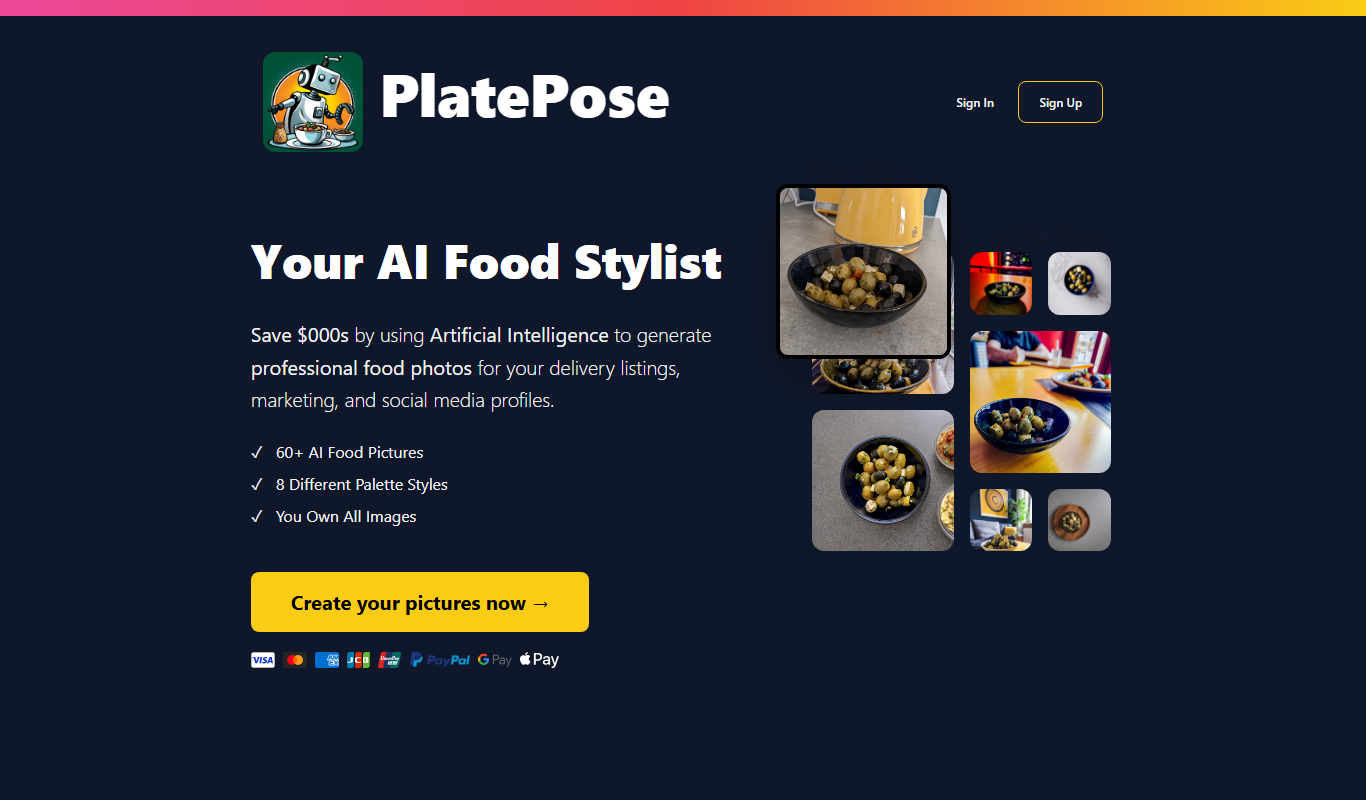
PlatePose
PlatePose trains an AI model on 10-20 photos of your dish and generates professional, stylised food photos for menus and social profiles, with full ownership of the images.
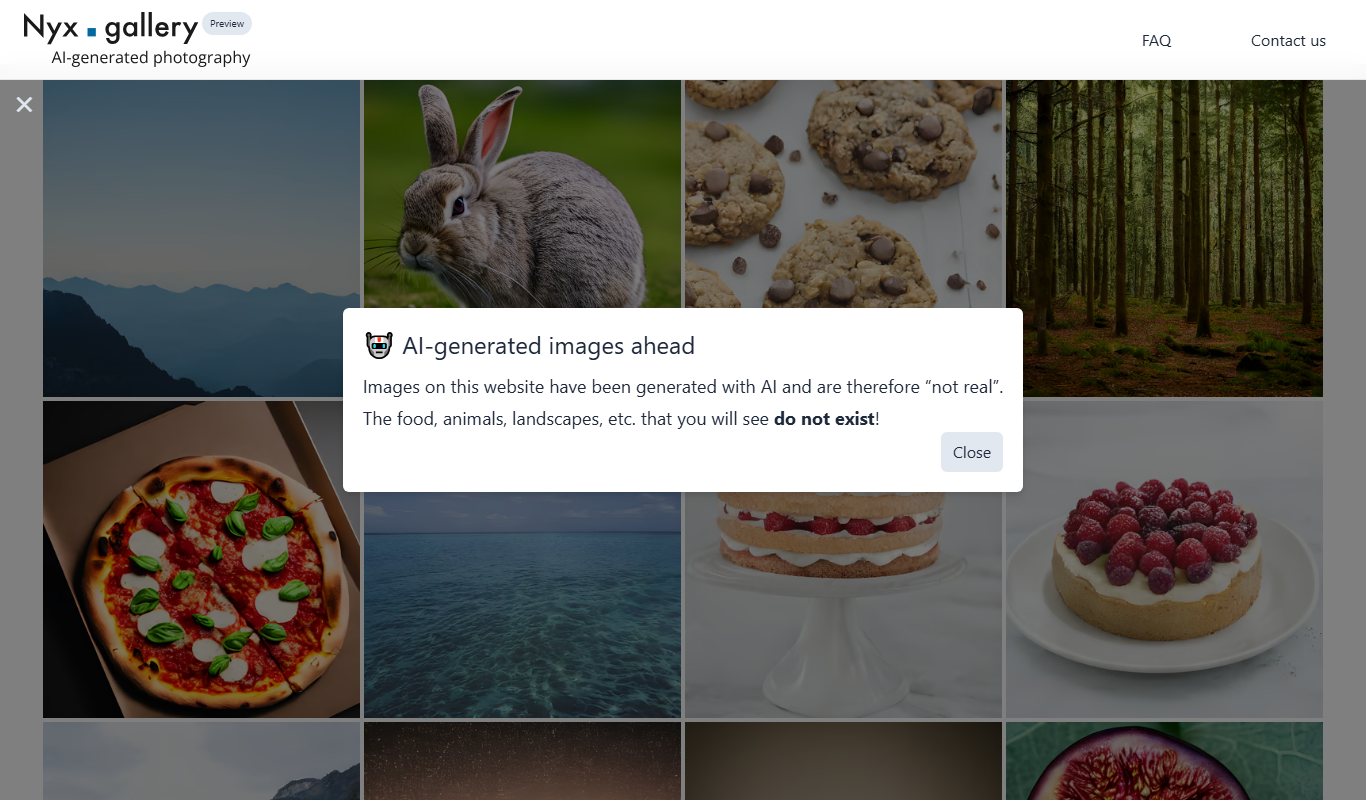
Nyx
Nyx.gallery is a preview gallery of photorealistic AI-generated images that can be downloaded and used for commercial or non-commercial purposes.

Pawfect Snapshots
Pawfect Snapshots trains an AI model on 5-10 photos of your pet and generates personalized pet portraits in styles such as Professional Photo, Water Color and Digital Art, paid with FurTokens.

AI Headshots
AI Headshots is a web service that generates realistic professional headshot photos using AI from user-uploaded selfies, offering multiple styles and high-resolution downloads.
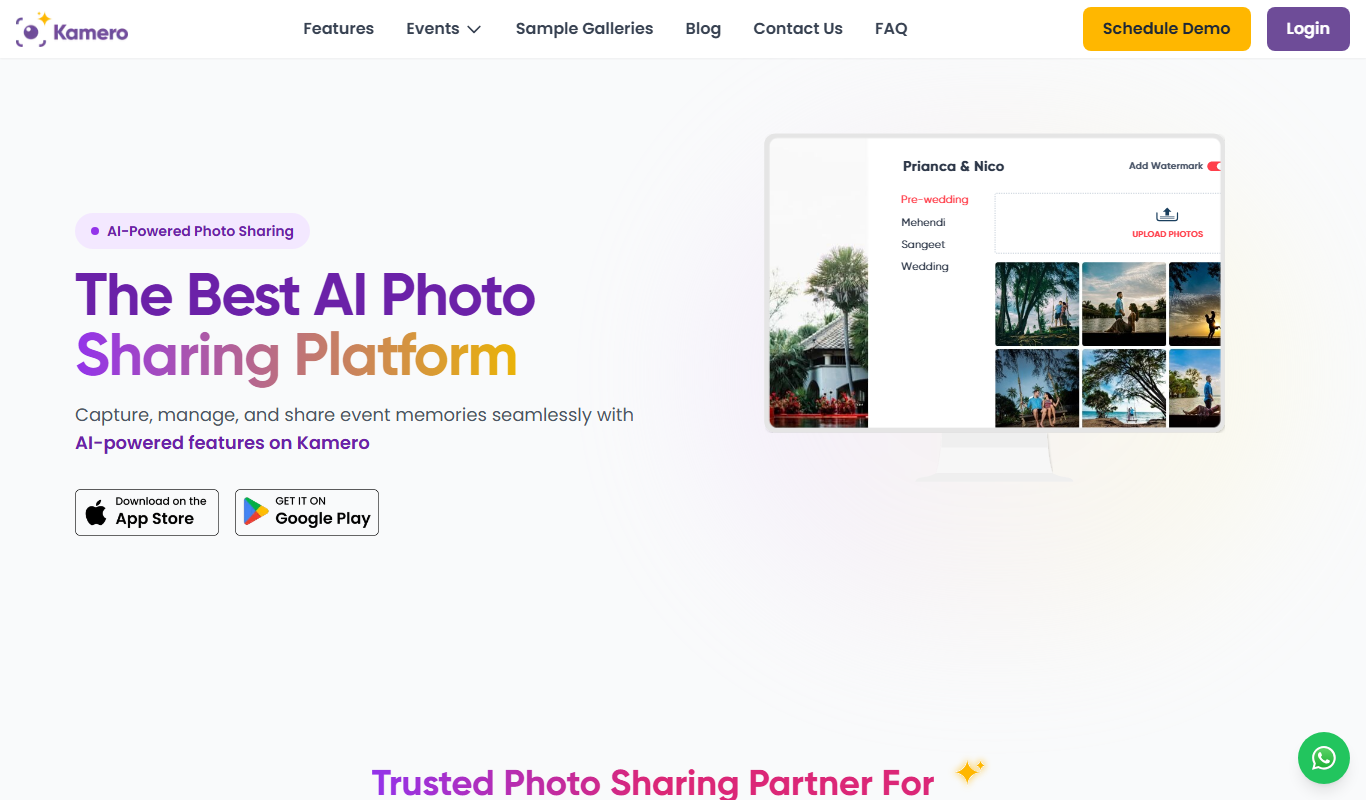
Kamero
Kamero is an AI photo sharing platform for events: guests find their wedding, corporate or school event photos in seconds with a selfie, through face recognition.

ProductAI – Professional commercial product photos
ProductAI is an AI-powered platform that generates professional commercial product photos, enabling businesses to create high-quality images without traditional photography.

Tryitonai
Try it on AI is an AI headshot generator that turns selfies into hundreds of studio-quality professional headshots in minutes, with no subscription.

Runhorse AI
Runhorse AI is a free AI photoshoot generator: upload 12 photos of yourself and get studio-style portraits, headshots and styled images in seconds.