

From my experience with Tryitonai, I found it excels at simplifying the complex process of deploying and testing AI models without requiring deep infrastructure knowledge. The platform’s collaborative features make it a practical choice for teams working on AI projects who want to share and iterate quickly. However, the lack of publicly detailed pricing and limited information on supported model formats could be a hurdle for some users. Overall, if you need a straightforward way to prototype and deploy custom AI models with team collaboration, Tryitonai offers a solid, user-friendly solution.
Tryitonai AI Platform for Custom AI Model Deployment and Testing
Tryitonai is a web platform that enables users to upload, test, and deploy custom AI and machine learning models easily, facilitating collaboration and rapid prototyping.
- Best for
- Custom AI Model Deployment
- Key capability
- Model Upload and Management
Your actions
Save Tryitonai, follow its updates and vote on it — everything stays in your account.
Sign in or create a free account

What is Tryitonai?
Tryitonai is a web-based platform designed to simplify the deployment, testing, and sharing of custom AI and machine learning models. It enables developers and organizations to upload their AI models, run tests, and deploy them without needing to manage complex infrastructure. The platform focuses on making AI experimentation and deployment accessible and efficient.
Key features of Tryitonai
Key features include easy model upload, testing environments, collaborative sharing, and streamlined deployment workflows. Tryitonai supports various AI model formats and provides a user-friendly interface for managing AI projects.
Model Upload and Management
Supports uploading various AI model formats with easy management tools.
Testing Environment
Run tests on models to evaluate accuracy and performance before deployment.
Collaborative Sharing
Share models and results with team members to facilitate collaboration.
Streamlined Deployment
Deploy AI models quickly without the need for complex infrastructure setup.
Pros and cons of Tryitonai
Pros
- Simplifies AI model deployment without complex infrastructure
- Supports collaborative workflows
- User-friendly interface for managing AI projects
Cons
- Pricing details for full plans are not publicly listed
- Limited information on supported model formats and integrations
Key use cases for Tryitonai
Custom AI Model Deployment
Deploy your own AI and machine learning models quickly without complex infrastructure setup.
AI Model Testing and Validation
Test and validate AI models in a controlled environment to ensure performance before production.
Rapid Prototyping for AI Solutions
Experiment with different AI models and configurations to prototype solutions rapidly.
Collaborative AI Development
Share AI models and results with team members for collaborative development and feedback.
How Tryitonai works
- 1
Create an Account
Sign up on the Tryitonai platform to access deployment and testing tools.
- 2
Upload AI Model
Upload your trained AI or machine learning model files to the platform.
- 3
Configure Testing
Set up test parameters and run your model in the provided environment to validate performance.
- 4
Deploy and Share
Deploy your model for use or share it with collaborators for feedback and iteration.
Who is using Tryitonai
AI developers
Machine learning engineers
Data scientists
Small to medium enterprises experimenting with AI
Research teams
Tryitonai pricing
Free Trial
$0 for limited usage
Access core features with usage limits to evaluate the platform.
Pro
Contact for pricing
Full access to all features with higher usage limits and priority support.
Plans and prices are as published by the vendor and can change. Check the official site before you buy. Open the pricing page (opens in a new tab)
Frequently asked questions about Tryitonai
Tryitonai supports a variety of AI and machine learning model formats, including common frameworks like TensorFlow and PyTorch.
Yes, Tryitonai offers a free trial with limited usage to test the platform.
Yes, the platform allows sharing models and results for collaborative development.
It depends on your specific needs and how you plan to use the tool. The official website and documentation are the best sources for the latest details.
It depends on your specific needs and how you plan to use the tool. The official website and documentation are the best sources for the latest details.
Some tools offer a free plan or trial with limited features. Availability can vary, so confirm on the official website.
Sign in to review this tool.
Sign In to ReviewNo reviews yet
Be the first to share how this tool worked for you.
Ask about pricing, limits, or how it compares — or answer someone else.
Sign In to AskNo questions yet
Have a question about using or paying for this tool? Be the first to ask.
Featured on TiorAI



Alternative Tools
Explore similar AI tools that might fit your needs
Enterprise
Weights & Biases
Weights & Biases is a machine learning platform that helps data scientists track experiments, version datasets and models, collaborate with teams, and monitor models in production.
More AI Education & Learning Tools tools
Other tools in the same category, for when this one is not quite the fit.

Free
AnyoneCanAI
AnyoneCanAI by Parallel simplifies AI with free resources, tools and inspiration: an Ideation Room, a Brainstorming Kit, case stories and an AI resource library.

Freemium
Answer AI
Answer AI is a 24/7 AI tutor and counselor app for students, with homework help, study groups, AP tutoring and college admissions guidance.

Custom Pricing
SocratiQ
SocratiQ is an AI teaching and learning platform for schools, colleges, universities and independent learners, built around explorations, AI facilitators and mastery reports.

Freemium
Nexus AI
Nexus AI is an all-in-one AI workspace for writing, research, content creation and planning: documents, decks, images, videos and code, with a free plan and paid plans.

Free
Pinecone
Pinecone is a fully managed vector database platform that simplifies storing, indexing, and querying high-dimensional vector embeddings to enable scalable similarity search for AI and machine learning applications.

Pay As You Go
Eden AI
Eden AI is a platform that aggregates multiple AI service providers into a single API, enabling developers to access NLP, computer vision, speech, and custom AI models through one interface.
Freemium
Readkidz
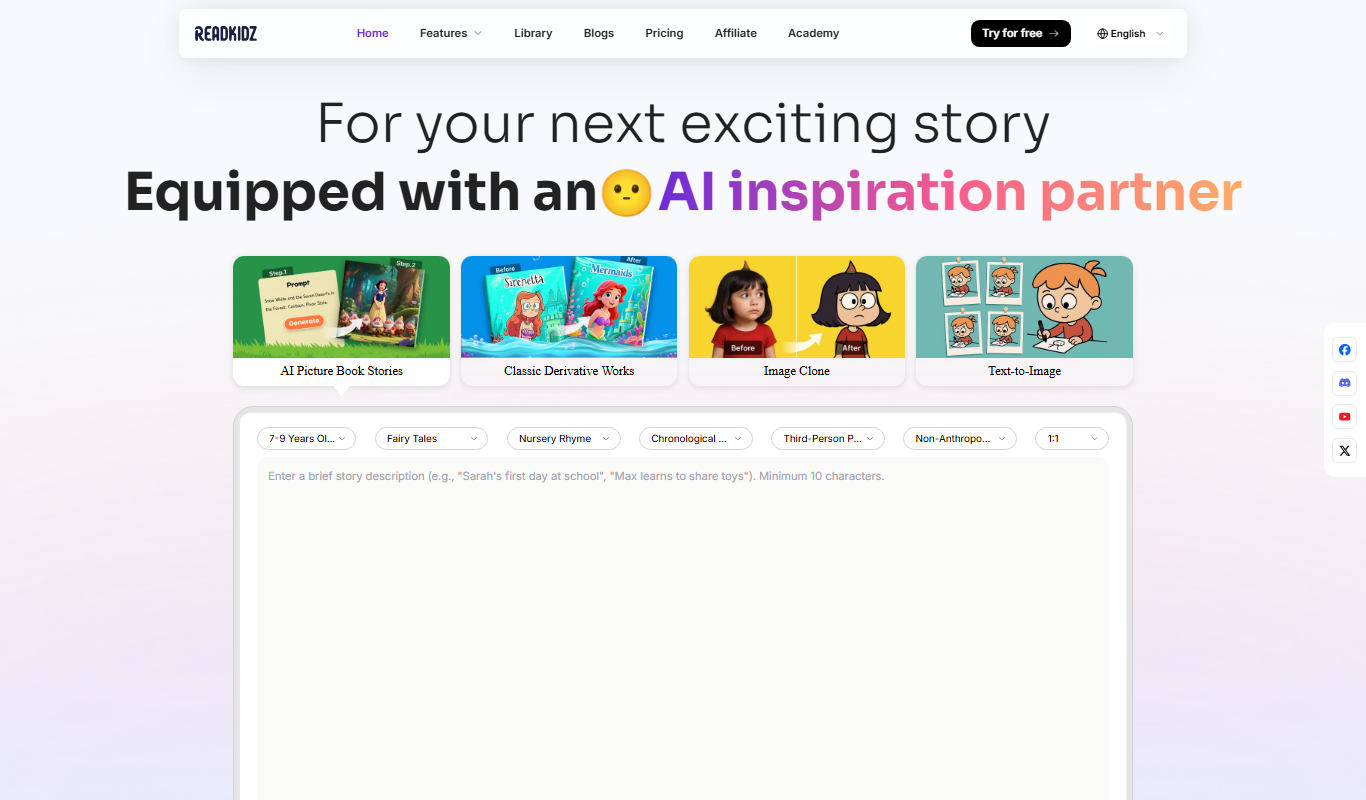
ReadKidz turns one sentence into a complete illustrated children's book: pick an age and story type and read your picture book in minutes, or paste a story you wrote.
Custom Pricing
BioBrain Insights MROps Platform
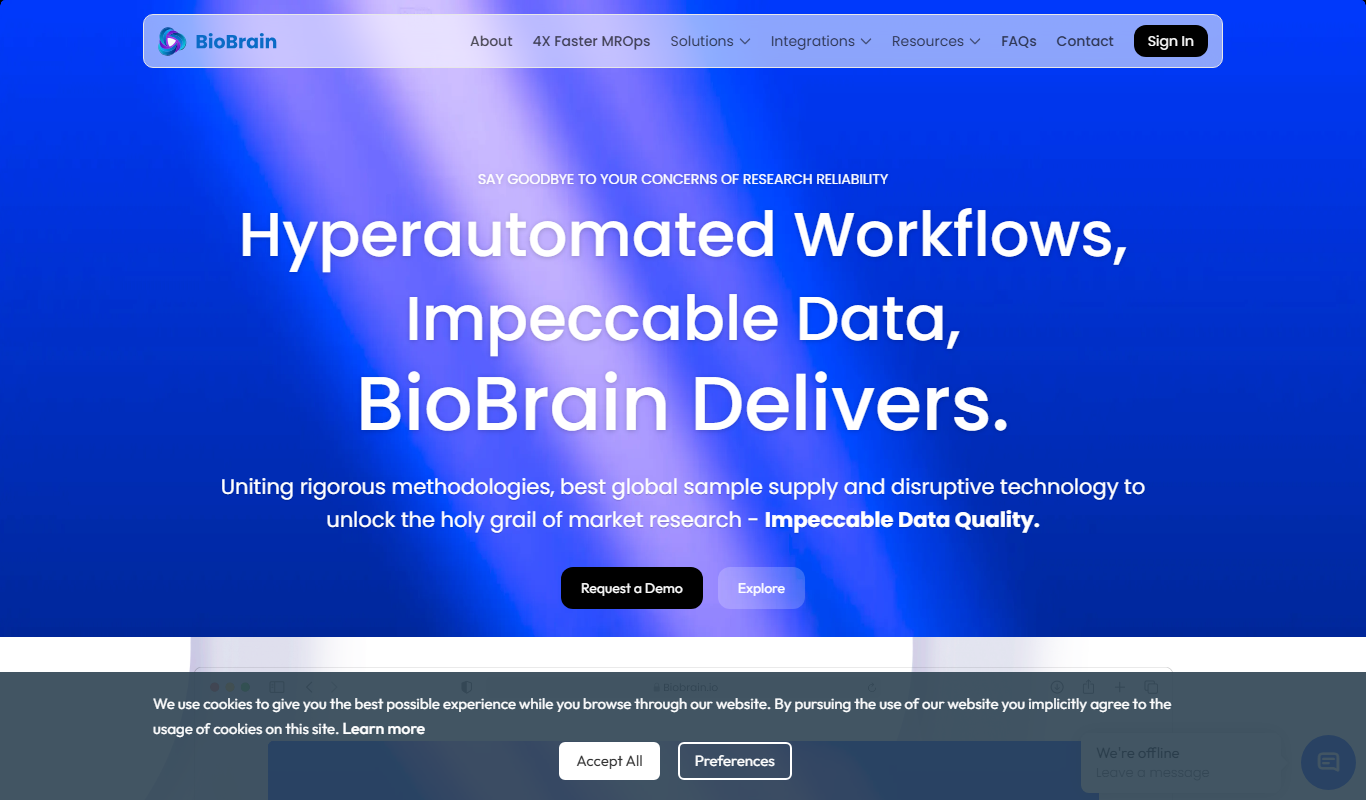
BioBrain Insights unifies all of market research operations in one platform powered by AI and automation, from automated survey programming to boardroom reports.