

From my experience with Pinecone, I found it excels at simplifying the complex infrastructure challenges of vector similarity search, allowing developers to focus on building AI applications rather than managing databases. Its fully managed nature and real-time update capabilities make it particularly well-suited for teams working on recommendation systems, semantic search, and NLP projects. However, the pricing for larger-scale usage requires direct consultation, which may be a consideration for startups with tight budgets. Overall, if you need a scalable, high-performance vector database with minimal operational overhead, Pinecone delivers robust and reliable results.
Pinecone Vector Database for Scalable AI and Machine Learning Applications
Pinecone is a fully managed vector database platform that simplifies storing, indexing, and querying high-dimensional vector embeddings to enable scalable similarity search for AI and machine learning applications.
- Best for
- Semantic Search
- Key capability
- Fully Managed Service
Your actions
Save Pinecone, follow its updates and vote on it — everything stays in your account.
Sign in or create a free account
What is Pinecone?
Pinecone is a fully managed vector database designed to simplify the development of machine learning and AI applications that require similarity search at scale. It allows developers to efficiently store, index, and query high-dimensional vector embeddings generated by models such as transformers or convolutional neural networks. By abstracting the complexity of vector search infrastructure, Pinecone enables rapid deployment of semantic search, recommendation systems, and other AI-powered features.
Key features of Pinecone
Pinecone offers a scalable, low-latency vector indexing and search service with automatic scaling, real-time updates, and seamless integration via APIs and SDKs. It supports multiple distance metrics, metadata filtering, and provides strong consistency guarantees. The platform handles infrastructure management, enabling developers to focus on building AI applications without worrying about the underlying database complexities.
Fully Managed Service
No infrastructure setup or maintenance required; Pinecone handles scaling and availability.
High Performance Vector Search
Supports low-latency, high-throughput similarity search over billions of vectors.
Flexible Filtering
Combine vector similarity with metadata filters to refine search results.
Multiple Distance Metrics
Choose from cosine similarity, Euclidean distance, and dot product for vector comparisons.
Real-Time Updates
Insert, update, or delete vectors instantly without downtime.
Pros and cons of Pinecone
Pros
- Fully managed with no infrastructure overhead
- Low-latency, high-throughput vector search
- Supports metadata filtering for refined queries
- Real-time vector updates without downtime
- Scales seamlessly with growing data
Cons
- Pricing details for higher tiers require contacting sales
- Limited language support beyond English documentation
- Primarily cloud-based; no on-premises option
Key use cases for Pinecone
Semantic Search
Enable fast and accurate semantic search over large datasets by indexing vector embeddings.
Recommendation Systems
Build scalable recommendation engines that find similar items or users using vector similarity.
Anomaly Detection
Detect outliers and anomalies in high-dimensional data using vector distance metrics.
Natural Language Processing
Support NLP applications by storing and querying word, sentence, or document embeddings.
Computer Vision
Index and search image or video embeddings for visual similarity and content-based retrieval.
How Pinecone works
- 1
Create an Account
Sign up on Pinecone’s website to access the cloud-based vector database platform.
- 2
Set Up a Namespace
Create a namespace (index) to organize and store your vector data.
- 3
Ingest Vectors
Upload or stream vector embeddings generated from your ML models into Pinecone.
- 4
Query Vectors
Perform similarity searches using queries to find nearest neighbors or filtered results.
- 5
Scale and Monitor
Adjust capacity and monitor performance through the dashboard or API as your data grows.
Who is using Pinecone
AI and machine learning engineers
Data scientists building recommendation systems
Developers implementing semantic search
Enterprises needing scalable vector search
Startups focused on NLP and computer vision
Pinecone pricing
Free
$0/month
Basic access with limited vector storage and query capacity for evaluation and development.
Standard
Custom pricing
Scalable plans with higher capacity, SLA guarantees, and enterprise features.
Plans and prices are as published by the vendor and can change. Check the official site before you buy. Open the pricing page (opens in a new tab)
Frequently asked questions about Pinecone
A vector database stores and indexes high-dimensional vectors, enabling similarity search for AI applications.
Pinecone automatically scales resources based on your workload without manual intervention.
Yes, Pinecone supports filtering results using metadata fields alongside vector similarity.
It supports cosine similarity, Euclidean distance, and dot product metrics.
This tool is designed to help users accomplish its core tasks more efficiently. It is typically used by individuals or teams looking to improve productivity and workflow.
Data handling and security practices vary by provider. Review the official privacy policy to understand how your data is stored and used.
Yes, it can help with that use case depending on how you configure it and what features are available. You’ll get the best results with clear inputs and a defined goal.
Yes, it can help with that use case depending on how you configure it and what features are available. You’ll get the best results with clear inputs and a defined goal.
Sign in to review this tool.
Sign In to ReviewNo reviews yet
Be the first to share how this tool worked for you.
Ask about pricing, limits, or how it compares — or answer someone else.
Sign In to AskNo questions yet
Have a question about using or paying for this tool? Be the first to ask.
Featured on TiorAI



Alternative Tools
Explore similar AI tools that might fit your needs

Enterprise
Milvus
Milvus is an open-source vector database designed for efficient similarity search and management of large-scale unstructured data, widely used in AI and machine learning applications.

Free
Vespa
Vespa is an open-source platform designed for real-time search, recommendation, and data processing, enabling developers to build scalable, low-latency applications integrating machine-learned models.
More AI API Design tools
Other tools in the same category, for when this one is not quite the fit.

Freemium
GreenEyes.AI – Image Recog. Tech as API
GreenEyes.AI is an image recognition API platform that provides high-accuracy object detection, customizable models, and scalable API access for various industries including retail, manufacturing, and security.

Custom Pricing
Flagright AI
Flagright AI is a RegTech platform that automates AML compliance, KYC verification, and fraud detection using AI and machine learning to help financial institutions reduce risk and meet regulatory requirements.
Free
TextSynth
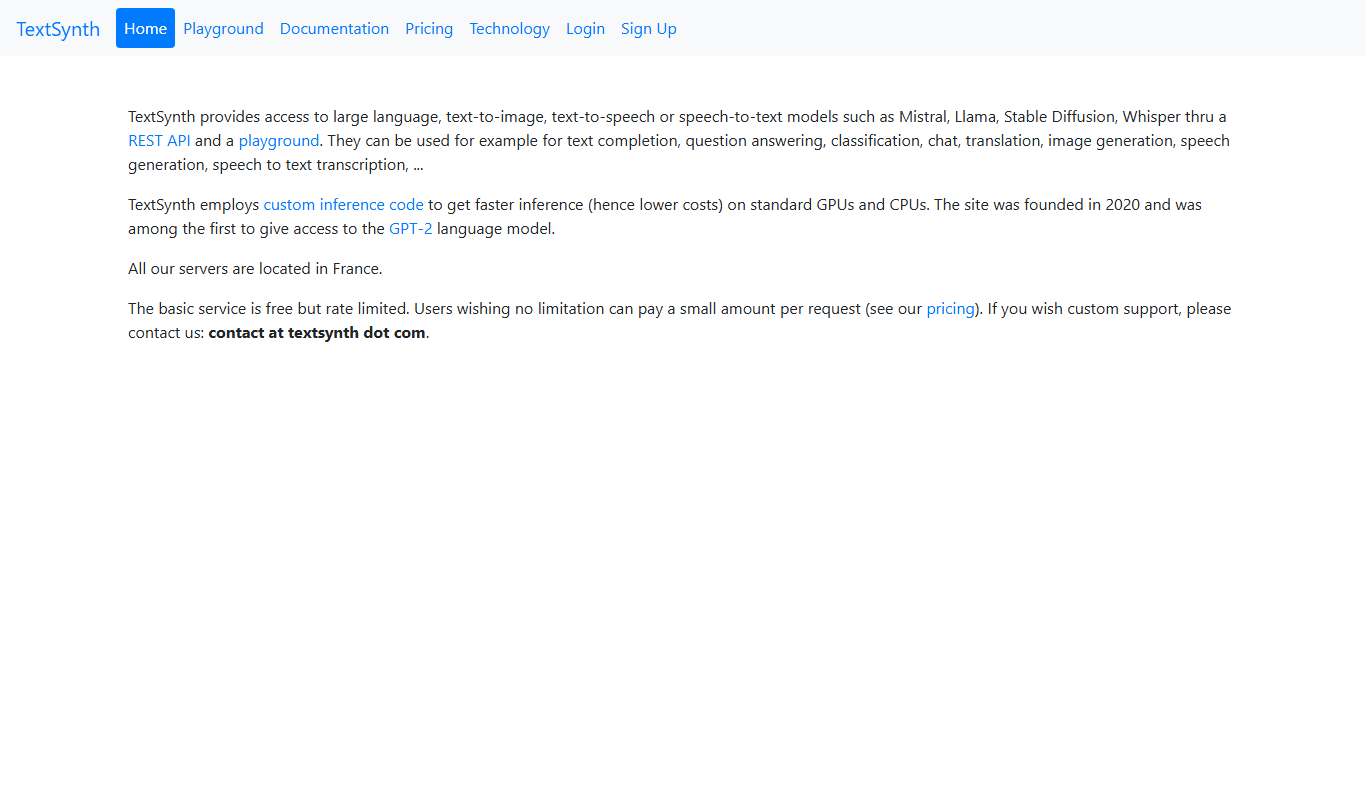
TextSynth is an AI platform for text generation, text-to-image, text-to-speech, speech-to-text, translation and classification.

Free
Stoplight
Stoplight is an API design and development platform that provides visual editing, interactive documentation, mocking, and governance tools to help teams build and manage APIs efficiently.

Free
Swagger
Swagger is a set of tools for designing, documenting, testing, and mocking RESTful APIs using the OpenAPI Specification, widely used by developers and teams to streamline API development.

Free Trial
Boostramp
Boostramp is an AI-driven platform that automates personalized sales email outreach and lead generation, integrating with CRMs to streamline sales workflows.

Free Trial
CRUDERRA
CRUDERRA is a low-code platform that helps users build web and mobile applications quickly using drag-and-drop tools and database integration without needing extensive coding skills.

Free Trial
Aptori
Aptori is a low-code platform that helps businesses quickly build custom applications and automate workflows using a visual drag-and-drop interface and API integrations.