

Userback Feedback Tool for Website Bug Tracking and Client Collaboration
Userback is a visual feedback and bug tracking platform that enables teams to collect annotated feedback directly on websites or apps, improving communication and issue resolution through integrations with popular project management tools.
- Best for
- Website Bug Tracking
- Key capability
- Visual Bug Reporting
Save Userback, follow its updates and vote on it — everything stays in your account.
Sign in or create a free account
What is Userback?
Userback is a visual feedback and bug tracking platform designed to help teams and clients communicate effectively about website and app issues. It allows users to capture screenshots or live page feedback with annotations, making it easier to identify and resolve bugs or gather client input. The tool integrates with popular project management and development platforms to streamline workflows.
Key features of Userback
Userback’s main features include visual bug reporting, client feedback collection with annotations, integrations with development tools, customizable feedback widgets, and centralized feedback management dashboards.
Visual Bug Reporting
Capture annotated screenshots and videos to clearly communicate bugs and issues.
Client Feedback Widget
Customizable widget embedded on websites for clients to submit feedback easily.
Integrations
Seamless connections with Jira, Trello, Slack, GitHub, and more to fit into existing workflows.
Feedback Management Dashboard
Organize, prioritize, and respond to feedback from a centralized platform.
API Access
Programmatic access to feedback data for custom workflows and automation.
Pros and cons of Userback
Pros
- Easy visual feedback capture with annotations
- Integrates well with popular development tools
- Centralized dashboard for managing feedback
- Customizable feedback widget for client use
- API available for automation and custom workflows
Cons
- Limited language support (primarily English)
- Pricing may be high for very small teams
- No mobile app for on-the-go feedback management
Key use cases for Userback
Website Bug Tracking
Capture and report bugs visually on websites and web apps to streamline issue resolution.
Client Feedback Collection
Gather annotated feedback directly from clients on live websites or prototypes for clearer communication.
Project Collaboration
Centralize feedback and bug reports to improve team collaboration and project management efficiency.
Visual Annotation
Enable users to highlight, comment, and annotate screenshots or live pages for precise feedback.
Integration with Development Tools
Connect Userback with tools like Jira, Trello, Slack, and GitHub to automate workflow and issue tracking.
How Userback works
- 1
Install Feedback Widget
Add Userback’s feedback widget to your website or web app to enable users to submit visual feedback.
- 2
Collect Visual Feedback
Users capture screenshots or annotate live pages to highlight issues or suggestions.
- 3
Centralize Feedback
All feedback is collected in a dashboard where teams can review, comment, and prioritize.
- 4
Integrate with Tools
Connect Userback with tools like Jira or Slack to automate issue tracking and notifications.
Who is using Userback
Userback pricing
Free
$0
Free plan with 2 seats.
Team
$39/month
5 seats and 5 feedback projects plus everything in Free, with feedback flowing into existing tools. Aimed at growing teams.
Enterprise
Custom pricing
Tailored solutions for large organizations with dedicated support and custom integrations.
Business
$99/month
Unlimited seats and 25 feedback projects plus everything in Team. Aimed at scaling teams.
Business Plus
$199/month
Unlimited seats and 50 feedback projects plus everything in Business. Aimed at larger teams.
Plans and prices are as published by the vendor and can change. Check the official site before you buy. Open the pricing page (opens in a new tab)
Frequently asked questions about Userback
Yes, Userback supports multiple projects allowing feedback collection across various websites or apps.
Yes, it integrates with Jira, Trello, Slack, GitHub, and others to streamline issue tracking.
Yes, Userback offers a Free plan with 2 seats.
Yes, clients can submit feedback anonymously or with minimal information via the feedback widget.
It depends on your specific needs and how you plan to use the tool. The official website and documentation are the best sources for the latest details.
Integration support depends on the tool and its available connectors or API. Check the official documentation or integrations page to confirm what is supported.
It depends on your specific needs and how you plan to use the tool. The official website and documentation are the best sources for the latest details.
Yes, it can help with that use case depending on how you configure it and what features are available. You’ll get the best results with clear inputs and a defined goal.
Conclusion
A feedback widget added to a website or web app is the entry point: users capture screenshots or annotate live pages to highlight issues or suggestions. Annotated screenshots and videos help communicate bugs clearly, and clients can submit feedback anonymously or with minimal information. Feedback is collected in a dashboard where teams review, comment and prioritize, and connections with Jira, Trello, Slack and GitHub fit it into existing workflows.
It is built for web development teams and digital agencies, along with QA teams and freelance web designers. The Free plan includes 2 seats, and paid plans run from Team at $39 a month through Business at $99 to Business Plus at $199.
Sources
Sign in to review this tool.
Sign In to ReviewNo reviews yet
Be the first to share how this tool worked for you.
Ask about pricing, limits, or how it compares — or answer someone else.
Sign In to AskNo questions yet
Have a question about using or paying for this tool? Be the first to ask.
Featured on TiorAI



Alternative Tools
Explore similar AI tools that might fit your needs

BugHerd
BugHerd is a visual bug tracking tool that allows teams to report, manage, and resolve website bugs by pinning issues directly on the webpage, streamlining communication and project management.
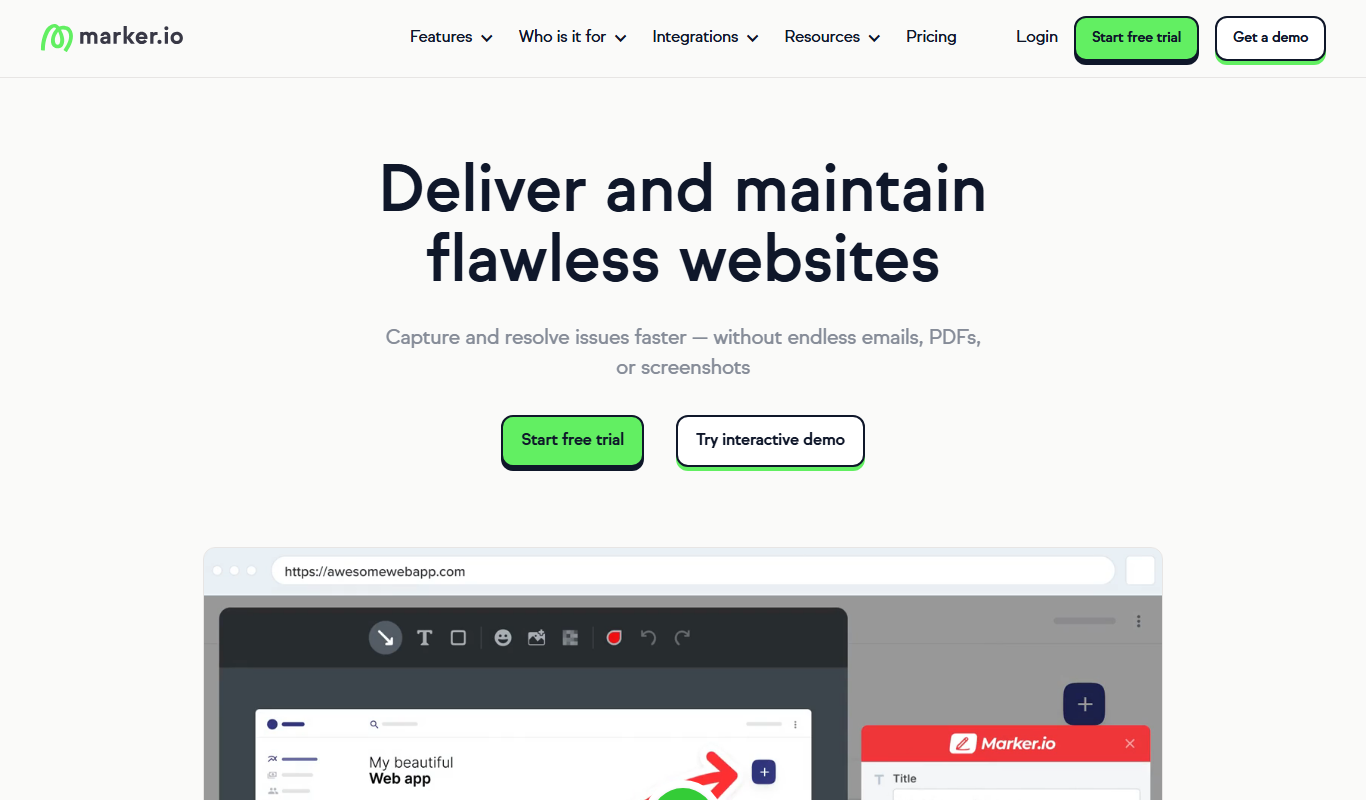
Marker.io
Marker.io is a visual bug reporting and feedback tool that allows users to capture annotated screenshots and send them directly to project management tools like Jira and Trello, streamlining website issue tracking and collaboration.
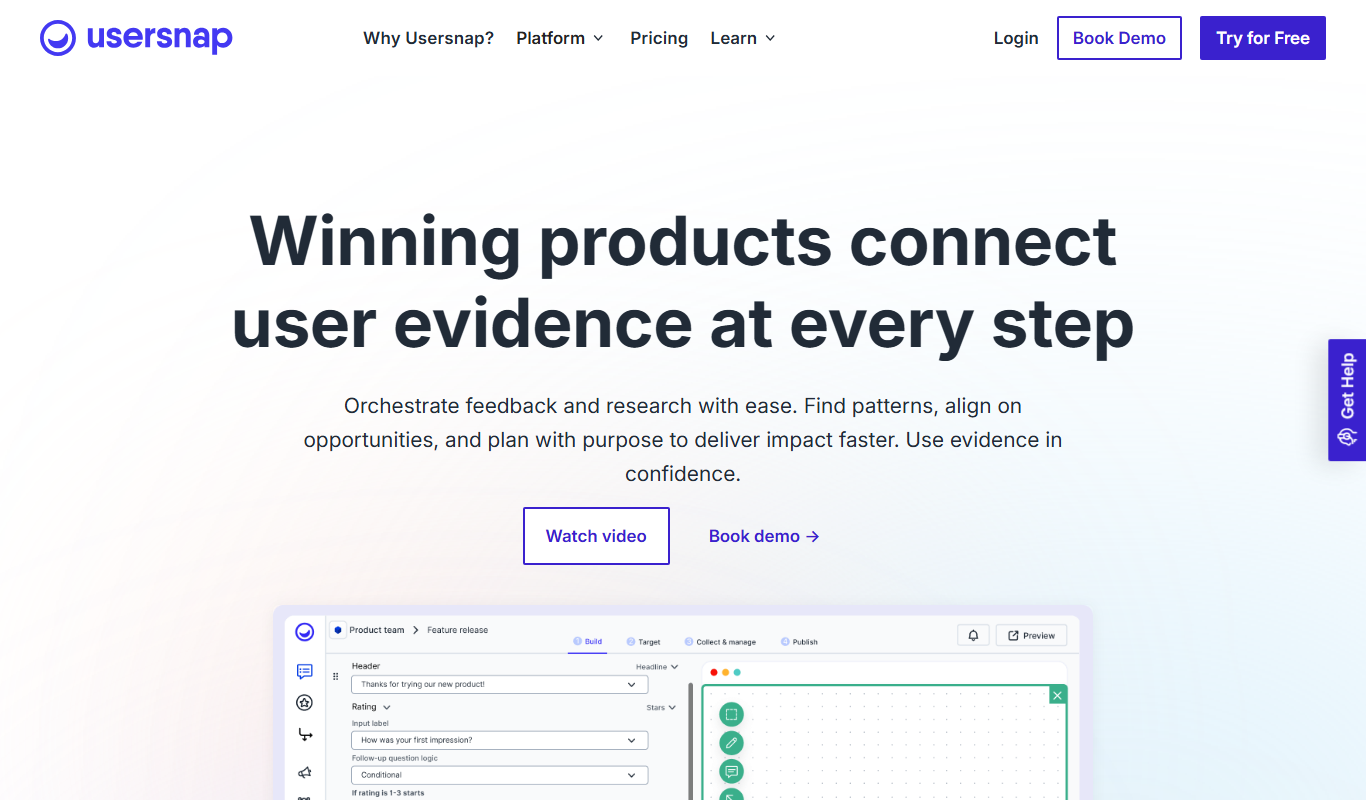
Usersnap
Usersnap is a user feedback platform for product teams where one code snippet powers segmented surveys, annotated screen-capture tickets, and an in-product feedback menu tied to support.
More Business Management tools
Other tools in the same category, for when this one is not quite the fit.

Digits — Accounting, reimagined.
Digits is AI-native accounting software with 24/7 automated bookkeeping, real-time financials, AI Bill Pay and invoicing for business owners and accountants.

Linkly AI
Linkly AI is a local document search engine for AI agents that indexes the files on your computer and lets any AI tool search and read them through MCP, a CLI or Skills.

BirdseyePost
BirdseyePost by Birdseye makes personalized direct mail simple: create targeted postcards, reach the right audience and track results with QR code scans.

Beacon
Beacon helps marketers create professional lead magnets in minutes without hiring a designer, plus opt-in forms and libraries of gated content.

Lens Protocol
Lens Protocol is a blockchain stack built for SocialFi, made up of Lens Chain, the Social Protocol and Storage Nodes, where one Lens account works across many apps.

Botkeeper
Botkeeper is an AI accounting solution purpose-built for accounting firms that automates the most manual and time-consuming bookkeeping work.

Monday.com AI
monday.com AI is a work operating system that uses AI to automate workflows, enhance project management, and improve team collaboration across platforms.

Asana AI
Asana AI is an AI-powered extension of the Asana platform that automates task creation, workflow management, and provides predictive analytics to improve project efficiency.