
From my experience with Botkeeper, I found it excels at automating the tedious and error-prone tasks of bookkeeping by combining AI with human accountant oversight. This hybrid approach ensures accuracy while significantly reducing manual data entry time. After spending time with the platform, I can say it’s particularly well-suited for small businesses and accounting firms looking to streamline financial workflows without sacrificing precision. However, the pricing model requires direct contact, which may be a hurdle for some, and setup can take time to integrate all financial accounts properly. Overall, if you need reliable bookkeeping automation with expert support, Botkeeper delivers solid results.
Botkeeper AI Accounting Automation Software for Small Business Bookkeeping
Botkeeper is an AI-driven bookkeeping platform that automates financial data entry, categorization, and reporting for small businesses, combining machine learning with human accountant oversight to improve accuracy and efficiency.
Tech Stack:
Cloud Computing
JavaScript
Machine Learning
Python
What is Botkeeper?
Botkeeper is an AI-powered bookkeeping and accounting automation platform designed to help small and medium-sized businesses streamline their financial operations. It combines machine learning technology with human accountants to automate data entry, transaction categorization, and financial reporting, reducing manual effort and improving accuracy.

Key Features of Botkeeper
AI-Powered Transaction Categorization
Automatically categorize financial transactions using machine learning algorithms.
Real-Time Financial Dashboards
Visualize your business’s financial health with customizable dashboards updated in real time.
Seamless Integration
Integrates with popular accounting software such as QuickBooks, Xero, and others.
Dedicated Human Accountant Support
Combines AI automation with expert human review for accuracy and compliance.
Customizable Reporting
Generate tailored financial reports to meet specific business needs and tax requirements.
Pros and Cons of Botkeeper
Pros
- Reduces manual bookkeeping time significantly
- Combines AI with human oversight for accuracy
- Integrates with major accounting software
- Provides real-time financial insights
- Customizable reporting options
Cons
- Pricing is not transparent and requires contact
- Primarily supports English language only
- May require onboarding time to set up integrations
Key Use Cases for Botkeeper
Automated Bookkeeping
Automate data entry and categorization of financial transactions to reduce manual bookkeeping efforts.
Financial Reporting
Generate real-time financial reports and dashboards for better business insights and decision making.
Expense Management
Track and manage expenses automatically by integrating with bank feeds and credit card transactions.
Tax Preparation Support
Organize financial data to simplify tax filing and compliance processes.
Accounting Workflow Automation
Streamline accounting workflows by automating repetitive tasks and integrating with existing accounting software.
How Botkeeper Works
-
1
Connect Financial Accounts
Link your bank accounts, credit cards, and accounting software to Botkeeper for data import.
-
2
Automated Data Processing
Botkeeper’s AI processes transactions, categorizes expenses, and reconciles accounts automatically.
-
3
Human Accountant Review
A team of accountants reviews and verifies the AI-processed data to ensure accuracy.
-
4
Access Reports and Insights
View real-time financial reports, dashboards, and insights through the Botkeeper web platform.
Who's Using Botkeeper
Small business owners
Accounting firms
Bookkeepers
Financial controllers
Startups
Botkeeper Pricing
Custom Pricing
Contact for pricing
Pricing based on business size, transaction volume, and feature requirements.
Frequently Asked Questions About Botkeeper
Yes, Botkeeper is designed primarily for small to medium-sized businesses looking to automate bookkeeping.
Yes, Botkeeper integrates seamlessly with QuickBooks and other popular accounting platforms.
Botkeeper combines AI automation with human accountant review to verify and correct data.
Botkeeper provides dedicated support including onboarding assistance and ongoing customer service.
It depends on your specific needs and how you plan to use the tool. The official website and documentation are the best sources for the latest details.
Integration support depends on the tool and its available connectors or API. Check the official documentation or integrations page to confirm what is supported.
It depends on your specific needs and how you plan to use the tool. The official website and documentation are the best sources for the latest details.
Yes, it can help with that use case depending on how you configure it and what features are available. You’ll get the best results with clear inputs and a defined goal.
Share your review
Reviews are limited to one per logged-in user and are published after moderation.
You need an account to review this tool.
0.0
★
★
★
★
★
0 reviews
5 star
0
4 star
0
3 star
0
2 star
0
1 star
0
No reviews yet
Be the first to share how this tool worked for you.
Questions from the community
Read questions and answers about this tool, or ask your own.
No questions yet
Start the conversation by asking the first question about this tool.
Is this tool helpful?
Alternative Tools
Explore similar AI tools that might fit your needs
Subscription
Bench
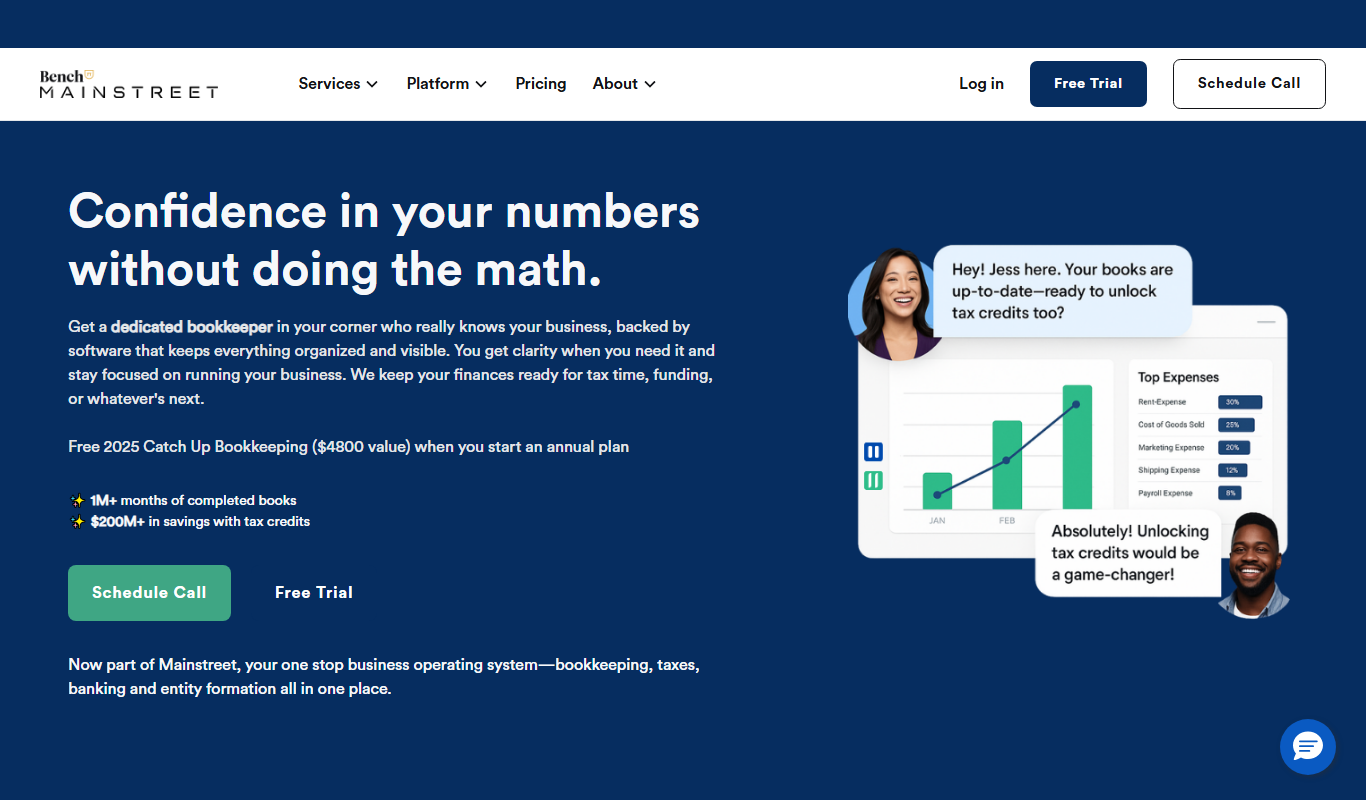
Bench is an online bookkeeping service that combines software automation with professional bookkeepers to manage small business finances, provide monthly reports, and prepare tax-ready data.

Subscription
Pilot
Pilot is an AI-driven bookkeeping and accounting platform that automates financial tasks for small businesses, combining machine learning with human accountant expertise to deliver accurate financial management and reporting.
Freemium
AskCleo
AskCleo is an AI chat generator that provides natural, multi-turn conversations for personal assistance and customer service automation.

Free
InclusionHub
InclusionHub is a free online platform that provides resources, vendor directories, and educational content to help organizations improve digital accessibility and comply with standards like ADA and WCAG.
Subscription
Optum360 EncoderPro
Optum360 EncoderPro is a medical coding software that helps healthcare providers assign accurate ICD-10, CPT, and HCPCS codes to improve billing accuracy and compliance.

Freemium
MeasureUp
MeasureUp is an online platform providing realistic practice exams and detailed explanations to help individuals prepare for professional certification tests, primarily in IT and business domains.

Free
CarNow
CarNow is an online platform that connects car buyers with dealerships offering live pricing, dealer chat, financing, and trade-in tools to simplify vehicle purchases.

Freemium
Kaia Health
Kaia Health is an AI-powered digital therapeutics platform that provides personalized physical therapy and pain management programs using motion tracking and expert guidance to help users manage chronic musculoskeletal pain.

Free
SafetyCulture iAuditor
SafetyCulture iAuditor is a mobile and web app that enables organizations to conduct digital safety inspections, audits, and compliance checks with customizable templates, real-time data capture, automated reporting, and issue tracking.

Custom Pricing
Hyperscience
Hyperscience is an AI-driven platform that automates data extraction and document classification to improve accuracy and efficiency in enterprise workflows.