
From my experience with SafetyCulture iAuditor, it stands out as a practical and flexible solution for digitizing workplace safety inspections and audits. The mobile app’s offline capabilities and customizable templates make it highly adaptable across industries, from construction to manufacturing. I found its automated reporting and issue tracking features particularly useful for streamlining compliance workflows and enhancing team accountability. However, larger organizations may find the pricing on premium plans somewhat steep, and there is a learning curve when building complex custom templates. Overall, if you need a reliable tool to modernize safety and quality inspections, iAuditor delivers robust functionality with real-world usability.
SafetyCulture iAuditor: Mobile Inspection App for Workplace Safety Compliance
SafetyCulture iAuditor is a mobile and web app that enables organizations to conduct digital safety inspections, audits, and compliance checks with customizable templates, real-time data capture, automated reporting, and issue tracking.
What is SafetyCulture iAuditor?
SafetyCulture iAuditor is a mobile-first inspection and checklist app designed to help organizations improve workplace safety, quality, and compliance. It enables users to create, customize, and conduct digital inspections and audits in real-time, replacing traditional paper-based processes. The platform supports capturing photos, notes, and signatures, and automates reporting and issue tracking to enhance operational efficiency and safety culture.

Key Features of SafetyCulture iAuditor
Customizable Inspection Templates
Create or modify checklists to fit specific safety, quality, or compliance requirements.
Real-Time Data Capture
Capture photos, annotations, and signatures during inspections with instant syncing to the cloud.
Automated Reporting
Generate professional reports automatically after each inspection for easy sharing and record-keeping.
Issue Tracking and Task Management
Assign corrective actions, track progress, and ensure accountability within teams.
Analytics and Insights
Visualize inspection data trends to identify risks and improve operational safety.
Pros and Cons of SafetyCulture iAuditor
Pros
- User-friendly mobile app for on-the-go inspections
- Highly customizable templates for diverse industries
- Automated reporting saves time and reduces errors
- Strong issue tracking and team collaboration features
- Offline functionality ensures inspections anytime
Cons
- Pricing can be high for large teams
- Some advanced features require premium plans
- Learning curve for customizing complex templates
Key Use Cases for SafetyCulture iAuditor
Workplace Safety Inspections
Conduct digital safety audits and inspections on-site using customizable checklists to ensure compliance with safety regulations.
Quality Control Audits
Perform quality assurance checks across manufacturing or service processes to maintain standards and identify issues early.
Risk Management
Identify, document, and track workplace hazards and risks to mitigate incidents and improve safety culture.
Compliance Reporting
Generate detailed reports automatically from inspection data to demonstrate compliance with industry regulations and standards.
Team Collaboration
Assign tasks, share inspection results, and communicate with team members to streamline safety workflows and corrective actions.
How SafetyCulture iAuditor Works
-
1
Create or Choose Inspection Templates
Select from pre-built templates or customize your own checklists tailored to your industry and compliance needs.
-
2
Conduct Inspections On-site
Use the mobile app to perform inspections, capturing photos, notes, and signatures directly within the checklist.
-
3
Generate Automated Reports
After inspections, iAuditor compiles data into detailed reports that can be shared with stakeholders instantly.
-
4
Track Issues and Assign Actions
Identify non-compliance or hazards, assign corrective actions to team members, and monitor resolution progress.
-
5
Analyze Data and Improve Processes
Use dashboards and analytics to identify trends, improve safety protocols, and ensure ongoing compliance.
Who's Using SafetyCulture iAuditor
SafetyCulture iAuditor Pricing
Free
Basic access with limited inspections and features suitable for small teams.
Standard
Includes unlimited inspections, advanced reporting, and issue tracking.
Premium
Enterprise-grade features with API access, integrations, and dedicated support.
Frequently Asked Questions About SafetyCulture iAuditor
Yes, iAuditor allows you to conduct inspections offline and syncs data automatically once you reconnect to the internet.
Absolutely. iAuditor is used in various sectors including manufacturing, hospitality, construction, and retail for quality and compliance audits.
Yes, it offers integrations with platforms like Microsoft Teams, Slack, and various cloud storage services.
SafetyCulture employs industry-standard security measures including data encryption and secure cloud hosting to protect your information.
This tool is designed to help users accomplish its core tasks more efficiently. It is typically used by individuals or teams looking to improve productivity and workflow.
Yes, it can help with that use case depending on how you configure it and what features are available. You’ll get the best results with clear inputs and a defined goal.
Pricing depends on the plan and included features. For the most accurate and up-to-date details, check the official pricing page.
Share your review
Reviews are limited to one per logged-in user and are published after moderation.
You need an account to review this tool.
0 reviews
No reviews yet
Be the first to share how this tool worked for you.
Questions from the community
Read questions and answers about this tool, or ask your own.
No questions yet
Start the conversation by asking the first question about this tool.

LifeLock
LifeLock is a subscription-based service offering identity theft protection, credit monitoring, fraud alerts, and identity restoration support to help users safeguard their personal information.

Mailtrack
Mailtrack is a Gmail-focused email tracking tool that offers real-time notifications when your emails are opened or links clicked, helping improve follow-up timing and email engagement insights.
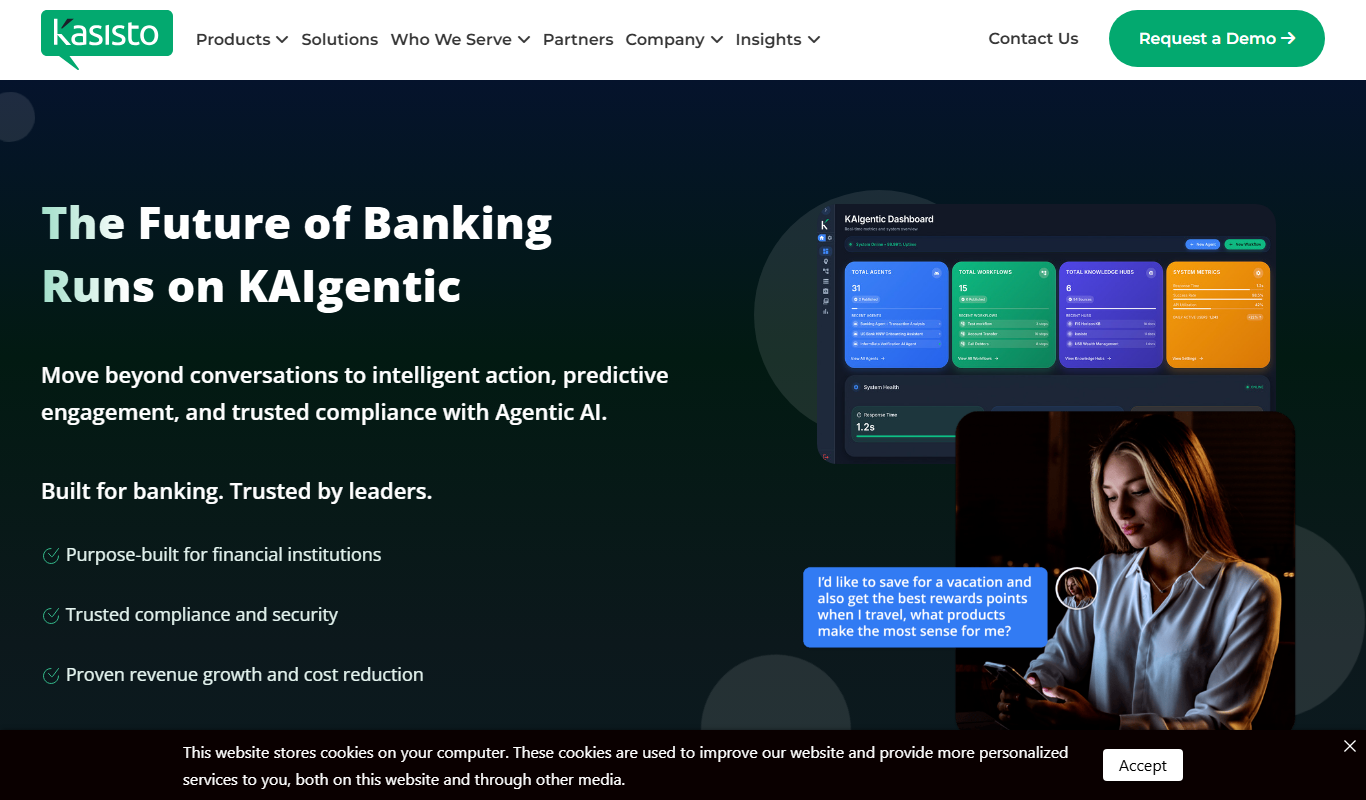
Kasisto KAI
Kasisto KAI is an AI-powered conversational platform specialized for banking and financial institutions, enabling secure, personalized virtual assistant interactions across multiple channels.

Isabel Symptom Checker
Isabel Symptom Checker is an AI-driven clinical decision support tool that helps healthcare professionals generate differential diagnoses by analyzing patient symptoms against a comprehensive medical database.

SoliCall
SoliCall is a noise reduction and echo cancellation software that enhances voice call clarity by removing background noise and echo in real-time, ideal for call centers and VoIP communications.

GloriaFood
GloriaFood is an online food ordering platform that enables restaurants to accept orders directly via a branded website and mobile apps, with features for delivery management and customer engagement.

Cleartrip
Cleartrip is an online travel booking platform offering flights, hotels, and train ticket reservations with real-time availability and exclusive deals.

PetDesk
PetDesk is a pet care management platform that helps pet owners schedule veterinary appointments, manage health records, and receive medication reminders through an easy-to-use app and web interface.