

From my experience with Mailtrack, it stands out for its seamless Gmail integration and real-time email open notifications, which are invaluable for timely follow-ups in sales and customer support. The tool’s simplicity and unlimited tracking on the free plan make it accessible for freelancers and small businesses alike. However, its reliance on the Chrome browser and Gmail limits its use for those on other platforms or email clients. Overall, if your workflow centers around Gmail and you need reliable email engagement insights, Mailtrack delivers a straightforward and effective solution.
Mailtrack Email Tracking Tool for Gmail with Real-Time Read Receipts
Mailtrack is a Gmail-focused email tracking tool that offers real-time notifications when your emails are opened or links clicked, helping improve follow-up timing and email engagement insights.
- Best for
- Sales Follow-Up
- Key capability
- Unlimited Email Tracking
Your actions
Save Mailtrack, follow its updates and vote on it — everything stays in your account.
Sign in or create a free account
What is Mailtrack?
Mailtrack is an email tracking tool designed primarily for Gmail users. It provides real-time read receipts and notifications, allowing users to know when their emails have been opened or clicked. By integrating seamlessly as a Chrome extension, Mailtrack enhances email productivity and sales effectiveness by giving actionable insights into recipient engagement.
Key features of Mailtrack
Mailtrack offers unlimited email tracking, real-time notifications, link click tracking, daily reports, and team collaboration features. It integrates directly with Gmail and supports multiple languages, making it accessible for global users.
Unlimited Email Tracking
Track an unlimited number of emails with real-time read receipts.
Link Click Tracking
Monitor which links in your emails are clicked by recipients.
Real-Time Notifications
Receive instant alerts on desktop or mobile when emails are opened.
Daily Email Reports
Get summaries of your email activity to measure engagement trends.
Team Collaboration
Share tracking data with team members to coordinate outreach efforts.
Gmail Integration
Seamlessly integrates with Gmail interface without disrupting workflow.
Pros and cons of Mailtrack
Pros
- Easy Gmail integration with Chrome extension
- Real-time notifications improve follow-up timing
- Unlimited email tracking even on free plan
- Link click tracking adds valuable insights
- Team features support collaborative sales efforts
Cons
- Limited to Gmail and Chrome browser
- Free plan includes Mailtrack branding on emails
- No native mobile app, relies on browser notifications
Key use cases for Mailtrack
Sales Follow-Up
Track when prospects open your emails to time follow-ups effectively and increase conversion rates.
Customer Support
Monitor email engagement to prioritize responses and improve customer satisfaction.
Email Productivity
Gain insights on email opens and clicks to optimize communication strategies.
Marketing Campaign Tracking
Measure engagement rates on email campaigns to refine targeting and messaging.
Team Collaboration
Share email tracking data across teams to coordinate outreach efforts.
How Mailtrack works
- 1
Install Extension
Add the Mailtrack Chrome extension to your browser and connect it to your Gmail account.
- 2
Send Emails
Compose and send emails as usual through Gmail; Mailtrack automatically adds tracking pixels.
- 3
Receive Notifications
Get real-time alerts when recipients open your emails or click on links.
- 4
Analyze Engagement
Use the dashboard to review email open rates, link clicks, and overall campaign performance.
Who is using Mailtrack
Sales professionals
Customer support teams
Marketing agencies
Small and medium businesses
Freelancers and consultants
Mailtrack pricing
Free
$0/month
Basic email tracking with Mailtrack branding and limited features.
Pro
$5/month
Removes Mailtrack branding, unlimited tracking, link tracking, and real-time notifications.
Advanced
$9/month
Includes team collaboration, daily reports, and priority support.
Plans and prices are as published by the vendor and can change. Check the official site before you buy. Open the pricing page (opens in a new tab)
Frequently asked questions about Mailtrack
Mailtrack is primarily designed for Gmail and works best as a Chrome extension integrated with Gmail.
Mailtrack only tracks email opens and link clicks; it does not access or store your email content.
Mailtrack adds a small tracking pixel, but recipients typically do not see any visible indicators.
Mailtrack follows GDPR guidelines and provides options to manage data privacy.
It depends on your specific needs and how you plan to use the tool. The official website and documentation are the best sources for the latest details.
Some tools offer a free plan or trial with limited features. Availability can vary, so confirm on the official website.
Yes, it can help with that use case depending on how you configure it and what features are available. You’ll get the best results with clear inputs and a defined goal.
It depends on your specific needs and how you plan to use the tool. The official website and documentation are the best sources for the latest details.
Sign in to review this tool.
Sign In to ReviewNo reviews yet
Be the first to share how this tool worked for you.
Ask about pricing, limits, or how it compares — or answer someone else.
Sign In to AskNo questions yet
Have a question about using or paying for this tool? Be the first to ask.
Featured on TiorAI



Alternative Tools
Explore similar AI tools that might fit your needs

Free
Yesware
Yesware is a sales engagement platform that provides email tracking, automated follow-ups, and CRM integration to help sales teams increase outreach efficiency and close deals faster.

Free
Boomerang
Boomerang for Gmail is an email productivity tool that allows users to schedule emails, set reminders, track opens, and use AI to improve email writing, all integrated within Gmail.
More AI Customer Service tools
Other tools in the same category, for when this one is not quite the fit.
Free
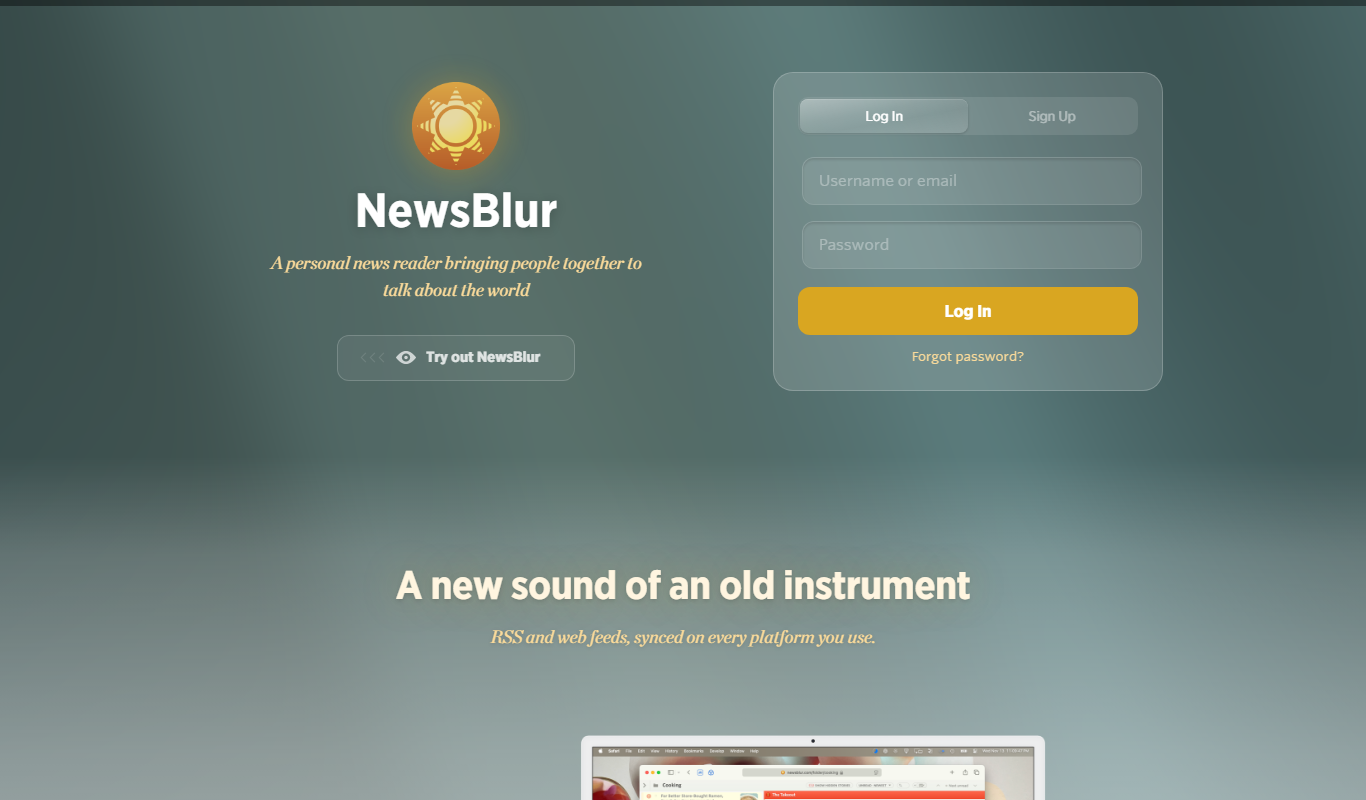
NewsBlur
NewsBlur is a personal RSS reader and news aggregator that collects and filters news from multiple sources, allowing users to customize their news feed and read across web and mobile platforms.
Free
Global Sources
Global Sources is a B2B sourcing platform that connects buyers with verified suppliers worldwide, offering product catalogs, trade show access, and communication tools to facilitate global trade.
Free to use
DHgate
DHgate is a global online wholesale marketplace connecting international buyers with Chinese manufacturers and suppliers, offering bulk purchasing, dropshipping, and buyer protection services.

Free
Alibaba
Alibaba is a global B2B wholesale marketplace that connects buyers with verified suppliers worldwide, offering trade assurance and custom manufacturing services.

Free
SideChef
SideChef is a cooking app that provides step-by-step recipe guidance, meal planning tools, and smart kitchen integration to simplify home cooking.

Custom Pricing
ClearSale AI
ClearSale AI is a fraud prevention platform that uses artificial intelligence and manual review to protect e-commerce merchants from fraudulent transactions and chargebacks.

Free Trial
UpKeep
UpKeep is a cloud-based maintenance management software that helps organizations manage work orders, assets, and preventive maintenance through a mobile-friendly platform.

Free Trial
CustomGPT
CustomGPT is a no-code AI chat generator platform that lets you build personalized AI chatbots trained on your own data, suitable for customer support, content generation, and internal knowledge assistance.