

From my experience with SideChef, I found it excels at providing clear, step-by-step cooking instructions that make meal preparation approachable even for beginners. The integration with voice assistants and smart kitchen devices adds a practical hands-free dimension that enhances usability in busy kitchens. After spending time with the platform, I can say it’s particularly well-suited for home cooks who want to plan meals efficiently and cook with confidence. However, the premium features require a subscription, and the app currently supports only English, which might limit accessibility for some users. Overall, if you need a reliable cooking assistant with meal planning and smart device integration, SideChef delivers solid results.
SideChef Recipe App with Step-by-Step Cooking Guidance and Meal Planning
SideChef is a cooking app that provides step-by-step recipe guidance, meal planning tools, and smart kitchen integration to simplify home cooking.
- Best for
- Guided Cooking
- Key capability
- Step-by-Step Cooking Instructions
Your actions
Save SideChef, follow its updates and vote on it — everything stays in your account.
Sign in or create a free account
What is SideChef?
SideChef is a comprehensive cooking app designed to simplify meal preparation by offering step-by-step guided recipes, meal planning tools, and smart kitchen integration. It helps users discover new recipes, plan meals, and cook with confidence using visual and voice instructions.
Key features of SideChef
SideChef’s main features include detailed recipe instructions with photos and videos, voice-guided cooking, meal planning and shopping list creation, and compatibility with smart kitchen devices and voice assistants.
Step-by-Step Cooking Instructions
Detailed instructions with photos, videos, and voice guidance to assist users through each cooking step.
Meal Planning and Shopping Lists
Plan meals in advance and generate shopping lists to streamline grocery shopping.
Recipe Discovery and Filtering
Search and filter recipes by dietary preferences, cuisine, difficulty, and cooking time.
Voice Assistant Integration
Hands-free cooking experience through integration with voice assistants like Alexa and Google Assistant.
Smart Kitchen Compatibility
Works with smart kitchen devices to automate cooking processes and timers.
Pros and cons of SideChef
Pros
- User-friendly step-by-step cooking instructions
- Integration with voice assistants for hands-free use
- Comprehensive meal planning and shopping list features
- Wide variety of recipes catering to different diets
- Smart kitchen device compatibility
Cons
- Premium features require a subscription
- Limited language support (English only)
- Some recipes may require internet connection for videos
Key use cases for SideChef
Guided Cooking
Provides step-by-step cooking instructions with photos, videos, and voice guidance to help users prepare meals easily.
Meal Planning
Allows users to plan meals ahead by selecting recipes and organizing shopping lists.
Recipe Discovery
Users can explore thousands of recipes across various cuisines and dietary preferences.
Smart Kitchen Integration
Integrates with smart kitchen devices and voice assistants for hands-free cooking experiences.
Shopping List Management
Automatically generates and manages shopping lists based on selected recipes.
How SideChef works
- 1
Browse Recipes
Explore a wide variety of recipes by cuisine, dietary needs, or ingredients.
- 2
Select a Recipe
Choose a recipe to cook and review the ingredients and steps.
- 3
Follow Step-by-Step Instructions
Use visual and voice-guided instructions to prepare the meal easily.
- 4
Manage Shopping List
Add ingredients to your shopping list automatically and check off items as you shop.
- 5
Integrate with Smart Devices
Connect SideChef with smart kitchen appliances or voice assistants for hands-free cooking.
Who is using SideChef
Home cooks seeking guided recipes
Busy individuals planning meals ahead
Users with smart kitchen devices
Families looking for easy meal preparation
Cooking beginners needing step-by-step help
SideChef pricing
Free
$0/month
Access to basic recipes, meal planning, and shopping list features with ads.
Premium
$4.99/month
Ad-free experience, exclusive recipes, advanced meal planning tools, and smart device integrations.
Plans and prices are as published by the vendor and can change. Check the official site before you buy. Open the pricing page (opens in a new tab)
Frequently asked questions about SideChef
Yes, SideChef offers a free plan with access to many recipes and basic features. A premium subscription unlocks additional content and features.
Yes, SideChef integrates with voice assistants like Alexa and Google Assistant for hands-free cooking guidance.
Yes, the app includes meal planning tools and automatically generates shopping lists based on your selected recipes.
SideChef is available on web browsers, iOS and Android mobile apps, and compatible smart kitchen devices.
It depends on your specific needs and how you plan to use the tool. The official website and documentation are the best sources for the latest details.
Some tools offer a free plan or trial with limited features. Availability can vary, so confirm on the official website.
Yes, it can help with that use case depending on how you configure it and what features are available. You’ll get the best results with clear inputs and a defined goal.
It depends on your specific needs and how you plan to use the tool. The official website and documentation are the best sources for the latest details.
Sign in to review this tool.
Sign In to ReviewNo reviews yet
Be the first to share how this tool worked for you.
Ask about pricing, limits, or how it compares — or answer someone else.
Sign In to AskNo questions yet
Have a question about using or paying for this tool? Be the first to ask.
Featured on TiorAI



Alternative Tools
Explore similar AI tools that might fit your needs
Free
Tasty
Tasty is a free digital recipe platform by BuzzFeed offering thousands of recipes with engaging video tutorials and interactive cooking tools.

Free
Cookpad
Cookpad is a global recipe sharing platform where home cooks can discover, share, and organize recipes while engaging with a cooking community.
More AI Customer Service tools
Other tools in the same category, for when this one is not quite the fit.
Free Trial
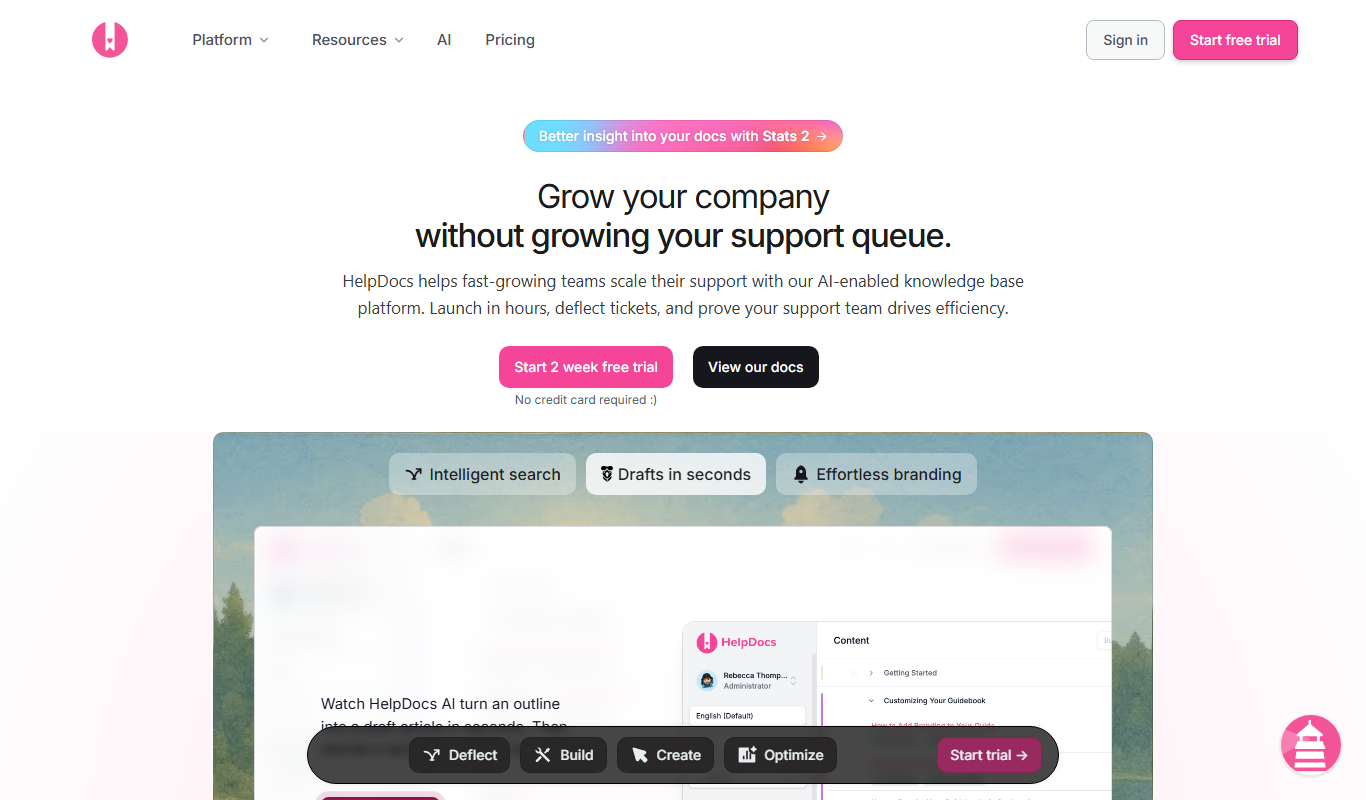
HelpDocs
HelpDocs is a cloud-based knowledge base software that enables businesses to create, customize, and manage self-service help centers to improve customer support and reduce support tickets.

Free
Contacts+ AI
Contacts+ AI is an AI-powered contact management tool that helps users organize, enrich, and maintain contacts across devices with features like deduplication, communication tracking, and team collaboration.

Custom Pricing
Sensely
Sensely, now part of Mediktor, is a conversational health avatar platform with apps on iOS and Android.

Custom Pricing
Shift Technology
Shift Technology is an AI platform that helps insurance companies detect fraud and automate claims processing using machine learning models.
Free
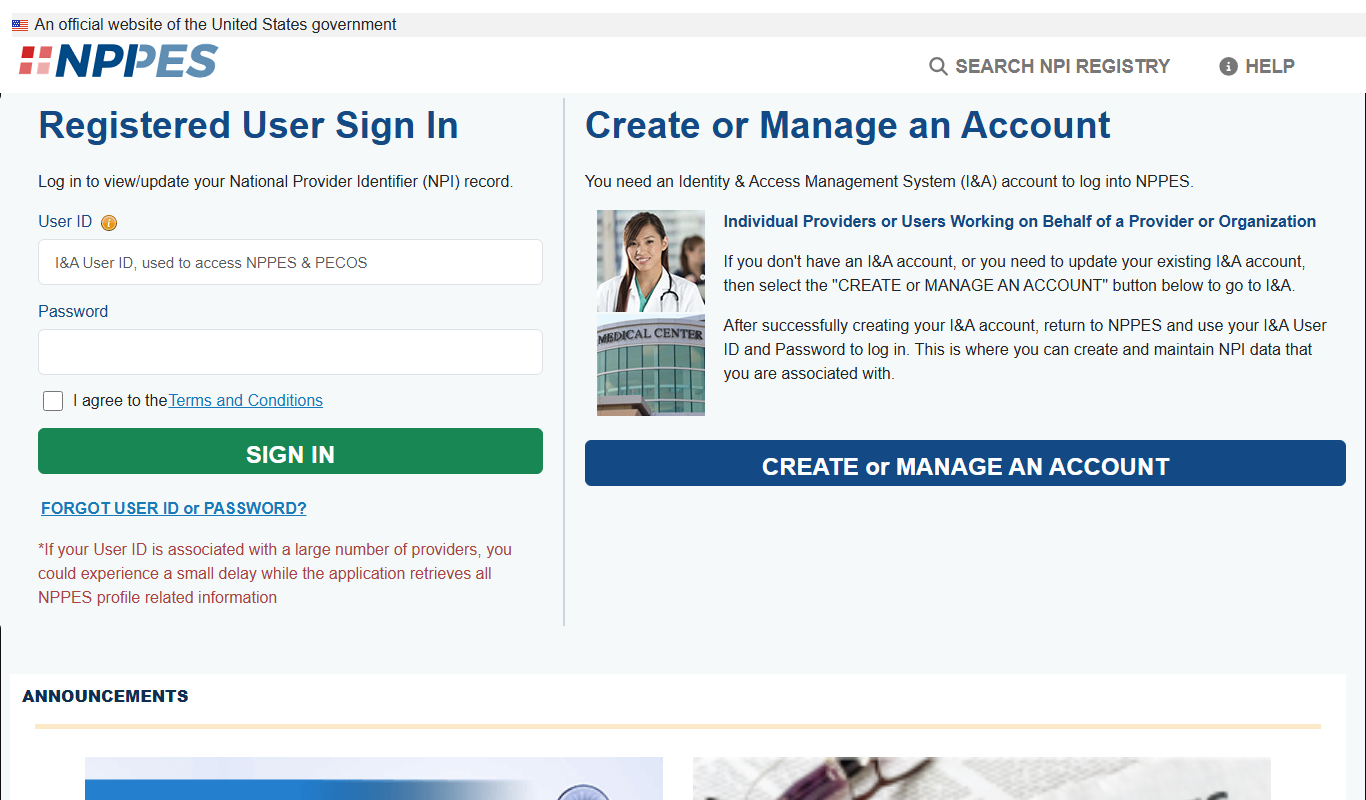
CMS NPI Registry
The CMS NPI Registry is a free online database maintained by the Centers for Medicare & Medicaid Services that allows users to search and verify healthcare providers using their National Provider Identifier (NPI) number or other identifying information.

Free
MyChart
MyChart is a secure patient portal by Epic Systems that allows patients to access medical records, schedule appointments, message providers, and conduct telehealth visits online.

Free
FraudLabs Pro
FraudLabs Pro is a fraud detection service that uses real-time analysis, IP and device fingerprinting, and customizable rules to prevent fraudulent online transactions.

Free
Noonlight
Noonlight is a personal safety app that provides users with a discreet panic button, real-time GPS tracking, and connects them to professional dispatchers who verify emergencies and coordinate with local authorities for rapid response.