

Isabel Symptom Checker - AI-Powered Medical Diagnostic Support Tool
Isabel Symptom Checker is an AI-driven clinical decision support tool that helps healthcare professionals generate differential diagnoses by analyzing patient symptoms against a comprehensive medical database.
- Best for
- Clinical Decision Support
- Key capability
- Extensive Medical Knowledge Base
Save Isabel Symptom Checker, follow its updates and vote on it — everything stays in your account.
Sign in or create a free account
What is Isabel Symptom Checker?
Isabel Symptom Checker is an AI-powered clinical decision support system designed to assist healthcare professionals and patients in generating accurate differential diagnoses based on presenting symptoms. It leverages a vast medical knowledge base and sophisticated algorithms to analyze symptom inputs and suggest possible conditions, helping to reduce diagnostic errors and improve patient outcomes.
Key features of Isabel Symptom Checker
The tool offers symptom input interfaces, comprehensive diagnostic suggestions, integration capabilities with electronic health records (EHR), and educational resources for clinicians. It supports rapid clinical assessments and enhances diagnostic accuracy through evidence-based algorithms.
Extensive Medical Knowledge Base
Access to a vast, continuously updated database of diseases and symptoms.
Differential Diagnosis Generation
Provides ranked lists of possible diagnoses based on symptom input.
Multi-Platform Access
Available via web and API for integration with other healthcare software.
Educational Resources
Includes tools for medical education and training on diagnostic reasoning.
Data Security and Compliance
Designed to meet healthcare data privacy standards.
Pros and cons of Isabel Symptom Checker
Pros
- Provides comprehensive differential diagnosis support
- Enhances clinical decision-making accuracy
- Accessible via multiple platforms including API
- Supports medical education and training
- Regularly updated medical knowledge base
Cons
- Primarily English language support
- Not a substitute for professional medical judgment
Key use cases for Isabel Symptom Checker
Clinical Decision Support
Helps healthcare professionals generate differential diagnoses based on patient symptoms to support clinical decision-making.
Patient Symptom Assessment
Allows patients and clinicians to input symptoms and receive possible diagnoses to guide further medical evaluation.
Medical Education
Used as a teaching tool for medical students and trainees to learn diagnostic reasoning and symptom analysis.
Healthcare Workflow Optimization
Supports triage and referral decisions by providing quick diagnostic suggestions, improving workflow efficiency.
How Isabel Symptom Checker works
- 1
Enter Symptoms
Users input patient symptoms, signs, and relevant clinical information into the system.
- 2
Algorithmic Analysis
The AI analyzes the data against a comprehensive medical database to generate a list of possible diagnoses.
- 3
Review Diagnostic Suggestions
Clinicians review the ranked differential diagnoses to guide further testing or treatment decisions.
- 4
Integrate with Workflow
The tool can be integrated into clinical workflows or EHR systems for seamless use.
Who is using Isabel Symptom Checker
Isabel Symptom Checker pricing
Standard
$149/year
Access for individual clinicians with full diagnostic features.
Enterprise Licensing
Custom pricing
Scalable solutions for healthcare organizations with integration support.
Premium
$199/year
Isabel DDx Companion with LLM integration to compare symptoms, differentiating tests, prognosis and treatments between diagnoses.
Students
$49/year
Discounted student and resident subscription; a discount code is issued after the required details are sent. Not currently available to students in the EU.
Plans and prices are as published by the vendor and can change. Check the official site before you buy. Open the pricing page (opens in a new tab)
Frequently asked questions about Isabel Symptom Checker
While patients can use the tool to understand symptoms, it is primarily designed to support healthcare professionals and should not replace professional medical advice.
Yes, Isabel offers API access and integration options to embed its diagnostic support within EHR workflows.
The database is regularly updated by medical experts to ensure current and evidence-based information.
Isabel complies with healthcare data privacy regulations to protect patient information.
It depends on your specific needs and how you plan to use the tool. The official website and documentation are the best sources for the latest details.
Yes, it can help with that use case depending on how you configure it and what features are available. You’ll get the best results with clear inputs and a defined goal.
Integration support depends on the tool and its available connectors or API. Check the official documentation or integrations page to confirm what is supported.
Some tools offer a free plan or trial with limited features. Availability can vary, so confirm on the official website.
Conclusion
Clinicians enter a patient’s symptoms, signs and relevant clinical information, and the system returns a ranked list of possible diagnoses to guide further testing or treatment decisions. It supports healthcare professionals and is not a substitute for professional medical judgment. Access runs through the web and an API that can embed diagnostic support within EHR workflows.
Medical students and educators also use it as a teaching tool for diagnostic reasoning. The current range includes Isabel DDx Companion and Self-Triage. Individual plans have published prices: Standard at $149/year, Premium at $199/year and a student rate of $49/year.
Sources
Sign in to review this tool.
Sign In to ReviewNo reviews yet
Be the first to share how this tool worked for you.
Ask about pricing, limits, or how it compares — or answer someone else.
Sign In to AskNo questions yet
Have a question about using or paying for this tool? Be the first to ask.
Featured on TiorAI



Alternative Tools
Explore similar AI tools that might fit your needs

Buoy Health
Buoy Health is an AI-driven digital health assistant that helps users assess symptoms and receive personalized care recommendations through an interactive symptom checker.
Symptomate
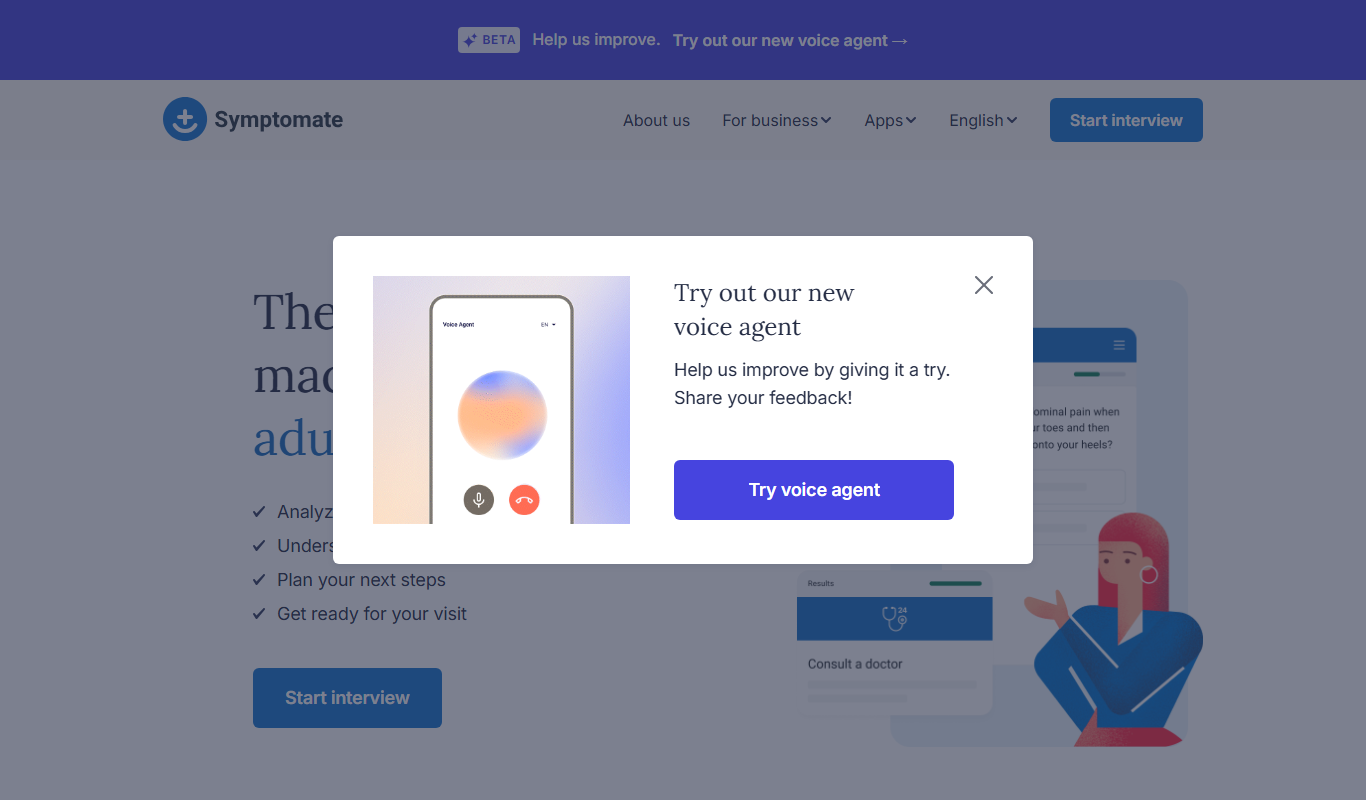
Symptomate is an AI-powered symptom checker that helps users assess their health by analyzing symptoms and providing possible causes and triage recommendations through a conversational interface.
More AI Customer Service tools
Other tools in the same category, for when this one is not quite the fit.

CalorieMama
CalorieMama is an AI-driven app that helps users track calories and nutrition by recognizing foods from photos, making diet management easier and more accurate.

Grip
Grip is an AI-driven virtual event platform that facilitates personalized networking and engagement through AI matchmaking, personalized agendas, and interactive sessions for virtual and hybrid events.
GoGuardian
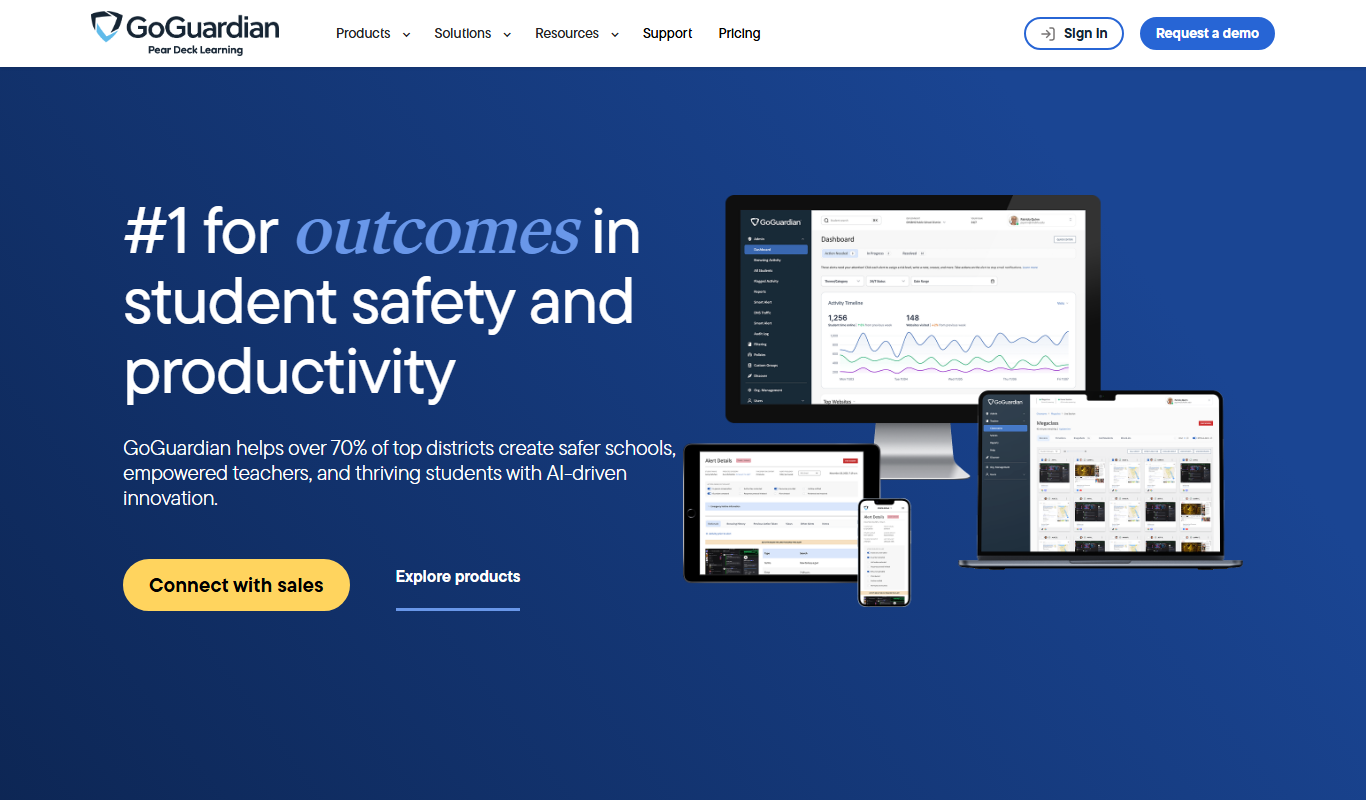
GoGuardian is an education technology platform that helps K-12 schools monitor student activity, manage classrooms, and ensure online safety through AI-powered tools and real-time device monitoring.

MoneyGuidePro
MoneyGuidePro is a financial planning software that helps advisors create personalized, goal-based financial plans with interactive tools for retirement and wealth management.

Nutrium
Nutrium is a nutrition software platform that helps dietitians and health professionals manage clients, create personalized meal plans, analyze nutrition data, and conduct remote consultations.

AiCure
AiCure is an AI-powered platform that remotely monitors patient medication adherence using video confirmation, primarily for clinical trials and healthcare providers.

OptinMonster
OptinMonster is a lead generation software that helps websites convert visitors into subscribers and customers using popups, exit-intent triggers, and targeted campaigns integrated with email marketing services.

LifeLock
LifeLock is a subscription-based service offering identity theft protection, credit monitoring, fraud alerts, and identity restoration support to help users safeguard their personal information.