

From my experience with Pilot, I found it excels at combining AI automation with expert human accountants to deliver accurate and efficient bookkeeping for small businesses. The platform’s ability to automate transaction categorization and bank reconciliations while providing real-time financial reports makes managing finances much easier. After spending time with Pilot, I can say it’s particularly well-suited for small business owners and startups who want to reduce manual accounting work without sacrificing accuracy. However, the custom pricing and lack of a mobile app may be a consideration for some users. Overall, if you need reliable bookkeeping with professional support, Pilot delivers solid results.
Pilot AI Bookkeeping and Accounting Software for Small Businesses
Pilot is an AI-driven bookkeeping and accounting platform that automates financial tasks for small businesses, combining machine learning with human accountant expertise to deliver accurate financial management and reporting.
- Best for
- Bookkeeping Automation
- Key capability
- Automated Transaction Categorization
Your actions
Save Pilot, follow its updates and vote on it — everything stays in your account.
Sign in or create a free account
What is Pilot?
Pilot is an AI-powered bookkeeping and accounting software designed to help small and medium-sized businesses automate their financial operations. It combines machine learning technology with expert human accountants to deliver accurate bookkeeping, financial reporting, and tax preparation services. The platform streamlines financial workflows by automating transaction categorization, bank reconciliations, and expense tracking, reducing manual effort and errors.
Key features of Pilot
Pilot offers automated bookkeeping, real-time financial reporting, tax-ready financial statements, cash flow management tools, and access to a dedicated team of professional accountants to ensure accuracy and compliance.
Automated Transaction Categorization
AI automatically classifies income and expenses to streamline bookkeeping.
Bank Reconciliation
Daily reconciliation of bank and credit card accounts to maintain accurate records.
Financial Reporting Dashboard
Real-time access to profit and loss, balance sheets, and cash flow reports.
Dedicated Accounting Support
Professional accountants review your books and provide expert advice.
Tax-Ready Financials
Organized and accurate financial statements to simplify tax preparation.
Pros and cons of Pilot
Pros
- Combines AI automation with expert human accountants
- Simplifies bookkeeping and financial reporting
- Real-time financial insights and dashboards
- Reduces manual data entry and errors
- Supports tax preparation with organized financials
Cons
- Pricing is custom and may be higher than DIY software
- Primarily supports English language only
- No mobile app currently available
Key use cases for Pilot
Bookkeeping Automation
Automate daily bookkeeping tasks such as transaction categorization, bank reconciliations, and expense tracking.
Financial Reporting
Generate accurate financial reports including profit and loss statements, balance sheets, and cash flow reports.
Tax Preparation Support
Prepare and organize financial data to simplify tax filing and compliance.
Cash Flow Management
Monitor and manage cash flow with real-time insights and forecasting.
Dedicated Accounting Team
Access to a team of professional accountants who review and manage your books alongside AI automation.
How Pilot works
- 1
Sign Up and Connect Accounts
Create an account on Pilot and securely connect your bank and credit card accounts.
- 2
AI Processes Transactions
Pilot’s AI automatically categorizes transactions and reconciles accounts daily.
- 3
Accounting Team Review
A dedicated team of accountants reviews the AI’s work to ensure accuracy and compliance.
- 4
Receive Financial Reports
Access up-to-date financial statements and reports through the dashboard.
- 5
Prepare for Taxes
Use Pilot’s organized financial data and reports to simplify tax filing.
Who is using Pilot
Small business owners
Startups
Freelancers and consultants
Accounting teams seeking automation
Financial managers in SMBs
Pilot pricing
Core
Custom pricing
Basic bookkeeping and financial reporting with dedicated accountant support.
Growth
Custom pricing
Includes Core features plus tax filing support and advanced financial insights.
Plans and prices are as published by the vendor and can change. Check the official site before you buy. Open the pricing page (opens in a new tab)
Frequently asked questions about Pilot
Yes, Pilot is designed specifically to help small and medium-sized businesses automate bookkeeping and accounting.
Yes, Pilot securely connects to most major banks and credit card providers to import transactions automatically.
Yes, Pilot provides access to a dedicated team of professional accountants who review your financial data.
Pilot uses bank-level encryption and security protocols to protect your financial information.
This tool is designed to help users accomplish its core tasks more efficiently. It is typically used by individuals or teams looking to improve productivity and workflow.
It depends on your specific needs and how you plan to use the tool. The official website and documentation are the best sources for the latest details.
Yes, it can help with that use case depending on how you configure it and what features are available. You’ll get the best results with clear inputs and a defined goal.
Sign in to review this tool.
Sign In to ReviewNo reviews yet
Be the first to share how this tool worked for you.
Ask about pricing, limits, or how it compares — or answer someone else.
Sign In to AskNo questions yet
Have a question about using or paying for this tool? Be the first to ask.
Featured on TiorAI



Alternative Tools
Explore similar AI tools that might fit your needs
Subscription
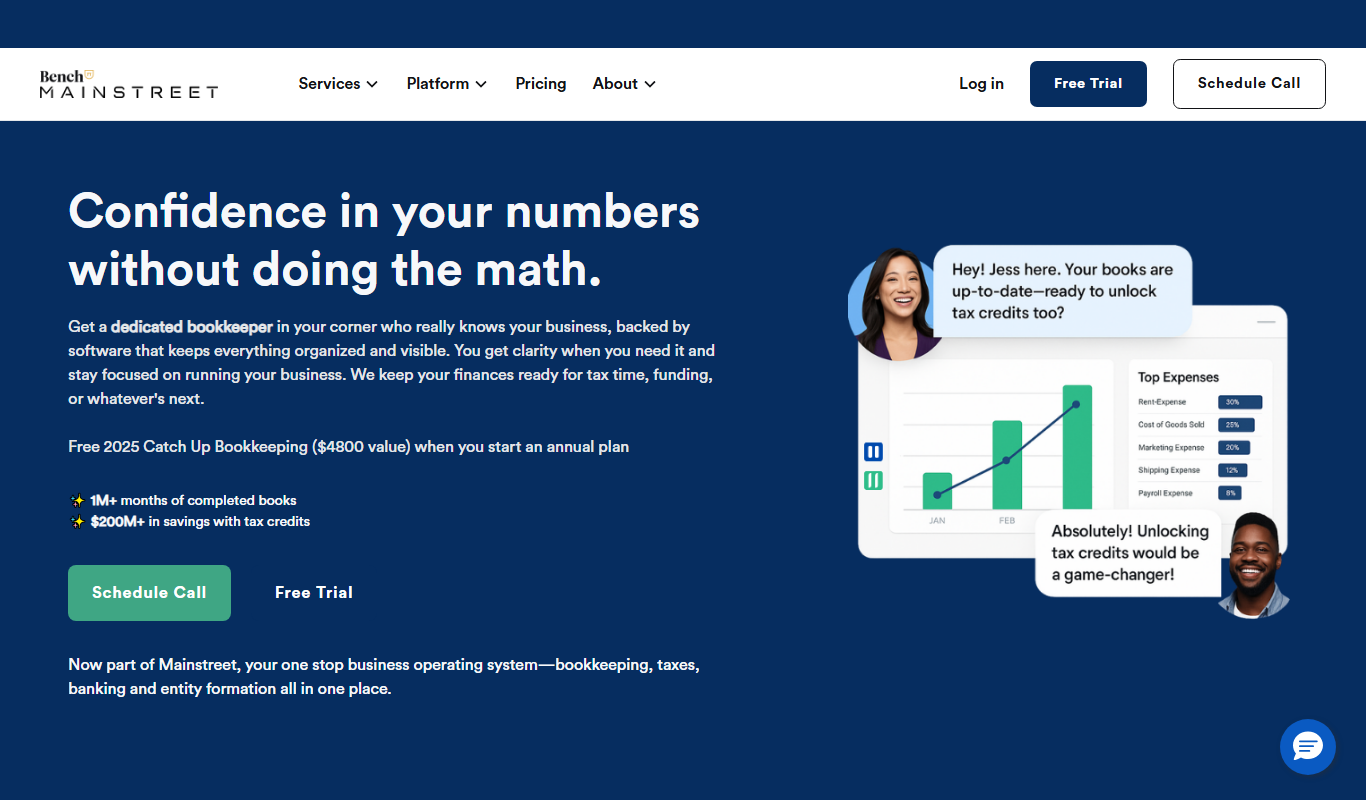
Bench
Bench is an online bookkeeping service that combines software automation with professional bookkeepers to manage small business finances, provide monthly reports, and prepare tax-ready data.
More AI Customer Service tools
Other tools in the same category, for when this one is not quite the fit.

Enterprise
Docebo
Docebo is a cloud-based AI-powered learning management system that helps businesses deliver personalized corporate training, onboarding, and compliance programs with robust analytics and automation.

Free
Landbot
Landbot is a no-code chatbot builder platform that enables businesses to create AI-powered conversational bots for websites and messaging channels without coding.
Freemium
Betterment
Betterment is a robo-advisor platform that automates investment management and financial planning using algorithms to build diversified portfolios tailored to your goals and risk tolerance.
Custom Pricing
Optum
Optum is a healthcare technology company providing data analytics, population health management, and care coordination solutions to improve healthcare outcomes and operational efficiency.

Custom Pricing
Health Catalyst
Health Catalyst is a healthcare data analytics platform that integrates clinical and operational data to provide AI-driven insights for improving patient outcomes and operational efficiency.

Custom Pricing
LivePerson
LivePerson is an AI-powered conversational platform that enables businesses to automate customer interactions across multiple channels using chatbots and live agents, improving engagement and operational efficiency.
Custom Pricing
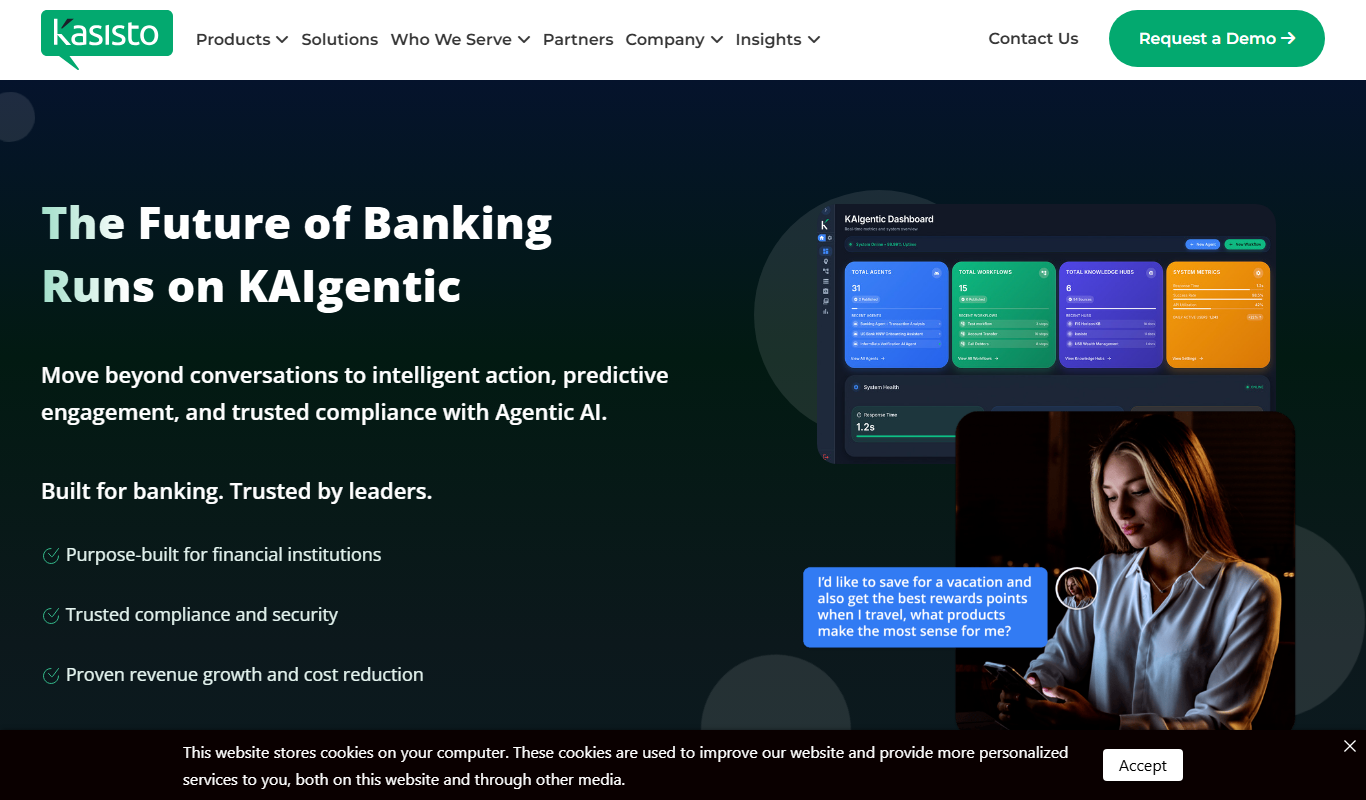
Kasisto KAI
Kasisto KAI is an AI-powered conversational platform specialized for banking and financial institutions, enabling secure, personalized virtual assistant interactions across multiple channels.

Custom Pricing
HireVue
HireVue is an AI-driven recruiting platform that enables on-demand video interviews and uses artificial intelligence to assess candidates’ skills and fit, helping organizations streamline hiring processes and reduce bias.