

Marker.io Bug Reporting Tool for Website Feedback and Issue Tracking
Marker.io is a visual bug reporting and feedback tool that allows users to capture annotated screenshots and send them directly to project management tools like Jira and Trello, streamlining website issue tracking and collaboration.
- Best for
- Bug Reporting
- Key capability
- Visual Bug Reporting
Save Marker.io, follow its updates and vote on it — everything stays in your account.
Sign in or create a free account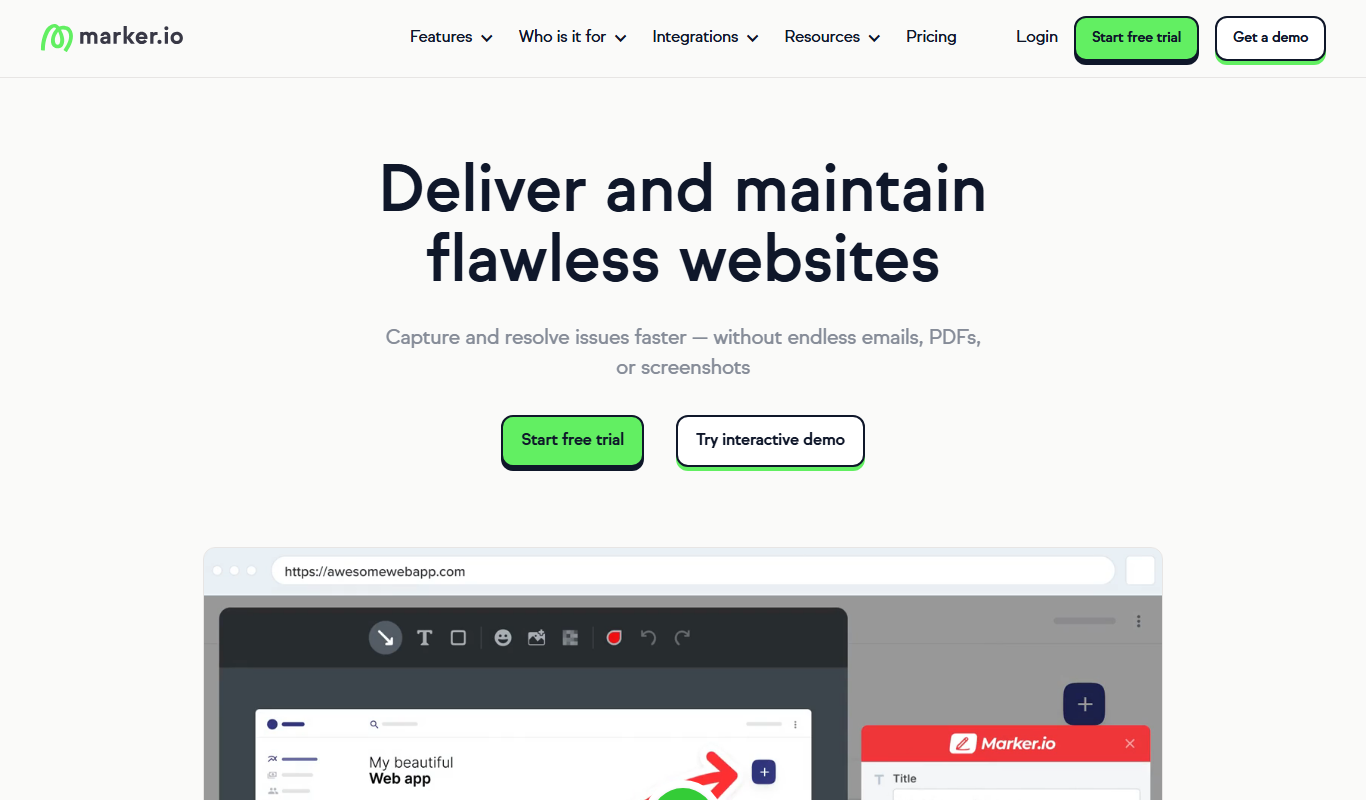
What is Marker.io?
Marker.io is a visual bug reporting and feedback tool designed to simplify the process of capturing, annotating, and sending website issues directly into project management platforms. It enables teams and clients to report bugs or provide feedback with annotated screenshots or screen recordings, streamlining communication and accelerating issue resolution.
Key features of Marker.io
Marker.io offers features such as easy screenshot capture with annotation tools, seamless integration with popular issue trackers (Jira, Trello, GitHub, Asana, etc.), customizable feedback forms, and a Chrome extension for quick access. It supports collaboration by centralizing feedback and bug reports in one place.
Visual Bug Reporting
Capture screenshots or screen recordings with annotation tools to highlight issues clearly.
Integration with Issue Trackers
Supports seamless integration with Jira, Trello, GitHub, Asana, ClickUp, and more.
Customizable Feedback Widgets
Embed feedback forms on websites tailored to your branding and data collection needs.
Chrome Extension
Quickly report bugs and feedback from any web page using the browser extension.
Collaborative Feedback Management
Centralizes feedback and bug reports for teams to manage and prioritize.
Pros and cons of Marker.io
Pros
- Easy to use with intuitive annotation tools
- Integrates with many popular project management tools
- Improves communication between clients and developers
- Customizable feedback widgets for branding
- Chrome extension enables quick bug reporting
Cons
- Limited language support (primarily English)
- Pricing may be high for very small teams
- No standalone desktop app available
Key use cases for Marker.io
Bug Reporting
Easily capture and report bugs directly from websites or web apps with annotated screenshots.
Website Feedback Collection
Gather visual feedback from clients, testers, or team members with contextual annotations.
Project Collaboration
Streamline communication between developers, designers, and project managers by integrating feedback into workflows.
Issue Tracking Integration
Automatically send bug reports and feedback to popular project management tools like Jira, Trello, Asana, and GitHub.
Client Communication
Allow clients to submit feedback directly on live websites without technical knowledge.
How Marker.io works
- 1
Install Marker.io
Add the Marker.io Chrome extension or embed the widget on your website.
- 2
Capture Feedback
Users or team members capture screenshots or record screens, annotate issues, and add descriptions.
- 3
Send to Project Management
Submit the annotated feedback directly to integrated tools like Jira, Trello, or GitHub.
- 4
Track and Resolve
Developers and managers track issues within their existing workflows and resolve them efficiently.
Who is using Marker.io
Marker.io pricing
Starter
$39/mo billed annually ($59/mo billed monthly)
Unlimited feedback and 3 users, with basic integrations, screenshots and annotations, and environment details.
Team
$149/mo billed annually ($199/mo billed monthly)
Everything from Starter plus 15 users, Jira integrations, issue sync, session replay, developer tools, custom branding and CSV export.
Business
Custom, yearly billing only
Everything from Team plus premium integrations, analytics, SSO SAML, audit logs, sensitive data masking, admin roles and webhooks.
Plans and prices are as published by the vendor and can change. Check the official site before you buy. Open the pricing page (opens in a new tab)
Frequently asked questions about Marker.io
Yes, Marker.io supports seamless integration with Jira to send bug reports directly into your Jira projects.
Yes, Marker.io offers a free trial so you can test the features before committing to a paid plan.
Absolutely, Marker.io is designed to be user-friendly for clients to submit feedback easily via embedded widgets.
Yes, users can capture screen recordings along with screenshots to provide detailed feedback.
It depends on your specific needs and how you plan to use the tool. The official website and documentation are the best sources for the latest details.
Integration support depends on the tool and its available connectors or API. Check the official documentation or integrations page to confirm what is supported.
It depends on your specific needs and how you plan to use the tool. The official website and documentation are the best sources for the latest details.
Some tools offer a free plan or trial with limited features. Availability can vary, so confirm on the official website.
Conclusion
Reports start from a feedback widget on the site or a browser extension, where a reporter clicks, annotates the page and sends the issue. Browser, OS, webpage and screen size are added to each issue automatically, and network logs and session replay show what happened before the report. Issues then land in tools such as Jira, Linear, Trello, GitHub, ClickUp or Asana. Reporters need no account, and the intended users range from web developers and QA testers to client-facing agencies.
The widget can be installed on local, staging or live websites, so testing and UAT environments are covered too. Pricing is based on internal users rather than reporters, who are free and unlimited on every plan. Starter and Team have published monthly prices, Business is custom with yearly billing only, and every plan starts with a 15-day free trial that needs no credit card.
Sources
Sign in to review this tool.
Sign In to ReviewNo reviews yet
Be the first to share how this tool worked for you.
Ask about pricing, limits, or how it compares — or answer someone else.
Sign In to AskNo questions yet
Have a question about using or paying for this tool? Be the first to ask.
Featured on TiorAI



Alternative Tools
Explore similar AI tools that might fit your needs

BugHerd
BugHerd is a visual bug tracking tool that allows teams to report, manage, and resolve website bugs by pinning issues directly on the webpage, streamlining communication and project management.

Usersnap
Usersnap is a user feedback platform for product teams where one code snippet powers segmented surveys, annotated screen-capture tickets, and an in-product feedback menu tied to support.
Bugzilla
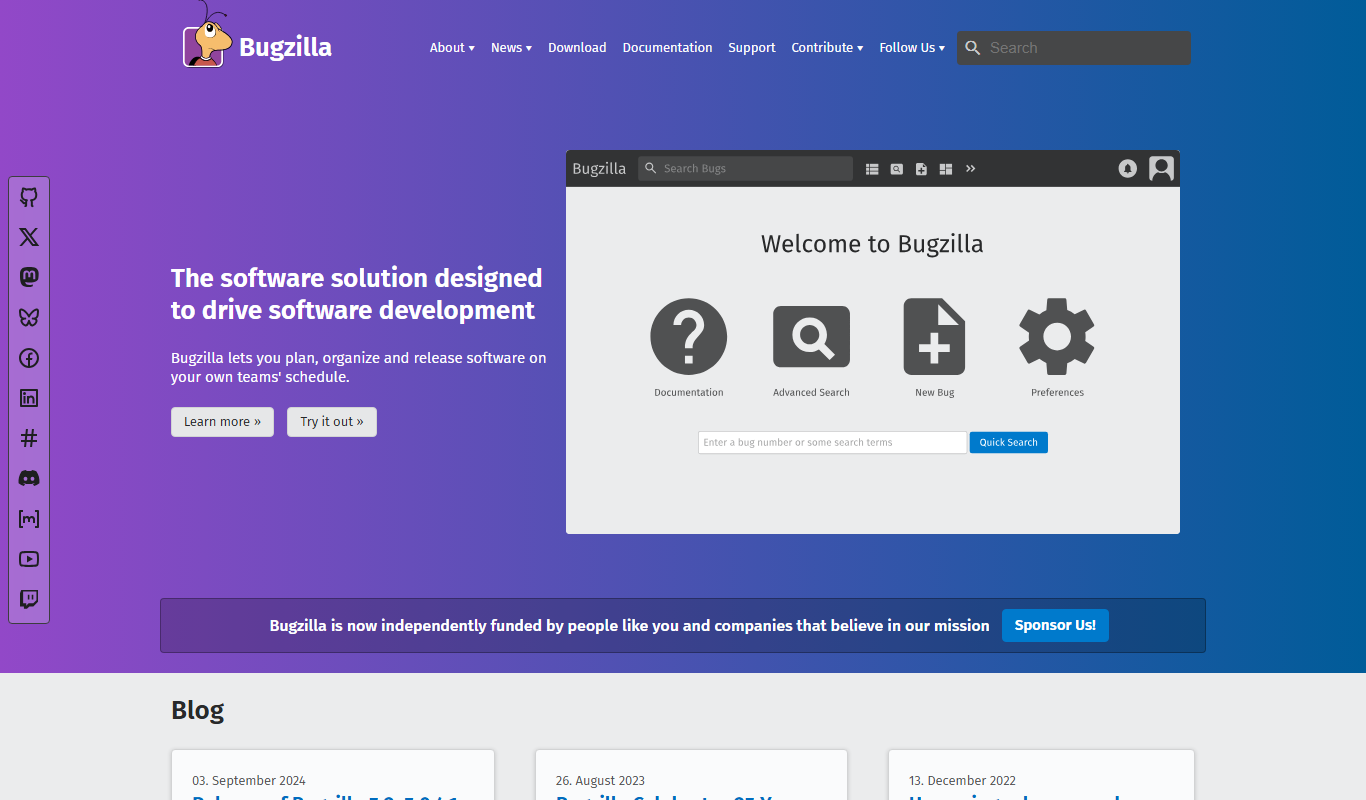
Bugzilla is an open-source bug tracking system developed by the Mozilla Foundation that helps software teams report, track, and manage bugs efficiently through a customizable web interface.
More Business Management tools
Other tools in the same category, for when this one is not quite the fit.
CropX
CropX is an agtech platform combining wireless soil sensors with AI analytics to help farmers optimize irrigation and crop management for better yields and sustainability.
iObeya
iObeya is a digital visual management software that enables agile and lean teams to collaborate remotely using customizable digital boards and real-time interaction.

KaiNexus
KaiNexus is a cloud-based continuous improvement platform that helps organizations capture ideas, automate workflows, and track improvement projects to enhance operational efficiency.

Tata Consultancy Services
Tata Consultancy Services (TCS) is a global IT services and consulting company offering digital transformation, AI automation, cloud migration, and enterprise software solutions tailored for large businesses.

Opstra
Opstra is a web-based options trading analytics platform that helps traders build, analyze, and backtest options strategies using real-time Indian market data.

PayPal API
PayPal API is a developer toolkit that enables secure online payment processing, subscription management, and invoicing through RESTful APIs and SDKs.

Highspot
Highspot is a sales enablement platform that centralizes sales content, provides training tools, and offers analytics to improve sales effectiveness.

Seismic
Seismic is a sales enablement platform that centralizes sales content, personalizes buyer experiences, integrates with CRM systems like Salesforce, and provides analytics to improve sales effectiveness.