

Usersnap Feedback Tool for Bug Tracking and Customer Support Solutions
Usersnap is a user feedback platform for product teams where one code snippet powers segmented surveys, annotated screen-capture tickets, and an in-product feedback menu tied to support.
- Best for
- Bug Tracking
- Key capability
- Visual Bug Reporting
Save Usersnap, follow its updates and vote on it — everything stays in your account.
Sign in or create a free account
What is Usersnap?
Usersnap is the product evidence platform for enterprise product teams. It connects every user signal, helps decide what to build, and traces releases back to the evidence.
Key features of Usersnap
Usersnap offers visual bug reporting, annotated screenshots, feedback widgets, integrations with tools like Jira and Slack, and detailed issue tracking dashboards to improve team collaboration and customer support.
Visual Bug Reporting
Capture annotated screenshots and videos to provide clear bug reports.
Feedback Widget
Embed a customizable widget on websites or apps to collect user feedback seamlessly.
Integrations
Connect with Jira, Trello, Slack, GitHub, and other tools to streamline workflows.
Issue Management Dashboard
Centralized dashboard to organize, prioritize, and track feedback and bugs.
Multi-Platform Support
Supports web apps, browser extensions, and API access for flexible usage.
Pros and cons of Usersnap
Pros
- Easy visual feedback capture with annotations
- Wide range of integrations with popular tools
- User-friendly interface for both technical and non-technical users
- Improves communication between teams and clients
Cons
- Pricing may be high for very small teams or individual users
Key use cases for Usersnap
Bug Tracking
Usersnap allows teams to capture and report bugs visually, streamlining the debugging process.
Customer Feedback Collection
Collect visual feedback from customers directly on websites or applications to improve user experience.
Project Collaboration
Facilitates communication between developers, designers, and clients by sharing annotated screenshots and feedback.
Support Ticket Enhancement
Enhances support tickets with detailed visual context to speed up issue resolution.
Website and App Testing
Enables testers to provide precise feedback with annotated screenshots during QA cycles.
How Usersnap works
- 1
Install Usersnap Widget or Extension
Add the Usersnap feedback widget to your website or install the browser extension to start capturing feedback.
- 2
Capture and Annotate
Users capture screenshots or record feedback, adding annotations to highlight issues or suggestions.
- 3
Send Feedback
Feedback is sent directly to your Usersnap dashboard or integrated tools for review.
- 4
Track and Resolve
Teams track issues, assign tasks, and resolve bugs efficiently using Usersnap’s management features.
Who is using Usersnap
Usersnap pricing
Starter
$19/month
For closed-group user tests, with 5 active projects and 5 seats.
Pro
$49/month
Advanced features including integrations and increased feedback volume.
Professional
Custom pricing
Customer request portal, error console logs, behavioral targeting and segment identification, with 20 active projects and 20 seats.
Premium
Custom branding, Mobile SDK for native feedback forms in mobile apps, multi-lingual translations, and roles and permissions.
Enterprise
Custom
Custom and flexible plans to accelerate your voice of customer programs, with bank transfers accepted for annual plans.
Plans and prices are as published by the vendor and can change. Check the official site before you buy. Open the pricing page (opens in a new tab)
Frequently asked questions about Usersnap
Yes, Usersnap integrates with popular tools like Jira, Trello, GitHub, and Slack.
Yes. The free trial needs no credit card and gives access to Premium plan features until 20 feedback items have been collected.
Native feedback forms for mobile apps can be built with the Mobile SDK, which is part of the Premium plan.
It depends on your specific needs and how you plan to use the tool. The official website and documentation are the best sources for the latest details.
Integration support depends on the tool and its available connectors or API. Check the official documentation or integrations page to confirm what is supported.
It depends on your specific needs and how you plan to use the tool. The official website and documentation are the best sources for the latest details.
Conclusion
One code snippet on a site or app powers segmented surveys, annotated screen-capture tickets and an in-product feedback menu tied to support. Users can record their screen and voice, while the URL, location, browser info and screen size are captured automatically with each submission. Customer conversations from channels such as Gong, Zoom and ServiceNow can also be ingested so that user insights are extracted automatically. Product managers, customer support teams and QA testers are among its intended users.
AI features generate project summaries, add categorization labels and detect user sentiment, and an MCP connector gives AI tools the feedback context. Feedback items can be sent on to Slack, Jira, Azure DevOps, Linear, Zendesk and 50+ other tools. Plans step up from Starter through Growth, Professional and Premium to Enterprise, adding seats and live projects along the way. The free trial needs no credit card but ends once 20 feedback items have been collected, after which a paid subscription is required.
Sources
Sign in to review this tool.
Sign In to ReviewNo reviews yet
Be the first to share how this tool worked for you.
Ask about pricing, limits, or how it compares — or answer someone else.
Sign In to AskNo questions yet
Have a question about using or paying for this tool? Be the first to ask.
Featured on TiorAI



Alternative Tools
Explore similar AI tools that might fit your needs

BugHerd
BugHerd is a visual bug tracking tool that allows teams to report, manage, and resolve website bugs by pinning issues directly on the webpage, streamlining communication and project management.
Marker.io
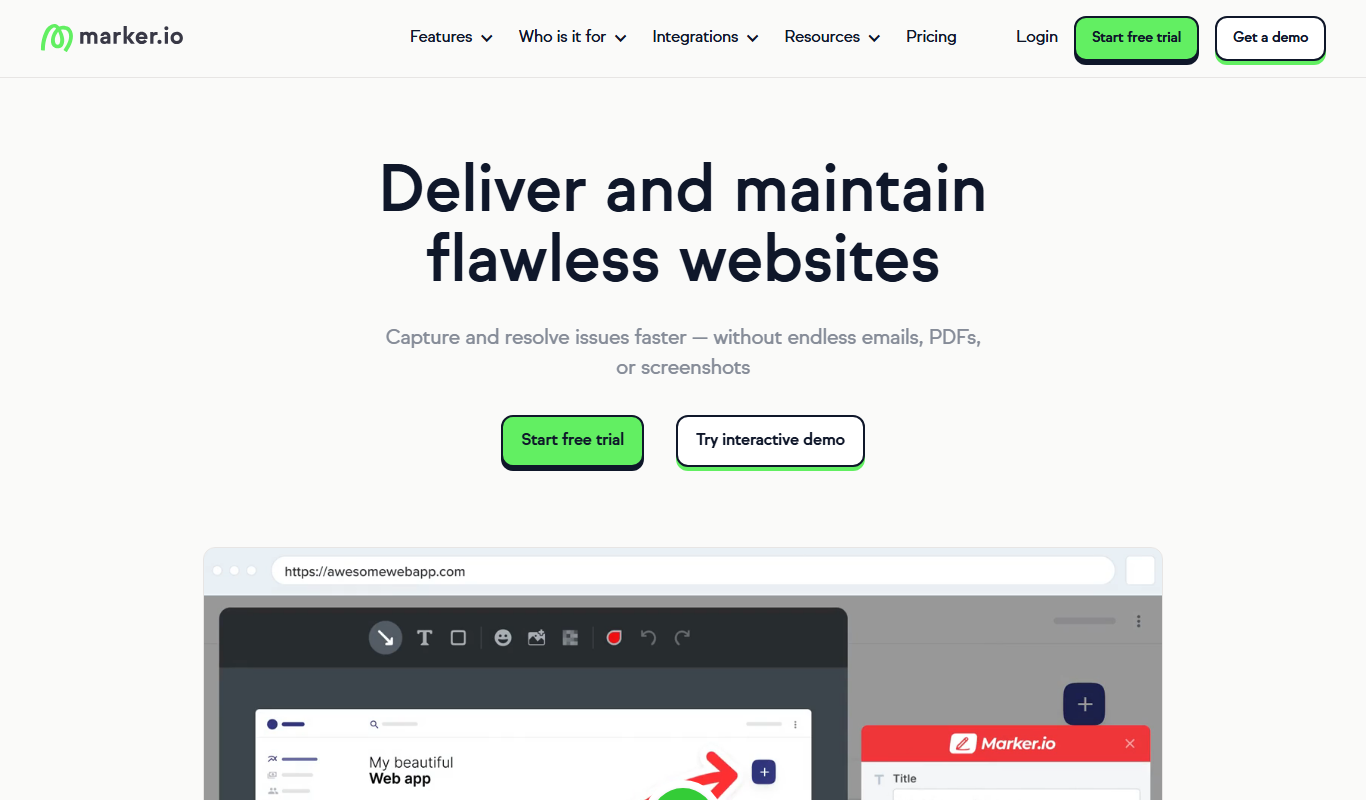
Marker.io is a visual bug reporting and feedback tool that allows users to capture annotated screenshots and send them directly to project management tools like Jira and Trello, streamlining website issue tracking and collaboration.
Bugzilla
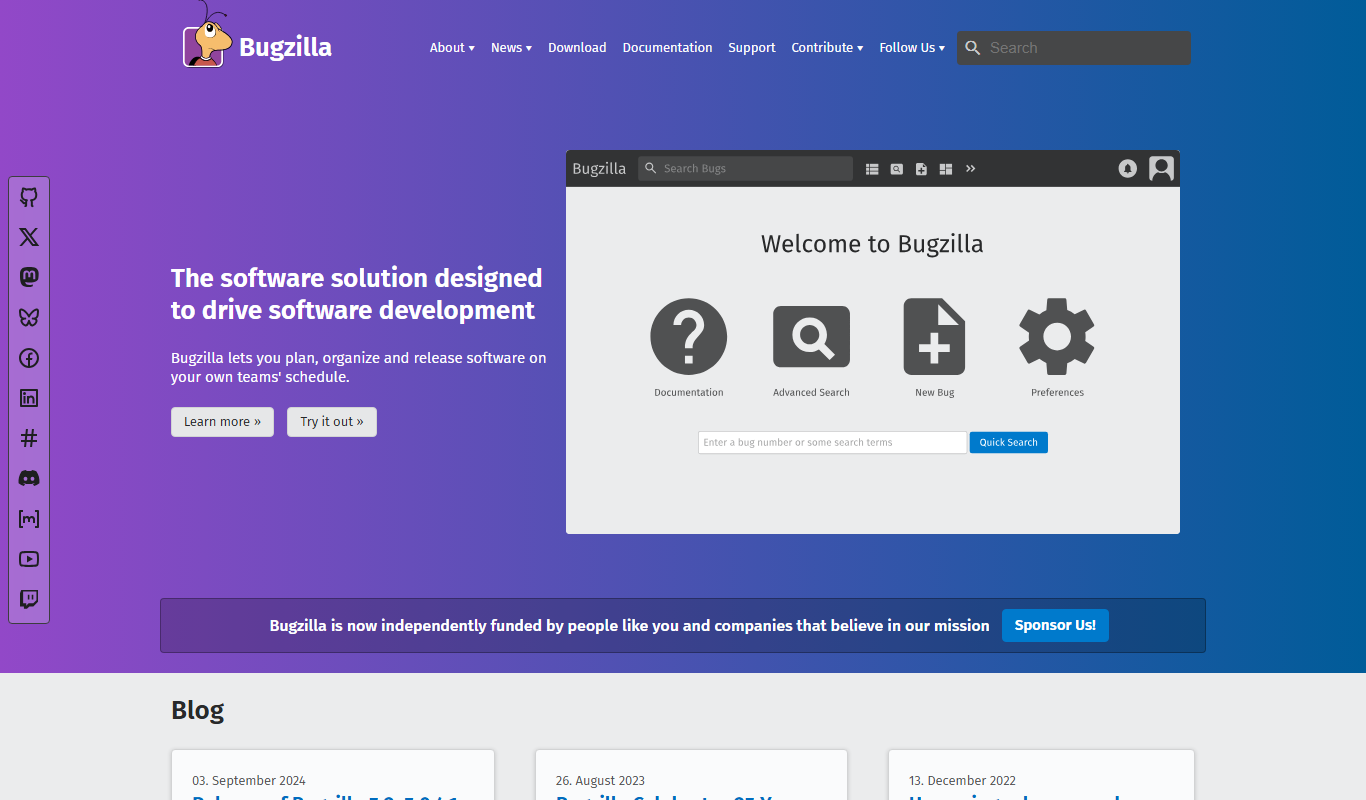
Bugzilla is an open-source bug tracking system developed by the Mozilla Foundation that helps software teams report, track, and manage bugs efficiently through a customizable web interface.
More Business Management tools
Other tools in the same category, for when this one is not quite the fit.
TP-Link Kasa Smart Switch
The TP-Link Kasa Smart Switch is a Wi-Fi-enabled device that replaces traditional wall switches, allowing remote and voice-controlled lighting management with scheduling and energy monitoring features.

Y Combinator
Y Combinator is a startup accelerator that provides seed funding, mentorship, and resources to early-stage startups in exchange for equity.
Autoscreen
Autoscreen is an AI-driven video interview platform that automates candidate screening through asynchronous interviews and AI analysis to help recruiters make faster, unbiased hiring decisions.

FOSSA
FOSSA is an automated platform that helps organizations manage open source license compliance and security by continuously scanning codebases, detecting vulnerabilities, and integrating with development pipelines.

Hyperledger Fabric
Hyperledger Fabric is an open-source, permissioned blockchain platform designed for enterprise use, offering modular architecture, smart contracts, and privacy controls.

Steamworks
Steamworks is Valve's platform that provides game developers with tools to publish, market, and manage games on Steam, including multiplayer support, analytics, and community features.
Game Jolt
Game Jolt is a platform for indie game developers to host, share, and monetize their games while providing gamers a community to discover and play indie titles.

Revaluate
Revaluate is an AI-powered lead scoring platform that analyzes data to predict which leads are most likely to convert, helping sales and marketing teams prioritize outreach effectively.