

From my experience with TripOffice.com, I found it excels at consolidating business travel booking and expense management into a single, easy-to-use platform. The ability to enforce travel policies and generate detailed spend reports makes it particularly well-suited for companies aiming to control travel costs and improve compliance. However, the lack of a dedicated mobile app may limit on-the-go accessibility for some users. Overall, if your organization needs a streamlined solution for managing corporate travel and expenses, TripOffice.com offers solid functionality with a focus on policy enforcement and reporting.
TripOffice.com Travel Management Software for Business Trips and Expenses
TripOffice.com is a cloud-based platform that streamlines business travel booking, expense management, and policy compliance for companies.
- Best for
- Corporate Travel Booking
- Key capability
- Integrated Booking System
Your actions
Save TripOffice.com, follow its updates and vote on it — everything stays in your account.
Sign in or create a free account
What is TripOffice.com?
TripOffice.com is a cloud-based travel management software designed to streamline business travel planning, booking, and expense management. It helps companies control travel costs, enforce travel policies, and gain insights into travel spending through a centralized platform.
Key features of TripOffice.com
The platform offers integrated booking tools for flights, hotels, and car rentals, automated expense tracking, policy compliance enforcement, and comprehensive reporting features tailored for corporate travel needs.
Integrated Booking System
Book flights, hotels, and car rentals directly within the platform.
Expense Management
Track and manage travel expenses with automated workflows.
Travel Policy Enforcement
Set and enforce company travel policies to control costs.
Reporting and Analytics
Access detailed reports on travel spend and patterns.
User-Friendly Interface
Intuitive design that simplifies travel management for employees and managers.
Pros and cons of TripOffice.com
Pros
- Centralizes travel booking and expense management
- Enforces company travel policies effectively
- Provides detailed travel spend analytics
- User-friendly interface for employees and managers
Cons
- No dedicated mobile application available
- Pricing details require direct contact, limiting upfront transparency
Key use cases for TripOffice.com
Corporate Travel Booking
Manage and book flights, hotels, and car rentals for business trips efficiently.
Travel Expense Management
Track and control travel expenses with integrated reporting and approval workflows.
Travel Policy Compliance
Ensure employee travel adheres to company policies through configurable rules and controls.
Travel Reporting and Analytics
Generate detailed reports on travel spend, patterns, and supplier usage to optimize budgets.
How TripOffice.com works
- 1
Create an Account
Sign up your company on TripOffice.com to start managing business travel.
- 2
Set Travel Policies
Configure company travel rules and approval workflows to ensure compliance.
- 3
Book Travel
Employees book flights, hotels, and cars within the platform following company policies.
- 4
Track Expenses
Automatically capture and manage travel expenses linked to bookings.
- 5
Generate Reports
Analyze travel data to optimize spending and supplier contracts.
Who is using TripOffice.com
Small to medium-sized businesses
Corporate travel managers
Finance and accounting teams
Human resources departments
Travel coordinators
TripOffice.com pricing
Standard
Contact for pricing
Basic travel management features suitable for small to medium businesses.
Enterprise
Contact for pricing
Advanced features and custom integrations for large organizations.
Plans and prices are as published by the vendor and can change. Check the official site before you buy. Open the pricing page (opens in a new tab)
Frequently asked questions about TripOffice.com
Yes, the platform supports booking flights, hotels, and car rentals worldwide.
Yes, you can configure and enforce company-specific travel policies.
Currently, TripOffice.com is accessible via web browsers; no dedicated mobile app is available.
It automates expense tracking linked to bookings and supports approval workflows.
It depends on your specific needs and how you plan to use the tool. The official website and documentation are the best sources for the latest details.
It depends on your specific needs and how you plan to use the tool. The official website and documentation are the best sources for the latest details.
It depends on your specific needs and how you plan to use the tool. The official website and documentation are the best sources for the latest details.
Sign in to review this tool.
Sign In to ReviewNo reviews yet
Be the first to share how this tool worked for you.
Ask about pricing, limits, or how it compares — or answer someone else.
Sign In to AskNo questions yet
Have a question about using or paying for this tool? Be the first to ask.
Featured on TiorAI



Alternative Tools
Explore similar AI tools that might fit your needs

Subscription
SAP Concur
SAP Concur is a cloud-based platform that automates travel booking, expense reporting, and invoice management to help businesses control costs and improve compliance.
More Daily Life tools
Other tools in the same category, for when this one is not quite the fit.
Free
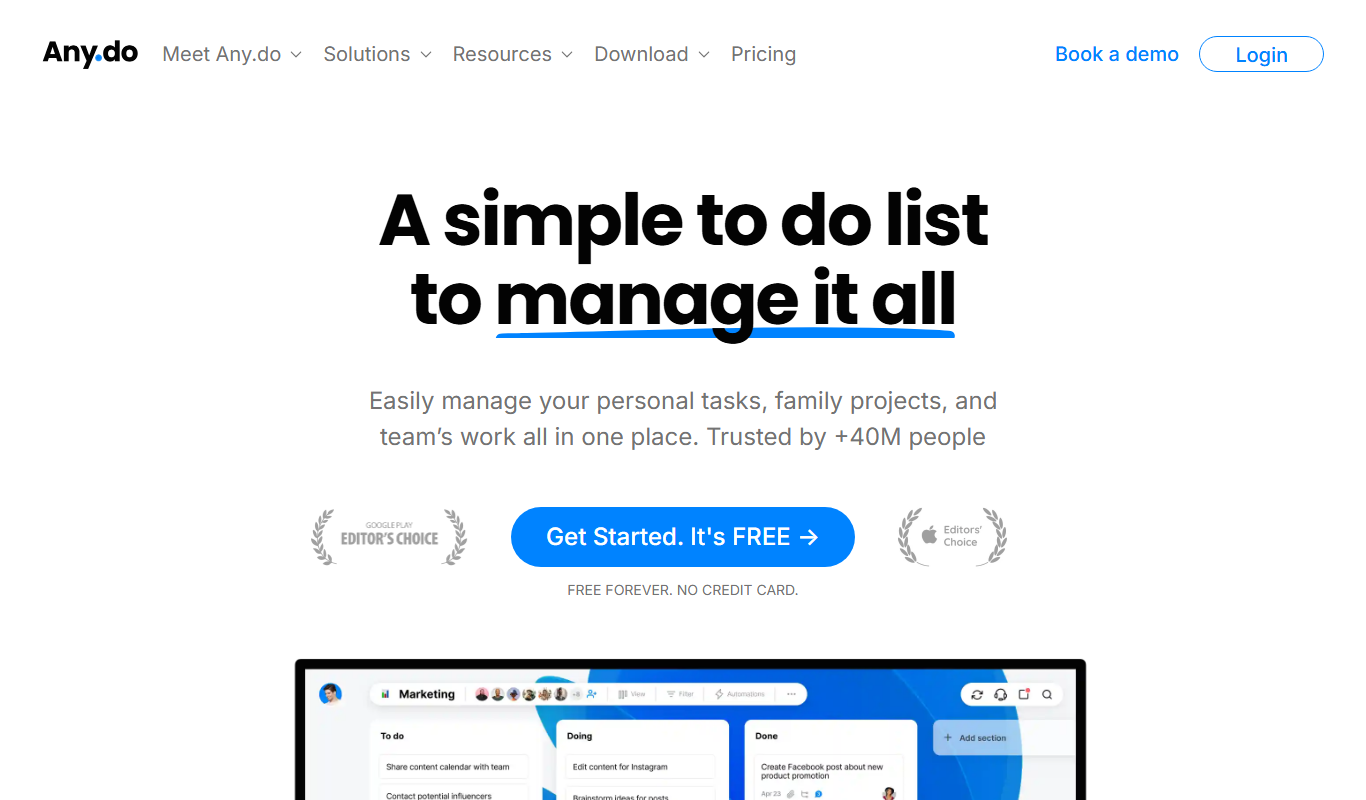
Any.do
Any.do is a task management and to-do list app that helps users organize tasks, set reminders, sync calendars, and collaborate with others across multiple platforms.

Free
Todoist
Todoist is a cross-platform task management app designed to help users organize tasks, set priorities, collaborate on projects, and track productivity efficiently.

Free
iNaturalist
iNaturalist is a free platform that uses AI and community expertise to identify plants and animals from photos, enabling users to contribute to global biodiversity data.
Subscription
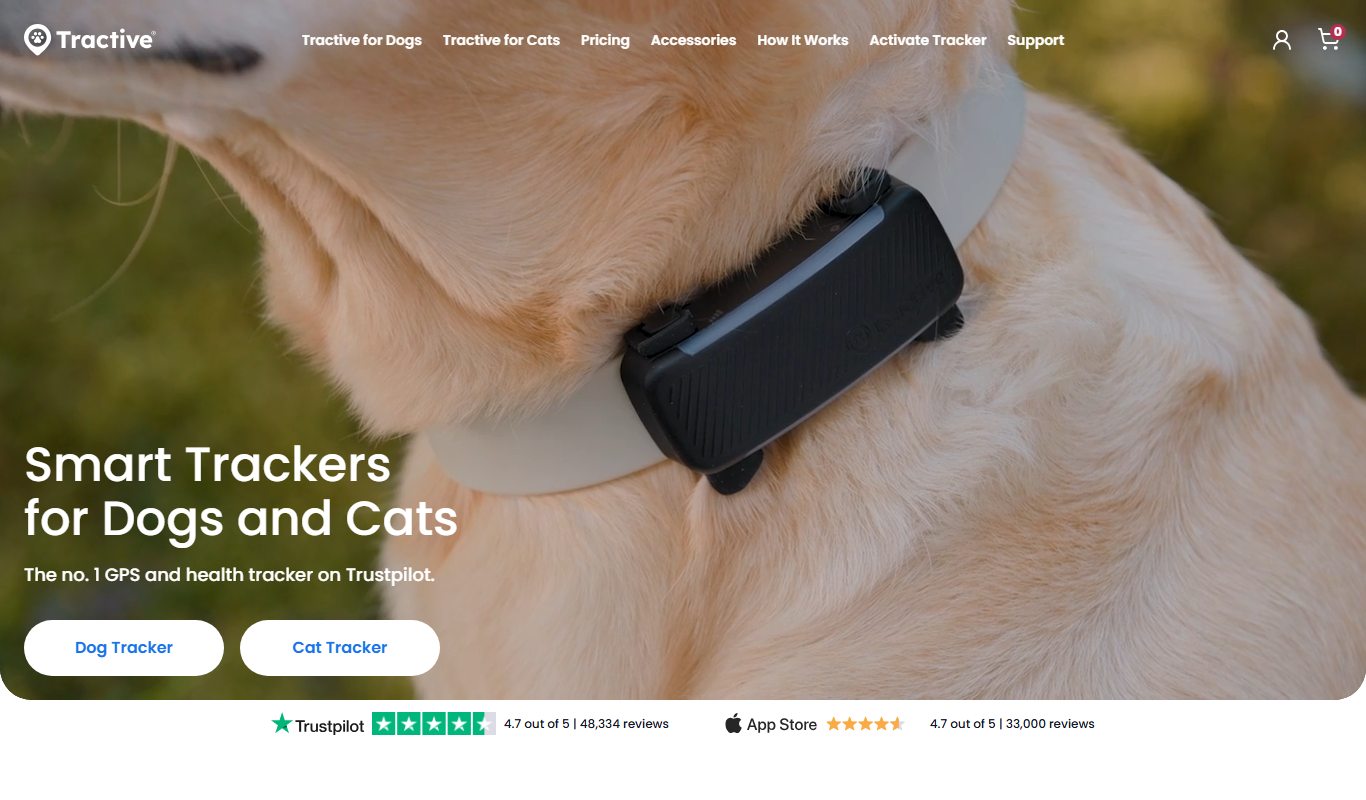
Tractive GPS Tracker
Tractive GPS Tracker is a device and app that provides real-time GPS location and activity monitoring for pets, helping owners keep their pets safe and healthy.
Free Trial
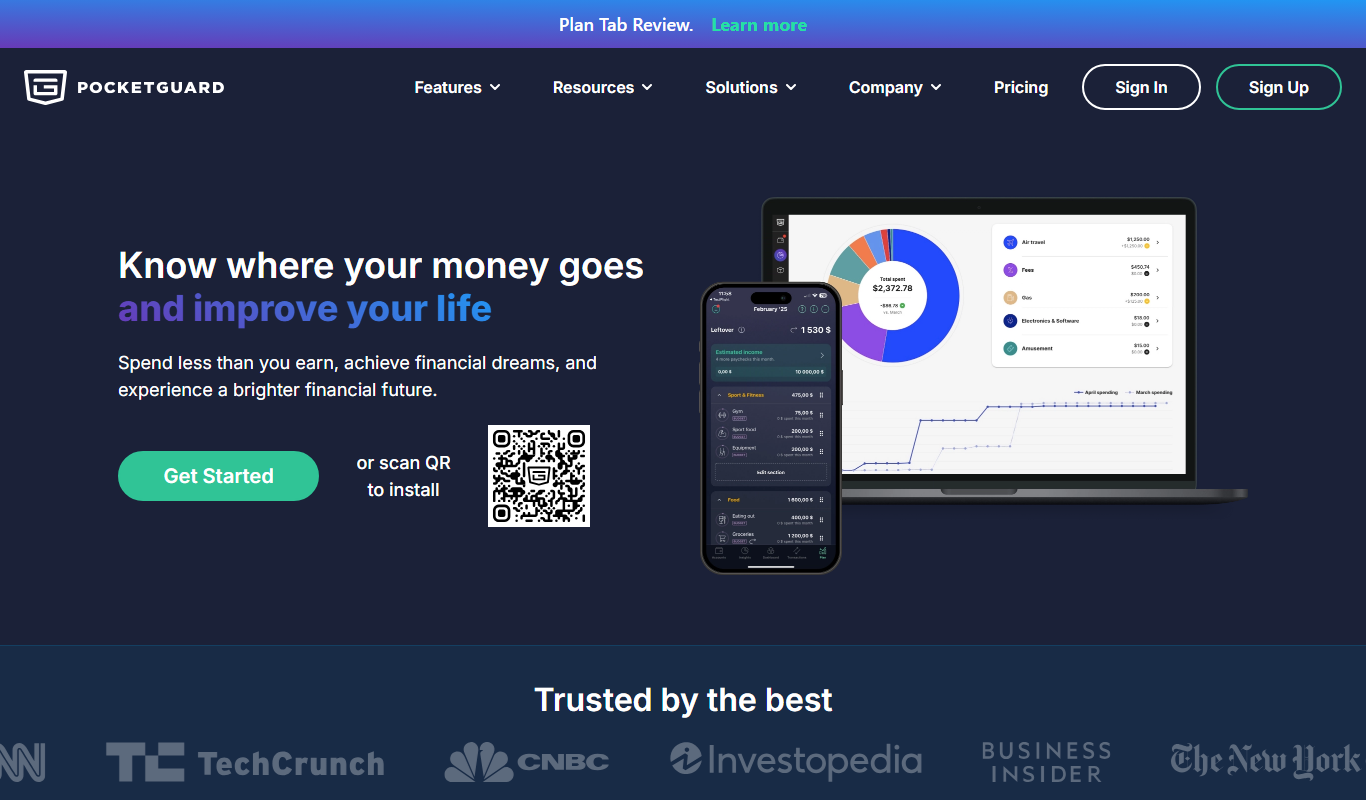
PocketGuard
PocketGuard is a personal finance app that helps users manage budgets, track expenses, and monitor bills by securely linking bank accounts and providing real-time financial insights.

Subscription
YNAB
YNAB is a personal budgeting tool that uses zero-based budgeting to help users assign every dollar a job, track expenses, and achieve financial goals with real-time bank syncing and mobile apps.

Freemium
Reflectly
Reflectly is an AI-driven journaling app designed to help users improve mental health by tracking moods and providing personalized reflective prompts.
Free
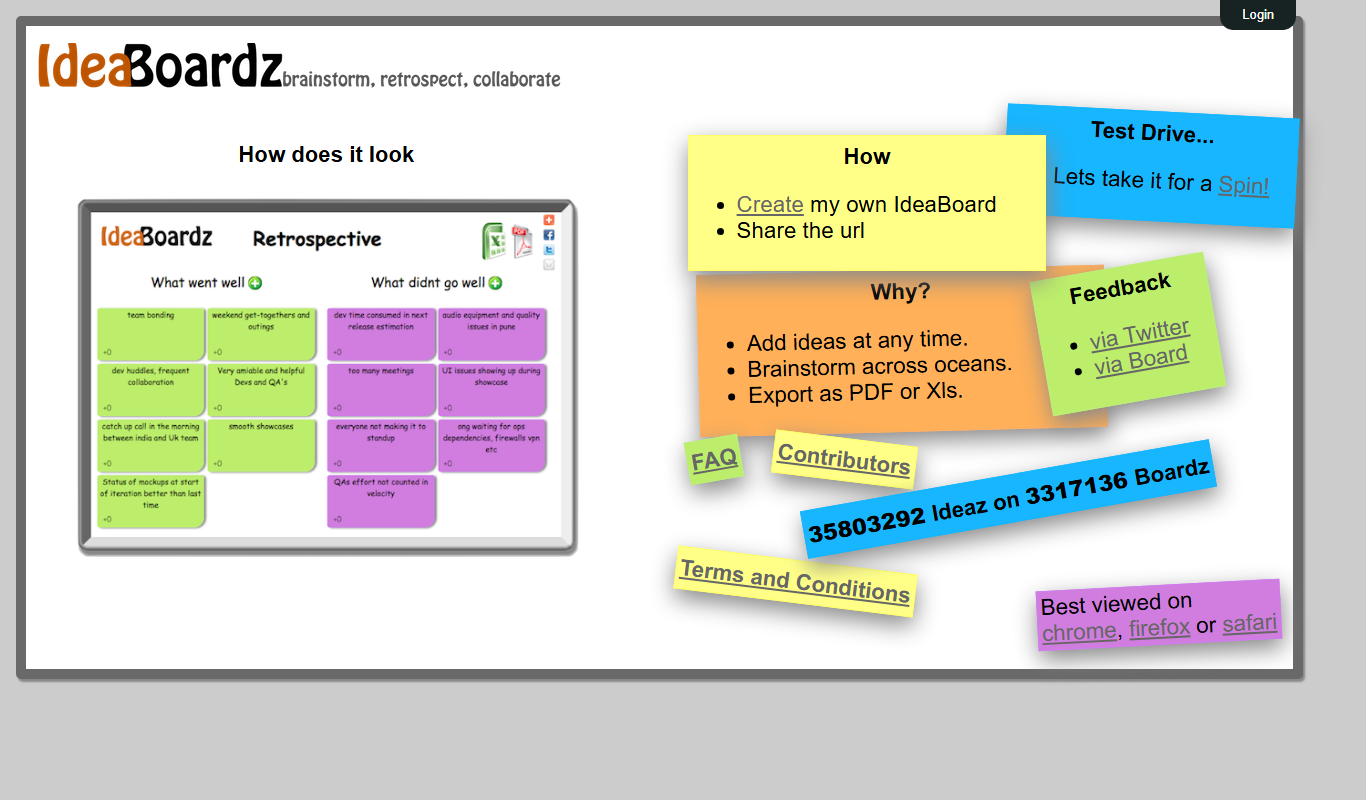
IdeaBoardz
IdeaBoardz is a free web-based tool that enables teams to brainstorm, organize ideas, and conduct retrospectives collaboratively in real-time or asynchronously.