

From my experience with SAP Concur, it excels at integrating travel and expense management into a unified platform that significantly reduces manual work and improves compliance. After using the system, I found it particularly well-suited for mid-sized to large enterprises that require robust controls and detailed analytics. However, the extensive features come with a learning curve, and pricing may be a barrier for smaller businesses. Overall, if your organization needs to automate corporate travel and expense workflows with strong policy enforcement, SAP Concur delivers reliable and scalable solutions.
SAP Concur Travel and Expense Management Software for Business Efficiency
SAP Concur is a cloud-based platform that automates travel booking, expense reporting, and invoice management to help businesses control costs and improve compliance.
- Best for
- Expense Reporting
- Key capability
- Mobile Receipt Capture
Your actions
Save SAP Concur, follow its updates and vote on it — everything stays in your account.
Sign in or create a free account
What is SAP Concur?
SAP Concur is a cloud-based travel, expense, and invoice management software designed to help businesses automate and streamline their financial processes. It enables employees to easily capture expenses and book travel while providing finance teams with tools to enforce compliance, manage approvals, and gain visibility into company spending.
Key features of SAP Concur
The platform offers features such as automated expense reporting, travel booking integration, invoice management, policy compliance enforcement, and detailed analytics to optimize business travel and expense workflows.
Mobile Receipt Capture
Snap photos of receipts on the go and automatically extract data for expense reports.
Travel Booking Integration
Book flights, hotels, and rental cars within the platform with policy compliance.
Automated Expense Auditing
System flags non-compliant or duplicate expenses to reduce errors and fraud.
Invoice Management
Capture and process supplier invoices with automated workflows.
Analytics Dashboard
Visualize spending trends and identify cost-saving opportunities.
Pros and cons of SAP Concur
Pros
- Comprehensive travel and expense management in one platform
- Strong mobile app for on-the-go expense capture
- Robust compliance and auditing features
- Integration with major ERP and accounting software
- Detailed analytics and reporting capabilities
Cons
- Pricing is customized and can be expensive for small businesses
- Learning curve for new users due to extensive features
- Some users report occasional syncing issues with travel partners
Key use cases for SAP Concur
Expense Reporting
Automate and streamline employee expense reporting with easy receipt capture and submission.
Travel Booking and Management
Manage corporate travel bookings, itineraries, and approvals in a centralized platform.
Invoice and Payment Processing
Automate invoice capture, approval workflows, and payment processing to improve financial control.
Compliance and Policy Enforcement
Ensure travel and expense policies are followed with automated compliance checks and audit trails.
Analytics and Reporting
Gain insights into travel and expense spend with customizable dashboards and reports.
How SAP Concur works
- 1
Employee Expense Submission
Employees capture receipts and submit expense reports via mobile app or web portal.
- 2
Automated Policy Checks
The system automatically checks expenses against company policies for compliance.
- 3
Manager Approval Workflow
Expense reports and travel requests are routed to managers for approval.
- 4
Integration with Travel Booking
Employees can book travel through integrated partners with automatic itinerary syncing.
- 5
Finance Processing and Reporting
Approved expenses and invoices are processed for payment and tracked in financial reports.
Who is using SAP Concur
Mid-sized to large enterprises
Finance and accounting teams
Corporate travel managers
Procurement departments
Business travelers
SAP Concur pricing
Standard
Custom pricing
Core travel and expense management features suitable for most businesses.
Professional
Custom pricing
Includes advanced analytics, invoice management, and integrations.
Enterprise
Custom pricing
Tailored solutions with enhanced compliance, support, and customization.
Plans and prices are as published by the vendor and can change. Check the official site before you buy. Open the pricing page (opens in a new tab)
Frequently asked questions about SAP Concur
Yes, SAP Concur offers mobile apps for iOS and Android that allow users to capture receipts and submit expenses on the go.
Yes, SAP Concur integrates with many ERP and accounting systems to streamline financial workflows.
While SAP Concur primarily targets mid-sized to large enterprises, small businesses can also benefit depending on their needs.
The platform automatically checks expenses and travel bookings against configured policies and flags exceptions.
This tool is designed to help users accomplish its core tasks more efficiently. It is typically used by individuals or teams looking to improve productivity and workflow.
It depends on your specific needs and how you plan to use the tool. The official website and documentation are the best sources for the latest details.
Integration support depends on the tool and its available connectors or API. Check the official documentation or integrations page to confirm what is supported.
Sign in to review this tool.
Sign In to ReviewNo reviews yet
Be the first to share how this tool worked for you.
Ask about pricing, limits, or how it compares — or answer someone else.
Sign In to AskNo questions yet
Have a question about using or paying for this tool? Be the first to ask.
Featured on TiorAI



Alternative Tools
Explore similar AI tools that might fit your needs

Free
Expensify
Expensify is an expense management tool that automates receipt scanning, expense tracking, and reporting for businesses and individuals, offering integrations and approval workflows.
More AI Workflow tools
Other tools in the same category, for when this one is not quite the fit.
Free
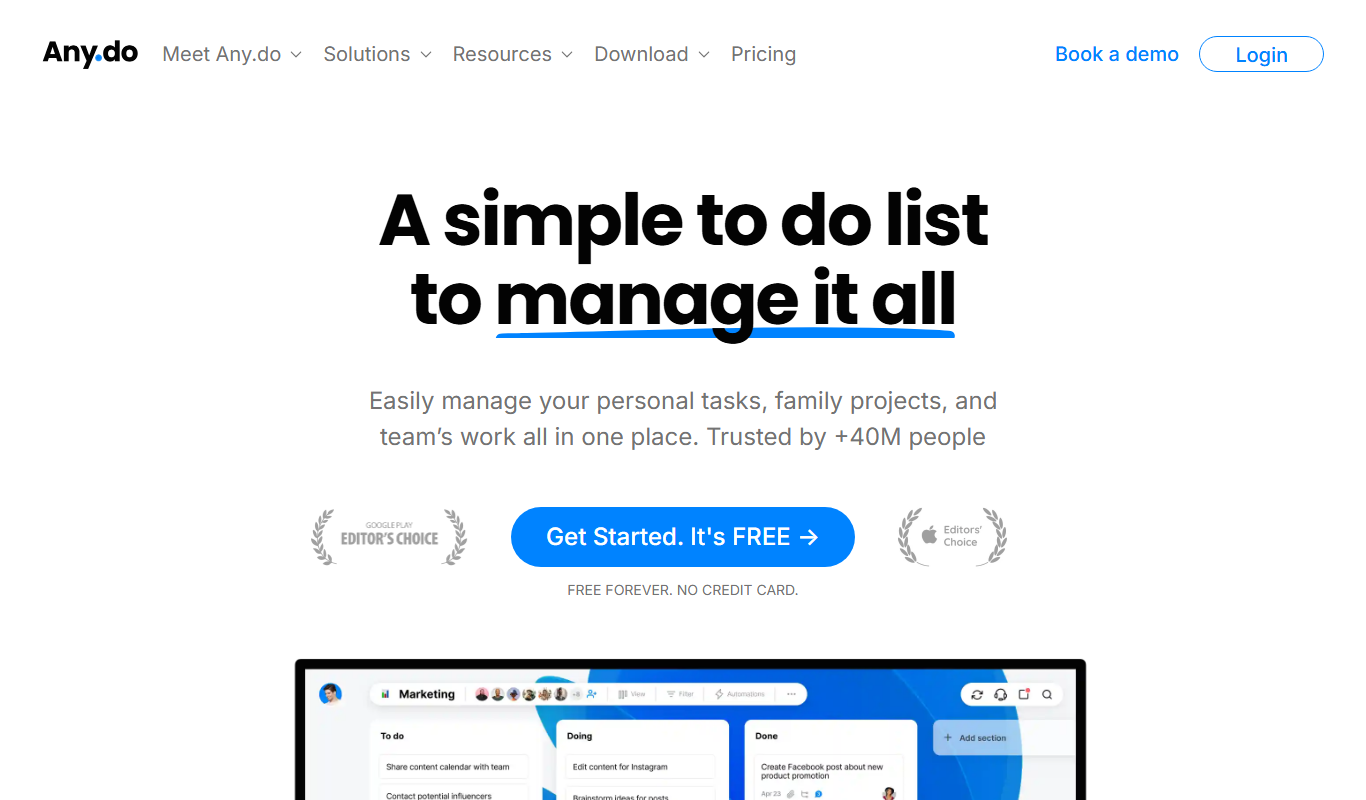
Any.do
Any.do is a task management and to-do list app that helps users organize tasks, set reminders, sync calendars, and collaborate with others across multiple platforms.

Free
Todoist
Todoist is a cross-platform task management app designed to help users organize tasks, set priorities, collaborate on projects, and track productivity efficiently.

Contact for pricing
Brandfolder
Brandfolder is a cloud-based digital asset management platform that centralizes brand assets, controls permissions, and facilitates collaboration for marketing and creative teams.
Custom Pricing
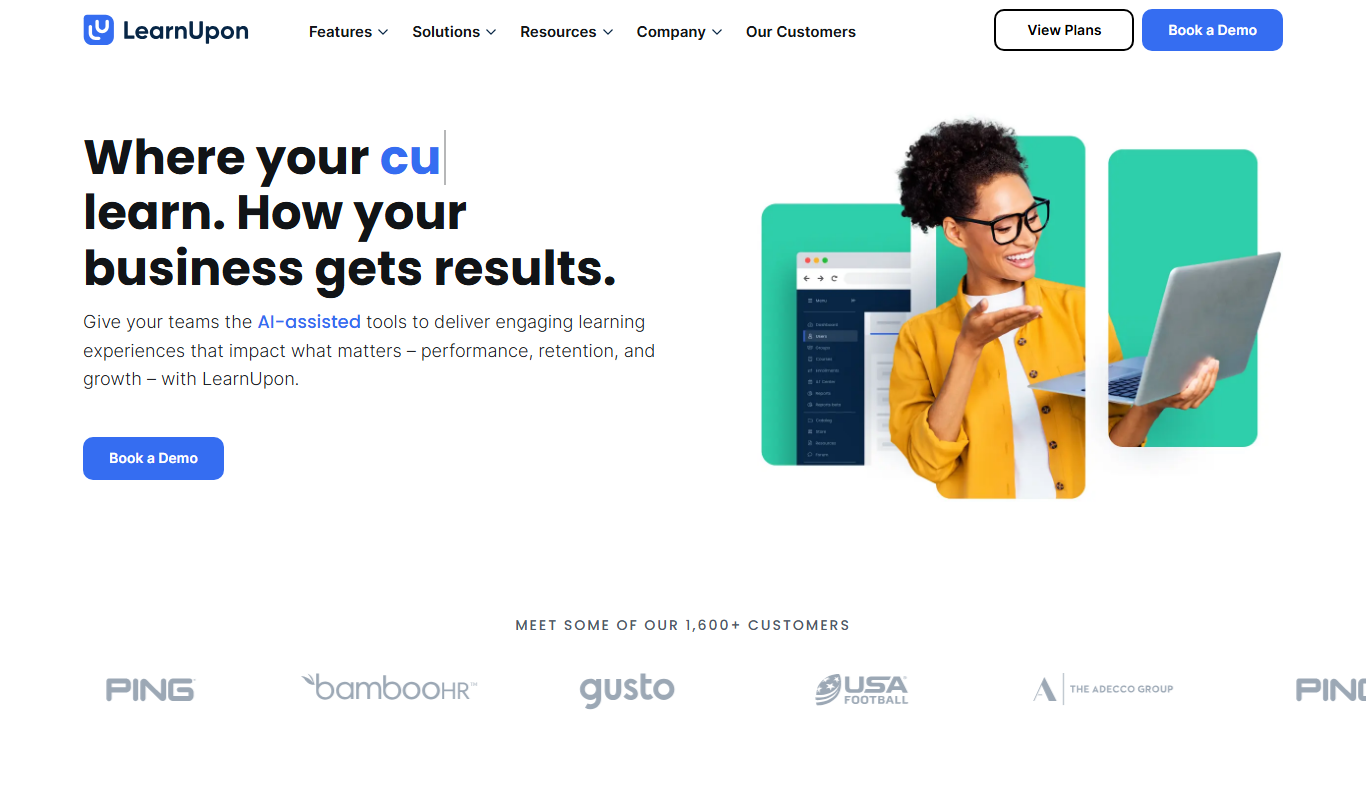
LearnUpon
LearnUpon is a cloud-based learning management system that helps organizations deliver, manage, and track online training programs for employees, customers, and partners.

Free
TalentLMS
TalentLMS is a cloud-based learning management system that helps businesses create, deliver, and track online training programs for employees, customers, and partners.

Custom Pricing
Cornerstone OnDemand
Cornerstone OnDemand is a cloud-based talent management platform that helps organizations manage employee learning, recruiting, performance, and compliance through integrated modules.

Enterprise
Docebo
Docebo is a cloud-based AI-powered learning management system that helps businesses deliver personalized corporate training, onboarding, and compliance programs with robust analytics and automation.
Subscription
Jama Connect
Jama Connect is a cloud-based requirements management software designed to help product development teams capture, trace, and manage requirements, risks, and tests to improve collaboration and compliance.