

TalentLMS Online Learning Platform for Corporate Training and eLearning
TalentLMS is a cloud-based learning management system that helps businesses create, deliver, and track online training programs for employees, customers, and partners.
- Best for
- Corporate Training
- Key capability
- Course Authoring
Save TalentLMS, follow its updates and vote on it — everything stays in your account.
Sign in or create a free account
What is TalentLMS?
TalentLMS is a cloud-based learning management system designed to simplify the creation, delivery, and tracking of online training programs. It caters to businesses of all sizes, enabling them to train employees, partners, and customers effectively through a user-friendly platform that supports multimedia content, assessments, and certifications.
Key features of TalentLMS
TalentLMS offers course authoring tools, customizable learning portals, automated notifications, detailed reporting, and integrations with popular business tools. Its scalable architecture supports both small teams and large enterprises, providing a flexible solution for diverse training needs.
Course Authoring
Build interactive courses with videos, presentations, documents, and quizzes.
Customizable Branding
Tailor the platform’s look and feel to match your company’s branding.
Automated Notifications
Send reminders and updates to learners via email or SMS.
Reporting & Analytics
Access detailed reports on learner progress, course completion, and engagement.
Integrations
Connect with tools like Zoom, Salesforce, Shopify, and Zapier for enhanced workflows.
Pros and cons of TalentLMS
Pros
- User-friendly interface with easy course creation
- Robust reporting and analytics features
- Supports multiple eLearning standards (SCORM, xAPI)
- Flexible pricing plans for different business sizes
- Strong integration capabilities with third-party tools
Cons
- Some advanced features require higher-tier plans
- Customization options can be limited on lower plans
Key use cases for TalentLMS
Corporate Training
Deliver and manage employee training programs efficiently across organizations.
Compliance Training
Ensure employees complete mandatory compliance courses with tracking and reporting.
Customer Training
Educate customers on product usage and best practices through online courses.
Certification Programs
Create and administer certification courses with assessments and badges.
Onboarding
Streamline new employee onboarding with structured learning paths and resources.
How TalentLMS works
- 1
Sign Up
Create an account on TalentLMS to start building your training platform.
- 2
Create Courses
Use the intuitive course builder to add multimedia content, quizzes, and assignments.
- 3
Enroll Learners
Add users manually or import them in bulk; assign courses or learning paths.
- 4
Track Progress
Monitor learner activity and performance with real-time analytics and reports.
- 5
Issue Certifications
Automatically award certificates upon course completion to validate skills.
Who is using TalentLMS
TalentLMS pricing
Free
$0/month
Up to 5 users and up to 10 courses, with no time limit.
Core
$119/month, billed yearly
From 1-40 users up to 100 users, with unlimited courses and 1 branch.
Grow
$229/month, billed yearly
Up to 500 users, with unlimited courses and 3 branches.
Pro
$449/month plus $6 per additional user, billed yearly
From 1-100 users, with unlimited courses and 15 branches.
Enterprise
Contact sales
Starts at 1000 users; contact sales for an annual plan.
Plans and prices are as published by the vendor and can change. Check the official site before you buy. Open the pricing page (opens in a new tab)
Frequently asked questions about TalentLMS
Yes, TalentLMS supports integrations with popular platforms like Zoom, Salesforce, Shopify, and Zapier.
Yes. TalentLMS mobile apps are available on iOS and Android, and learners can download courses, complete them offline and sync their progress when back online.
Yes, TalentLMS supports SCORM, xAPI (Tin Can), and cmi5 standards for eLearning content.
Yes, you can customize logos, colors, and domain to align with your company branding.
Yes, TalentLMS offers a free plan and a free trial period for paid plans.
This tool is designed to help users accomplish its core tasks more efficiently. It is typically used by individuals or teams looking to improve productivity and workflow.
Pricing depends on the plan and included features. For the most accurate and up-to-date details, check the official pricing page.
Yes, it can help with that use case depending on how you configure it and what features are available. You’ll get the best results with clear inputs and a defined goal.
Integration support depends on the tool and its available connectors or API. Check the official documentation or integrations page to confirm what is supported.
Conclusion
Courses are assembled from videos, presentations, documents and quizzes, and learners are added manually or imported in bulk before courses or learning paths are assigned. Learning paths combine multiple courses into a clear sequence, and certificates are awarded automatically upon course completion. Separate training portals can be set up for employees, partners or customers while everything stays centralized.
AI is integrated into the training experience to create courses and assessments and translate them for global teams. Learners on the iOS and Android apps can download courses, complete them offline and sync their progress when back online. Content built to SCORM, xAPI (Tin Can) and cmi5 standards is supported. It is aimed at corporate training managers, HR professionals and customer success teams. A free plan with up to 5 users and 10 courses has no time limit, while pricing on paid plans is based on the monthly number of users that log in to the portal.
Sources
Sign in to review this tool.
Sign In to ReviewNo reviews yet
Be the first to share how this tool worked for you.
Ask about pricing, limits, or how it compares — or answer someone else.
Sign In to AskNo questions yet
Have a question about using or paying for this tool? Be the first to ask.
Featured on TiorAI



Alternative Tools
Explore similar AI tools that might fit your needs

Docebo
Docebo is a cloud-based AI-powered learning management system that helps businesses deliver personalized corporate training, onboarding, and compliance programs with robust analytics and automation.
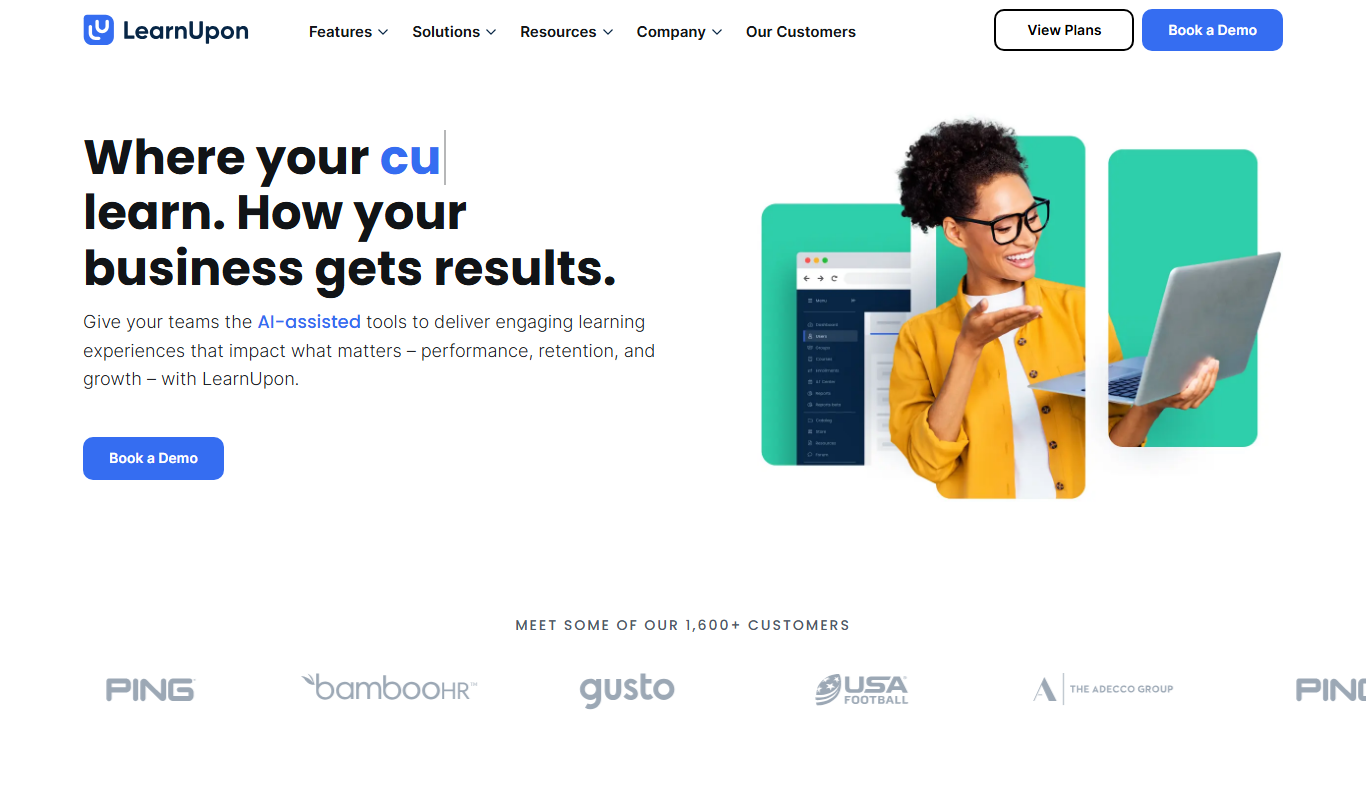
LearnUpon
LearnUpon is a cloud-based learning management system that helps organizations deliver, manage, and track online training programs for employees, customers, and partners.
More AI Workflow tools
Other tools in the same category, for when this one is not quite the fit.
Zuora
Zuora is a cloud-based subscription management platform that automates billing, revenue recognition, and subscription analytics for businesses with recurring revenue models.

Workflowy
Workflowy is a web-based outliner tool that helps users organize tasks, notes, and projects using infinite nested lists, tagging, and real-time collaboration.
Kerlink Wanesy Management Center
Kerlink Wanesy Management Center is a centralized platform designed to manage IoT networks and devices, primarily supporting LoRaWAN technology, offering real-time monitoring, device provisioning, and analytics.

Lightspeed POS
Lightspeed POS is a cloud-based point of sale system designed for retail and restaurant businesses, offering inventory management, ecommerce integration, and customer relationship tools.

AutoDS
AutoDS is a dropshipping automation tool that streamlines product imports, price and stock monitoring, and order fulfillment for eCommerce sellers.
LogicalDOC
LogicalDOC is an enterprise document management system that helps organizations organize, automate, and secure their digital documents with features like workflow automation, version control, and API integration.

FoodDocs
FoodDocs is an AI-powered food safety software that automates HACCP plan creation, digital checklists, and compliance monitoring to help food businesses maintain food safety standards efficiently.

Trace One
Trace One is a cloud-based PLM and regulatory compliance platform for Food & Beverage, Cosmetics and Chemical brands, with SDS/EHS compliance.