

LearnUpon LMS Platform for Corporate Training and Employee Development
LearnUpon is a cloud-based learning management system that helps organizations deliver, manage, and track online training programs for employees, customers, and partners.
- Best for
- Employee Training
- Key capability
- Course Management
Save LearnUpon, follow its updates and vote on it — everything stays in your account.
Sign in or create a free account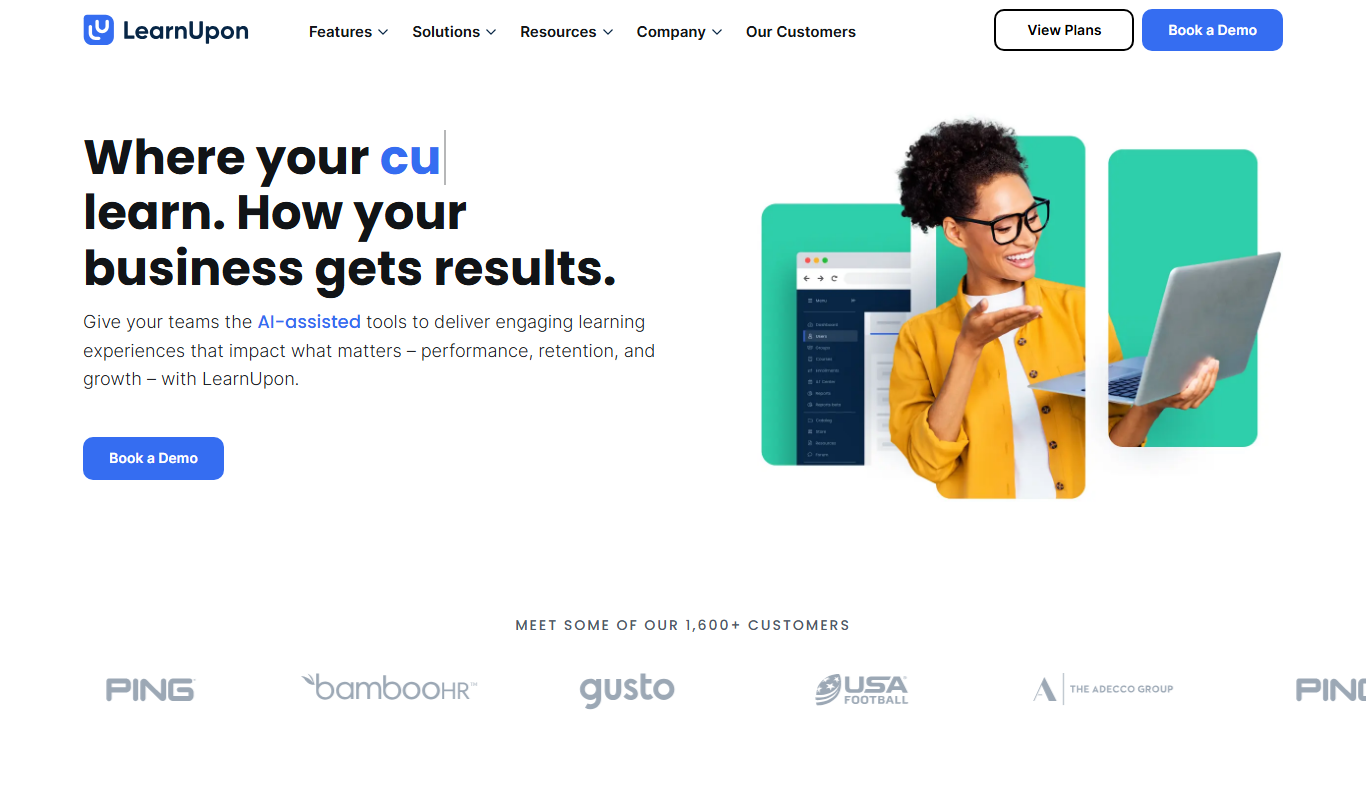
What is LearnUpon?
LearnUpon is a cloud-based Learning Management System (LMS) designed to help organizations deliver, manage, and track online training programs for employees, customers, and partners. It centralizes learning content, automates administrative tasks, and provides detailed reporting to optimize training effectiveness.
Key features of LearnUpon
LearnUpon offers course creation and management, learner enrollment, progress tracking, certification management, integrations with popular business tools, and customizable branding to align with company identity.
Course Management
Supports multiple content formats including SCORM, xAPI, and video with easy course creation tools.
User Management
Flexible user roles and groups to manage learners, instructors, and administrators.
Reporting & Analytics
Detailed dashboards and exportable reports to track learner progress and training effectiveness.
Integrations
Connects with CRM, HRIS, webinar platforms, and other business tools via API and pre-built connectors.
Certification & Compliance
Automate certification issuance and compliance tracking with reminders and expiry notifications.
Pros and cons of LearnUpon
Pros
- User-friendly interface with easy course creation
- Strong reporting and analytics capabilities
- Flexible user and role management
- Good integration options with business tools
- Responsive customer support
Cons
- Plans start from 100 users and pricing is arranged by booking a demo.
- Mobile experience is via web browser, no dedicated mobile app
- Some advanced features may require higher-tier plans
Key use cases for LearnUpon
Employee Training
Deliver and manage training programs to onboard and upskill employees efficiently.
Customer Training
Provide product and service training to customers to improve adoption and satisfaction.
Partner Training
Train channel partners and resellers to ensure consistent knowledge and compliance.
Compliance Training
Manage mandatory compliance courses and track learner progress to meet regulatory requirements.
Certification Programs
Create and administer certification exams to validate skills and knowledge.
How LearnUpon works
- 1
Set Up Your LMS
Create your LearnUpon account and configure your learning portal with branding and user roles.
- 2
Upload or Create Courses
Add training content by uploading SCORM, xAPI, videos, or creating courses directly within the platform.
- 3
Enroll Learners
Import users or allow self-registration, then assign courses or learning paths.
- 4
Track Progress and Performance
Monitor learner activity, course completions, and generate reports to measure training impact.
- 5
Certify and Reward
Issue certificates upon course completion and automate notifications to learners.
Who is using LearnUpon
LearnUpon pricing
LearnUpon for Employees
From 100 users, pricing by demo
Manage L&D end-to-end from creation to delivery and reporting, tailored learning for employees and HR system connections for user management.
LearnUpon for Customer Education
From 300 users, pricing by demo
Customer education courses, personalized journeys and HubSpot and other integrations; an Enterprise plan adds White Labelling, eCommerce and Group Branding.
LearnUpon for Associations
From 150 users, pricing by demo
Accreditation-ready courses, tailored learning for each member and eCommerce to make learning a revenue channel.
Plans and prices are as published by the vendor and can change. Check the official site before you buy. Open the pricing page (opens in a new tab)
Frequently asked questions about LearnUpon
Yes, LearnUpon is accessible via mobile web browsers, allowing learners to access courses on smartphones and tablets.
LearnUpon offers integrations with popular CRM, HRIS, webinar, and communication tools through APIs and pre-built connectors.
Yes, LearnUpon offers a free trial so organizations can evaluate the platform before purchasing.
You can upload SCORM, xAPI, video files, PDFs, and other common training materials.
This tool is designed to help users accomplish its core tasks more efficiently. It is typically used by individuals or teams looking to improve productivity and workflow.
Yes, it can help with that use case depending on how you configure it and what features are available. You’ll get the best results with clear inputs and a defined goal.
Integration support depends on the tool and its available connectors or API. Check the official documentation or integrations page to confirm what is supported.
It depends on your specific needs and how you plan to use the tool. The official website and documentation are the best sources for the latest details.
Conclusion
Administrators configure a branded learning portal with user roles, add SCORM, xAPI or video content or build courses in the platform, and then assign courses or learning paths to imported or self-registered users. Reports track completions, and certificates and expiry reminders are automated for compliance training. AI agents now sit across the platform, including an agentic co-creator in Create+ for interactive courses and Learning Journeys for personalized learning at scale.
Three products split the audience: LearnUpon for Employees, for Customer Education and for Associations. Plans start from 100 users for employees, 150 for associations and 300 for customer education, and pricing is arranged by booking a demo. According to the company, it is not a fit for buyers needing fewer than 100 users, an on-premise solution or HIPAA compliance.
Sources
Sign in to review this tool.
Sign In to ReviewNo reviews yet
Be the first to share how this tool worked for you.
Ask about pricing, limits, or how it compares — or answer someone else.
Sign In to AskNo questions yet
Have a question about using or paying for this tool? Be the first to ask.
Featured on TiorAI



Alternative Tools
Explore similar AI tools that might fit your needs

TalentLMS
TalentLMS is a cloud-based learning management system that helps businesses create, deliver, and track online training programs for employees, customers, and partners.

Docebo
Docebo is a cloud-based AI-powered learning management system that helps businesses deliver personalized corporate training, onboarding, and compliance programs with robust analytics and automation.
More AI Customer Service tools
Other tools in the same category, for when this one is not quite the fit.

FoodDocs
FoodDocs is an AI-powered food safety software that automates HACCP plan creation, digital checklists, and compliance monitoring to help food businesses maintain food safety standards efficiently.

Thumbtack
Thumbtack is an online platform that connects customers with local professionals for a wide range of services, allowing users to request quotes, compare providers, and schedule appointments easily.

Arkose Labs
Arkose Labs is a cybersecurity platform that prevents fraud and automated bot attacks by using adaptive challenge-response tests and real-time risk scoring to secure online accounts and transactions.

Be My Eyes
Be My Eyes is a free app that connects blind and visually impaired users with sighted volunteers through live video calls to provide real-time visual assistance.

Qualaroo
Qualaroo is a customer feedback software that helps businesses collect targeted website surveys and analyze user insights with AI-powered tools to improve customer experience.

Cleartrip
Cleartrip is an online travel booking platform offering flights, hotels, and train ticket reservations with real-time availability and exclusive deals.

FaceTec
FaceTec is an AI-driven biometric authentication platform specializing in 3D facial recognition and liveness detection to securely verify user identities and prevent fraud.
HealthJoy
HealthJoy is an employee benefits platform that helps users navigate healthcare options, access telemedicine, and reduce medical costs through personalized support and advocacy.