

From my experience with TransDub, I found it excels at preserving the original speaker’s voice identity while dubbing videos into multiple languages. The platform’s AI voice cloning combined with automatic translation streamlines the localization process, making it ideal for content creators and marketers targeting global audiences. However, the quality of voice cloning depends heavily on the clarity and length of the source audio, and the free plan limits video length and language options. Overall, if you need efficient multilingual video dubbing with consistent voice quality, TransDub delivers a practical and user-friendly solution.
TransDub AI Voice Cloning for Multilingual Video Dubbing and Translation
TransDub is an AI platform that clones voices and automatically dubs videos into multiple languages, preserving the original speaker’s voice for seamless localization.
- Best for
- Multilingual Video Dubbing
- Key capability
- AI Voice Cloning

Do you recommend this tool?
What is TransDub?
TransDub is an AI-powered platform that enables users to clone voices and automatically dub videos into multiple languages. It leverages advanced speech synthesis and voice cloning technology to preserve the original speaker’s voice characteristics while translating the content. This tool is designed to simplify and accelerate the localization of video content for global audiences.
Key features of TransDub
TransDub offers AI voice cloning, multilingual video dubbing, automatic translation, and natural speech synthesis. It supports multiple languages and provides a web-based interface for easy video upload, voice cloning, and dubbing management.
AI Voice Cloning
Create a digital replica of the original speaker’s voice for consistent dubbing.
Multilingual Support
Supports dubbing in multiple languages including English, Spanish, French, German, Chinese, and Japanese.
Automatic Translation
Automatically translates video audio content to the target languages.
Natural Speech Synthesis
Generates natural-sounding speech that preserves the original speaker’s tone and style.
Web-Based Platform
Accessible via web browser without the need for software installation.
Pros and cons of TransDub
Pros
- Maintains original speaker’s voice identity across languages
- Supports multiple popular languages for dubbing
- User-friendly web interface with easy video upload
- Automates translation and dubbing in one platform
Cons
- Limited video length on free plan
- Voice cloning quality depends on source audio quality
- Currently supports a limited set of languages
Key use cases for TransDub
Multilingual Video Dubbing
Automatically dub videos into multiple languages using AI voice cloning to maintain original speaker’s voice.
Content Localization
Localize video content for global audiences by translating and dubbing with natural-sounding AI voices.
Voice Preservation
Clone voices to preserve speaker identity across different languages and media formats.
Marketing and Advertising
Create multilingual marketing videos quickly without hiring voice actors for each language.
Educational Content
Produce educational videos in various languages with consistent voice tone and style.
How TransDub works
-
1
Upload Video
Users upload the video they want to dub into the TransDub platform.
-
2
Voice Cloning
The platform clones the original speaker’s voice using AI to maintain voice identity.
-
3
Select Target Languages
Users choose the languages into which the video will be dubbed.
-
4
Automatic Translation and Dubbing
TransDub translates the video’s audio and dubs it using the cloned voice in the selected languages.
-
5
Download and Share
Users download the dubbed videos or share them directly from the platform.
Who is using TransDub
Video content creators
Marketing agencies
Educational content producers
Localization teams
Media companies
TransDub pricing
Free
$0/month
Limited video length and number of dubbing languages with watermark.
Pro
$29/month
Extended video length, more languages, watermark removal, and priority processing.
Plans and prices are as published by the vendor and can change. Check the official site before you buy. Open the pricing page (opens in a new tab)
Frequently asked questions about TransDub
TransDub allows cloning of voices from uploaded videos, but quality depends on audio clarity and length.
Currently, TransDub supports English, Spanish, French, German, Chinese, and Japanese.
Yes, the free plan has limits on video length; the Pro plan offers extended limits.
Yes, commercial use is allowed under the Pro subscription plan.
It depends on your specific needs and how you plan to use the tool. The official website and documentation are the best sources for the latest details.
Yes, it can help with that use case depending on how you configure it and what features are available. You’ll get the best results with clear inputs and a defined goal.
Some tools offer a free plan or trial with limited features. Availability can vary, so confirm on the official website.
Yes, it can help with that use case depending on how you configure it and what features are available. You’ll get the best results with clear inputs and a defined goal.
Sign in to review this tool.
Sign In to ReviewNo reviews yet
Be the first to share how this tool worked for you.
Ask about pricing, limits, or how it compares — or answer someone else.
Sign In to AskNo questions yet
Have a question about using or paying for this tool? Be the first to ask.
Featured on TiorAI



More AI Video Translator Lite tools
Other tools in the same category, for when this one is not quite the fit.

Freemium
Neurooo
Neurooo is an AI-powered writing assistant that generates SEO-friendly content in multiple languages, designed for marketers and content creators to streamline writing and improve search rankings.

Free
EasyDictation.app
EasyDictation.app is a free web-based tool that converts your spoken words into text in real time using browser speech recognition technology, requiring no installation or account.

Freemium
VideoToWords
VideoToWords is an AI transcription tool that converts video audio into editable text and subtitles, supporting multiple languages and fast processing.

Free Trial
MachineTranslation
MachineTranslation is an AI-driven platform providing automated neural machine translation services with API access, supporting over 50 languages for websites, documents, and applications.
Freemium
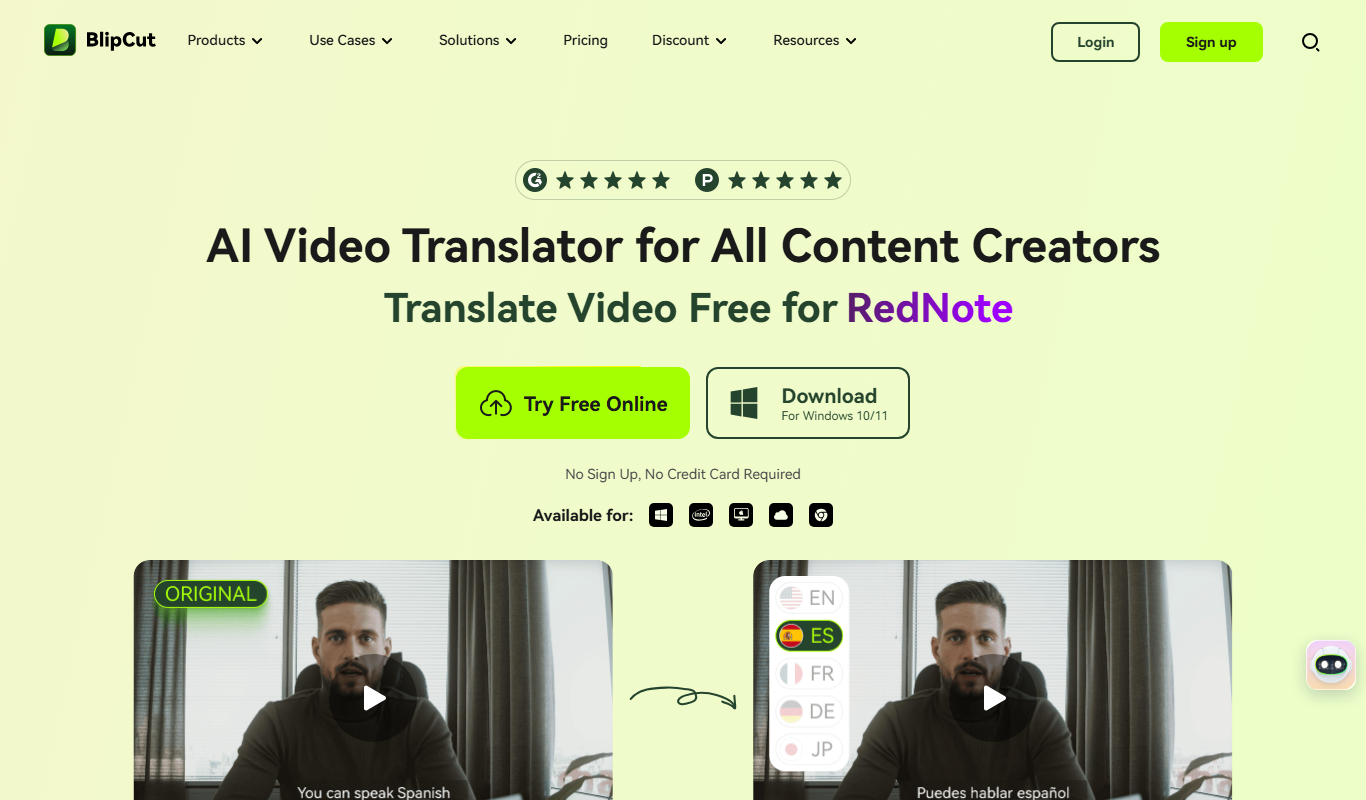
BlipCut AI Video Translator
BlipCut AI Video Translator is a web platform that automatically transcribes and translates video audio into subtitles in multiple languages, enabling fast and easy video localization.
Free
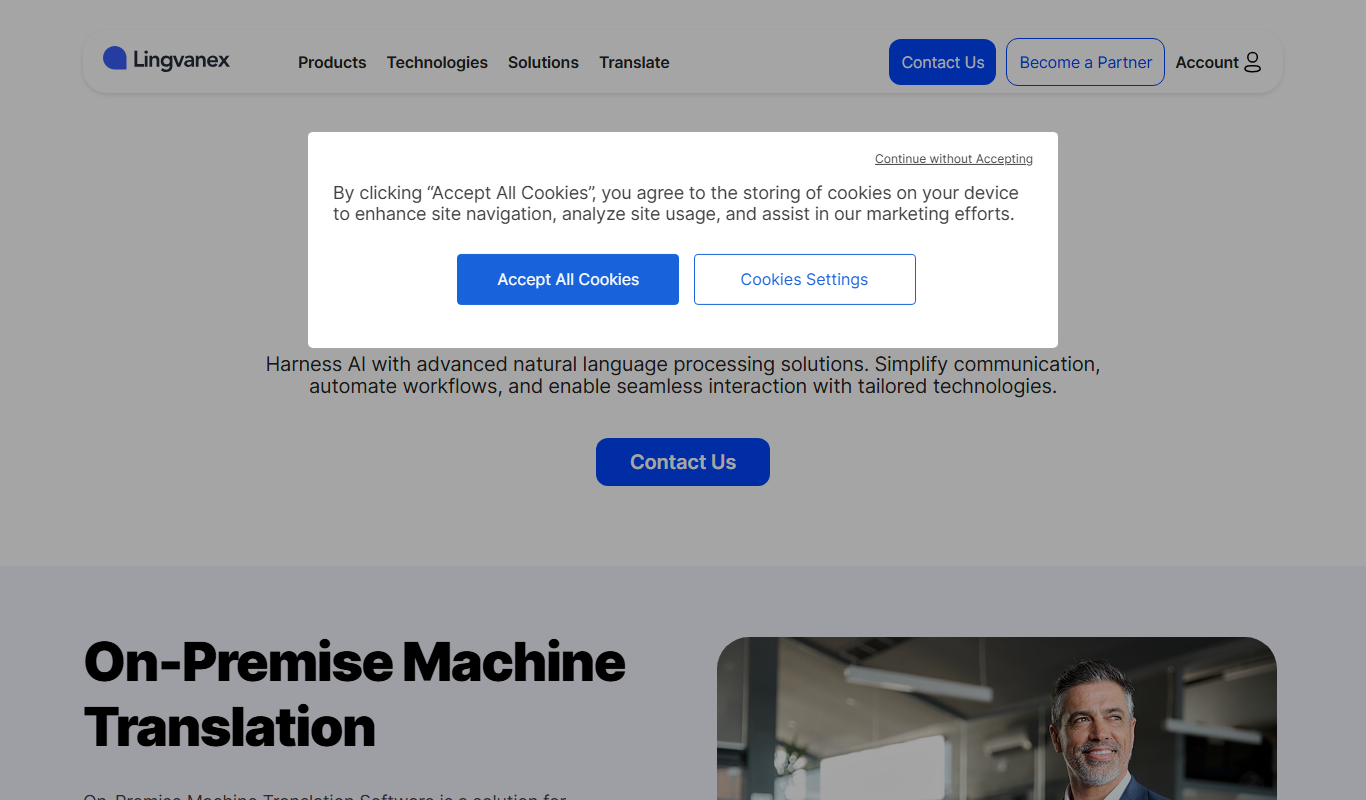
Lingvanex
Lingvanex is a multi-platform translation software providing real-time text, voice, and document translation in over 100 languages, with offline capabilities and API integration.
Custom Pricing
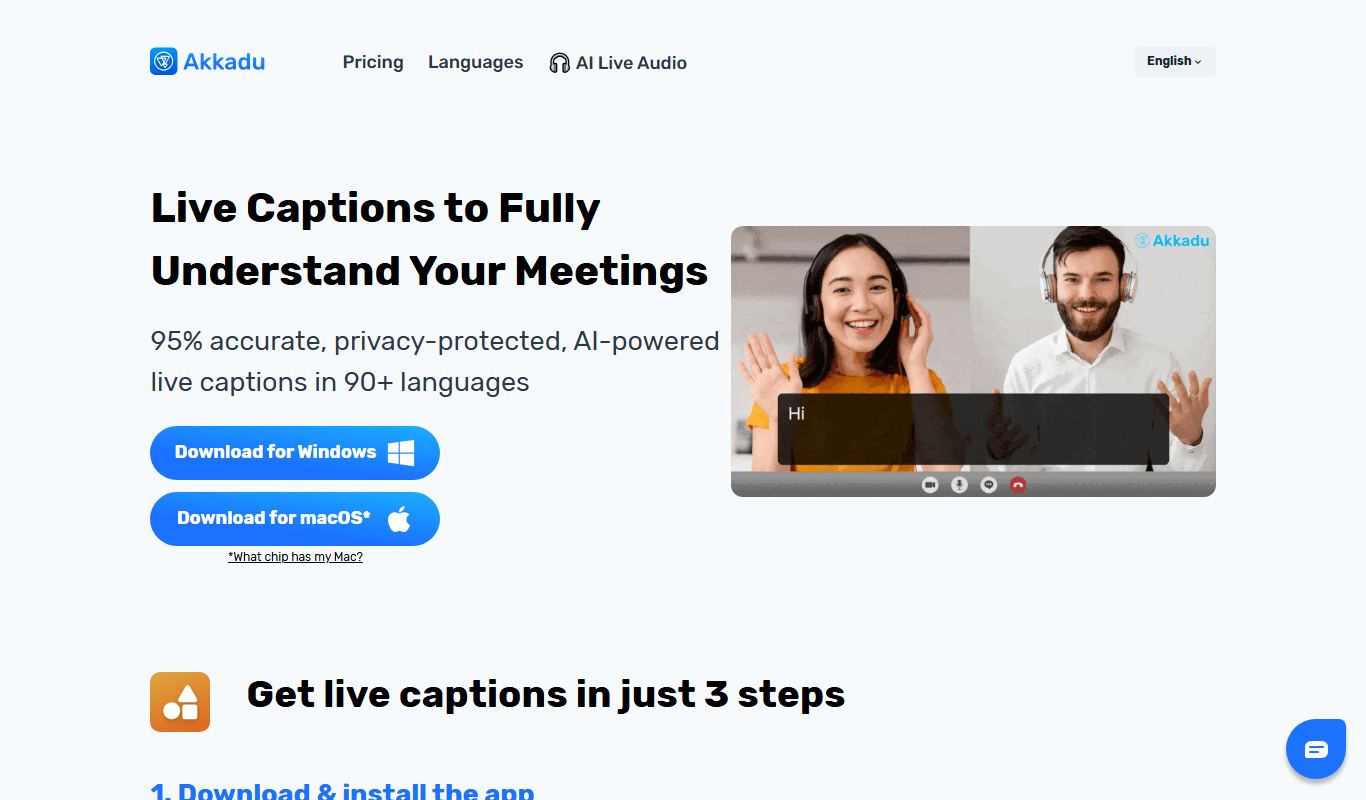
Akkadu AI Subtitles
Akkadu AI Subtitles is an AI-driven platform that automatically generates, translates, and synchronizes subtitles for videos in multiple languages, supporting both pre-recorded and live content.

Free Trial
Locales AI
Locales AI is an AI-powered platform that automates translation and localization processes, enabling businesses to efficiently manage multilingual content across websites, apps, and marketing materials with real-time updates and collaborative workflows.