

From my experience with BlipCut AI Video Translator, it stands out for its fast and automated approach to translating and subtitling videos, making it ideal for creators and marketers aiming to reach international audiences quickly. The web-based interface is intuitive, allowing easy subtitle edits, which is crucial for ensuring accuracy. However, the free plan limits video length and features, and translation quality can vary with complex or technical content, so manual review remains important. Overall, if you need efficient multilingual video subtitles without complex software, BlipCut offers a practical and accessible solution.
BlipCut AI Video Translator for Fast Multilingual Video Subtitles
BlipCut AI Video Translator is a web platform that automatically transcribes and translates video audio into subtitles in multiple languages, enabling fast and easy video localization.
- Best for
- Video Localization
- Key capability
- Automatic Speech Recognition
Your actions
Save BlipCut AI Video Translator, follow its updates and vote on it — everything stays in your account.
Sign in or create a free account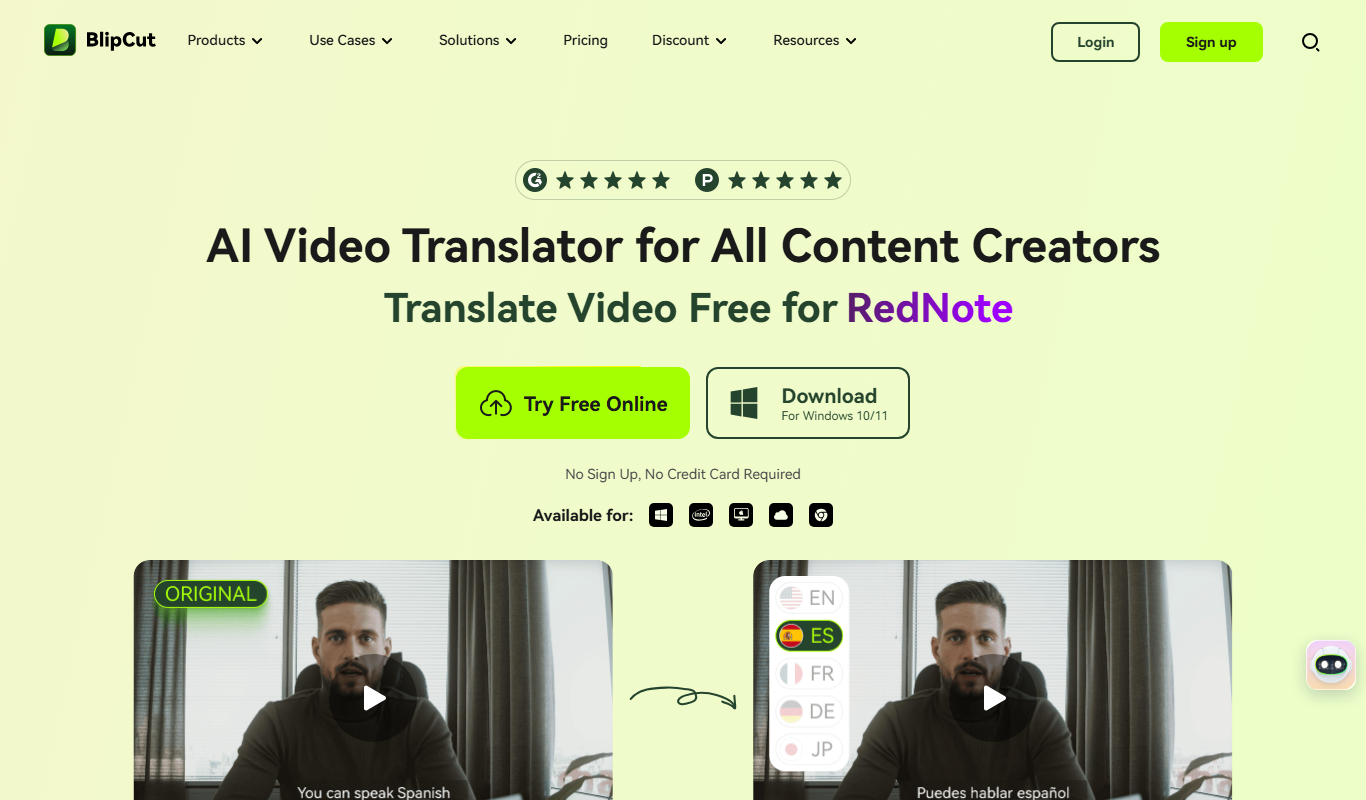

What is BlipCut AI Video Translator?
BlipCut AI Video Translator is a web-based platform that uses artificial intelligence to automatically translate and subtitle videos into multiple languages. It simplifies the process of video localization by providing fast, accurate transcriptions and translations, enabling creators and businesses to expand their reach globally.
Key features of BlipCut AI Video Translator
The tool offers automatic speech recognition, AI-powered translation, subtitle editing, and export options in various subtitle formats. It supports numerous languages and provides an intuitive interface for reviewing and adjusting subtitles before finalizing.
Automatic Speech Recognition
Accurately transcribes spoken words from video audio tracks.
AI-Powered Multilingual Translation
Supports translation into over 30 languages with contextual accuracy.
Subtitle Editor
User-friendly interface to fine-tune subtitle text and timing.
Multiple Export Formats
Export subtitles as SRT, VTT, or embed directly into videos.
Fast Processing
Quick turnaround times for transcription and translation.
Pros and cons of BlipCut AI Video Translator
Pros
- Fast and automated video transcription and translation
- Supports a wide range of languages
- Easy-to-use subtitle editor
- Multiple export options
- Web-based with no software installation
Cons
- Free plan has video length and feature limitations
- Translation accuracy may vary with complex content
- No desktop or mobile app versions currently
Key use cases for BlipCut AI Video Translator
Video Localization
Translate and subtitle videos into multiple languages to reach global audiences.
Content Creation
Create multilingual video content quickly for social media, marketing, and education.
E-learning
Add accurate subtitles and translations to educational videos for diverse learners.
Marketing Campaigns
Localize promotional videos to engage customers in different regions effectively.
Accessibility
Provide subtitles for hearing-impaired viewers and improve video accessibility.
How BlipCut AI Video Translator works
- 1
Upload Video
Users upload their video files directly to the BlipCut platform.
- 2
Automatic Transcription
The AI transcribes the spoken content into text in the original language.
- 3
AI Translation
The transcribed text is automatically translated into the selected target languages.
- 4
Subtitle Editing
Users can review, edit, and adjust the timing and text of subtitles as needed.
- 5
Export and Share
Finalized subtitles can be exported in various formats or embedded into videos for distribution.
Who is using BlipCut AI Video Translator
Video content creators
Marketing teams
E-learning providers
Social media managers
Localization specialists
BlipCut AI Video Translator pricing
Free
$0/month
Limited video length and number of translations with basic features.
Pro
$29/month
Extended video length, more languages, priority processing, and advanced editing.
Business
Custom pricing
Tailored solutions with team collaboration, API access, and dedicated support.
Plans and prices are as published by the vendor and can change. Check the official site before you buy. Open the pricing page (opens in a new tab)
Frequently asked questions about BlipCut AI Video Translator
BlipCut supports common video formats including MP4, MOV, AVI, and MKV.
Yes, the platform provides a subtitle editor to adjust text and timing before export.
The AI provides high-quality translations, but manual review is recommended for critical content.
Yes, the free plan has a maximum video length limit, which is extended in paid plans.
It depends on your specific needs and how you plan to use the tool. The official website and documentation are the best sources for the latest details.
Yes, it can help with that use case depending on how you configure it and what features are available. You’ll get the best results with clear inputs and a defined goal.
Some tools offer a free plan or trial with limited features. Availability can vary, so confirm on the official website.
Yes, it can help with that use case depending on how you configure it and what features are available. You’ll get the best results with clear inputs and a defined goal.
Sign in to review this tool.
Sign In to ReviewNo reviews yet
Be the first to share how this tool worked for you.
Ask about pricing, limits, or how it compares — or answer someone else.
Sign In to AskNo questions yet
Have a question about using or paying for this tool? Be the first to ask.
Featured on TiorAI



More AI Multilingual Content Tools tools
Other tools in the same category, for when this one is not quite the fit.

Custom Pricing
Deepdub
Deepdub has expanded into voice agents for Property Management and Debt Collection, Phantom Z TTS and Accent control with 130+ languages, beyond film dubbing.
Freemium
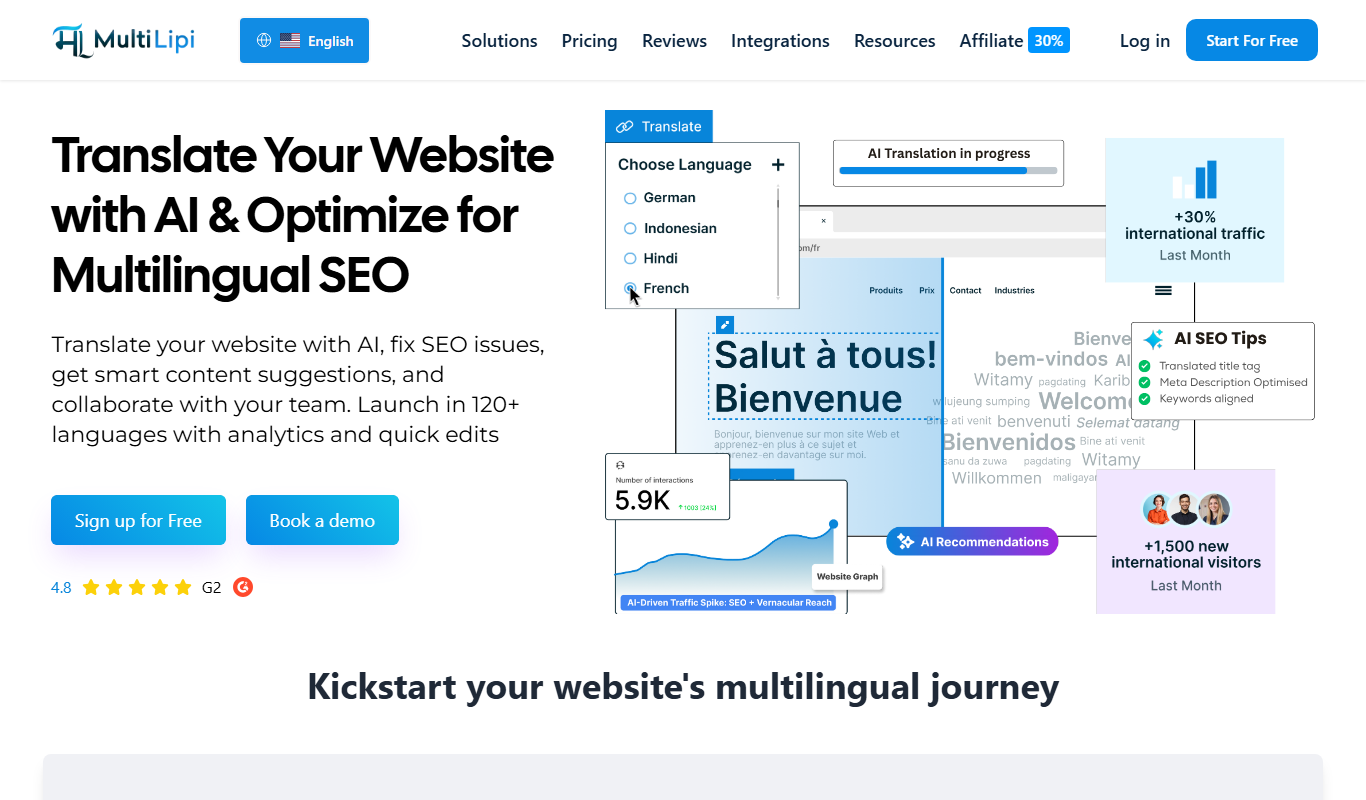
MultiLipi
MultiLipi is an AI writing assistant focused on generating and translating content in multiple Indian languages, helping users create localized marketing, social media, and blog content efficiently.