

From my experience with Akkadu AI Subtitles, I found it excels at delivering fast and accurate multilingual subtitles for both recorded and live video content. Its AI-driven transcription and translation streamline localization workflows, making it a valuable tool for broadcasters and content creators aiming to reach global audiences. The platform’s real-time captioning is particularly useful for live events, though the need to contact sales for pricing can be a hurdle for smaller users. Overall, if you require efficient and scalable video subtitling with multilingual support, Akkadu offers a robust solution.
Akkadu AI Subtitles for Multilingual Video Captioning and Translation
Akkadu AI Subtitles is an AI-driven platform that automatically generates, translates, and synchronizes subtitles for videos in multiple languages, supporting both pre-recorded and live content.
- Best for
- Multilingual Video Subtitling
- Key capability
- AI-Powered Speech Recognition
Your actions
Save Akkadu AI Subtitles, follow its updates and vote on it — everything stays in your account.
Sign in or create a free account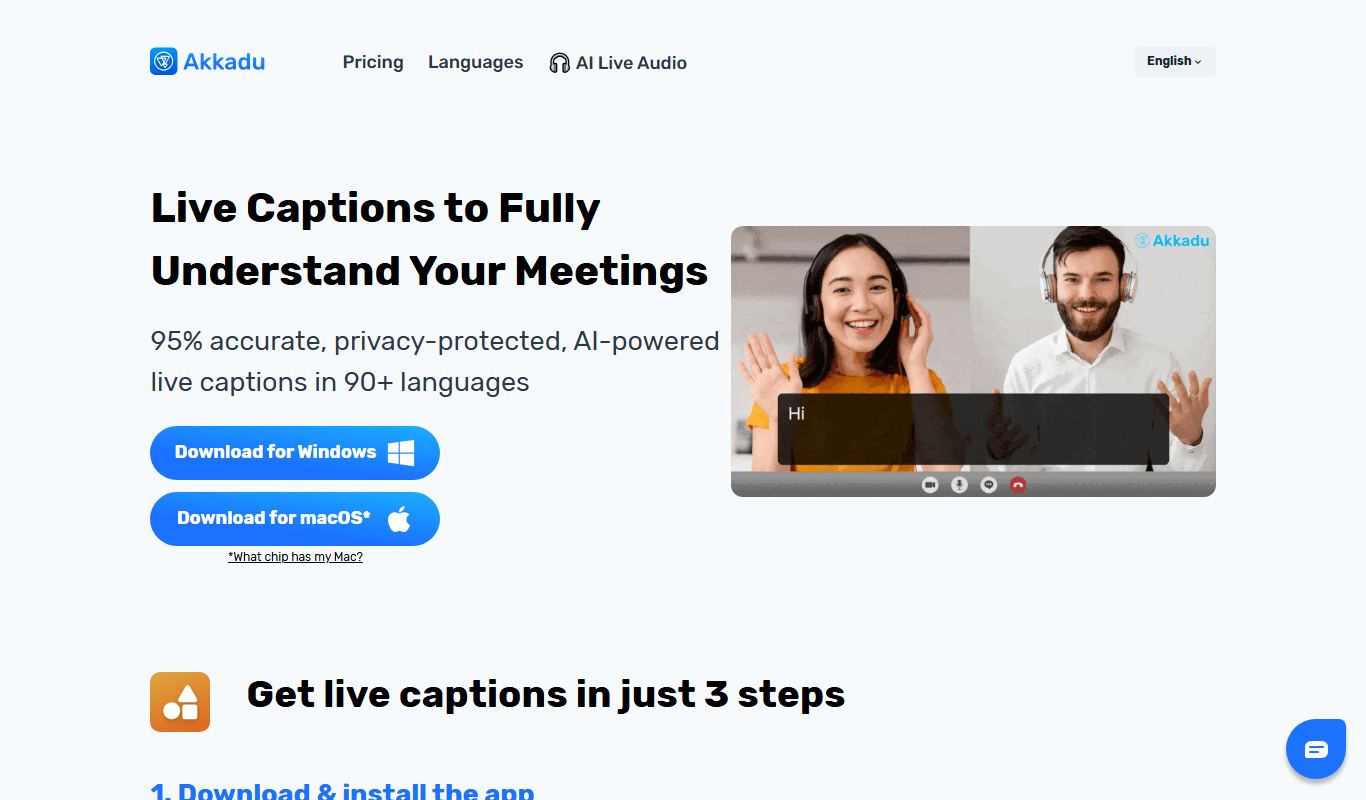

What is Akkadu AI Subtitles?
Akkadu AI Subtitles is an AI-powered platform designed to automatically generate, translate, and synchronize subtitles for video content. It supports multiple languages and offers tools for both pre-recorded and live video subtitling, enabling content creators, broadcasters, and enterprises to localize and make their videos accessible worldwide efficiently.
Key features of Akkadu AI Subtitles
The platform provides automatic speech recognition, neural machine translation, subtitle synchronization, and real-time captioning. It integrates with video platforms via API and supports collaborative subtitle editing and export in various subtitle formats.
AI-Powered Speech Recognition
High-accuracy automatic transcription of spoken words in videos.
Neural Machine Translation
Fast and context-aware translation of subtitles into multiple languages.
Real-Time Captioning
Live subtitling for events and streams with minimal delay.
Subtitle Editing Interface
User-friendly editor for reviewing and adjusting subtitles.
API Integration
Seamless integration with video platforms and workflows via API.
Pros and cons of Akkadu AI Subtitles
Pros
- Supports a wide range of languages for global reach
- Offers both pre-recorded and live subtitling
- User-friendly subtitle editing tools
- API available for seamless integration
- Improves accessibility and localization efficiently
Cons
- Pricing is not transparent and requires contacting sales
- Limited information on tech stack and offline capabilities
- May require manual review for perfect accuracy
Key use cases for Akkadu AI Subtitles
Multilingual Video Subtitling
Automatically generate and translate subtitles for videos in multiple languages to reach global audiences.
Live Event Captioning
Provide real-time AI-generated subtitles and translations for live streams and events.
Content Localization
Localize video content efficiently by creating accurate subtitles and translations tailored to target markets.
Accessibility Enhancement
Improve video accessibility for hearing-impaired viewers through precise subtitle generation.
Video Marketing
Boost engagement and SEO by adding multilingual subtitles to marketing videos.
How Akkadu AI Subtitles works
- 1
Upload or Connect Video
Users upload their video files or connect live streams to the Akkadu platform.
- 2
Automatic Transcription
The AI transcribes spoken content into text using speech recognition.
- 3
Machine Translation
Transcriptions are translated into selected target languages using neural machine translation.
- 4
Subtitle Synchronization
Subtitles are synchronized accurately with video timestamps.
- 5
Review and Edit
Users can review, edit, and customize subtitles within the platform.
- 6
Export or Stream
Final subtitles can be exported in multiple formats or streamed live with the video.
Who is using Akkadu AI Subtitles
Video content creators
Broadcasting companies
Marketing agencies
Event organizers
Localization teams
Accessibility service providers
Akkadu AI Subtitles pricing
Custom Pricing
Contact for quote
Pricing tailored to volume, languages, and usage requirements.
Plans and prices are as published by the vendor and can change. Check the official site before you buy. Open the pricing page (opens in a new tab)
Frequently asked questions about Akkadu AI Subtitles
Akkadu supports transcription and translation in over a dozen languages including English, Spanish, French, German, Chinese, Japanese, Korean, Portuguese, Russian, Arabic, Italian, and Dutch.
Yes, Akkadu offers real-time captioning for live events and streams with low latency.
Accuracy depends on audio quality and language, but Akkadu uses advanced AI models to provide high-quality transcriptions and translations, with options for manual editing.
Users can export subtitles in common formats such as SRT, VTT, and others compatible with most video players.
It depends on your specific needs and how you plan to use the tool. The official website and documentation are the best sources for the latest details.
Yes, it can help with that use case depending on how you configure it and what features are available. You’ll get the best results with clear inputs and a defined goal.
This tool is designed to help users accomplish its core tasks more efficiently. It is typically used by individuals or teams looking to improve productivity and workflow.
It depends on your specific needs and how you plan to use the tool. The official website and documentation are the best sources for the latest details.
Sign in to review this tool.
Sign In to ReviewNo reviews yet
Be the first to share how this tool worked for you.
Ask about pricing, limits, or how it compares — or answer someone else.
Sign In to AskNo questions yet
Have a question about using or paying for this tool? Be the first to ask.
Featured on TiorAI



More AI Localization Tools tools
Other tools in the same category, for when this one is not quite the fit.
Custom Pricing
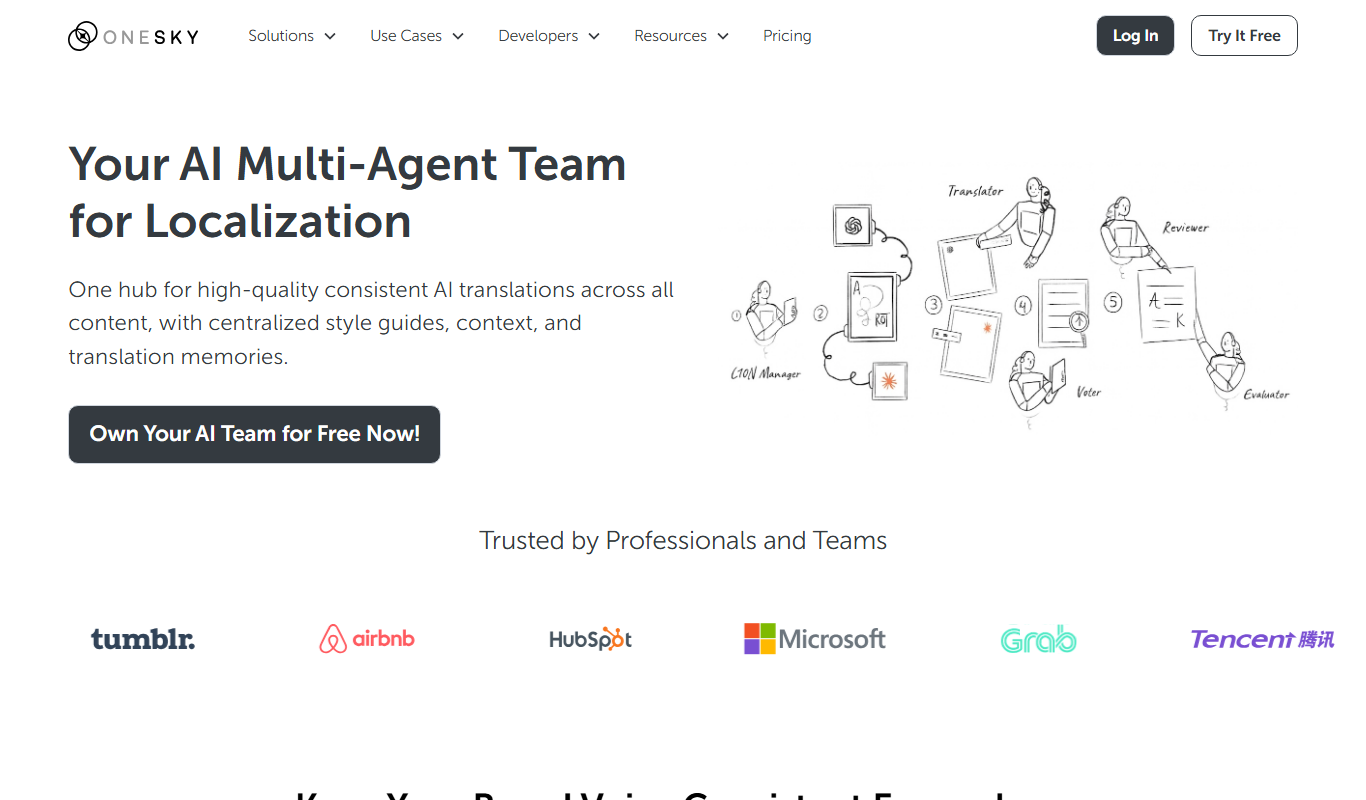
OneSky Localization Agent
OneSky Localization Agent is an AI-powered localization platform that streamlines translation workflows for software, websites, and marketing content by combining machine learning with human review.

Custom Pricing
lingoXpress
lingoXpress is a professional human translation platform providing certified and custom language services across 50+ languages for businesses and individuals.

Freemium
Translingo
Translingo is an AI-based translation tool that supports multiple languages and helps users quickly translate and localize content for global audiences.
Freemium
Lingobo
Lingobo is an AI-driven translation platform that helps businesses translate and localize content into multiple languages with customizable glossaries and API integration.

Freemium
Transcope
Transcope is an AI-driven translation platform providing fast, accurate multilingual translations with API integration and support for over 50 languages.

Custom Pricing
Go Global World
Go Global World is a professional translation and localization service that helps businesses adapt their content for global markets by providing expert language translation, cultural adaptation, and multilingual support.

Enterprise
Pairaphrase
Pairaphrase is an AI-powered translation platform that combines machine translation with customizable glossaries and translation memory to deliver accurate, secure, and collaborative document translations for businesses.
Free
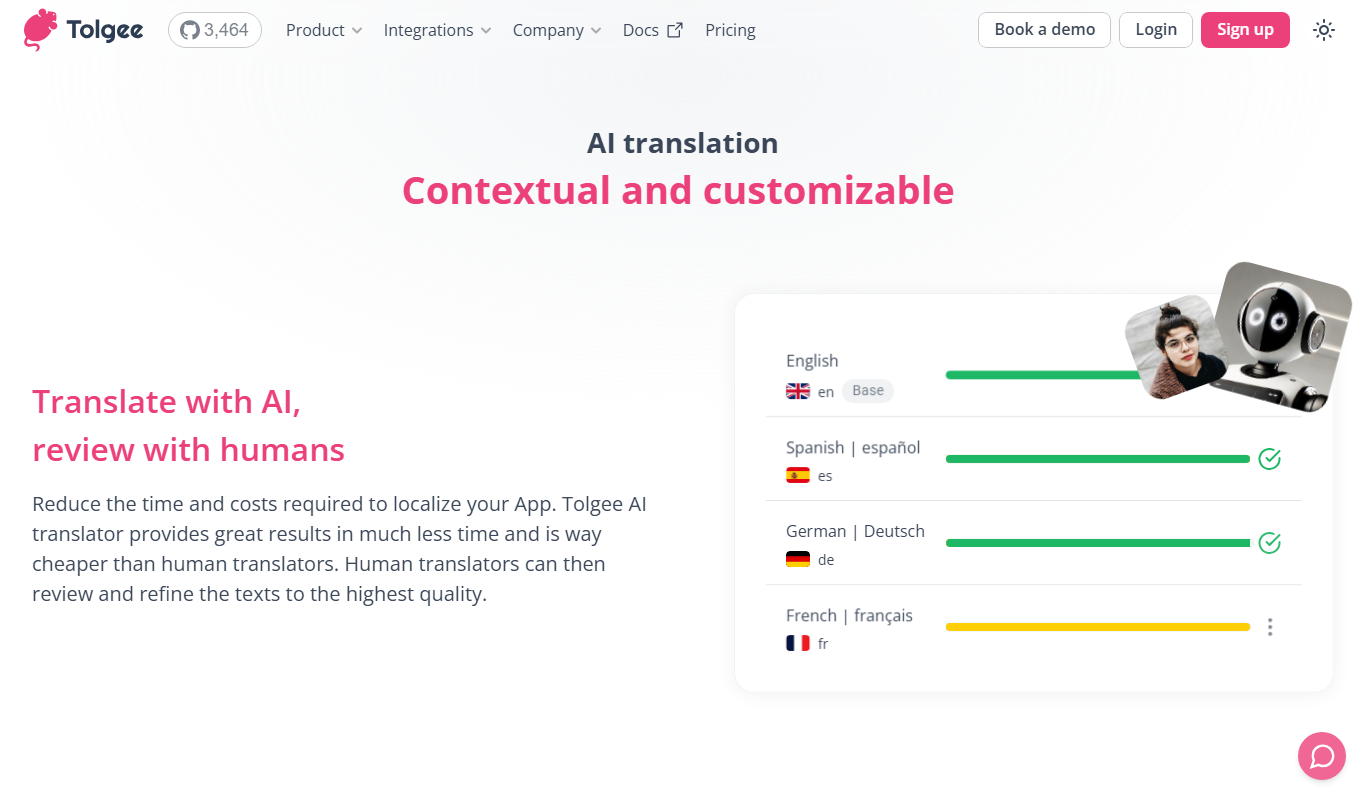
Tolgee AI Translator
Tolgee AI Translator is an automated localization platform that uses AI to translate software content autonomously, enabling developers to maintain multilingual applications efficiently.