

From my experience with Tolgee AI Translator, I found it excels at automating the tedious parts of software localization, especially for developers who want to integrate translation directly into their workflows. The autonomous translation feature significantly reduces manual translation overhead, making continuous localization practical for fast-moving projects. However, while AI translations are convenient, they still benefit from human review to ensure accuracy and cultural relevance. Overall, if you need a developer-friendly, automated localization tool that supports multiple languages and continuous updates, Tolgee delivers a robust and efficient solution.
Tolgee AI Translator for Developers – Automated Multilingual Localization Tool
Tolgee AI Translator is an automated localization platform that uses AI to translate software content autonomously, enabling developers to maintain multilingual applications efficiently.
- Best for
- Software Localization
- Key capability
- AI-Powered Autonomous Translation
Your actions
Save Tolgee AI Translator, follow its updates and vote on it — everything stays in your account.
Sign in or create a free account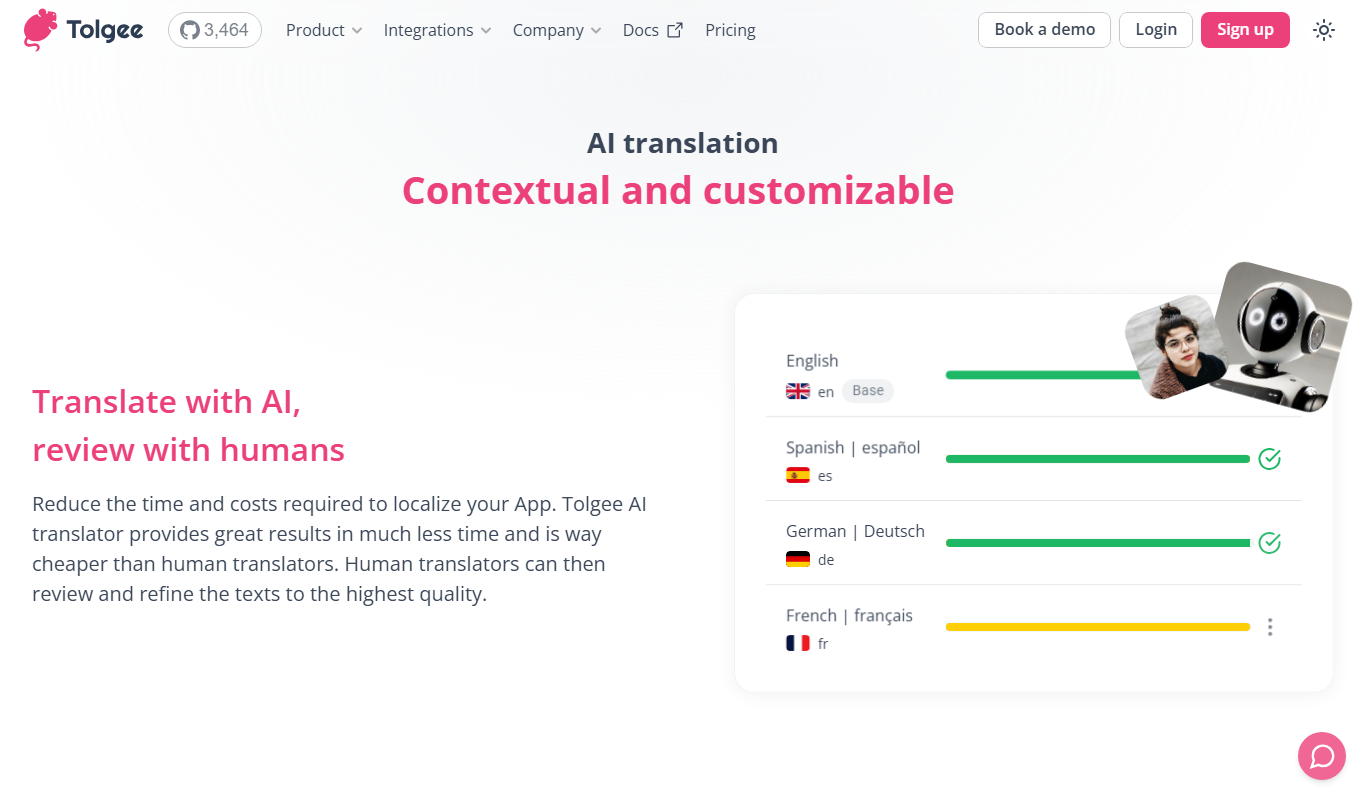
What is Tolgee AI Translator?
Tolgee AI Translator is an automated translation and localization platform designed primarily for developers and product teams. It streamlines the process of translating software applications by integrating AI-powered autonomous translation with developer-friendly tools and APIs. This enables teams to deliver multilingual products faster and maintain translations continuously with minimal manual effort.
Key features of Tolgee AI Translator
Tolgee offers autonomous AI translation that automatically translates new or updated content, a collaborative translation interface, API access for seamless integration, and support for continuous localization workflows. It supports multiple languages and formats common in software development.
AI-Powered Autonomous Translation
Automatically translates new or updated content to multiple languages without manual input.
Developer-Friendly API
Robust API enables seamless integration into development workflows and CI/CD pipelines.
Collaborative Translation Interface
Web-based platform for translators and developers to review and manage translations together.
Continuous Localization Support
Keeps translations up-to-date automatically as source content changes.
Multi-Format Support
Supports common localization file formats like JSON, YAML, and PO files.
Pros and cons of Tolgee AI Translator
Pros
- Automates translation updates saving manual effort
- Easy API integration for developers
- Supports continuous localization workflows
- Collaborative platform for translators and developers
Cons
- AI translations may require human review for accuracy
- Pricing can be high for large-scale enterprise use
Key use cases for Tolgee AI Translator
Software Localization
Automate the translation of software UI strings to support multiple languages efficiently.
Content Translation
Translate website or app content dynamically to reach a global audience.
Developer Integration
Integrate translation workflows directly into development pipelines via API.
Continuous Localization
Maintain up-to-date translations with automated updates as source content changes.
How Tolgee AI Translator works
- 1
Connect Your Project
Integrate Tolgee with your software project using their API or web interface.
- 2
Upload Source Text
Add your source strings or content that needs translation.
- 3
Enable Autonomous Translation
Activate AI-powered automatic translation for supported languages.
- 4
Review and Collaborate
Use the web interface to review translations and collaborate with translators if needed.
- 5
Deploy Translations
Fetch translations via API or export them to integrate into your application.
Who is using Tolgee AI Translator
Software developers
Product managers
Localization teams
Startups and SMEs
Global SaaS companies
Tolgee AI Translator pricing
Free
$0/month
Basic features with limited translation volume and languages.
Pro
$49/month
Increased limits, priority support, and advanced features.
Enterprise
Custom pricing
Tailored solutions with dedicated support and SLA.
Plans and prices are as published by the vendor and can change. Check the official site before you buy. Open the pricing page (opens in a new tab)
Frequently asked questions about Tolgee AI Translator
Yes, Tolgee’s autonomous translation automatically updates translations when source content changes.
Absolutely, Tolgee provides a developer-friendly API for seamless integration.
Tolgee supports many major languages including English, Spanish, French, German, Chinese, and Japanese.
It depends on your specific needs and how you plan to use the tool. The official website and documentation are the best sources for the latest details.
It depends on your specific needs and how you plan to use the tool. The official website and documentation are the best sources for the latest details.
Yes, it can help with that use case depending on how you configure it and what features are available. You’ll get the best results with clear inputs and a defined goal.
Sign in to review this tool.
Sign In to ReviewNo reviews yet
Be the first to share how this tool worked for you.
Ask about pricing, limits, or how it compares — or answer someone else.
Sign In to AskNo questions yet
Have a question about using or paying for this tool? Be the first to ask.
Featured on TiorAI



Alternative Tools
Explore similar AI tools that might fit your needs

Free Trial
Phrase
Phrase is a cloud-based localization platform that helps teams manage and automate translations for software, websites, and marketing content with collaboration and API integration.

Free
Crowdin
Crowdin is a cloud-based platform that helps teams manage and automate the translation and localization of software, websites, and apps with collaboration, integrations, and quality assurance features.

Free Trial
Lokalise
Lokalise is a cloud-based translation management platform designed to help software teams automate and streamline localization workflows through API integrations, mobile SDKs, and collaborative tools.
More AI Localization Tools tools
Other tools in the same category, for when this one is not quite the fit.
Custom Pricing
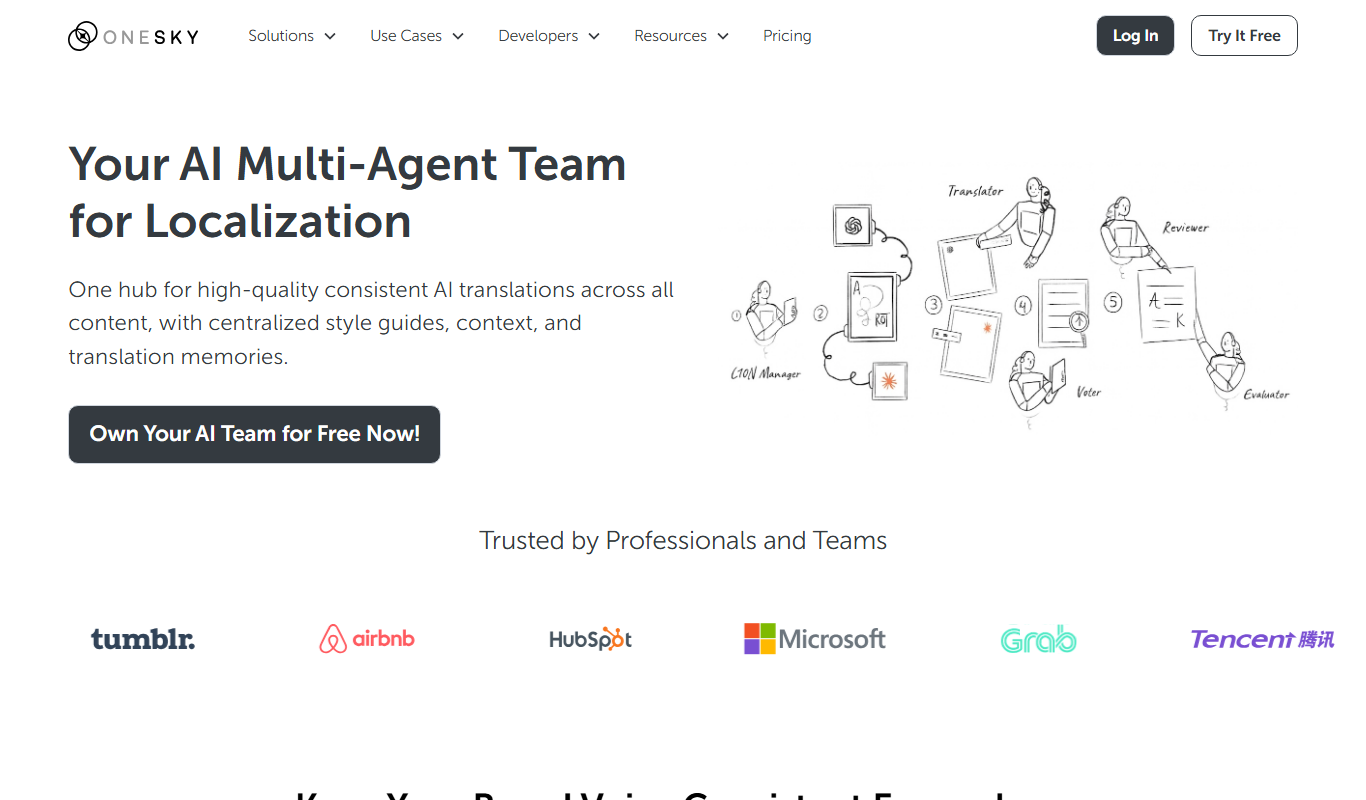
OneSky Localization Agent
OneSky Localization Agent is an AI-powered localization platform that streamlines translation workflows for software, websites, and marketing content by combining machine learning with human review.

Custom Pricing
lingoXpress
lingoXpress is a professional human translation platform providing certified and custom language services across 50+ languages for businesses and individuals.

Freemium
Translingo
Translingo is an AI-based translation tool that supports multiple languages and helps users quickly translate and localize content for global audiences.
Freemium
Lingobo
Lingobo is an AI-driven translation platform that helps businesses translate and localize content into multiple languages with customizable glossaries and API integration.

Freemium
Transcope
Transcope is an AI-driven translation platform providing fast, accurate multilingual translations with API integration and support for over 50 languages.
Custom Pricing
Go Global World
Go Global World is a professional translation and localization service that helps businesses adapt their content for global markets by providing expert language translation, cultural adaptation, and multilingual support.

Enterprise
Pairaphrase
Pairaphrase is an AI-powered translation platform that combines machine translation with customizable glossaries and translation memory to deliver accurate, secure, and collaborative document translations for businesses.

Free Trial
Apployal: AI-Powered app localization
Apployal is an AI-powered platform that automates and manages mobile app localization, enabling developers to efficiently translate and maintain multilingual apps with collaboration and API support.