

From my experience with Lingvanex, it stands out for its broad language support and versatile translation modes, including text, voice, and document translation. The offline functionality is particularly useful when internet access is limited, and the API enables seamless integration into other software. While the free version is somewhat limited by daily caps and ads, the subscription plans offer robust features suitable for both individuals and businesses. Lingvanex is well-suited for travelers, language learners, and companies needing reliable multilingual communication tools, though complex sentence structures may occasionally challenge its accuracy.
Lingvanex Translation Software for Multilingual Communication and Text Conversion
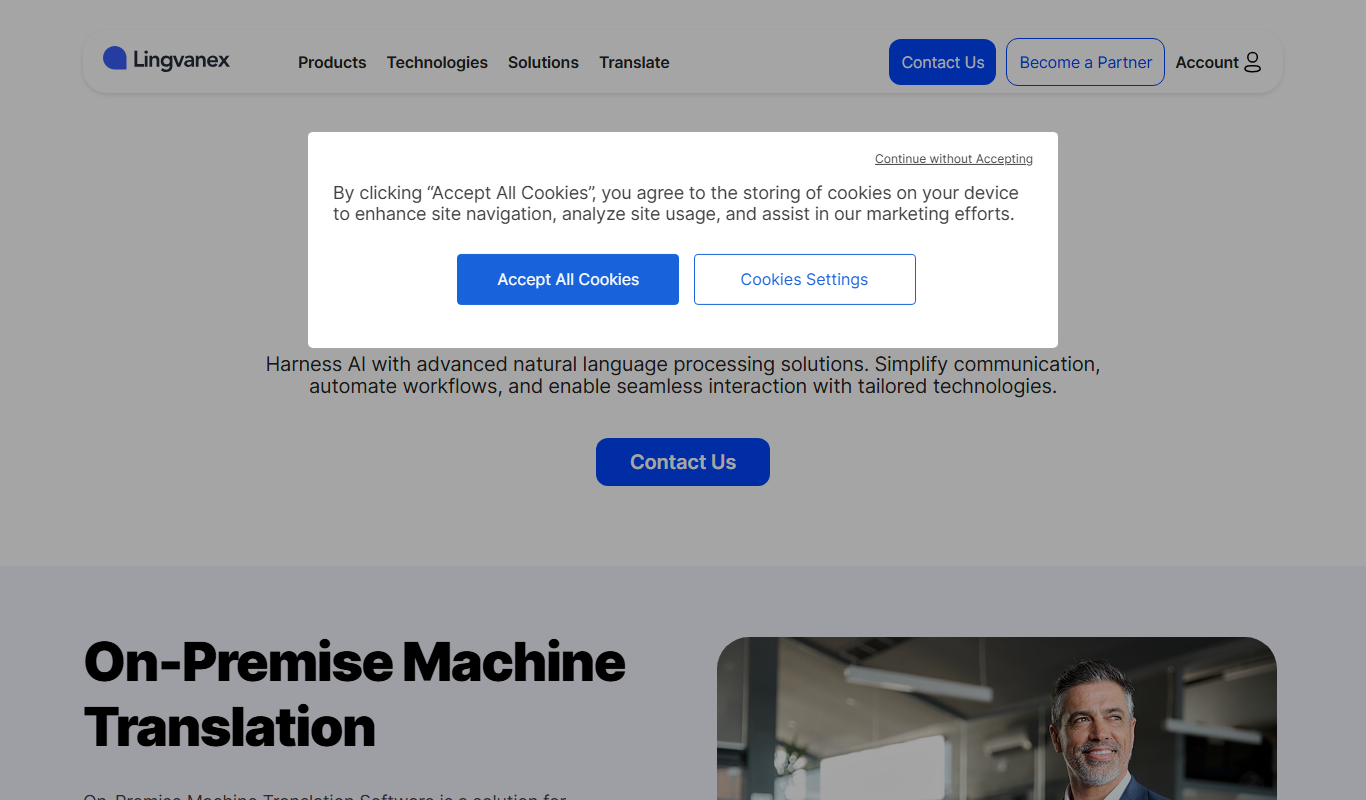
Lingvanex is a multi-platform translation software providing real-time text, voice, and document translation in over 100 languages, with offline capabilities and API integration.
- Best for
- Real-time Text Translation
- Key capability
- Multi-language Support
What is Lingvanex?
Lingvanex is a comprehensive translation software suite designed to facilitate multilingual communication by providing instant text, voice, and document translation across numerous languages. It supports various platforms including desktop, mobile, web, and browser extensions, making it accessible for personal, educational, and business use.
Key features of Lingvanex
Lingvanex offers real-time text and voice translation, document translation with formatting retention, offline translation capabilities, text-to-speech, dictionary support, and API access for developers. Its multi-platform availability ensures users can translate on the go or integrate translation into their own applications.
Multi-language Support
Supports translation between over 100 languages including major global and regional languages.
Voice Translator
Real-time voice recognition and translation with speech output.
Document Translation
Translate complex documents while preserving layout and formatting.
Offline Mode
Translate text without internet connection using offline language packs.
API Access
Developers can integrate Lingvanex translation services into apps and websites.
Pros and cons of Lingvanex
Pros
- Supports a wide range of languages and dialects
- Offers offline translation capabilities
- Includes voice translation with text-to-speech
- Multi-platform availability including API
- Preserves formatting in document translation
Cons
- Free plan has daily usage limits and ads
- Some advanced features require subscription
- Occasional inaccuracies with complex sentence structures
Key use cases for Lingvanex
Real-time Text Translation
Translate text instantly between multiple languages for communication, content localization, or understanding foreign texts.
Voice Translation
Convert spoken language into another language in real-time, useful for travelers, customer support, and multilingual meetings.
Document Translation
Translate entire documents including PDFs, Word files, and presentations while preserving formatting.
Dictionary and Language Learning
Use built-in dictionaries and pronunciation guides to assist language learners and improve vocabulary.
API Integration
Integrate Lingvanex translation capabilities into third-party applications and websites via API.
How Lingvanex works
-
1
Select Language Pair
Choose the source and target languages for translation.
-
2
Input Text or Upload Document
Enter text manually, speak into the microphone, or upload documents for translation.
-
3
Receive Translation
Get instant translated output displayed or read aloud via text-to-speech.
-
4
Use Additional Features
Access dictionaries, pronunciation guides, or integrate via API as needed.
Who is using Lingvanex
Travelers needing real-time voice translation
Businesses requiring document localization
Developers integrating translation APIs
Language learners seeking dictionaries and pronunciation
Customer support teams handling multilingual clients
Lingvanex pricing
Free
$0/month
Basic translation features with daily limits and ads.
Personal Subscription
$9.99/month
Unlimited translations, offline mode, and no ads.
Business Subscription
$49.99/month
Advanced features, API access, and priority support.
Plans and prices are as published by the vendor and can change. Check the official site before you buy. Open the pricing page (opens in a new tab)
Frequently asked questions about Lingvanex
Yes, Lingvanex offers offline translation through downloadable language packs.
Yes, Lingvanex supports document translation for formats like PDF, DOCX, and PPTX.
Yes, Lingvanex provides an API for integrating translation services into other applications.
Lingvanex is available on web, Windows, macOS, iOS, Android, and as browser extensions.
It depends on your specific needs and how you plan to use the tool. The official website and documentation are the best sources for the latest details.
Yes, it can help with that use case depending on how you configure it and what features are available. You’ll get the best results with clear inputs and a defined goal.
Yes, it can help with that use case depending on how you configure it and what features are available. You’ll get the best results with clear inputs and a defined goal.
Integration support depends on the tool and its available connectors or API. Check the official documentation or integrations page to confirm what is supported.
Sign in to review this tool.
Sign In to ReviewNo reviews yet
Be the first to share how this tool worked for you.
Ask about pricing, limits, or how it compares — or answer someone else.
Sign In to AskNo questions yet
Have a question about using or paying for this tool? Be the first to ask.
Featured on TiorAI



More AI Translation Tools tools
Other tools in the same category, for when this one is not quite the fit.

Freemium
Langtail
Langtail is an AI-driven translation platform that automates multilingual content management through machine learning, API integration, and collaborative editing features.
Freemium
Supertranslate
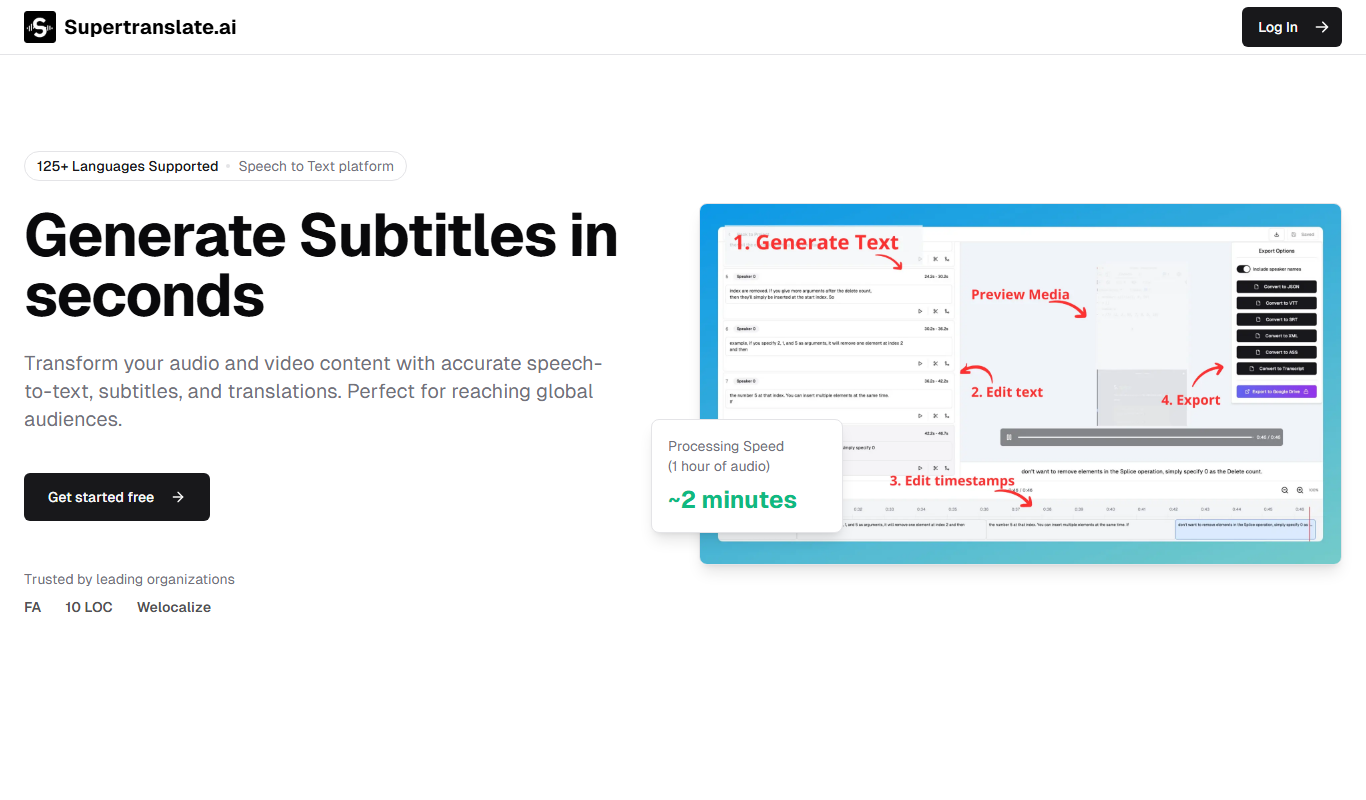
Supertranslate is an AI-powered translation platform that provides accurate, context-aware translations for businesses, supporting over 50 languages with API integration and customizable glossaries.
Free
LingoSub
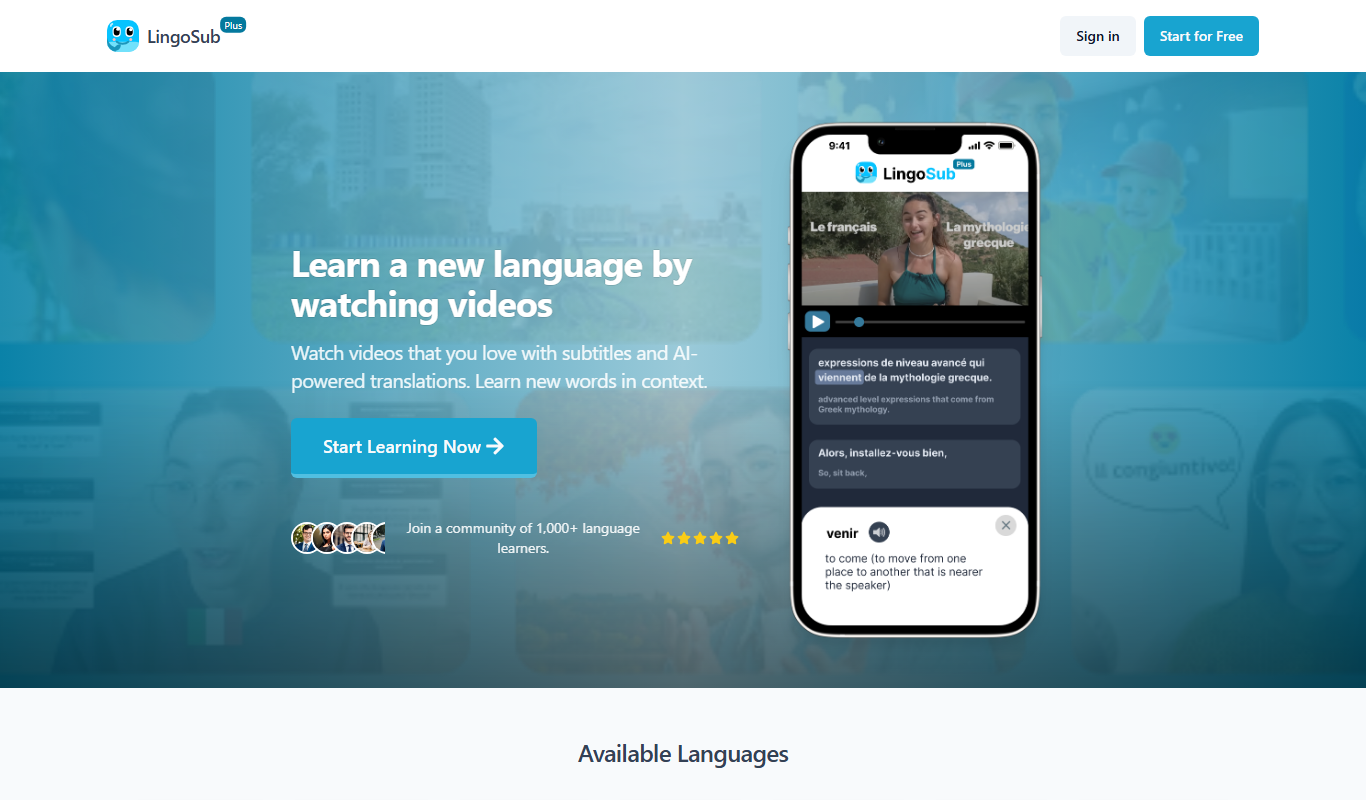
LingoSub is an AI-driven platform that automatically generates and translates video subtitles into multiple languages, enhancing accessibility and audience reach.

Free
Translator Maker
Translator Maker is an AI-based translation platform that enables users to quickly translate text into multiple languages with high accuracy, ideal for content creators and businesses needing fast localization.

Freemium
DeepTranslate
DeepTranslate is an AI-driven neural machine translation platform that provides fast, accurate translations across over 50 languages, with API integration and customizable models for businesses.

Freemium
HTML editing translator
HTML Editing Translator by PageSection is an AI-based tool that translates and edits HTML web content while preserving its structure, enabling efficient multilingual website localization.

Free
translateimg
TranslateImg is an AI-based web tool that extracts text from images using OCR and translates it into various languages, enabling quick multilingual image content translation.
Freemium
DeepTranslate-全页&双语页面翻译器
DeepTranslate AI is a tool that provides real-time full-page and bilingual website translations using artificial intelligence, supporting multiple languages and SEO optimization.