

From my experience with HTML Editing Translator by PageSection, I found it excels at preserving the integrity of HTML code while providing accurate AI-powered translations. The inline editing feature is particularly useful for fine-tuning translations without needing separate tools or coding knowledge. This makes it well-suited for web developers and localization teams aiming to efficiently manage multilingual content. However, the tool currently lacks advanced customization options and is limited to a web platform, which might restrict some workflows. Overall, if you need to translate and edit HTML content quickly while maintaining formatting, this tool offers a practical and streamlined solution.
AI-Powered HTML Editing Translator for Multilingual Web Content
HTML Editing Translator by PageSection is an AI-based tool that translates and edits HTML web content while preserving its structure, enabling efficient multilingual website localization.
- Best for
- Website Localization
- Key capability
- AI-Driven Translation
Your actions
Save HTML editing translator, follow its updates and vote on it — everything stays in your account.
Sign in or create a free account
What is HTML editing translator?
HTML Editing Translator by PageSection is an AI-powered web tool designed to translate and edit HTML content seamlessly. It allows users to convert web pages into multiple languages while preserving the original HTML structure, enabling efficient localization without manual coding.
Key features of HTML editing translator
The tool offers real-time AI translation embedded within an HTML editor, supports multiple languages, and maintains the integrity of web page formatting. It simplifies the localization process by combining translation and editing in one interface.
AI-Driven Translation
Leverages artificial intelligence to provide accurate translations within HTML content.
HTML Structure Preservation
Maintains all HTML tags and formatting during translation to avoid breaking web pages.
Inline Editing Interface
Allows users to edit translated text directly within the HTML editor for fine-tuning.
Multi-Language Support
Supports translation into multiple major languages suitable for global audiences.
Easy Export Options
Enables exporting translated HTML files ready for immediate deployment.
Pros and cons of HTML editing translator
Pros
- Preserves HTML structure during translation
- User-friendly inline editing interface
- Supports multiple major languages
- Quick export of translated HTML
- Freemium pricing model
Cons
- Limited advanced customization options
- No desktop or mobile app versions
Key use cases for HTML editing translator
Website Localization
Translate and edit HTML content directly to localize websites for different languages without losing formatting.
Multilingual Content Management
Manage and update multilingual web pages efficiently with AI-assisted translation and editing.
E-commerce Expansion
Expand e-commerce sites internationally by translating product pages and descriptions while preserving HTML structure.
SEO Optimization for Global Markets
Optimize translated web content for SEO in multiple languages to improve global search visibility.
How HTML editing translator works
- 1
Upload or Paste HTML Content
Users provide the HTML code or URL of the web page they want to translate.
- 2
Select Target Language
Choose the desired language for translation from the supported list.
- 3
AI-Powered Translation and Editing
The tool automatically translates the text within the HTML while preserving tags, allowing users to edit translations inline.
- 4
Export Translated HTML
Download or deploy the translated HTML content directly for use on websites.
Who is using HTML editing translator
Web developers
Content localization teams
E-commerce businesses
Digital marketing agencies
Multilingual website owners
HTML editing translator pricing
Free
$0/month
Basic translation features with limited usage and language options.
Pro
$19/month
Extended usage limits, priority support, and access to all supported languages.
Plans and prices are as published by the vendor and can change. Check the official site before you buy. Open the pricing page (opens in a new tab)
Frequently asked questions about HTML editing translator
Yes, it maintains all HTML tags and structure to ensure the translated page remains functional.
Yes, the tool provides an inline editor to adjust translations as needed.
Common languages like English, Spanish, French, German, Chinese, and Japanese are supported.
Yes, a free plan with basic features and limited usage is offered.
It depends on your specific needs and how you plan to use the tool. The official website and documentation are the best sources for the latest details.
Yes, it can help with that use case depending on how you configure it and what features are available. You’ll get the best results with clear inputs and a defined goal.
Yes, it can help with that use case depending on how you configure it and what features are available. You’ll get the best results with clear inputs and a defined goal.
Sign in to review this tool.
Sign In to ReviewNo reviews yet
Be the first to share how this tool worked for you.
Ask about pricing, limits, or how it compares — or answer someone else.
Sign In to AskNo questions yet
Have a question about using or paying for this tool? Be the first to ask.
Featured on TiorAI



Alternative Tools
Explore similar AI tools that might fit your needs

Custom Pricing
Smartling
Smartling is a cloud-based translation management platform that helps businesses automate and manage the localization of digital content across websites, apps, and marketing materials with features like translation memory, machine translation integration, and quality assurance.
More AI Translation Tools tools
Other tools in the same category, for when this one is not quite the fit.

Freemium
Langtail
Langtail is an AI-driven translation platform that automates multilingual content management through machine learning, API integration, and collaborative editing features.
Free
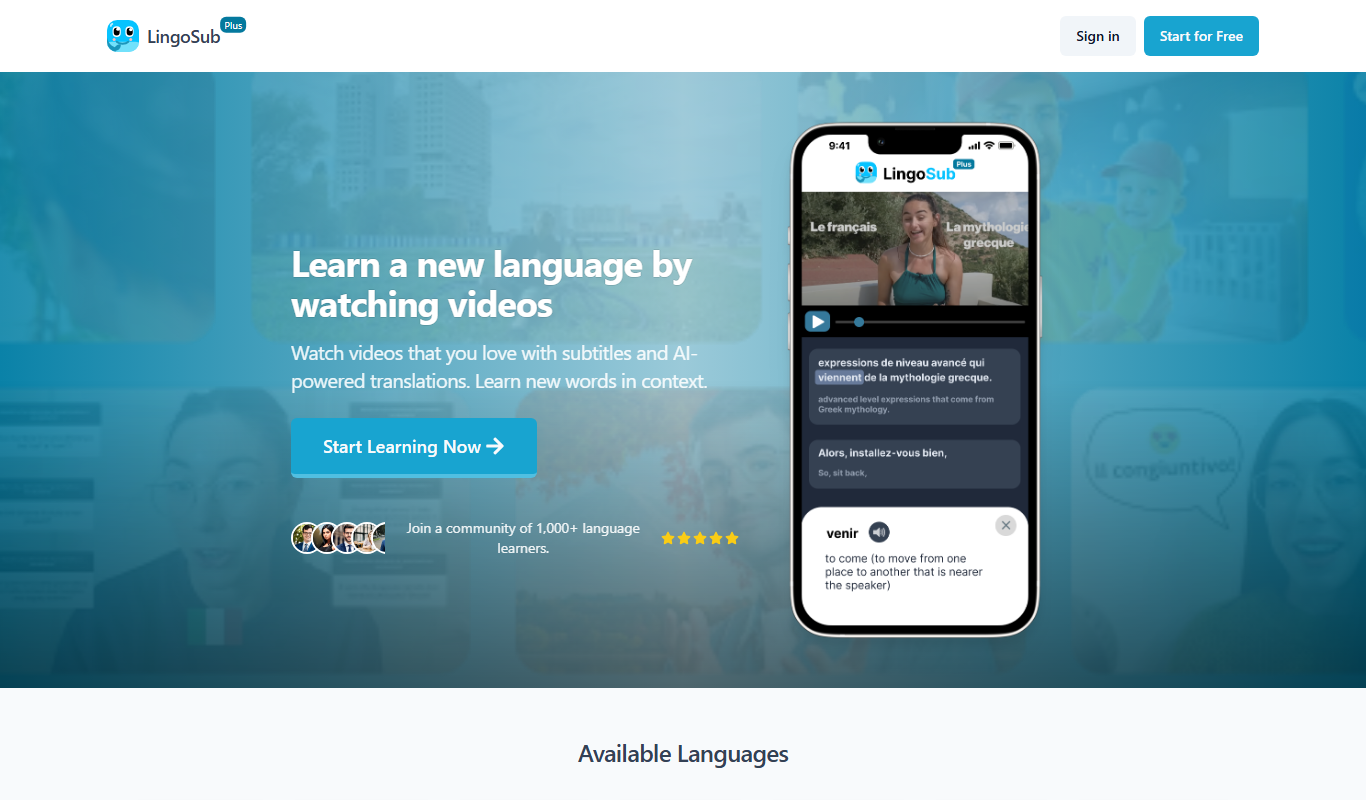
LingoSub
LingoSub is an AI-driven platform that automatically generates and translates video subtitles into multiple languages, enhancing accessibility and audience reach.

Free
Translator Maker
Translator Maker is an AI-based translation platform that enables users to quickly translate text into multiple languages with high accuracy, ideal for content creators and businesses needing fast localization.

Freemium
DeepTranslate
DeepTranslate is an AI-driven neural machine translation platform that provides fast, accurate translations across over 50 languages, with API integration and customizable models for businesses.

Free
translateimg
TranslateImg is an AI-based web tool that extracts text from images using OCR and translates it into various languages, enabling quick multilingual image content translation.

Freemium
Sub Translate Ai
Sub Translate AI is a web-based tool that automatically generates and translates subtitles for videos into multiple languages using AI technology.

Free Trial
SubtitlesDog-AI subtitle translator
SubtitlesDog is an AI-powered web tool that automatically translates video subtitles into multiple languages, preserving timing and allowing manual edits for accuracy.

Freemium
Transmonkey
Transmonkey is an AI-driven translation platform that enables fast, accurate multilingual content creation for businesses and marketers.