

Transmonkey AI Translation Tool for Fast Multilingual Content Creation
Transmonkey is an AI-driven translation platform that enables fast, accurate multilingual content creation for businesses and marketers.
- Best for
- Multilingual Content Creation
- Key capability
- AI-Powered Translation
Save Transmonkey, follow its updates and vote on it — everything stays in your account.
Sign in or create a free account

What is Transmonkey?
Transmonkey is an AI-powered translation tool designed to help users create and translate content across multiple languages quickly and accurately. Leveraging advanced natural language processing and machine learning, it enables businesses, marketers, and content creators to localize their materials efficiently without sacrificing quality.
Key features of Transmonkey
Transmonkey offers fast AI-driven translations, support for numerous languages, and an intuitive web interface. It streamlines multilingual content creation, making it easier to reach global audiences with localized messaging.
AI-Powered Translation
Utilizes advanced AI models to deliver fast and accurate translations.
Multi-Language Support
Supports translation in more than 130 languages.
User-Friendly Interface
Clean and intuitive web platform designed for ease of use by all skill levels.
Content Customization
Allows users to edit and fine-tune translations to match brand voice and style.
Fast Turnaround
Generates translations in seconds, enabling quick content localization.
Pros and cons of Transmonkey
Pros
- Fast and accurate AI translations
- Supports multiple major languages
- User-friendly and intuitive interface
- Allows content customization
- Pay-as-you-go credits plus monthly or yearly Pro plans
Cons
- Limited offline capabilities as a web-only platform
- Free plan has restricted translation volume
Key use cases for Transmonkey
Multilingual Content Creation
Create and translate content quickly across multiple languages to reach a global audience.
Marketing Localization
Adapt marketing materials and campaigns to different languages and cultures efficiently.
Website Translation
Translate website content to provide localized user experiences for international visitors.
Document Translation
Translate business documents, reports, and communications accurately with AI assistance.
Social Media Management
Generate multilingual social media posts to engage diverse audiences worldwide.
How Transmonkey works
- 1
Sign Up
Create a free account on the Transmonkey website to access the translation platform.
- 2
Input Content
Enter or upload the text you want to translate into the platform.
- 3
Select Target Language
Choose the language(s) you want your content translated into.
- 4
Generate Translation
Use the AI engine to produce a translated version of your content instantly.
- 5
Review and Edit
Review the AI-generated translation and make any necessary adjustments for tone or accuracy.
- 6
Download or Publish
Export the translated content or integrate it into your workflow for publishing.
Who is using Transmonkey
Transmonkey pricing
Pay as you go
$0.120 per credit: 50 credits $6.00, 150 credits $12.00, 800 credits $39.00, 2000 credits $69.00, 4000 credits $99.00
Credit packs; 1 credit = 1 minute of video, 1 image or 500 document characters.
Pro Monthly
$12.0/month
500 credits per month: 500 minutes of advanced video translation, 500 images or 250000 document characters; document, image, video and speech translation; scanned PDF translation; 100+ languages.
Pro Yearly
$8.3/month, $99 billed yearly
Same monthly allowance as Pro Monthly, billed yearly and saving up to 30%.
Plans and prices are as published by the vendor and can change. Check the official site before you buy. Open the pricing page (opens in a new tab)
Frequently asked questions about Transmonkey
Transmonkey supports more than 130 languages, including English, Chinese, Japanese, Korean, Russian, Spanish and German.
Yes, the platform allows you to review and customize translations to ensure they fit your desired tone and style.
The standalone web translator lets users download translated content for free, while larger volumes are paid through credit packs or a Pro subscription.
API access is available for Enterprise customers to integrate translation capabilities into their own applications.
It depends on your specific needs and how you plan to use the tool. The official website and documentation are the best sources for the latest details.
Yes, it can help with that use case depending on how you configure it and what features are available. You’ll get the best results with clear inputs and a defined goal.
Some tools offer a free plan or trial with limited features. Availability can vary, so confirm on the official website.
Conclusion
Documents, images, audio and video can all be translated, and over 30 formats are supported, from PDF and Word to Excel and MP4. The document translator keeps the original layout, handles scanned PDFs through OCR and accepts files up to 500MB in size. For video it can transcribe, translate subtitles and dub audio in over 130 languages. Google Chrome, Google Workplace and YouTube extensions bring translation into those platforms without copying and pasting.
Marketing agencies, content creators and localization teams can use it for marketing localization, document translation and multilingual social media posts. Usage is counted in credits, where one credit equals a minute of video, an image or 500 document characters, sold as pay-as-you-go packs or through monthly and yearly Pro plans. Users can review the AI-generated translation and make any necessary adjustments for tone or accuracy.
Sources
Sign in to review this tool.
Sign In to ReviewNo reviews yet
Be the first to share how this tool worked for you.
Ask about pricing, limits, or how it compares — or answer someone else.
Sign In to AskNo questions yet
Have a question about using or paying for this tool? Be the first to ask.
Featured on TiorAI



Alternative Tools
Explore similar AI tools that might fit your needs

Smartling
Smartling is a cloud-based translation management platform that helps businesses automate and manage the localization of digital content across websites, apps, and marketing materials with features like translation memory, machine translation integration, and quality assurance.
More AI Ai Tools tools
Other tools in the same category, for when this one is not quite the fit.
Debatia
Debatia is an AI-driven platform that facilitates structured debates by generating balanced arguments and providing feedback to improve critical thinking and communication skills.

Presentify.ai
Presentify.ai is an AI-driven presentation software that helps users create professional slide decks quickly by generating content and optimizing design automatically.

YouMusic.AI
YouMusic.AI turns text prompts or your own lyrics into complete songs, with free credits for new users and commercial rights on paid plans.

Wizard of Swipe for Tinder
Wizard of Swipe for Tinder is an AI-powered automation tool that automates swiping on Tinder based on user preferences to increase match chances and save time.

AI Pickup Lines
AI Pickup Lines is a free web tool that instantly generates creative and humorous pickup lines to help users start conversations in dating or social settings.

Anthropics Technology Ltd
Anthropics Technology Ltd offers AI-driven image editing software specializing in portrait retouching and photo enhancement, available for Windows and Mac with options for batch processing.
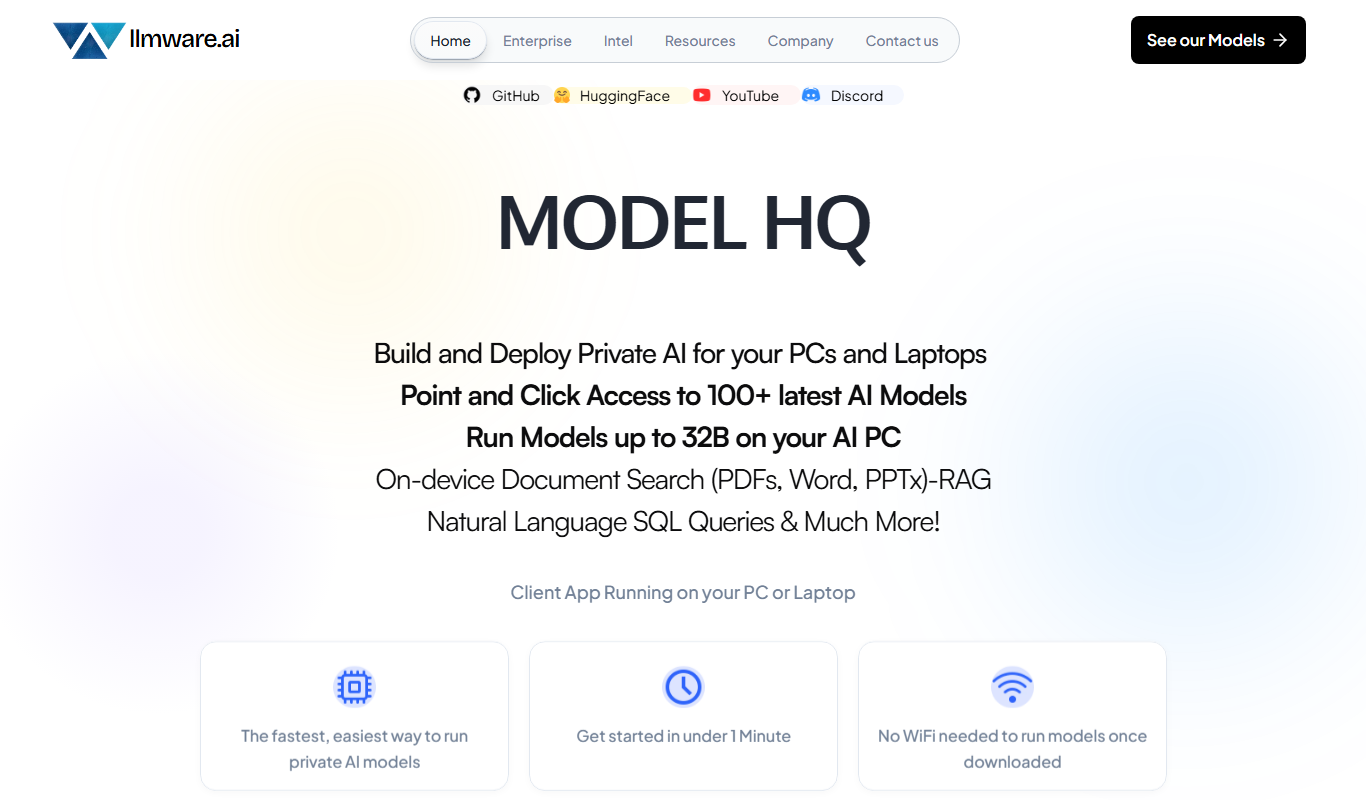
LLMWare
LLMWare is an AI platform that enables enterprises to deploy, manage, and scale large language models securely with flexible infrastructure and integration options.
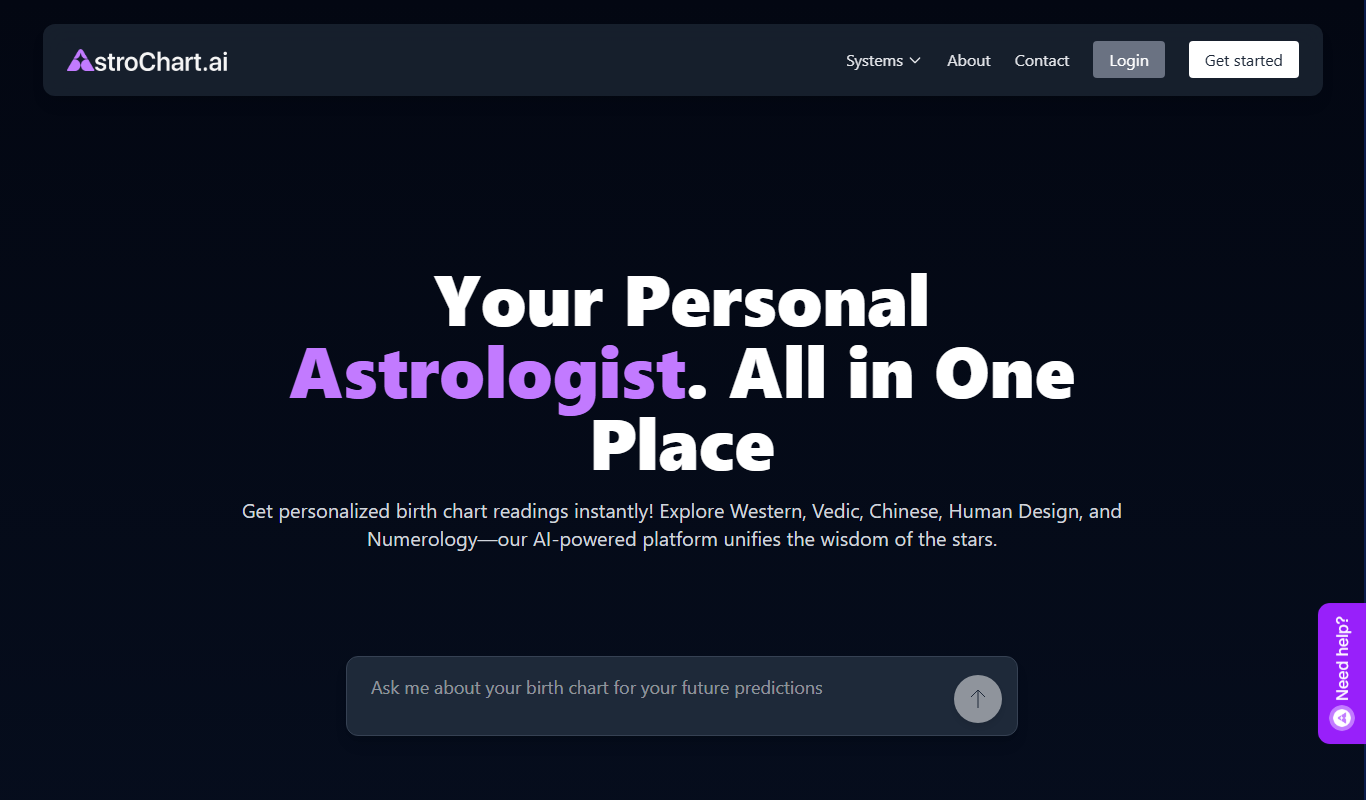
AstroChart.ai
AstroChart.ai is an AI-driven platform that creates personalized astrology birth charts and detailed interpretations based on your birth data, helping users understand their astrological profile easily online.