

From my experience with Timeline JS, I found it excels at making complex chronological stories accessible and engaging through multimedia integration. Its ease of use, especially the Google Sheets data input, makes it approachable for educators and journalists who may not have technical skills. However, the trade-off is limited customization compared to fully bespoke timeline solutions, and reliance on external data formats like Google Sheets. Overall, if you need to create interactive timelines quickly and for free, Timeline JS delivers solid, visually appealing results without a steep learning curve.
Interactive Timeline Creator Timeline JS for Storytelling and Education
Timeline JS is a free, open-source tool that lets users create interactive multimedia timelines using Google Sheets or JSON, ideal for education, journalism, and storytelling.
- Best for
- Educational Storytelling
- Key capability
- Multimedia Integration
Your actions
Save Timeline JS, follow its updates and vote on it — everything stays in your account.
Sign in or create a free account
What is Timeline JS?
Timeline JS is an open-source tool developed by Northwestern University’s Knight Lab that enables users to create visually rich, interactive timelines. It allows integration of various media types such as images, videos, maps, and audio to tell stories or present information chronologically. The tool is designed for ease of use, requiring no coding skills, and supports data input through Google Sheets or JSON files.
Key features of Timeline JS
Timeline JS offers a user-friendly interface for building multimedia timelines, supports multiple media formats, integrates with Google Sheets for easy data management, and provides responsive design for accessibility across devices.
Multimedia Integration
Supports images, YouTube and Vimeo videos, Twitter posts, Google Maps, and audio clips within timeline events.
Google Sheets Integration
Allows users to manage timeline data easily through a familiar spreadsheet interface.
Responsive Design
Timelines adapt to different screen sizes and devices for optimal viewing.
Open Source and Free
Available under an open-source license with no cost, encouraging community contributions and customization.
Customizable Appearance
Users can adjust fonts, colors, and layout options to match branding or personal preferences.
Pros and cons of Timeline JS
Pros
- Easy to use with no coding required
- Supports rich multimedia content
- Free and open source
- Responsive and mobile-friendly design
- Google Sheets integration simplifies data management
Cons
- Limited customization compared to fully custom-built timelines
- Dependent on Google Sheets or JSON for data input
Key use cases for Timeline JS
Educational Storytelling
Teachers and educators can create engaging multimedia timelines to illustrate historical events, scientific processes, or literary developments.
Journalism and Reporting
Journalists use Timeline JS to present news stories and investigative reports in a chronological, interactive format that enhances reader understanding.
Project Management and Documentation
Teams can document project milestones and phases visually to improve communication and track progress over time.
Event Planning and Promotion
Organizers create timelines to showcase event schedules, important dates, and related media for attendees and stakeholders.
Personal and Historical Archives
Individuals and historians build timelines to archive personal histories, family trees, or significant historical narratives.
How Timeline JS works
- 1
Prepare Your Data
Use the provided Google Sheets template or create a JSON file to input your timeline events, dates, and media links.
- 2
Generate Timeline
Submit your data to the Timeline JS generator on the website, which creates an embeddable timeline URL or iframe code.
- 3
Embed and Share
Embed the generated timeline into your website or share the direct link with your audience.
Who is using Timeline JS
Educators and students
Journalists and media professionals
Historians and archivists
Event planners
Content creators and bloggers
Timeline JS pricing
Free
$0
Full access to Timeline JS features with no subscription fees.
Plans and prices are as published by the vendor and can change. Check the official site before you buy. Open the pricing page (opens in a new tab)
Frequently asked questions about Timeline JS
No, Timeline JS is designed for users without programming knowledge, using Google Sheets or JSON to create timelines.
Yes, Timeline JS provides embed codes compatible with most website platforms.
Yes, Timeline JS is completely free and open source.
You can include images, videos from YouTube or Vimeo, audio, Google Maps, and social media posts.
It depends on your specific needs and how you plan to use the tool. The official website and documentation are the best sources for the latest details.
Yes, it can help with that use case depending on how you configure it and what features are available. You’ll get the best results with clear inputs and a defined goal.
Sign in to review this tool.
Sign In to ReviewNo reviews yet
Be the first to share how this tool worked for you.
Ask about pricing, limits, or how it compares — or answer someone else.
Sign In to AskNo questions yet
Have a question about using or paying for this tool? Be the first to ask.
Featured on TiorAI



Alternative Tools
Explore similar AI tools that might fit your needs

Free
Tiki-Toki
Tiki-Toki is a web-based tool for creating interactive multimedia timelines used in education, marketing, and project visualization.
More Art & Creative Design tools
Other tools in the same category, for when this one is not quite the fit.

Free
Favic-o-Matic
Favic-o-Matic is a free online tool that generates website favicons and app icons in multiple sizes and formats from a single image upload, requiring no account or payment.

Free
Houzz
Houzz is a free online platform offering home design inspiration, a directory of home improvement professionals, and an integrated marketplace for home products.
Free
IcoMoon
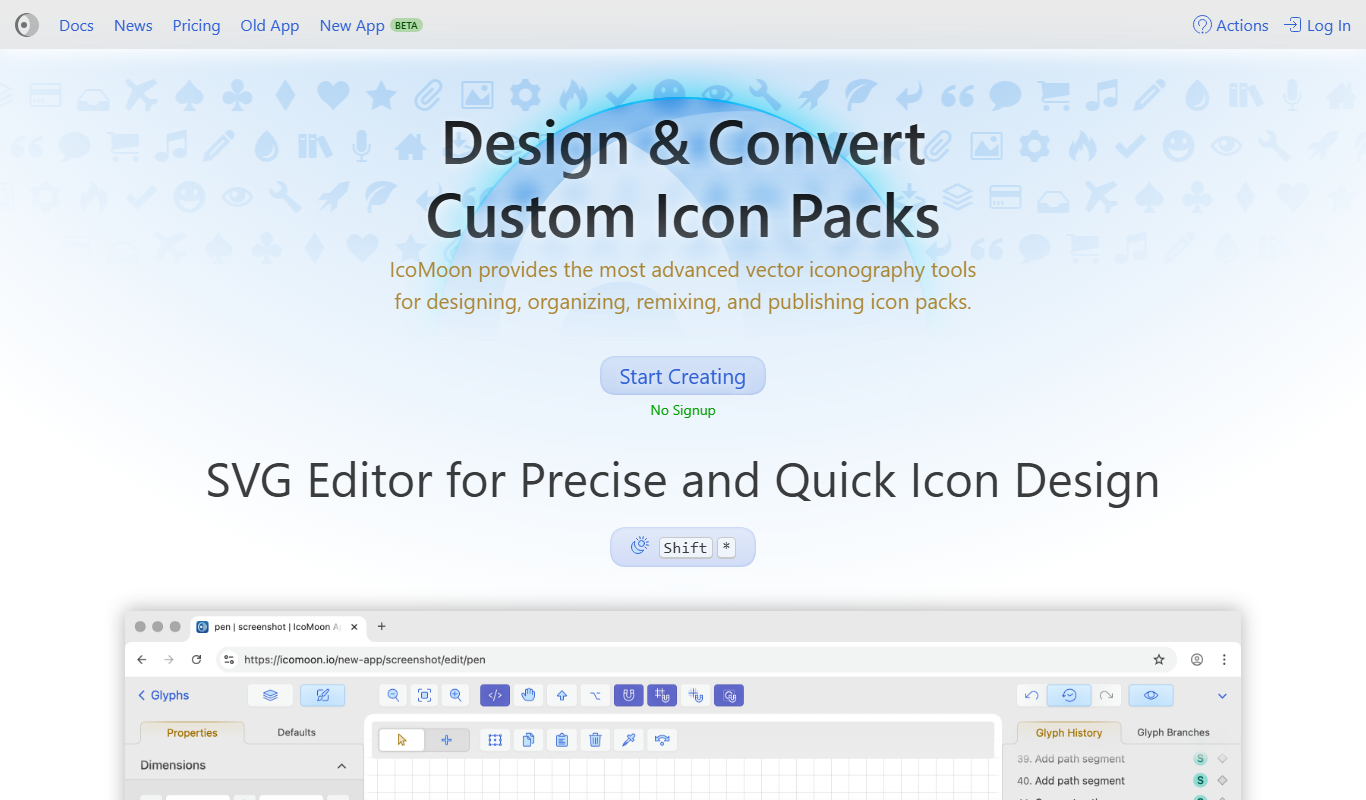
IcoMoon is a web tool that enables users to create custom icon fonts and manage SVG icons for web and app design projects.

Free
MockupWorld
MockupWorld is a web platform offering free and premium mockup templates that designers and marketers can download and customize to present their designs realistically.
Subscription
Artlogic
Artlogic is a cloud-based platform that helps artists, galleries, and dealers manage art inventory, sales, and create professional websites with e-commerce capabilities.
Free
DeepAI
DeepAI is an AI platform providing APIs and web tools for image generation, text analysis, and other machine learning tasks, suitable for developers and content creators.
Free
Awesome Screenshot
Awesome Screenshot is a tool for capturing screenshots and screen recordings with annotation features, available as browser extensions and desktop apps, suitable for collaboration and content creation.

Credit-based
PhotoFeeler
PhotoFeeler is a web-based platform that provides crowd-sourced, context-specific feedback on photos to help users select the best images for business, social, or dating purposes.