

IcoMoon Icon Font Generator and SVG Icon Management Tool for Designers
IcoMoon is a web tool that enables users to create custom icon fonts and manage SVG icons for web and app design projects.
- Best for
- Custom Icon Font Creation
- Key capability
- Extensive Icon Library
Save IcoMoon, follow its updates and vote on it — everything stays in your account.
Sign in or create a free account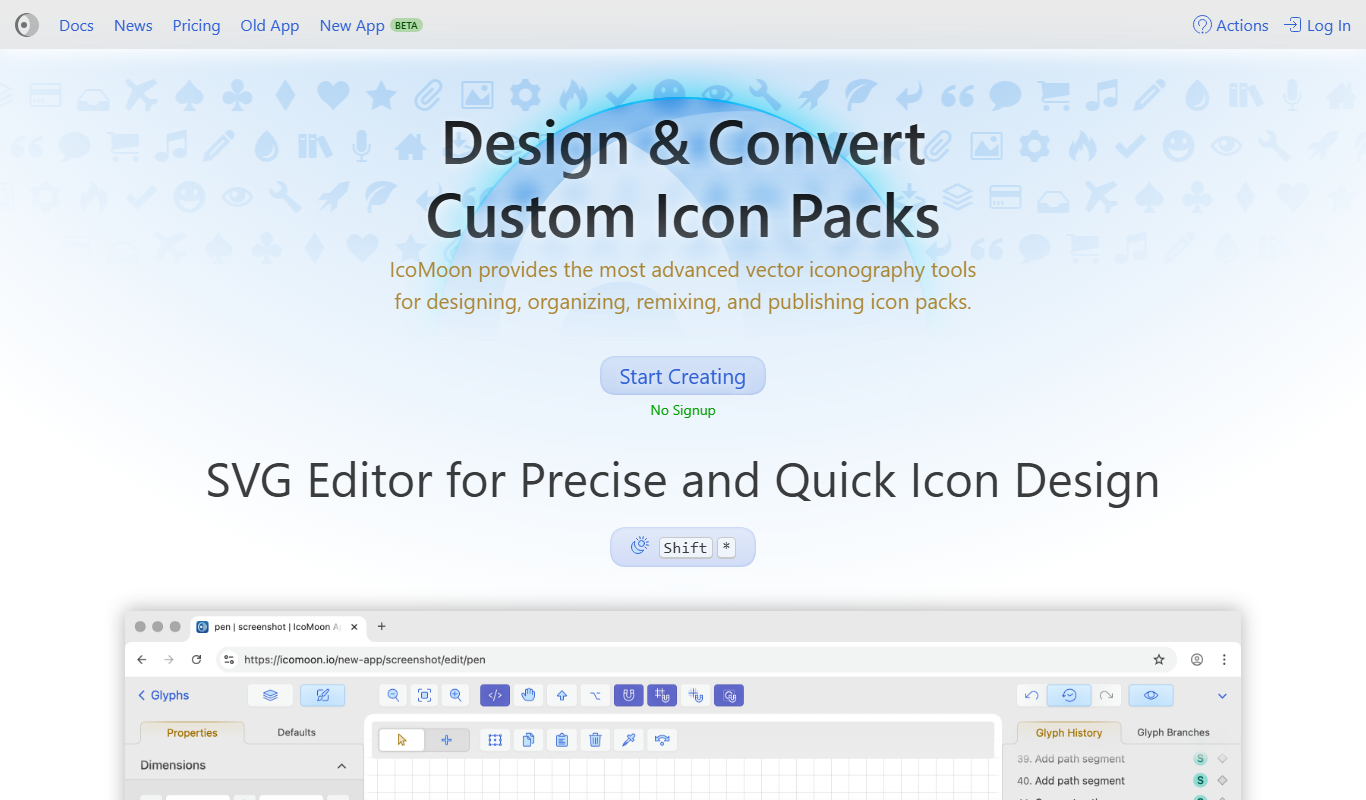
What is IcoMoon?
IcoMoon is a web-based tool that allows users to generate custom icon fonts and manage SVG icons. It provides a platform for designers and developers to select, customize, and export icon sets as fonts or SVG sprites, facilitating scalable and efficient icon usage in web and app projects.
Key features of IcoMoon
IcoMoon offers a comprehensive icon library, custom font generation from SVGs, SVG sprite creation, and a user-friendly interface for managing and exporting icons optimized for web use.
Extensive Icon Library
Access a large collection of free and premium icons ready for use.
Custom Font Generation
Create icon fonts from selected SVG icons tailored to your project.
SVG Sprite Creation
Generate optimized SVG sprites for efficient web performance.
User-Friendly Interface
Intuitive drag-and-drop and selection tools for easy icon management.
Cross-Browser Compatibility
Generated icon fonts and SVGs work across modern browsers and devices.
Pros and cons of IcoMoon
Pros
- Simple and intuitive icon font generation
- Supports custom SVG uploads
- Free to use with optional premium icons
- Generates lightweight, scalable icons
- Cross-browser compatible outputs
Cons
- No dedicated mobile or desktop app
- Limited to icon font and SVG management features
Key use cases for IcoMoon
Custom Icon Font Creation
Designers and developers can create custom icon fonts from SVG icons to use in websites and applications.
SVG Icon Management
Manage, organize, and optimize SVG icons for efficient use in digital projects.
Icon Set Generation
Generate icon sets that can be embedded into projects with customizable options.
Web and UI Design
Integrate scalable vector icons seamlessly into web and user interface designs.
Icon Font Conversion
Convert SVG icons into icon fonts for better compatibility and performance.
How IcoMoon works
- 1
Select Icons
Choose icons from the IcoMoon library or upload your own SVG files.
- 2
Customize Icon Set
Organize and customize the selected icons, adjusting sizes and metadata.
- 3
Generate Font or SVG
Export the icons as a font package or SVG sprite for integration.
- 4
Implement in Project
Use the generated icon fonts or SVGs in your website or application.
Who is using IcoMoon
IcoMoon pricing
Free
$0
Access to basic icon sets and font generation features.
Icon packs
One-time purchase, such as Ultimate at $59
Icon packs such as Ultimate are sold as a one-time purchase at $59.
Basic
$9 per month or $69 per year
Basic subscription at $9 per month or $69 per year.
Unlimited
$29 per month or $199 per year
Unlimited subscription at $29 per month or $199 per year.
Plans and prices are as published by the vendor and can change. Check the official site before you buy. Open the pricing page (opens in a new tab)
Frequently asked questions about IcoMoon
Yes, IcoMoon allows you to upload custom SVG files to include in your icon fonts.
IcoMoon offers free access to basic features and icon sets, with premium icons available for purchase.
You can export icons as icon fonts (TTF, WOFF, EOT) or as SVG sprites.
IcoMoon is a web-based tool accessible via desktop browsers; it does not have dedicated mobile apps.
It depends on your specific needs and how you plan to use the tool. The official website and documentation are the best sources for the latest details.
Yes, it can help with that use case depending on how you configure it and what features are available. You’ll get the best results with clear inputs and a defined goal.
Yes, it can help with that use case depending on how you configure it and what features are available. You’ll get the best results with clear inputs and a defined goal.
Conclusion
Icons come from the IcoMoon library or from uploaded SVG files, and the selected set is organized with adjusted sizes and metadata. The output is either an icon font, in TTF, WOFF or EOT, or an SVG sprite. Generated fonts and SVGs work across modern browsers and devices.
It serves web designers, front-end developers and UI/UX designers. It is a web-based tool used through desktop browsers. Basic icon sets and font generation are free, while subscriptions cost $9 per month or $69 per year for Basic and $29 per month or $199 per year for Unlimited. Icon packs such as Ultimate are also sold as a one-time purchase at $59.
Sources
Sign in to review this tool.
Sign In to ReviewNo reviews yet
Be the first to share how this tool worked for you.
Ask about pricing, limits, or how it compares — or answer someone else.
Sign In to AskNo questions yet
Have a question about using or paying for this tool? Be the first to ask.
Featured on TiorAI



Alternative Tools
Explore similar AI tools that might fit your needs

FontAwesome
FontAwesome is a comprehensive icon library and toolkit that provides scalable vector icons and social logos for easy integration into websites and applications, supporting multiple styles and accessibility.

Fontello
Fontello is a free web tool that lets you create custom icon fonts by selecting icons from various open-source sets, customizing glyphs, and downloading font packages for web and UI design.
More Art & Creative Design tools
Other tools in the same category, for when this one is not quite the fit.

artivatic.ai
Artivatic.ai is an AI platform specializing in automating insurance and healthcare processes like underwriting and fraud detection through machine learning.

TrichoScan
TrichoScan is a specialized software that automates hair density and growth phase analysis using digital trichoscopy images to aid in hair loss diagnosis and treatment monitoring.
Function of Beauty
Function of Beauty offers personalized hair care products created through an online quiz that customizes shampoo and conditioner formulas based on your hair type, goals, and preferences.
Doodle Collective
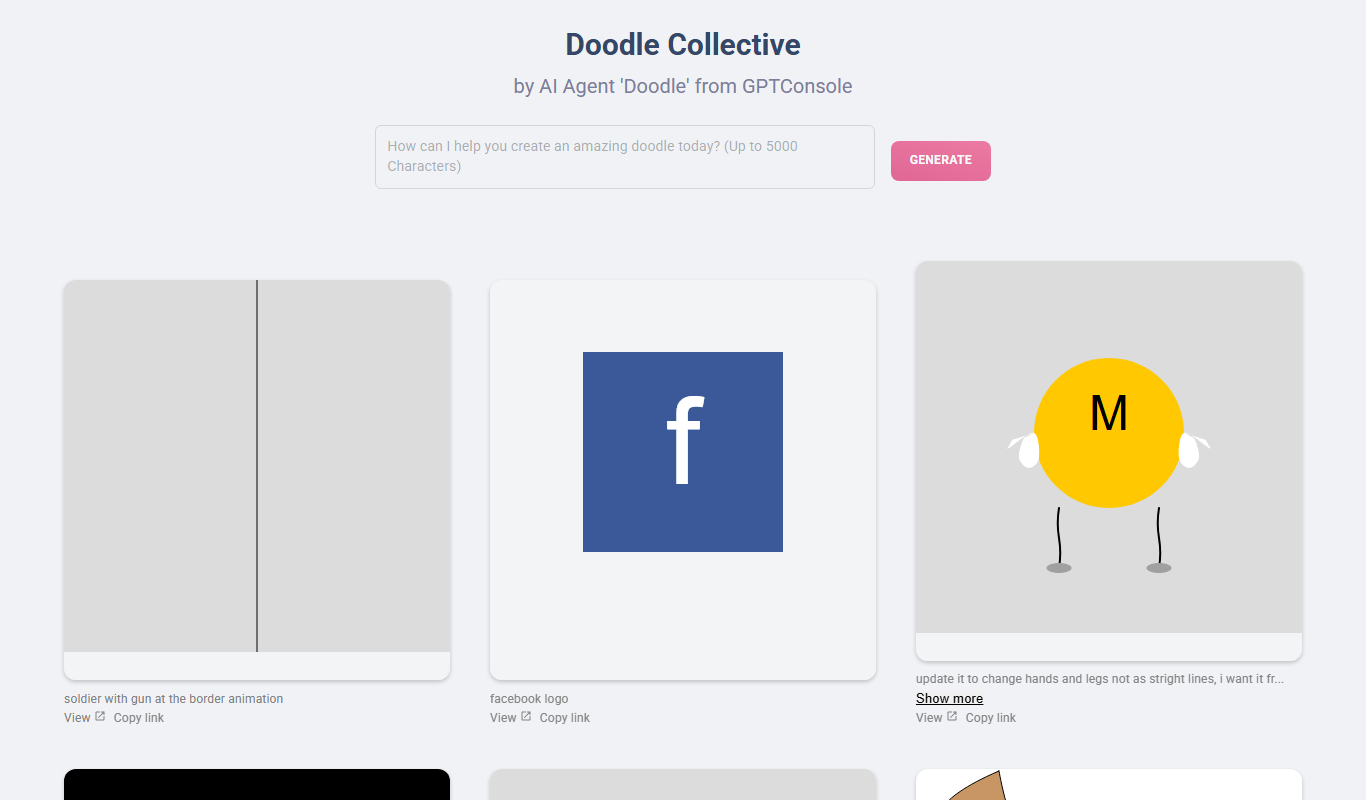
Doodle Collective is an AI art generator that transforms text prompts into unique digital images, suitable for creative projects and marketing.

Decentraland
Decentraland is a blockchain-based virtual reality platform that allows users to own virtual land as NFTs, create 3D environments, and interact socially in a decentralized metaverse.
Asset Forge
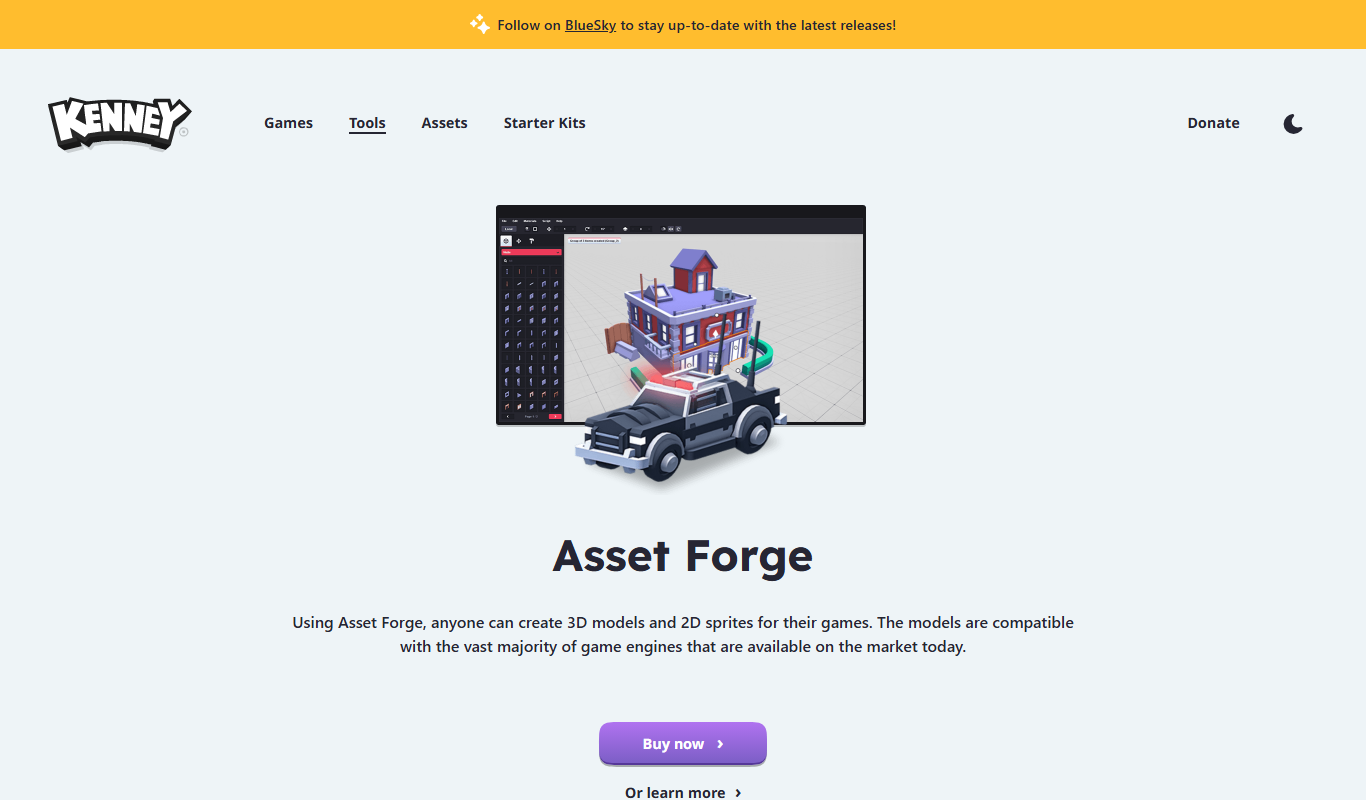
Asset Forge is a desktop 3D modeling tool that enables quick creation of low-poly game assets using modular blocks, ideal for game developers and beginners.

Kenney Game Assets
Kenney Game Assets provides free CC0 2D and 3D game art resources for indie developers, educators, and professionals, with an optional All-in-1 bundle.

Game Assets Generator
Game Assets Generator is a web-based tool for creating 2D game assets; it does not offer 3D models.