

ThemeForest Marketplace for Premium Website Themes and Templates
ThemeForest is an online marketplace where users can buy and sell premium website themes and templates for platforms like WordPress and e-commerce sites.
- Best for
- Website Development
- Key capability
- Extensive Theme Library
Save ThemeForest, follow its updates and vote on it — everything stays in your account.
Sign in or create a free account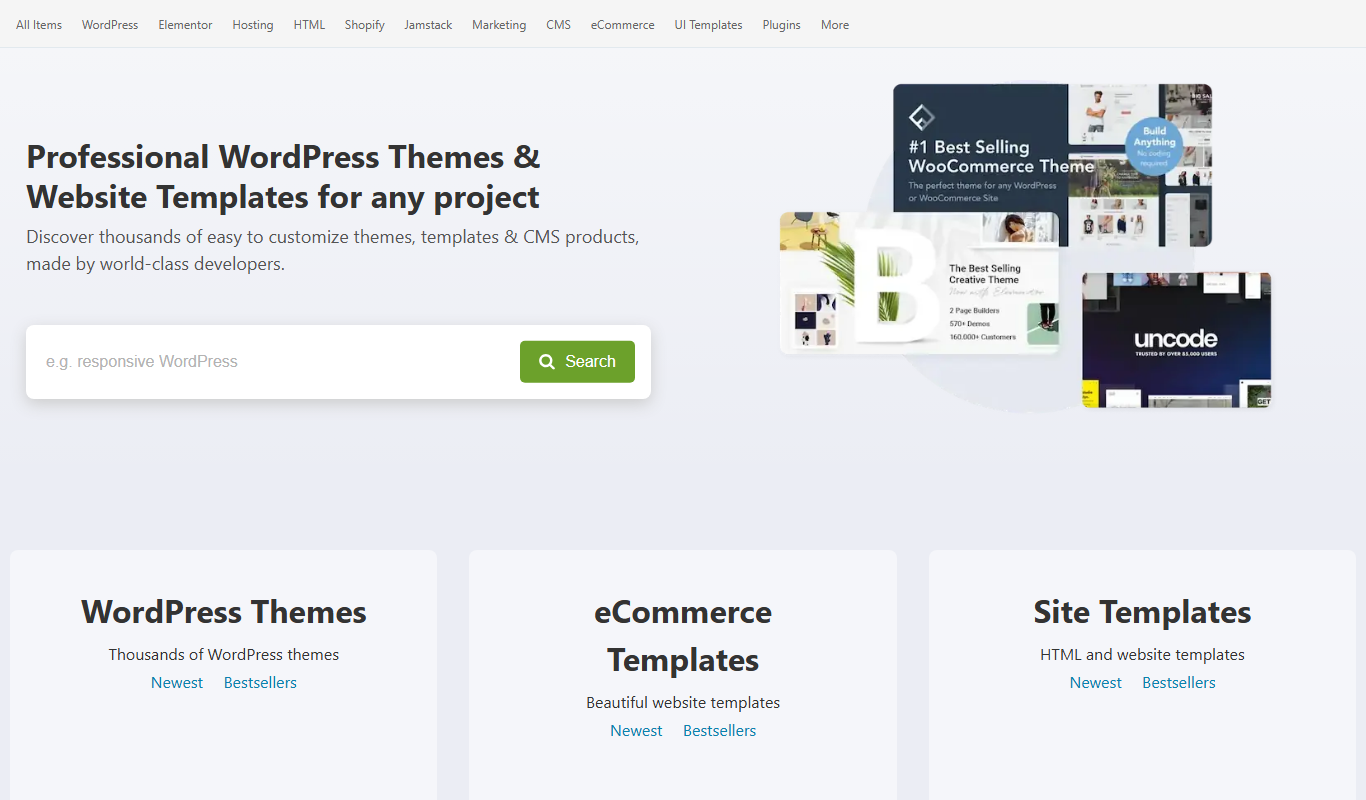
What is ThemeForest?
ThemeForest is a leading online marketplace offering a vast collection of premium website themes and templates. It enables web developers, designers, and businesses to buy and sell high-quality digital assets for building websites across various platforms, including WordPress, HTML, e-commerce, and more.
Key features of ThemeForest
ThemeForest features an extensive library of professionally designed themes and templates, user ratings and reviews, detailed item descriptions, regular updates, and a secure purchasing system. It supports multiple website platforms and offers a wide range of styles and functionalities to suit diverse project needs.
Extensive Theme Library
Access to thousands of themes and templates for various platforms and industries.
User Ratings and Reviews
Community feedback helps users make informed purchasing decisions.
Regular Updates
Themes are frequently updated to ensure compatibility and security.
Secure Payment System
Safe and reliable transactions with multiple payment options.
Author Support
Direct support from theme authors for troubleshooting and customization.
Pros and cons of ThemeForest
Pros
- Huge variety of professionally designed themes
- Detailed user reviews and ratings
- Regular updates and author support
- Secure and trusted marketplace
- Supports multiple website platforms
Cons
- Licenses are limited to single use per purchase
- Quality can vary between authors
- No subscription pricing, pay per item only
Key use cases for ThemeForest
Website Development
Developers and designers can purchase ready-made website themes and templates to speed up project delivery.
E-commerce Store Setup
Entrepreneurs can find e-commerce templates to quickly launch online stores with professional designs.
Creative Design Inspiration
Designers can explore a wide variety of styles and layouts to inspire their own creative projects.
Marketing Campaign Websites
Marketers can acquire landing page templates optimized for conversions and promotions.
Content Management System Integration
Users can find themes compatible with popular CMS platforms like WordPress, Joomla, and Drupal.
How ThemeForest works
- 1
Browse Marketplace
Users explore thousands of themes and templates categorized by platform, industry, and style.
- 2
Select and Purchase
Choose a theme that fits your project requirements and complete the purchase securely.
- 3
Download and Install
Download the purchased files and install them on your website or CMS platform.
- 4
Customize and Launch
Customize the theme as needed and launch your website with a professional design.
Who is using ThemeForest
ThemeForest pricing
Pay Per Item
Varies by theme
Purchase individual themes or templates with one-time payments.
Plans and prices are as published by the vendor and can change. Check the official site before you buy. Open the pricing page (opens in a new tab)
Frequently asked questions about ThemeForest
No, each license typically allows use on a single website only. For multiple sites, separate licenses are required.
Most themes are regularly updated to maintain compatibility with the latest WordPress releases.
ThemeForest accepts major credit cards, PayPal, and other regional payment options.
Refunds are generally not provided unless the item is defective or not as described.
This tool is designed to help users accomplish its core tasks more efficiently. It is typically used by individuals or teams looking to improve productivity and workflow.
It depends on your specific needs and how you plan to use the tool. The official website and documentation are the best sources for the latest details.
It depends on your specific needs and how you plan to use the tool. The official website and documentation are the best sources for the latest details.
Yes, it can help with that use case depending on how you configure it and what features are available. You’ll get the best results with clear inputs and a defined goal.
Conclusion
Buying on ThemeForest is pay per item: each theme or template is a one-time payment, and there is no subscription pricing. Each license typically allows use on a single website only, so multiple sites require separate licenses. Refunds are generally not provided unless the item is defective or not as described. Payment is accepted through major credit cards, PayPal and other regional options.
The catalogue holds thousands of themes and templates categorized by platform, industry and style. It spans WordPress, HTML and e-commerce, plus CMS platforms like Joomla and Drupal. Quality can vary between authors, and community feedback through user ratings and reviews helps buyers make informed purchasing decisions. Theme authors provide direct support for troubleshooting and customization, and most themes are regularly updated to maintain compatibility with the latest WordPress releases. Purchased files are downloaded, installed on a website or CMS platform, and the theme is customized as needed before launch. Marketers can also acquire landing page templates for promotions. It is aimed at web developers and designers who want ready-made themes to speed up project delivery, and at e-commerce entrepreneurs launching online stores.
Sources
Sign in to review this tool.
Sign In to ReviewNo reviews yet
Be the first to share how this tool worked for you.
Ask about pricing, limits, or how it compares — or answer someone else.
Sign In to AskNo questions yet
Have a question about using or paying for this tool? Be the first to ask.
Featured on TiorAI



More Art & Creative Design tools
Other tools in the same category, for when this one is not quite the fit.

artivatic.ai
Artivatic.ai is an AI platform specializing in automating insurance and healthcare processes like underwriting and fraud detection through machine learning.

TrichoScan
TrichoScan is a specialized software that automates hair density and growth phase analysis using digital trichoscopy images to aid in hair loss diagnosis and treatment monitoring.
Function of Beauty
Function of Beauty offers personalized hair care products created through an online quiz that customizes shampoo and conditioner formulas based on your hair type, goals, and preferences.
Doodle Collective
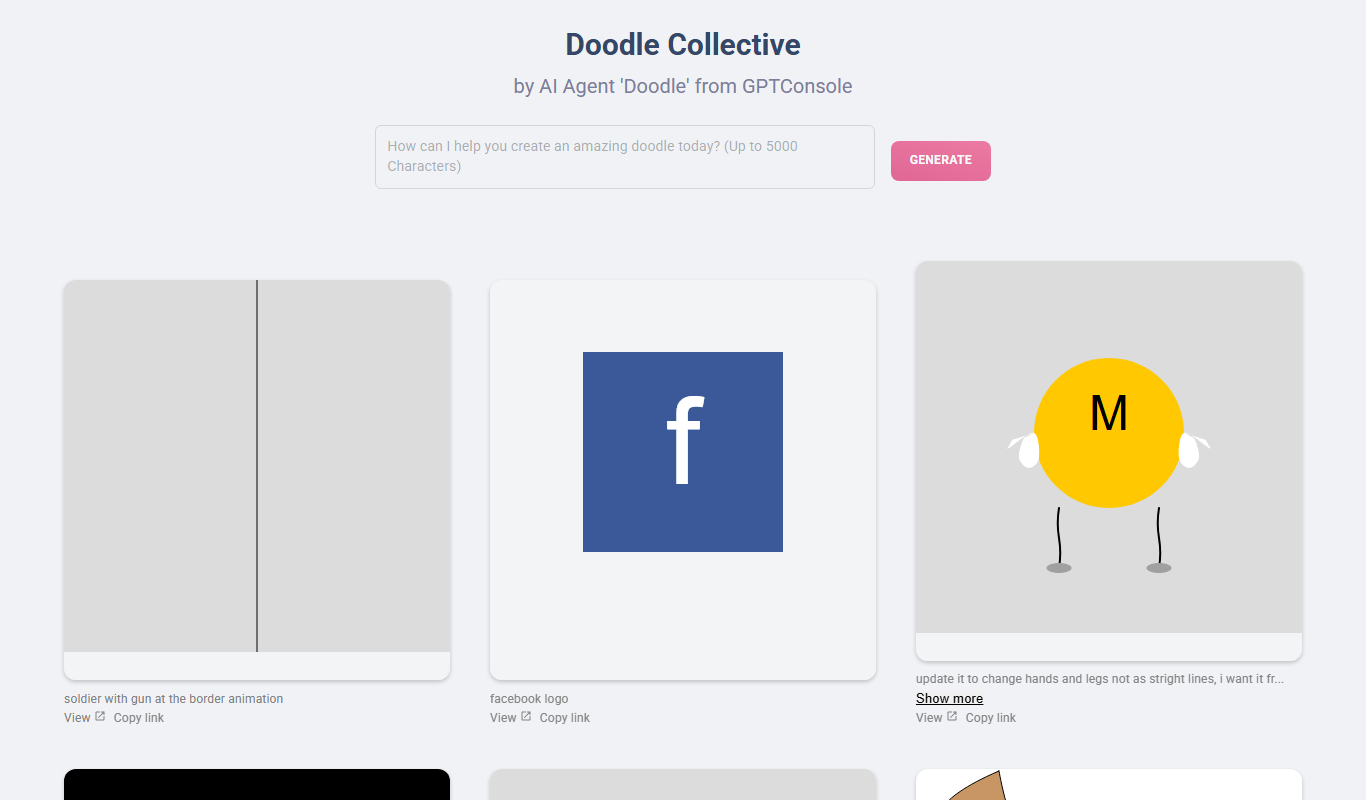
Doodle Collective is an AI art generator that transforms text prompts into unique digital images, suitable for creative projects and marketing.

Decentraland
Decentraland is a blockchain-based virtual reality platform that allows users to own virtual land as NFTs, create 3D environments, and interact socially in a decentralized metaverse.
Asset Forge
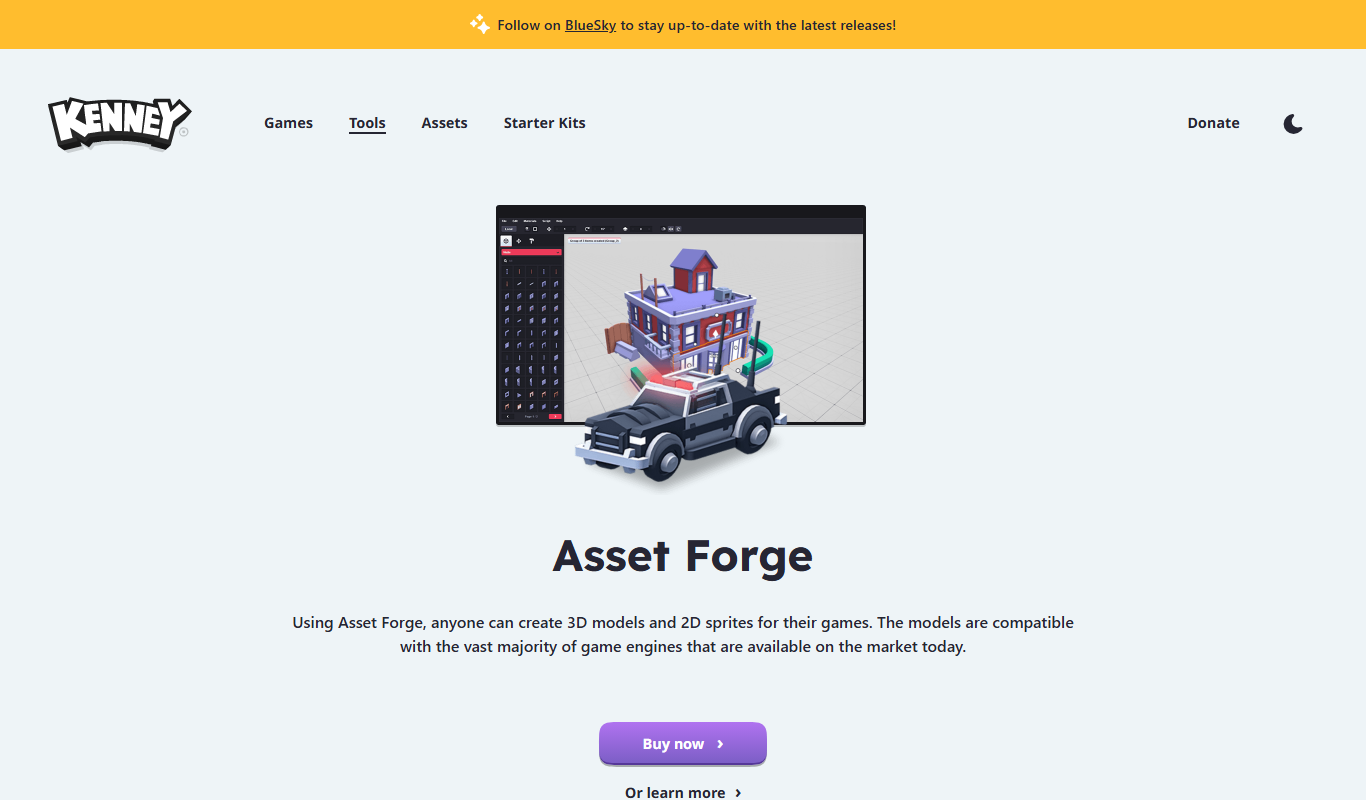
Asset Forge is a desktop 3D modeling tool that enables quick creation of low-poly game assets using modular blocks, ideal for game developers and beginners.

Kenney Game Assets
Kenney Game Assets provides free CC0 2D and 3D game art resources for indie developers, educators, and professionals, with an optional All-in-1 bundle.

Game Assets Generator
Game Assets Generator is a web-based tool for creating 2D game assets; it does not offer 3D models.