

SwiftKey Keyboard App for AI-Powered Typing and Predictive Text
SwiftKey is a free AI-powered keyboard app by Microsoft that enhances mobile typing with predictive text, swipe input, and multilingual support.
- Best for
- Faster Mobile Typing
- Key capability
- AI-Powered Predictive Text
Save SwiftKey, follow its updates and vote on it — everything stays in your account.
Sign in or create a free account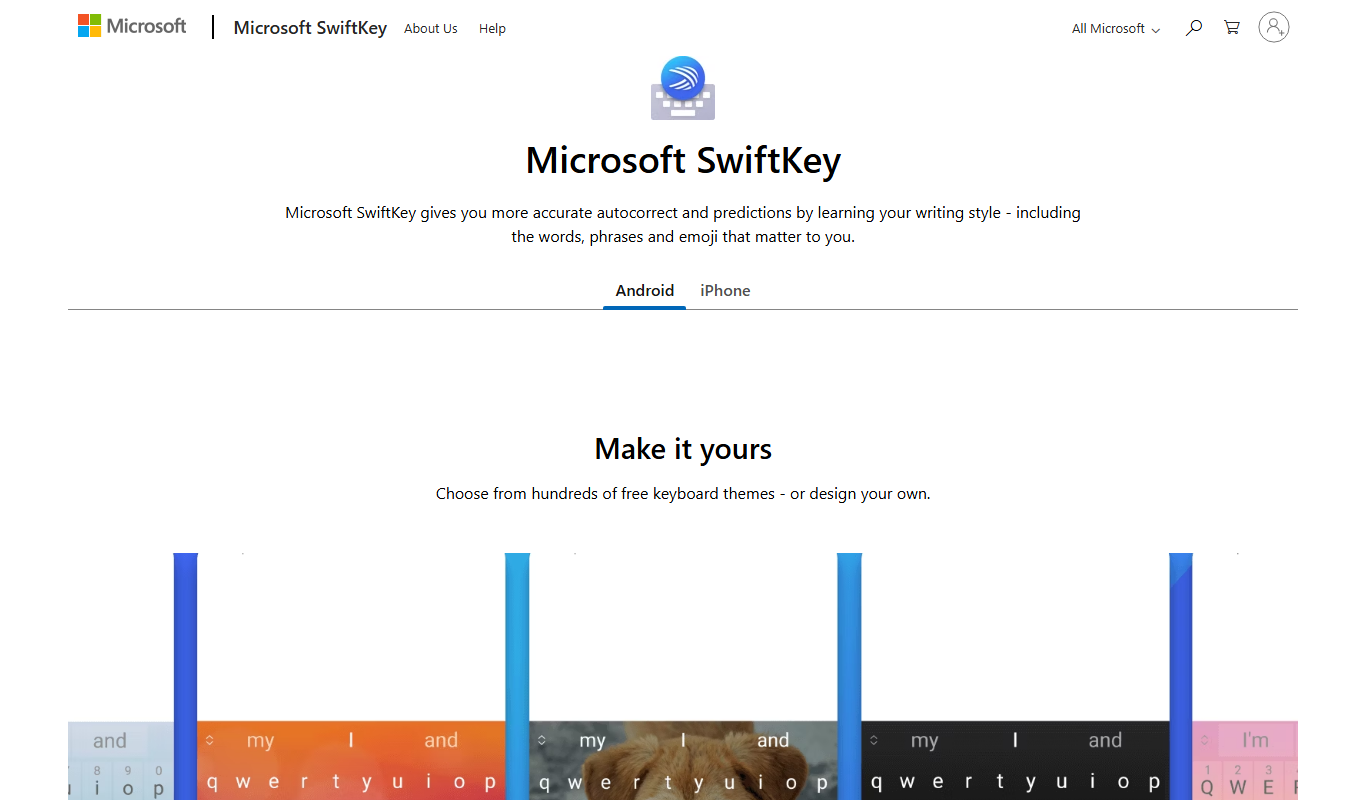
What is SwiftKey?
SwiftKey is an AI-powered virtual keyboard app designed for smartphones and tablets. It enhances typing by providing predictive text, autocorrect, and swipe typing features. Owned by Microsoft, SwiftKey leverages artificial intelligence to learn users’ writing style and vocabulary, enabling faster and more accurate typing across multiple languages.
Key features of SwiftKey
SwiftKey’s main features include AI-driven predictive text, multilingual support, swipe typing, personalized autocorrect, and integrated emoji and GIF suggestions. These features combine to create a seamless and efficient typing experience on mobile devices.
AI-Powered Predictive Text
Suggests the next word or phrase based on context and user habits.
Multilingual Support
Allows typing in up to five languages simultaneously without switching keyboards.
Swipe Typing
Enables text input by sliding fingers across the keyboard for faster typing.
Personalized Autocorrect
Learns from your typing style to reduce errors and improve correction accuracy.
Emoji, GIFs, and Stickers
Provides quick access to expressive content to enrich conversations.
Pros and cons of SwiftKey
Pros
- Highly accurate AI-powered predictions
- Supports multiple languages simultaneously
- Free to use with no ads
- Customizable themes and layouts
- Includes swipe typing and emoji integration
Cons
- Requires internet connection for some AI features
- May take time to fully learn individual typing style
- Limited to mobile and tablet platforms
Key use cases for SwiftKey
Faster Mobile Typing
SwiftKey uses AI to predict and autocomplete words, enabling users to type faster on mobile devices.
Multilingual Typing
Supports multiple languages simultaneously, allowing users to switch between languages seamlessly.
Personalized Text Prediction
Learns from user typing habits and frequently used words to provide personalized suggestions.
Swipe Typing
Enables users to input text by swiping across the keyboard, improving typing speed and convenience.
Emoji and GIF Integration
Offers quick access to emojis, GIFs, and stickers to enhance messaging experience.
How SwiftKey works
- 1
Download and Install
Get SwiftKey from the Google Play Store or Apple App Store and install it on your device.
- 2
Enable SwiftKey Keyboard
Activate SwiftKey as your default keyboard in your device’s settings.
- 3
Customize Preferences
Set your preferred languages, themes, and typing options within the app.
- 4
Start Typing
Use the keyboard in any app; SwiftKey will provide AI-powered predictions and autocorrect.
Who is using SwiftKey
SwiftKey pricing
Free
$0
Full access to all features without any cost.
Plans and prices are as published by the vendor and can change. Check the official site before you buy. Open the pricing page (opens in a new tab)
Frequently asked questions about SwiftKey
Yes, SwiftKey is completely free to download and use with all features included.
Yes, SwiftKey supports typing in multiple languages simultaneously.
Yes, it uses AI to learn your vocabulary and typing habits to improve predictions.
Microsoft states that SwiftKey respects user privacy and data is encrypted and anonymized.
It depends on your specific needs and how you plan to use the tool. The official website and documentation are the best sources for the latest details.
Yes, it can help with that use case depending on how you configure it and what features are available. You’ll get the best results with clear inputs and a defined goal.
It depends on your specific needs and how you plan to use the tool. The official website and documentation are the best sources for the latest details.
Conclusion
Installation happens through the Google Play Store or Apple App Store, after which SwiftKey is activated as the default keyboard in the device’s settings and works in any app. It learns the user’s vocabulary and typing habits to suggest the next word or phrase and to reduce errors through personalized autocorrect. Swipe typing lets text be entered by sliding fingers across the keyboard, and up to five languages can be used simultaneously without switching keyboards.
Owned by Microsoft, the app is designed for smartphones and tablets and is free to download and use with all features included. It may suit multilingual individuals and mobile device users seeking faster typing. Fully learning an individual typing style may take time.
Sources
Sign in to review this tool.
Sign In to ReviewNo reviews yet
Be the first to share how this tool worked for you.
Ask about pricing, limits, or how it compares — or answer someone else.
Sign In to AskNo questions yet
Have a question about using or paying for this tool? Be the first to ask.
Featured on TiorAI



More AI Text-to-Speech tools
Other tools in the same category, for when this one is not quite the fit.

i2OCR
i2OCR is a free online OCR tool that extracts editable text from images and PDFs in over 100 languages without requiring registration or software installation.

E2Language
E2Language is an online platform offering comprehensive preparation courses for IELTS, PTE, and TOEFL exams, featuring AI-powered speaking practice and personalized writing correction.
Instapaper
Instapaper is a read-it-later app that saves web articles for offline reading, offers a distraction-free interface, and includes text-to-speech to listen to saved content.

TTSReader
TTSReader is a free online text-to-speech tool that converts written text into natural sounding speech with multi-language support and audio export options.
LingQ
LingQ is an immersive language learning platform that uses authentic content and integrated vocabulary tools to help users learn multiple languages through reading, listening, and speaking practice.

iTranslate
iTranslate is a multilingual translation app providing instant text and voice translations in over 100 languages, including offline capabilities and real-time voice conversations.
Papago
Papago is an AI-powered translation tool by Naver that supports text, voice and image translation, with a free version that has limits and a paid Papago Plus service.

Speechify
Speechify is an AI-powered text-to-speech tool that converts written text into natural audio, supporting multiple languages and platforms to enhance accessibility and productivity.