

Soda PDF Converter - Reliable PDF Editing and Conversion Software
Soda PDF Converter is a versatile PDF software that enables users to convert, edit, annotate, sign, and secure PDF documents efficiently across multiple platforms.
- Best for
- PDF Conversion
- Key capability
- PDF to Office Conversion
Save Soda PDF Converter, follow its updates and vote on it — everything stays in your account.
Sign in or create a free account
What is Soda PDF Converter?
Soda PDF Converter is a comprehensive PDF software solution designed to convert, edit, and manage PDF documents efficiently. It supports a wide range of file formats for conversion and offers tools for editing, annotating, securing, and signing PDFs. Available as desktop software and online, it caters to individuals and businesses seeking versatile document workflows.
Key features of Soda PDF Converter
The tool provides robust PDF conversion capabilities, an intuitive editor, collaboration features like comments and e-signatures, form handling, and security options such as encryption and redaction. Its user-friendly interface and multi-platform availability make it accessible for various professional and personal uses.
PDF to Office Conversion
Convert PDFs to editable Word, Excel, and PowerPoint files while preserving formatting.
PDF Editing Tools
Edit text, images, and pages directly within PDF documents.
E-Signature Integration
Digitally sign documents or request signatures from others securely.
Form Creation and Filling
Design interactive PDF forms or fill out existing ones with ease.
Security Features
Add passwords, encrypt files, and redact sensitive information.
Pros and cons of Soda PDF Converter
Pros
- User-friendly interface suitable for beginners and professionals
- Comprehensive PDF editing and conversion features
- Multi-platform support including web and desktop
- Strong security and e-signature options
Cons
- Free version includes watermarks on converted files
- Some advanced features require higher-tier subscriptions
- Desktop app only available for Windows and Mac
Key use cases for Soda PDF Converter
PDF Conversion
Convert PDFs to and from various formats such as Word, Excel, PowerPoint, and images quickly and accurately.
PDF Editing
Edit text, images, and pages within PDF documents without needing to convert them first.
Document Collaboration
Add comments, annotations, and digital signatures to PDFs for streamlined team collaboration.
Form Creation and Filling
Create fillable PDF forms or fill out existing ones easily for data collection and processing.
Secure Document Handling
Apply password protection, encryption, and redaction to sensitive PDF files to maintain confidentiality.
How Soda PDF Converter works
- 1
Upload or Open PDF
Start by uploading your PDF file to the web platform or opening it in the desktop app.
- 2
Choose Desired Action
Select whether to convert, edit, annotate, sign, or secure your document.
- 3
Customize and Edit
Make necessary changes such as editing text, adding comments, or applying security settings.
- 4
Save or Export
Save your changes and export the file in the desired format or share it directly.
Who is using Soda PDF Converter
Soda PDF Converter pricing
Free trial
$0
Free trial only; there is no permanent free plan.
Standard
About $6.75/user/month billed annually
Full PDF editing, conversion, and annotation tools without watermarks.
Pro
$8.25/user/month billed annually
Windows desktop and browser access with enhanced AI tools, Translate, cloud storage, e-sign, text recognition, batch, forms, security and comments.
Business
$16.67/user/month billed annually
All Pro features plus self-serve plan management, deployment on all platforms and Ask the expert phone support.
Plans and prices are as published by the vendor and can change. Check the official site before you buy. Open the pricing page (opens in a new tab)
Frequently asked questions about Soda PDF Converter
Yes, Soda PDF Converter preserves the original layout and formatting during conversion.
Yes, Soda PDF offers mobile apps for both iOS and Android platforms.
Yes, batch conversion is supported in the desktop version for faster processing.
Absolutely, you can add password protection and encryption to your PDF files.
It depends on your specific needs and how you plan to use the tool. The official website and documentation are the best sources for the latest details.
Some tools offer a free plan or trial with limited features. Availability can vary, so confirm on the official website.
Yes, it can help with that use case depending on how you configure it and what features are available. You’ll get the best results with clear inputs and a defined goal.
Yes, it can help with that use case depending on how you configure it and what features are available. You’ll get the best results with clear inputs and a defined goal.
Conclusion
A PDF is either uploaded to the web platform or opened in the desktop app, and the user then selects whether to convert, edit, annotate, sign or secure the document. Conversion turns PDFs into editable Word, Excel and PowerPoint files while preserving formatting. Text, images and pages can be edited directly, documents can be signed digitally, and interactive PDF forms can be designed or filled out. Password protection, encryption and redaction keep sensitive files confidential.
It is designed for small to medium businesses, freelancers and consultants, and legal and finance professionals. Only a free trial is offered, with no permanent free plan. Subscriptions are billed annually per user, with Standard at about $6.75 per month, Pro at $8.25 and Business at $16.67.
Sources
Sign in to review this tool.
Sign In to ReviewNo reviews yet
Be the first to share how this tool worked for you.
Ask about pricing, limits, or how it compares — or answer someone else.
Sign In to AskNo questions yet
Have a question about using or paying for this tool? Be the first to ask.
Featured on TiorAI



Alternative Tools
Explore similar AI tools that might fit your needs

Nitro PDF
Nitro PDF is a versatile PDF software that allows users to edit, convert, collaborate on, and electronically sign PDF documents across Windows, Mac, and web platforms.

Foxit PDF Editor
Foxit PDF Editor is a professional PDF software that enables users to edit, annotate, convert, and secure PDF documents on Windows, Mac, web, and mobile platforms.
More Business Management tools
Other tools in the same category, for when this one is not quite the fit.

Feedzai
Feedzai is an AI-powered platform that detects and prevents fraud in real time using machine learning and big data analytics, primarily serving banks, payment providers, and e-commerce businesses.

FootfallCam
FootfallCam is an AI-powered visitor counting and people analytics platform that uses proprietary sensors and video analytics to provide accurate footfall data, queue monitoring, and customer behavior insights for retail and commercial environments.

KickoffLabs
KickoffLabs is a web platform that enables businesses to build viral landing pages and referral campaigns to generate leads and grow their customer base.

Royalty Exchange
Royalty Exchange is an online marketplace where investors can buy shares of music royalties through auctions, enabling passive income from music earnings, while rights holders can sell their royalty streams for upfront capital.
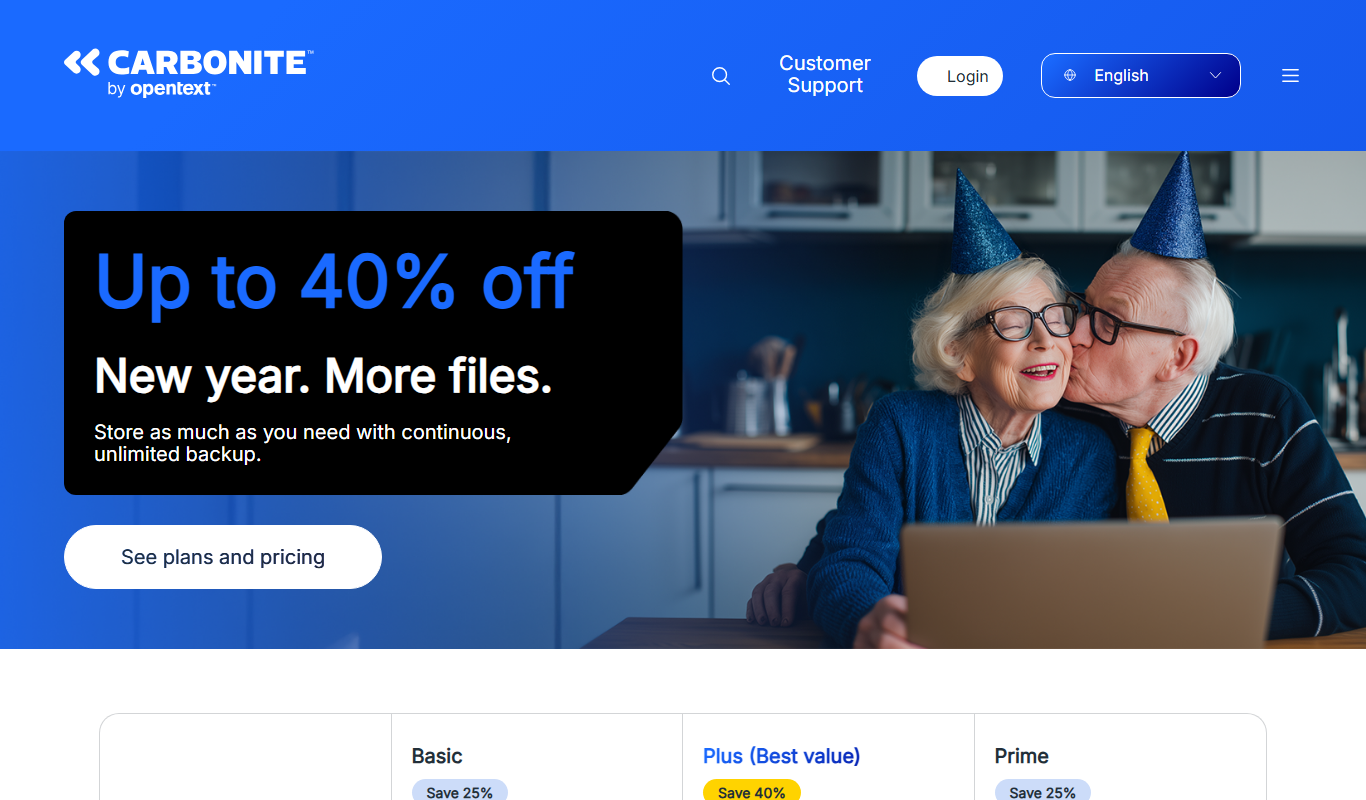
Carbonite
Carbonite is a cloud backup service that automatically protects your files by backing them up to secure cloud storage, offering ransomware protection and easy recovery options.
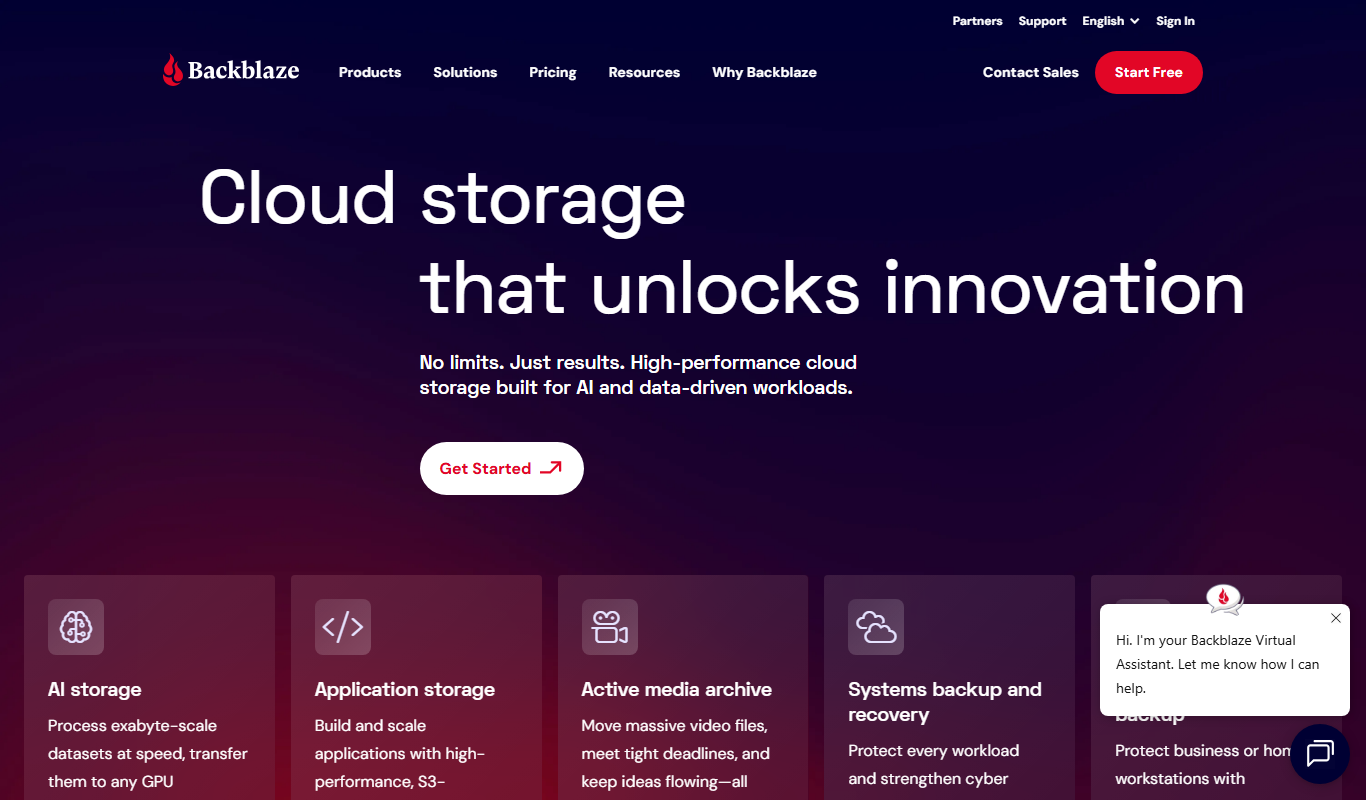
Backblaze
Backblaze is a cloud backup service that automatically backs up unlimited data from your computer and external drives to the cloud, enabling easy recovery of lost files.

Toolots
Toolots is an online B2B marketplace that connects buyers with manufacturers and suppliers of industrial equipment and tools, offering wholesale pricing and order management.
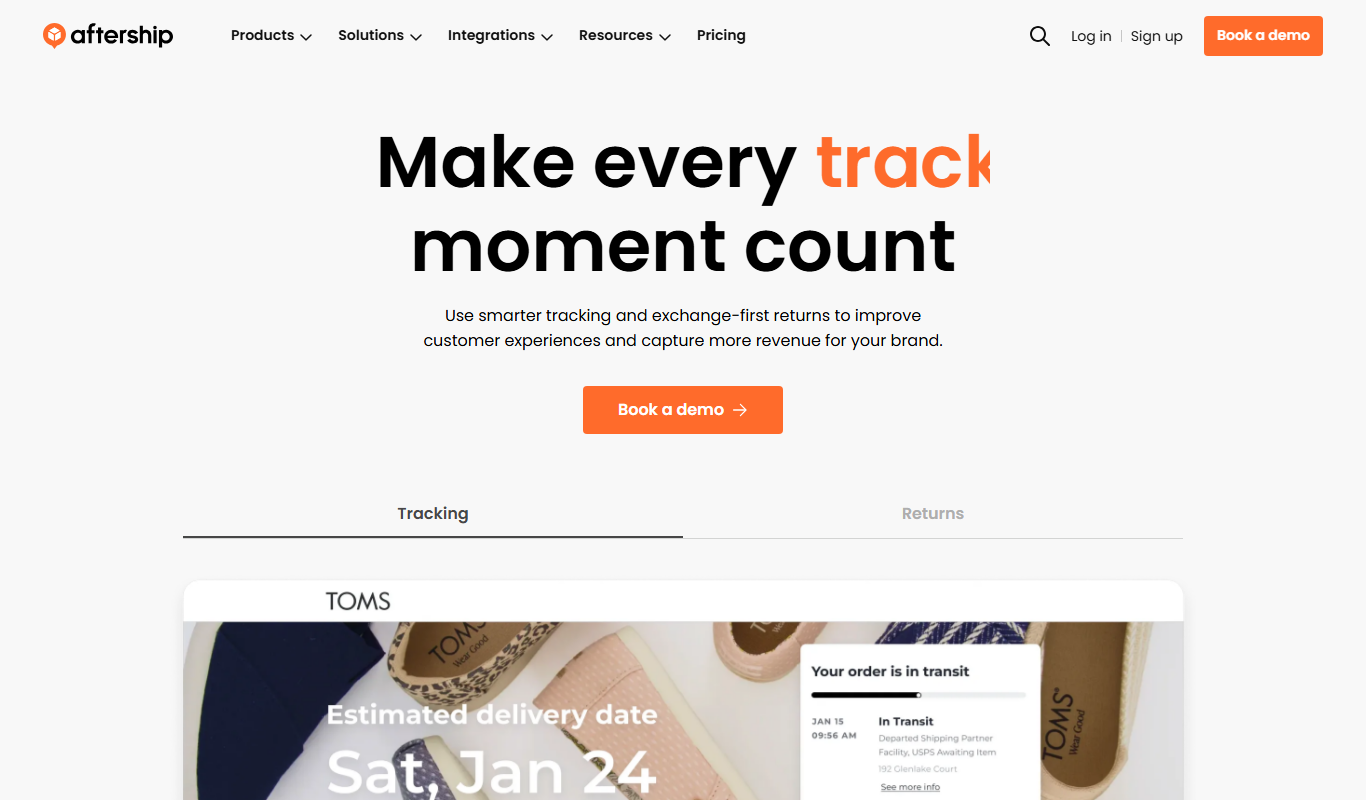
AfterShip
AfterShip is a shipment tracking platform that consolidates tracking information from over 900 carriers, automates delivery notifications, and provides branded tracking pages to improve e-commerce customer experience.