

From my experience with Carbonite, I found it excels at providing seamless and automatic cloud backup that requires minimal user effort. Its ransomware protection features add an important layer of security for both individuals and businesses. After spending time with the platform, I can say it’s particularly well-suited for small to medium businesses and remote workers who need reliable data protection without complex setup. However, the initial backup process can be slow depending on your internet speed, and some advanced features require upgrading to higher-tier plans. Overall, if you need dependable cloud backup with strong recovery options, Carbonite delivers solid results.
Carbonite Cloud Backup Solutions for Secure Data Protection and Recovery
Carbonite is a cloud backup service that automatically protects your files by backing them up to secure cloud storage, offering ransomware protection and easy recovery options.
- Best for
- Automatic Cloud Backup
- Key capability
- Automatic Cloud Backup
Your actions
Save Carbonite, follow its updates and vote on it — everything stays in your account.
Sign in or create a free account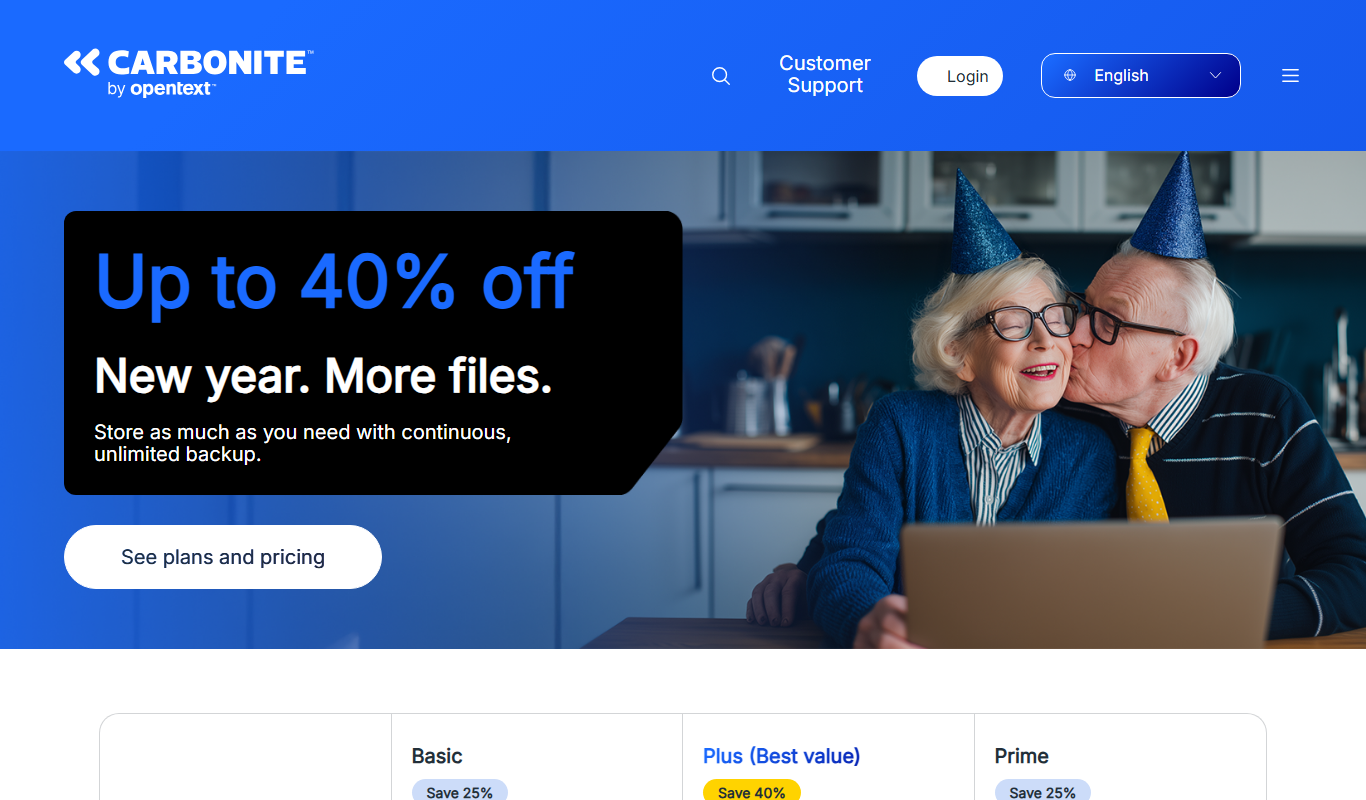
What is Carbonite?
Carbonite is a cloud backup service designed to protect personal and business data by automatically backing up files to secure cloud storage. It helps users safeguard important documents, photos, and business data against loss due to hardware failure, accidental deletion, or cyber threats like ransomware. Carbonite offers easy file recovery and remote access, making data protection seamless and reliable.
Key features of Carbonite
Carbonite’s main features include automatic cloud backup, ransomware protection, easy file recovery, remote file access, and support for multiple platforms including Windows, Mac, and mobile devices. It is tailored for both individual users and businesses seeking dependable data protection and disaster recovery solutions.
Automatic Cloud Backup
Seamlessly backs up files in the background to secure cloud storage.
Ransomware Detection and Recovery
Detects ransomware attacks and helps restore affected files quickly.
Remote File Access
Access your backed-up files from any device through the Carbonite portal or app.
Continuous Data Protection
Ensures files are backed up in real-time or on a scheduled basis.
Multiple Device Support
Supports Windows, Mac, and mobile platforms for flexible backup options.
Pros and cons of Carbonite
Pros
- Automatic and continuous backup with minimal user effort
- Strong ransomware protection and recovery options
- Unlimited cloud storage on most plans
- Remote access to files via web and mobile apps
- Multiple platform support including Windows and Mac
Cons
- No Linux support
- Some advanced features require higher-tier plans
- Initial backup can be slow depending on internet speed
Key use cases for Carbonite
Automatic Cloud Backup
Carbonite automatically backs up files and folders to the cloud, ensuring data is protected without manual intervention.
Ransomware Protection
The tool offers ransomware detection and recovery features to safeguard data from malicious attacks.
Disaster Recovery
Carbonite provides reliable data recovery options to restore files after accidental deletion, hardware failure, or disasters.
Business Continuity
Small and medium businesses can maintain operations with continuous data protection and quick recovery.
Remote Access to Files
Users can access backed-up files remotely from any device via the Carbonite web portal or mobile app.
How Carbonite works
- 1
Sign Up and Install
Create a Carbonite account and install the backup software on your computer or server.
- 2
Select Files to Backup
Choose files, folders, or entire drives you want Carbonite to back up automatically.
- 3
Automatic Backup
Carbonite continuously monitors and backs up selected data to the cloud without user intervention.
- 4
Access and Restore
Access backed-up files anytime via web or mobile app and restore files as needed.
Who is using Carbonite
Small and medium businesses
Remote workers and home office users
IT administrators managing data protection
Individuals seeking reliable cloud backup
Organizations needing ransomware protection
Carbonite pricing
Safe Basic
$6/month
Basic backup for one computer with unlimited cloud storage.
Safe Plus
$10/month
Includes external hard drive backup and priority support.
Safe Prime
$17/month
Adds courier recovery service and enhanced ransomware protection.
Plans and prices are as published by the vendor and can change. Check the official site before you buy. Open the pricing page (opens in a new tab)
Frequently asked questions about Carbonite
Yes, but only with the Safe Plus and Safe Prime plans.
Yes, Carbonite offers backup solutions compatible with Mac OS.
It detects ransomware activity and allows users to restore previous versions of files.
Carbonite offers unlimited cloud storage for most plans, but local storage limits may apply.
It depends on your specific needs and how you plan to use the tool. The official website and documentation are the best sources for the latest details.
It depends on your specific needs and how you plan to use the tool. The official website and documentation are the best sources for the latest details.
Yes, it can help with that use case depending on how you configure it and what features are available. You’ll get the best results with clear inputs and a defined goal.
Pricing depends on the plan and included features. For the most accurate and up-to-date details, check the official pricing page.
Sign in to review this tool.
Sign In to ReviewNo reviews yet
Be the first to share how this tool worked for you.
Ask about pricing, limits, or how it compares — or answer someone else.
Sign In to AskNo questions yet
Have a question about using or paying for this tool? Be the first to ask.
Featured on TiorAI



Alternative Tools
Explore similar AI tools that might fit your needs
Free Trial
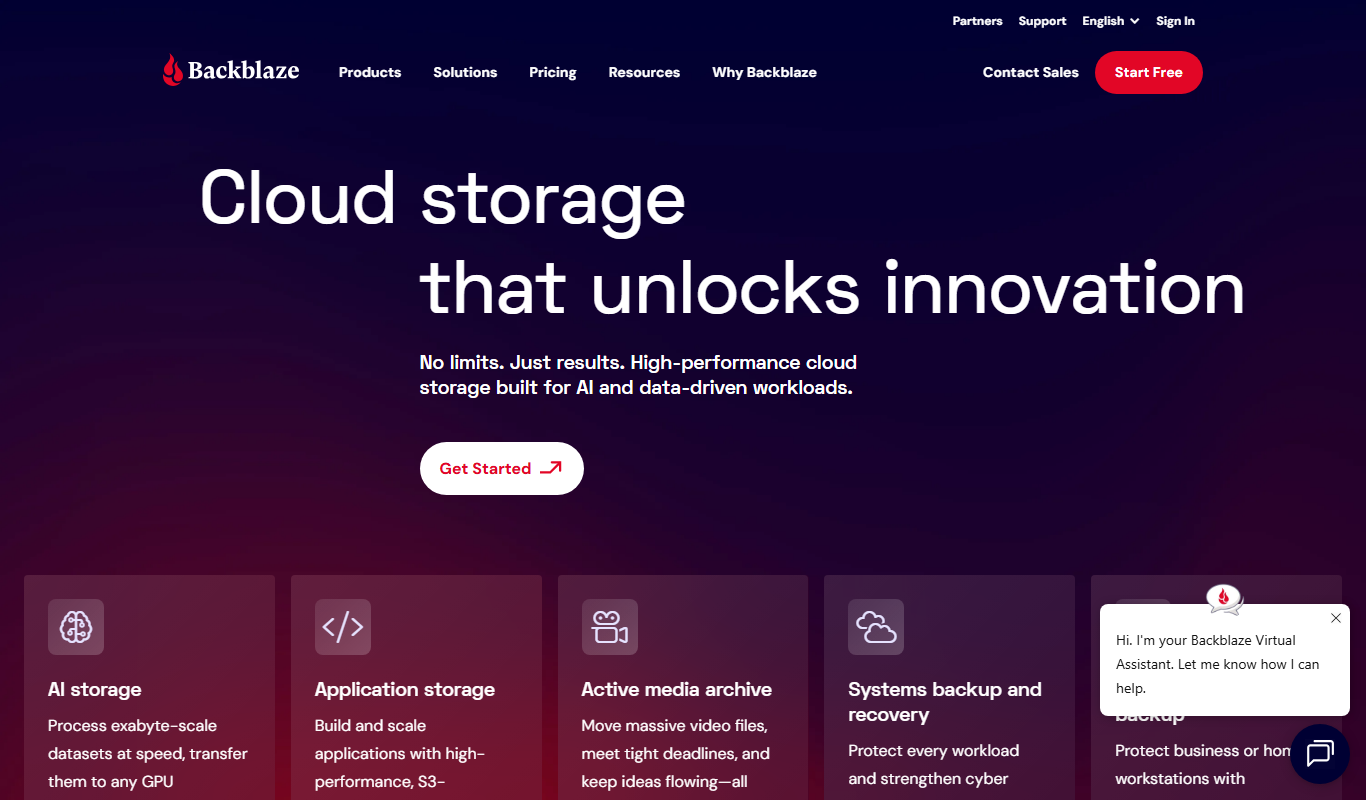
Backblaze
Backblaze is a cloud backup service that automatically backs up unlimited data from your computer and external drives to the cloud, enabling easy recovery of lost files.
More AI Customer Service tools
Other tools in the same category, for when this one is not quite the fit.

Subscription
TouchBistro
TouchBistro is an iPad-based point of sale system tailored for restaurants, offering order management, payment processing, inventory tracking, and staff scheduling to streamline restaurant operations.
Free to browse
Newegg
Newegg is a leading online retailer specializing in consumer electronics, computer hardware, and tech gadgets, offering a wide product selection, user reviews, and business purchasing options.

Freemium
CleanTalk
CleanTalk is a cloud-based anti-spam service that protects websites and online forms from spam bots using invisible filtering technology without captchas, supporting multiple CMS platforms and offering API integration.
Subscription
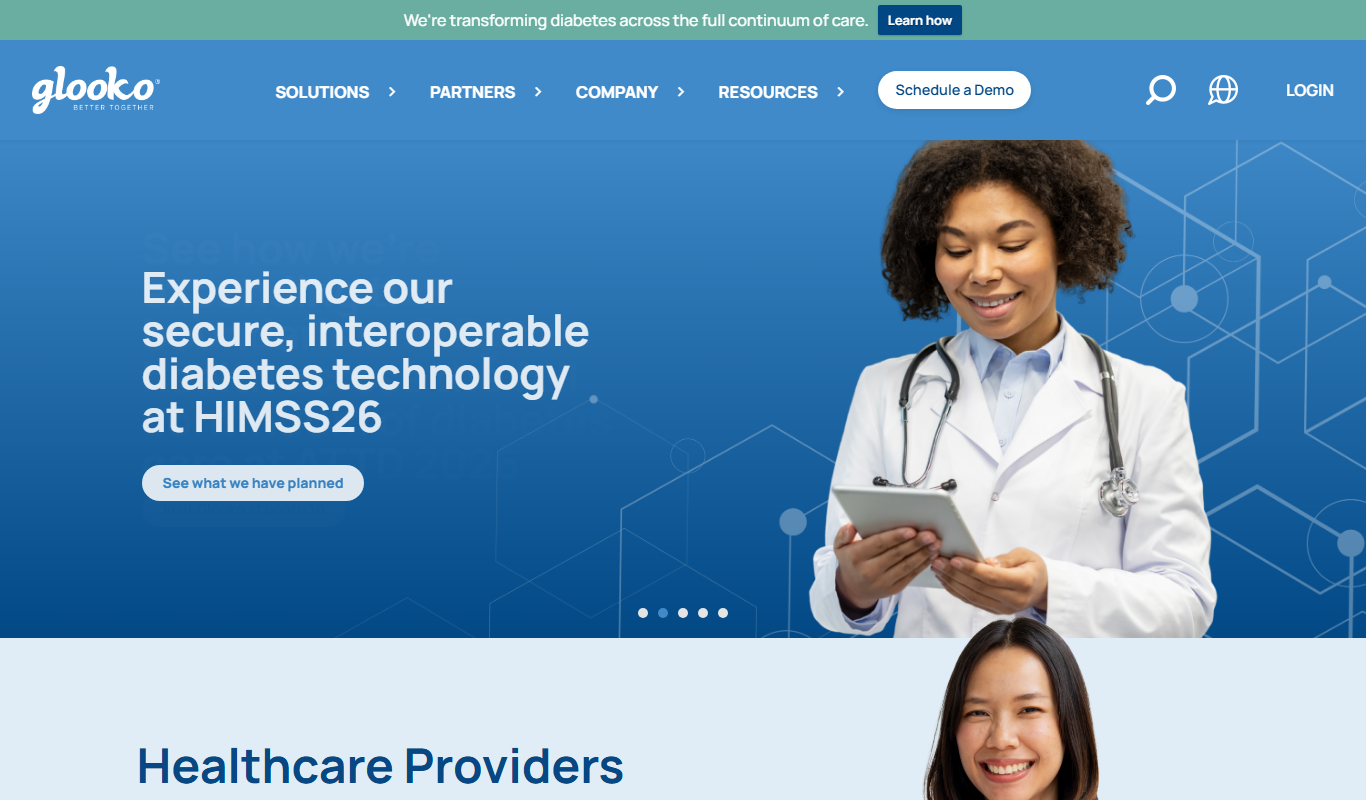
Glooko
Glooko is a diabetes management platform that aggregates data from various devices to help patients and healthcare providers monitor and manage diabetes remotely.

Free
mySugr
mySugr is a diabetes management app that helps users track blood sugar levels, insulin doses, meals, and physical activity, providing personalized insights and motivational coaching to improve diabetes control.
Free
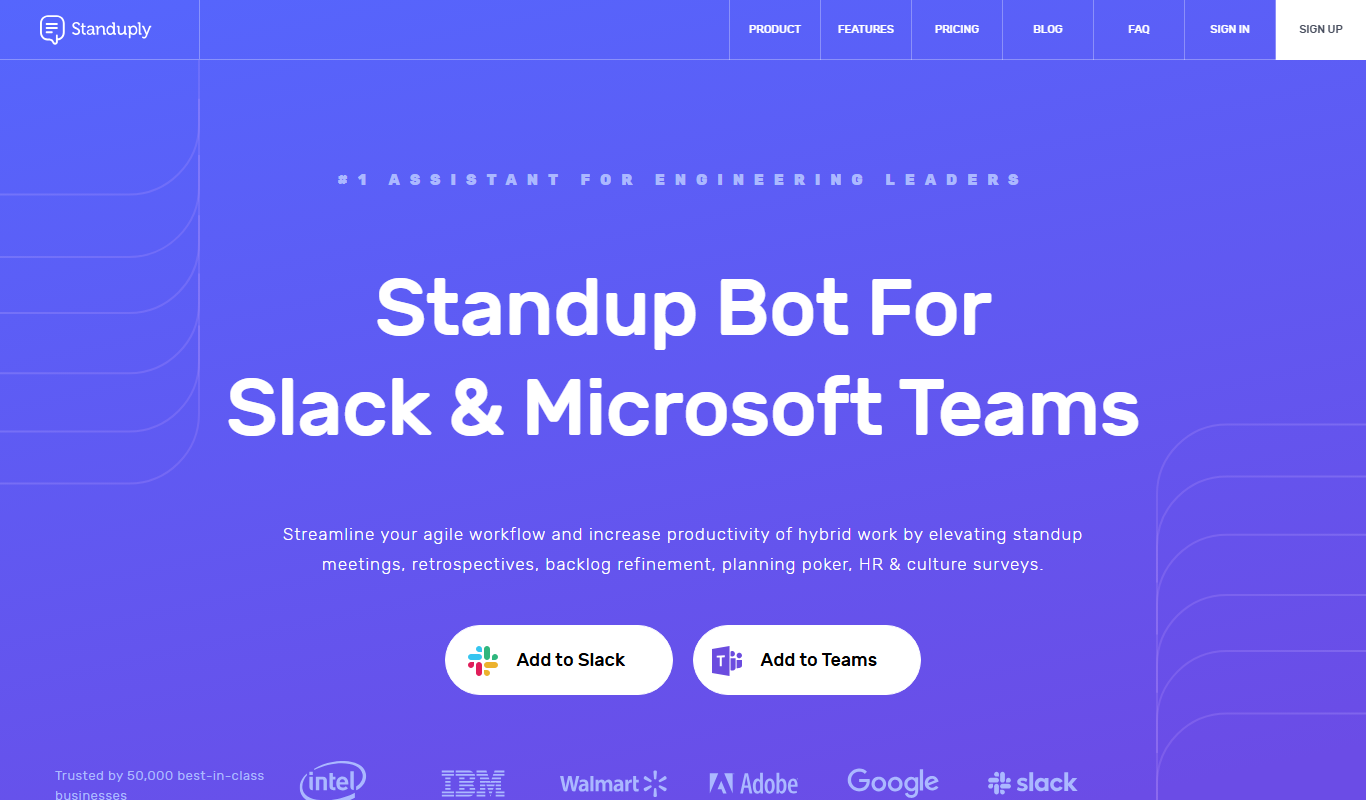
Standuply
Standuply is an automated standup bot that facilitates asynchronous daily standups, retrospectives, and team communication within Slack and Microsoft Teams, helping teams save time and improve productivity.
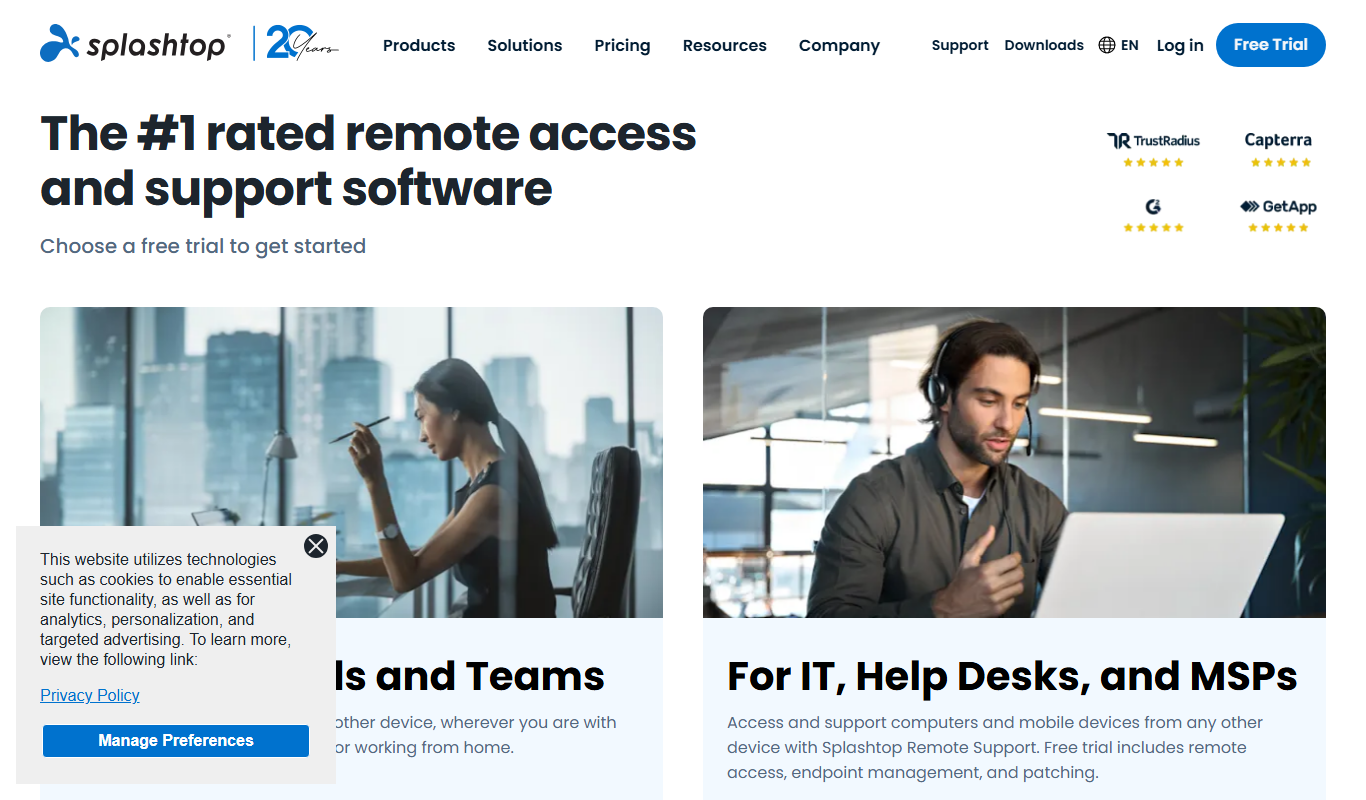
Free Trial
Splashtop
Splashtop is a remote desktop software that enables secure, high-performance remote access and support across multiple platforms, ideal for IT professionals and remote workers.
Custom Pricing
Sinequa
Sinequa by ChapsVision is an enterprise AI search and analytics platform for large volumes of structured and unstructured data, with pricing on request.